AI Video Editing API: What It Automates and Where It Stops
A video editing API turns an edit into a request. You send a description of the cut, a render runs on someone else’s machines, and a finished file comes back. That is a good trade for 400 variants and a bad one for the shot that has to feel right.
Most video teams reach for an API at the same moment. The work stops being creative and starts being repetitive. Two hundred product clips, one per SKU. A weekly cutdown for six regions. Ten thousand personalized intros for an email list. Doing that by hand in a timeline is not editing, it is data entry with a scrub bar.
An AI video editing API takes that job off your hands. You describe the edit as structured data or plain language, the service renders it on its own machines, and you get a file URL back. The word "AI" covers a lot of ground here. Some of these APIs generate new footage from a prompt, some only cut and composite clips you already own, and some do captions and reframing on top of both. Knowing which kind you are buying matters more than anything on the pricing page.
In short
- Decide whether you need generation (new footage from a prompt), assembly (cutting and compositing clips you already have), or both.
- Pick the API shape that fits: template render, timeline JSON, generative model call, or single-task primitives like captions and background removal.
- Send jobs asynchronously and collect results on a webhook. Polling a render endpoint will fall over the moment you go past a handful of concurrent jobs.
- Keep one editable master in a real timeline for anything a human has to art direct, and let the API produce the variants around it.
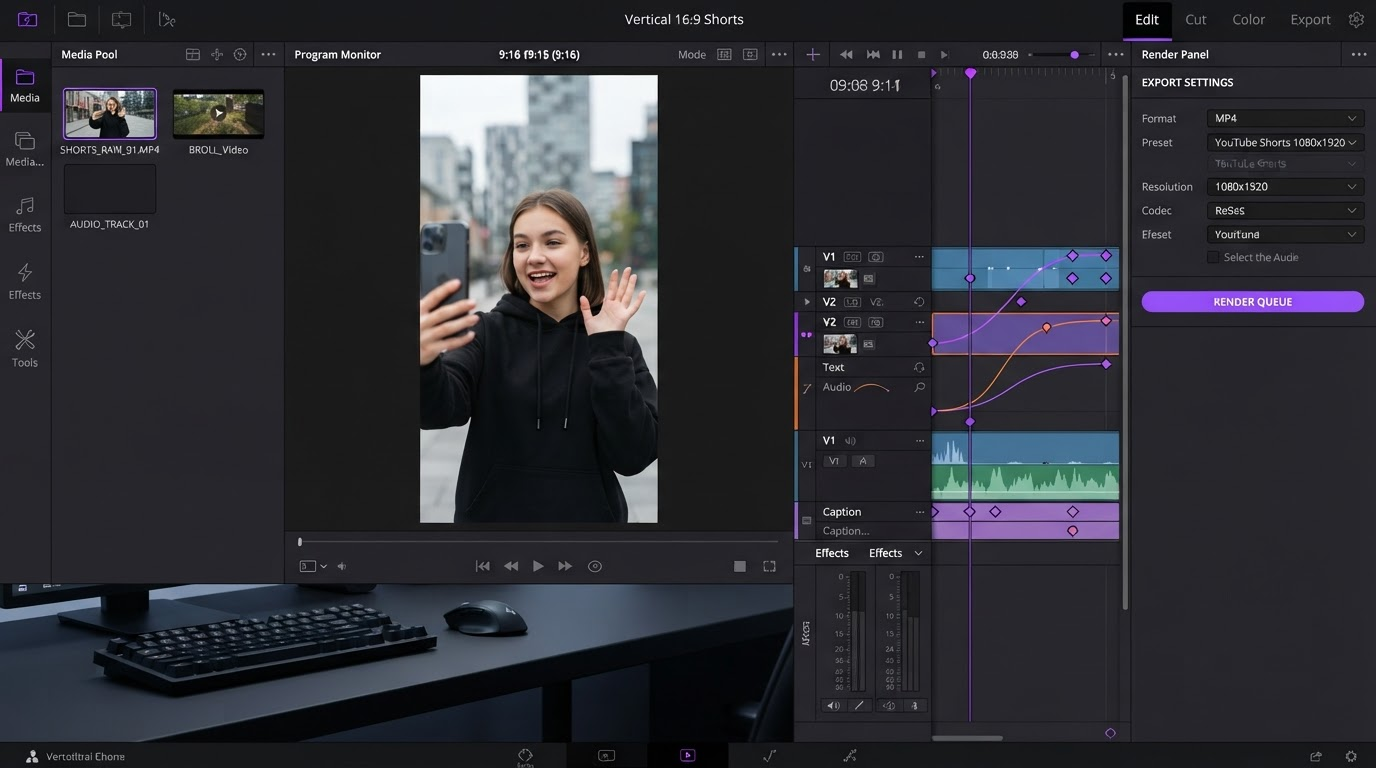
Quick answer:
- An AI video editing API is a REST endpoint that accepts an edit description (a JSON timeline, a template plus data, or a text prompt) and returns a rendered video, so you never run render hardware yourself.
- The three families are template renderers (Shotstack, Creatomate, Plainly), generative model APIs (text to video, image to video, lip sync), and single-task primitives (captions, background removal, reframing, silence trimming).
- Billing is almost always per rendered second or per minute of output, not per API call, so a 30 second ad costs you the same whether you nailed it on the first render or the fifth.
What the API actually replaces
The thing you are outsourcing is not creativity. It is the render machine and the queue in front of it. A normal request looks like this: you POST a job description, the service validates it, drops it in a queue, spins up a worker, renders, uploads the result to storage, and calls your webhook with the finished URL. Typical turnaround for a 30 second 1080p render is 20 to 90 seconds depending on effects and queue depth, which is why nobody sensible waits on the HTTP response.
That queue is worth more than it looks. Running your own ffmpeg fleet means font installs, codec licensing, GPU cost, retry logic, and a storage bill you will forget to monitor. The API shape also fits how repetitive video work actually breaks down: a fixed structure with swapped variables. If your job is stitching a set of clips end to end in the same order every time with only the source files changing, that is a template with a data payload, not a project a human should open.
Four shapes, and how to tell them apart
| Shape | You send | You get back | Best for | Watch out for |
|---|---|---|---|---|
| Template render | Template ID plus variable data | Finished MP4 | Bulk variants of a fixed design | Design changes need the template rebuilt |
| Timeline JSON | Tracks, clips, assets, transitions | Finished MP4 | Custom layouts built in code | Verbose payloads, steep first week |
| Generative model call | Prompt, image, or reference clip | New footage, usually 5 to 10 seconds | B-roll and shots you do not own | Cost per second, no frame level control |
| Task primitive | A file plus parameters | The processed file | Captions, reframing, background removal | One job each, you orchestrate the chain |
Template renderers are the easiest sell. You build the look once, then feed rows. The catch is that every visual change is a template edit, so a design that keeps moving will grate. Timeline JSON APIs give you real layout control but you are writing a video format by hand, and a two minute edit can run to hundreds of lines before you have styled anything.
Generative APIs are a different animal. They do not edit, they invent, and the output arrives as short clips with no layers inside. Task primitives are the quiet workhorses: a single endpoint that burns subtitles onto a finished cut or strips a background is often the only piece of automation a small team actually needs.
The five questions that decide which one you pick
- Is it async with webhooks? If the docs only show polling, assume queue pain at volume. Ask what happens to a job that fails halfway.
- What is the real cost per output second? Convert every plan to that number before comparing. Plans priced per minute of rendering time (not output length) get expensive fast on effect heavy work.
- Does it return anything editable? Most return a baked MP4 and nothing else. If the client wants one word changed, you re-render the whole job.
- How does it handle brand assets? Custom fonts, logo files, and color tokens are where template APIs quietly break. Check whether fonts are uploaded once or attached per job.
- What is the concurrency limit? A batch of 500 product clips at five concurrent renders is a different afternoon than the same batch at fifty.
Where the API stops and the timeline starts
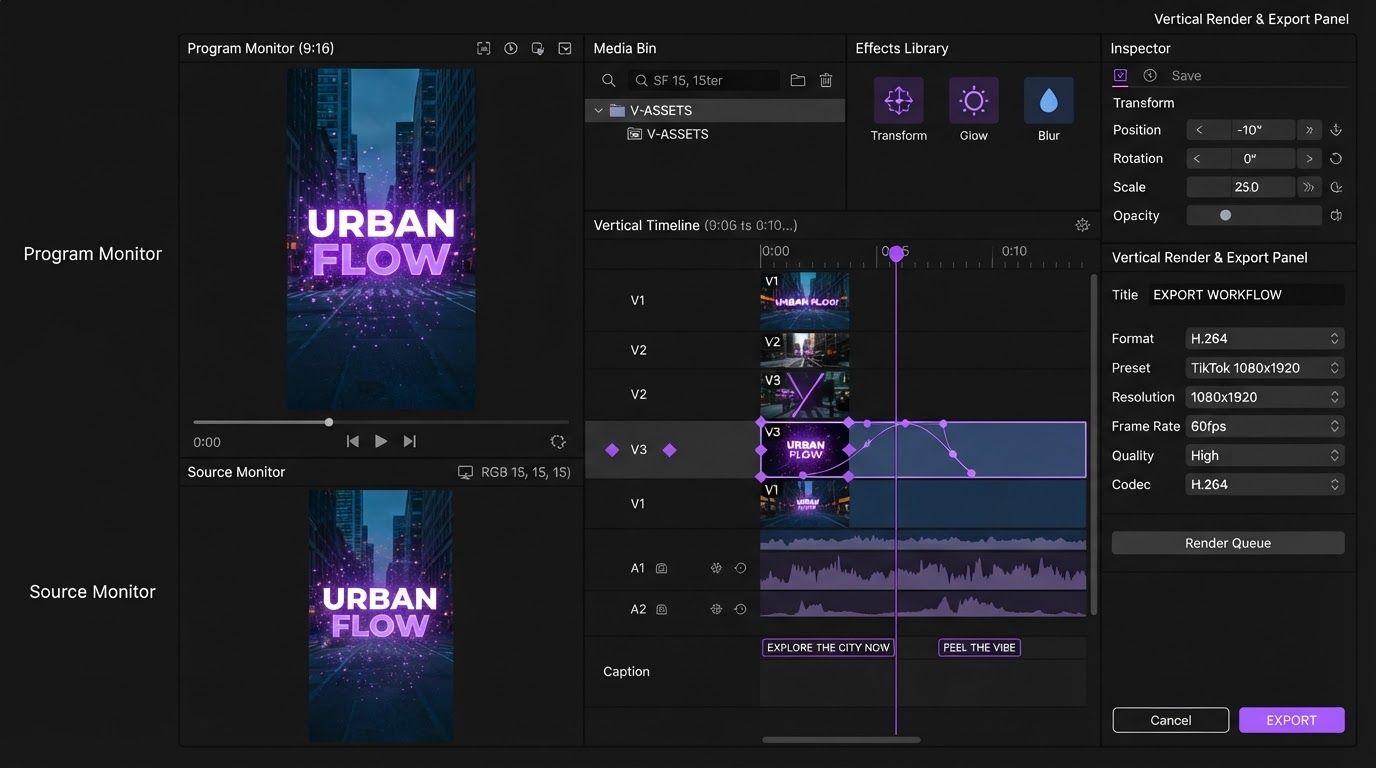
Every API in this category has the same edge. It hands you a finished file. That is exactly right for the 400 variants nobody will ever open again, and exactly wrong for the hero cut that goes on the homepage. Once a file is baked, the easing on that title card is gone, the caption timing is fused into pixels, and your only move is to change the payload and pay for another render.
So split the work honestly. Anything a human has to art direct belongs in a timeline where layers, tracks, and keyframes are still separate, which is the whole point of an agentic editor: the agent sets the keyframes, you fix the ones that feel wrong. Anything that is a known structure with swapped inputs belongs behind the API. In practice most teams land on a single approved master, built once as a reusable intro and outro shell, with the API filling the middle for every variant.
A pipeline you can build this week
Here is the shape that keeps working. Generate or collect the raw footage. Run one primitive pass for captions and reframing. Assemble the variants through a template or timeline call. Take the webhook, write the URL to your database, and pull only the flagged ones into a timeline for a human pass.
We tested this on a batch of 40 product cutdowns and the assembly step was the part that kept breaking, mostly because each model vendor wanted its own auth, its own polling loop, and its own retry story. Chaining the generation and the first assembly pass through Wireflow's AI video editing API removed most of that glue, since one REST call runs the chain, batches the rows, and returns results on a webhook instead of asking us to keep a render machine warm. The clips still came back baked, which is the tradeoff, so the four we wanted to art direct went into a timeline afterward.
The lesson from that run was about batch size, not tooling. Forty rows surfaced three prompt problems and one font problem, all cheap to fix. Had we fired 400 rows first, the same four bugs would have cost 10 times the render spend. Start small, read the output, then scale the batch. If you are still deciding what the generation half of your stack should be, the rundown of current AI video generation options is a reasonable place to sanity check model choices before you wire anything.
Frequently asked questions
What is an AI video editing API?
It is a REST endpoint you send an edit description to, in the form of a JSON timeline, a template plus data, or a text prompt. The service renders the video on its own infrastructure and returns a file URL, usually through a webhook. You get automated video output without maintaining render servers, codecs, or a job queue.
Can a video editing API do captions and subtitles?
Yes, and this is the most common single use. Transcription plus burn-in is offered either as a standalone primitive or as a caption track inside a timeline payload. Accuracy on clean audio is generally strong, but styling control varies a lot: some APIs expose font, position, and highlight color, others only give you on or off.
How much do video editing APIs cost?
Most price per rendered second or per minute of output, with entry plans commonly in the 20 to 100 dollar per month range for a few hours of rendering, and generative video billed separately per second of generated footage. The number that matters is cost per finished output second at your real volume, because failed and re-run renders bill the same as good ones.
Do I still need a video editor if I have an API?
Yes, for anything a person has to judge. An API returns a baked file with no layers, so revising a title, retiming a caption, or fixing an easing curve means a full re-render. Keep the master edit in a timeline and use the API for variants, which is the split that holds up once clients start giving notes.
Is a template API or a timeline API easier to start with?
Templates, almost always. You get output on day one and the payload stays small. Move to timeline JSON only when the design has to change per job rather than per campaign, because that is the point where template rebuilds start costing more than writing the layout in code.
The takeaway
The decision is not really which API. It is which half of your video work is repeatable. Push that half behind an endpoint, keep the other half in a timeline where the keyframes are still yours to move, and the automation stops fighting the craft. Pick the smallest API shape that covers the repeatable half, run a batch of 40 before you run a batch of 400, and keep one editable master you can always go back to.
Founder of Motionbox and Gluely. Building tools for creators.