Best AI Tools for Ecommerce Product Videos in 2026
A product video is never one file. It is a PDP loop, a vertical ad cut, a captioned social post and an email GIF. Here is which AI tools survive that split, ranked on placement coverage rather than demo reel quality.
You do not ship one product video. You ship a family of them. The product detail page wants a silent 16:9 or 1:1 loop that autoplays. Paid social wants a 9:16 cut with burned in captions and a hook in the first second. Email wants a GIF under 2MB. Marketplace listings want a clean demo with no music bed. That is four deliverables from one shoot, and the AI tool you pick decides whether those four are one afternoon of work or four separate jobs.
Most roundups rank these tools on how good the generated clip looks. That is the wrong test for ecommerce. The clip is the start of the job, not the end. What matters is how many placements one generation feeds, and how much of the output you can still change after the model is done. The list below is ranked on that.
The list at a glance
- Wireflow. Best overall for feeding many placements from one product input.
- PixVerse. Best for turning a single product photo into usable motion.
- OpusClip. Best for cutting long demo or livestream footage into vertical shorts.
- Videowise. Best for putting the finished video back on the storefront and measuring it.
- Runway. Best for creative control when you need b-roll that does not exist yet.
- CapCut. Best free option for finishing and resizing the cuts you already have.
Quick answer:
- Pick your tool by placement count, not by demo reel quality. A tool that produces one beautiful 16:9 clip and no vertical cut has done about a quarter of the job.
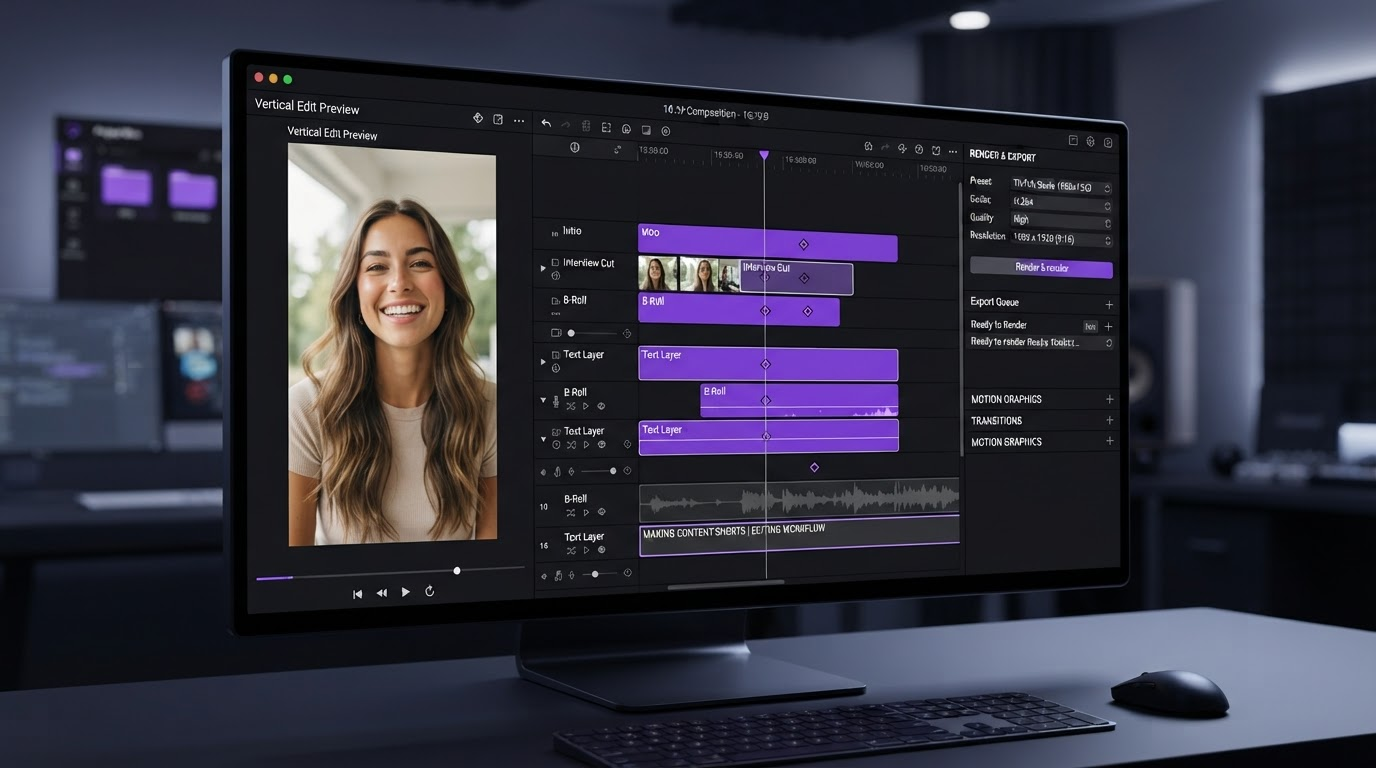
- Generation and finishing are two different tools. Generate the raw motion wherever the model is strongest, then bring the clips into a timeline where you control captions, aspect ratio, trims and export.
- Anything you cannot open on a track afterwards is a dead end. Baked MP4 output means every revision is a full regeneration, which is where catalogue budgets quietly disappear.
How these were ranked
Four tests, applied to a real ecommerce job rather than a demo prompt.
Placement coverage. How many of the four standard outputs (PDP loop, vertical ad, captioned social cut, email GIF) does one generation feed without starting over?
Post generation editability. After the model finishes, can you still retime a clip, move a caption, or change the safe area?
Input honesty. Does it work from your real product photography, or does it invent a product that does not match what ships in the box? Marketplace policy teams care, and so do return rates.
Catalogue behaviour. What is pleasant for one hero product often falls apart when the same treatment runs 40 times with different photos.
1. Wireflow
Wireflow is a node based canvas where you chain models together instead of running them one at a time. Product video is genuinely multi step: clean the photo, generate the motion, produce an alternate hook, render a vertical variant, then repeat against the next SKU. Building that as one graph means the second product costs a file swap instead of a rebuild. A fuller breakdown of the model chaining at catalogue scale sits at wireflow.ai, and the argument holds even at monthly cadence.
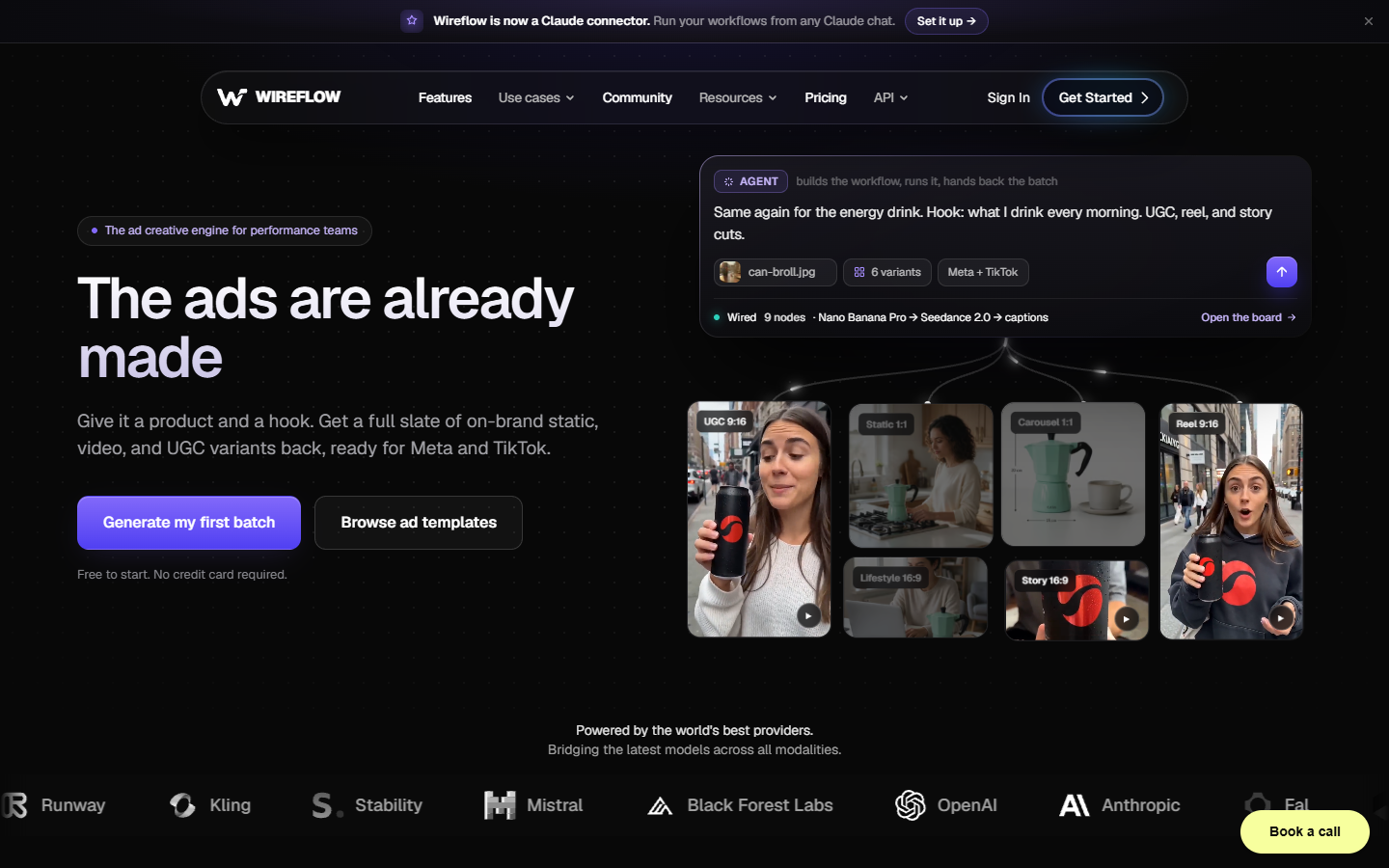
The tradeoff is honest: there is a setup cost. You wire a graph before you get your first clip, which for a one off video is slower than typing a prompt into a generator. It earns its place the moment marketing asks for three hook variants of the same demo, or you pass about five products. It is also a generation layer rather than an editor, so clips still need a timeline pass. That pairing, generate upstream and finish in a product video maker, is the shape most ecommerce teams end up with.
2. PixVerse
PixVerse is the strongest option when what you have is a product photo and what you need is motion. Image to video is its core strength, and for ecommerce that is the common starting condition. You already shot the product on white. You do not need a model to imagine it, you need a slow orbit, a fabric ripple, a lid opening, or a light sweep across the surface.
Keep the motion small. The failure mode on image to video is asking for too much movement, which is when the model starts hallucinating detail on the product itself: a warped logo, a button that migrates, a texture that turns to soup. Two to four seconds of restrained motion cuts cleanly into a PDP loop. Anything more ambitious and you should be filming. Generate a few short takes, then crop the video to each placement rather than regenerating at a new aspect ratio.
3. OpusClip
OpusClip solves a different half of the problem. If you already have long footage, an unboxing, a founder explainer, a livestream, the bottleneck is not generation. It is finding the twenty usable seconds inside forty minutes. OpusClip scans the footage, picks candidate moments, cuts them vertical, adds captions and scores each clip.
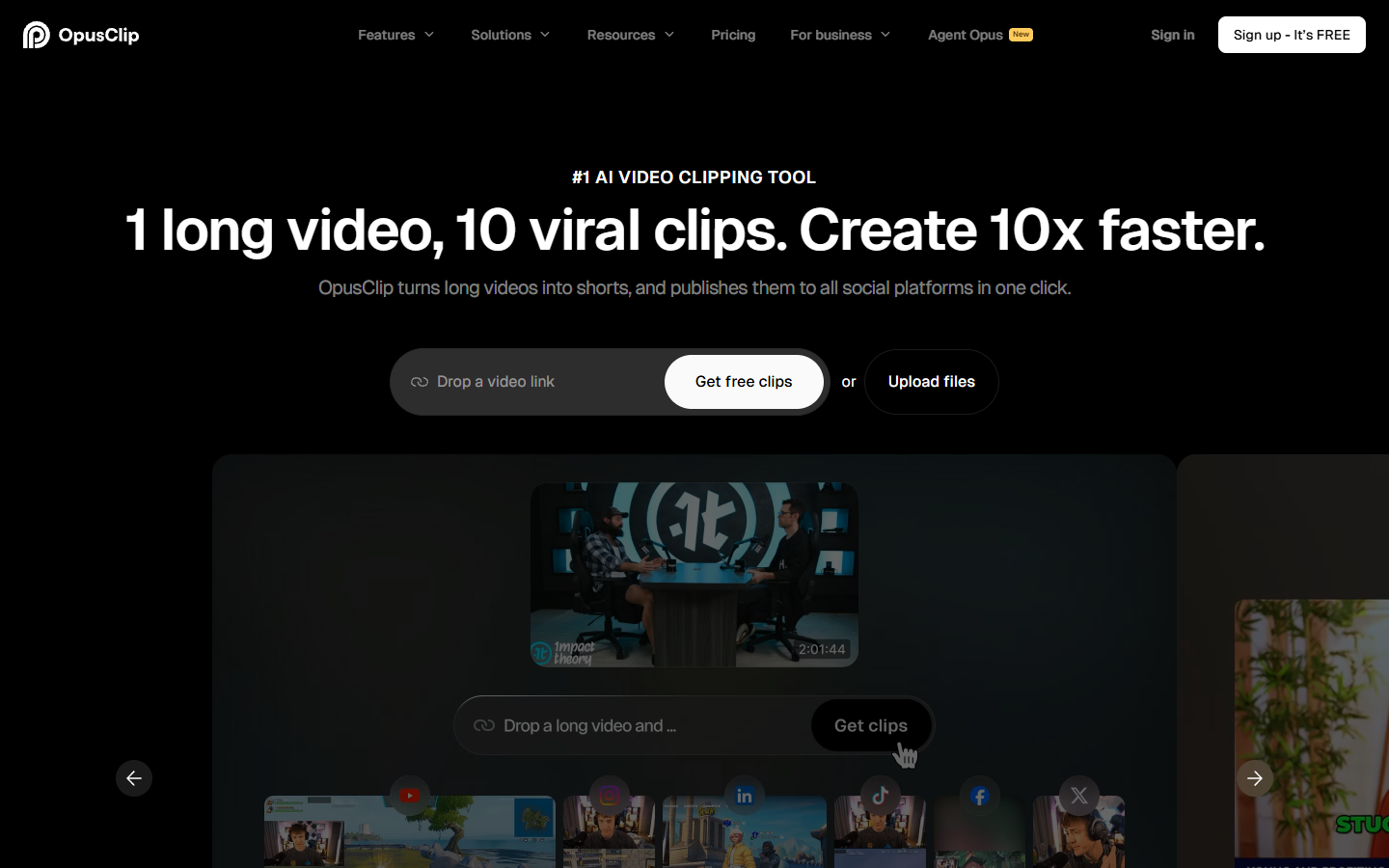
Treat the scores as a sorting hint, not a verdict. They are a fine way to decide which six clips to review first out of thirty, and a poor way to decide what converts, because the model has no idea what your margin looks like. The auto captions are usable but generic, so if brand consistency matters, run the caption pass yourself with video subtitles instead of shipping the default style.
4. Videowise
Everything else on this list makes video. Videowise is about what happens after. It is Shopify native, handles shoppable video and stories on the storefront, and reports on what the video did to revenue rather than to view counts. A product video with no attribution is a cost centre you cannot defend at the next budget meeting.
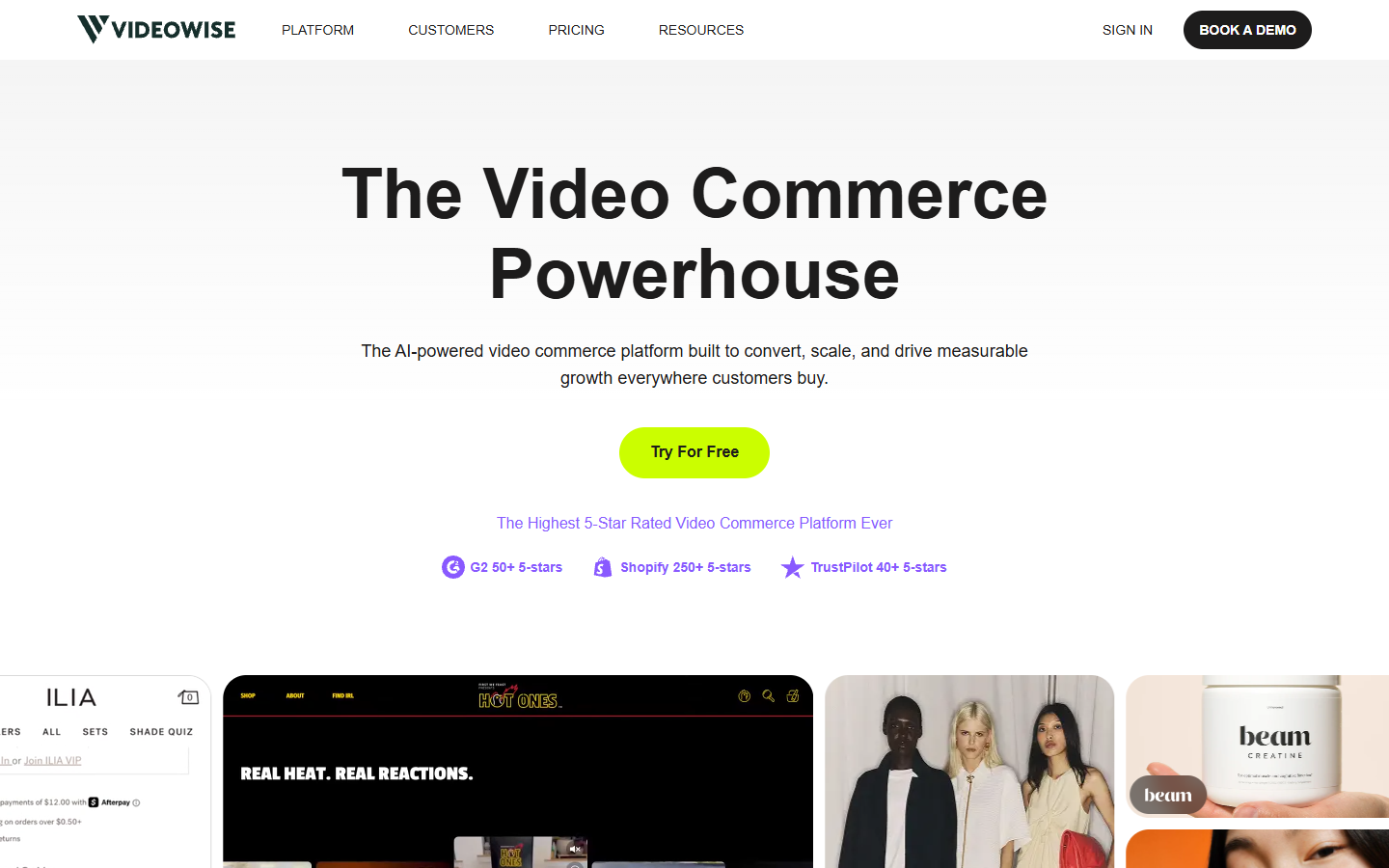
It is not where you should be doing creative work. The generation and editing features exist, but they are the weakest part of the stack next to the delivery and analytics side. Use it as the destination, not the studio. It also sits firmly inside the Shopify world, so if your storefront is elsewhere, most of the value evaporates.
5. Runway
Runway remains the pick when the shot you need does not exist and cannot be photographed. Product in a setting you never shot. A texture close up you did not capture. A transition between two states. The control surface is deeper than the prompt box tools, which is why it takes longer.

For pure product accuracy it is usually the wrong tool, because generative models are not reliable about reproducing a specific physical object across shots. Use it for the atmosphere around the product and keep the hero shots photographic. Runway output cuts well against real footage rather than replacing it, and short generated loops make good backdrops for an Instagram video loop.
6. CapCut
CapCut is the free finishing floor. It resizes, it captions, it trims, it exports to every social spec, and it costs nothing to start. For a small brand shipping a few clips a week, that is often enough, and pretending otherwise would be dishonest.
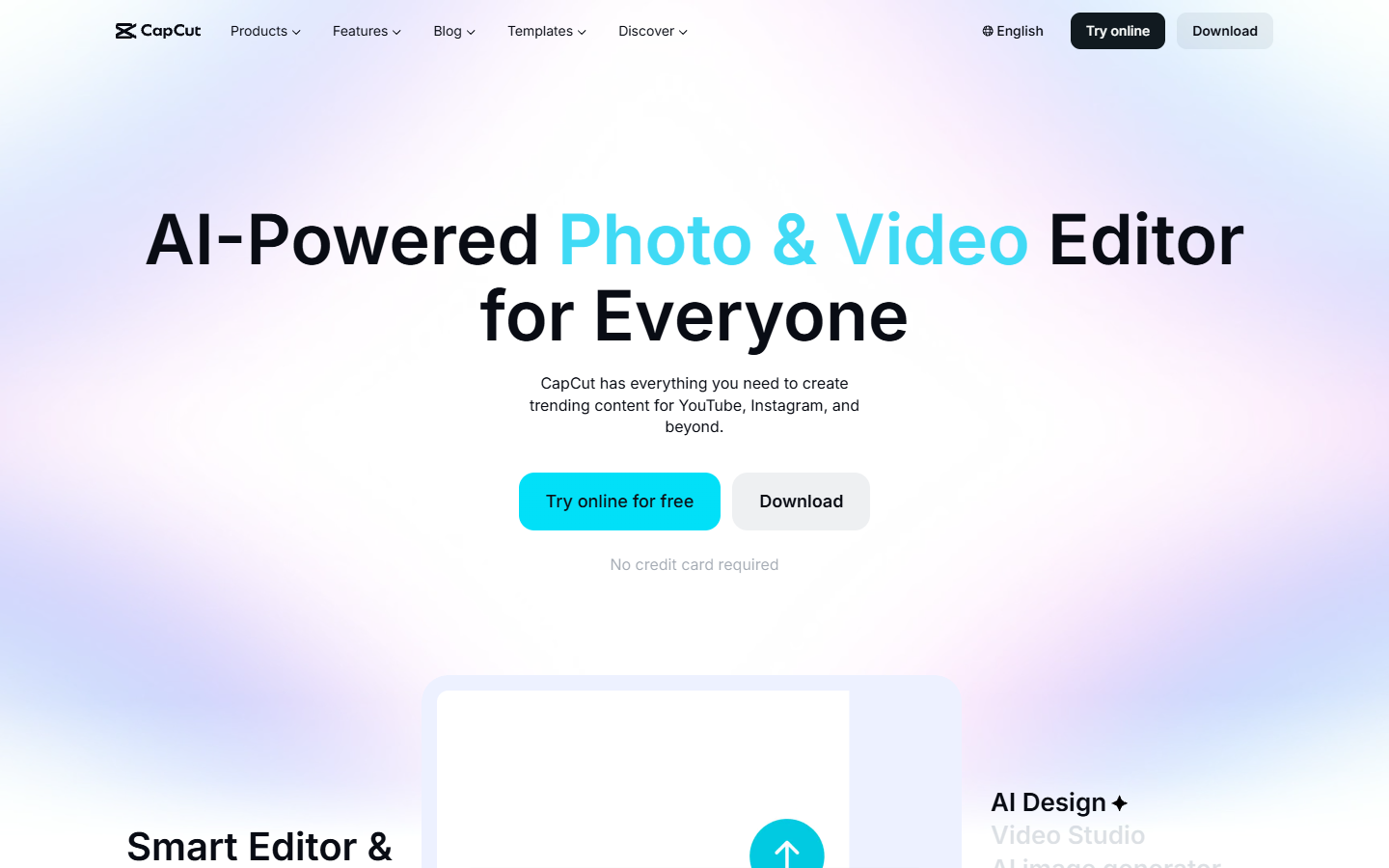
The limits show up at volume and at brand control. Template driven output looks like template driven output, and across a catalogue the sameness reads as low effort. Collaboration and version history are thin, which hurts the moment more than one person touches the edit. Browse a set of video ad templates before you commit to a look you will repeat forty times.
The placement math most brands get wrong
Here is the part the tool comparisons skip. One thirty second product demo is not one asset. Cut properly it is a 6 second PDP loop, a 15 second vertical paid cut, a 9 second captioned organic post, a 3 second email GIF, and a still frame for the ad thumbnail. Five placements, one source.
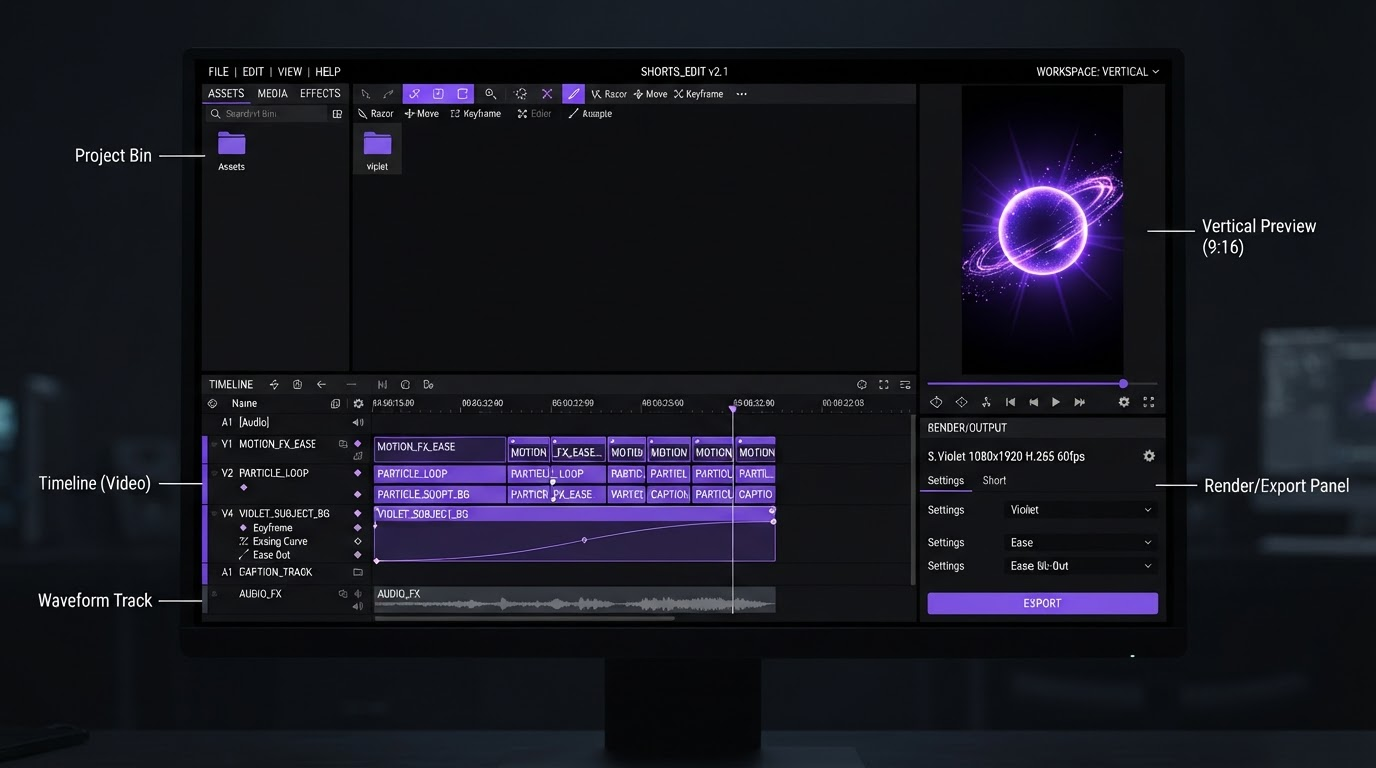
Brands that treat those as five separate generation jobs pay five times and end up with five slightly inconsistent looks. Brands that treat them as five exports from one timeline pay once. Generation tools are priced per second of output, so regenerating for a new aspect ratio is a purchase. Reframing on a track is not. The GIF is the clearest example: pull it from the same timeline, then compress it in a GIF editor rather than commissioning a separate render.
A working pipeline for a 40 SKU catalogue
- Batch your product photography first. Consistent lighting and angle across the catalogue is what makes everything downstream repeatable.
- Generate short motion takes per SKU, two to four seconds, low movement.
- Build one master timeline for the hero SKU with caption style, logo placement, safe areas and export presets already set.
- Duplicate that timeline per SKU and swap the source clip. This is where the time saving lives.
- Export every placement from the same timeline in one pass.
Step three is the one people skip, and skipping it is why catalogue video projects stall around SKU twelve. The first video is a creative decision. The next thirty nine are template application.
This walkthrough runs that exact pipeline with an agent driving it. Claude Code calls a public workflow API, builds the product photo ad workflow once, and produces forty ad variants overnight.
Frequently asked questions
Do AI generated product videos hurt marketplace listings?
They can, if the video shows behaviour the product does not have. Most marketplace policies target accuracy rather than the generation method. Motion added to your real product photography is low risk. A model inventing a feature is a rejection or a returns problem.
How long should an ecommerce product video be?
Match the placement. PDP loops work at 4 to 8 seconds and should read with sound off. Paid social cuts sit around 15 seconds with the hook in the first second. Email GIFs want 2 to 3 seconds and a small file. One long master cut down beats four separately produced videos.
Is it cheaper to generate or to film?
For one hero product, filming is often still better and not much slower. The cost curve flips somewhere around ten to fifteen SKUs, where scheduling a shoot and processing footage starts to dominate.
Can one tool do the whole job?
Not well, in practice. Generation tools are good at making motion and weak at multi format finishing. Editors are good at finishing and do not generate. The workable setup is a generation layer feeding an editable timeline, which is why the tools ranked here split along that line.
Bottom line
Rank these tools by how much of the job survives the first render. If the output is a flat file you cannot reopen, every revision costs another generation. If it lands on a timeline with layers you can still move, one product video becomes five placements for the price of one. Start with the placement list you actually need, then pick the tool that reaches most of them in a single pass.
Founder of Motionbox and Gluely. Building tools for creators.