Best Multi Shot Video Stitching API Tools in 2026
You have six shots from six different tools and you need one finished clip, a thousand times over, without anyone opening a timeline. Here are the APIs that do it and the tradeoffs behind each one.
You have six shots. A hook, three product angles, a demo, a logo end card. Each one lives as its own file, each one was rendered by a different tool, and none of them share a frame rate. Now you need one clip, in the right order, with clean cuts, at 1080p, and you need it to happen a thousand more times without a person opening a timeline.
That is the multi shot stitching problem, and in 2026 it is an API problem more than an editing problem. The tools below all take a description of a sequence and return a finished video file. They differ in how much control they hand you over the seam between shot three and shot four, which is the part that decides whether the result looks assembled or looks edited.
The list at a glance
- Shotstack. Best for teams that want frame level timeline control through JSON.
- Creatomate. Best for template driven stitching where a designer owns the layout.
- JSON2Video. Best for cheap, high volume Full HD output.
- Remotion Lambda. Best for engineering teams that want to write the edit in React.
- FFmpeg on your own workers. Best for pure concatenation with no per minute cost.
- Plainly. Best when the sequence has to match an existing After Effects project.
Quick answer:
- Use Shotstack or Remotion when the cut points, transitions, and overlays need to differ per render. Both give you a real timeline model instead of a fixed template.
- Use JSON2Video or FFmpeg when the shots are already correct and you just need them joined fast. JSON2Video starts around 49 dollars a month for roughly 200 minutes of Full HD, and FFmpeg costs only your compute.
- Normalize resolution, frame rate, and audio sample rate before the stitch call. Almost every ugly seam in an API assembled video traces back to mismatched source specs, not to the API.
What multi shot stitching actually has to solve
Joining two files is trivial. Joining six files that came from six different generators is not. The specific failures repeat:
Frame rate drift. One shot is 24fps, the next is 30fps, and the API resamples silently. Motion inside the shot judders at the join. Fix it upstream by forcing every source to one frame rate before it reaches the stitch call.
Audio gaps. Generated shots often ship with no audio track at all. Concatenating a silent clip to one with audio can drop the whole audio stream in naive concat modes. Give every shot an audio track, even a silent one at the same sample rate.
Hard cuts that read as errors. Six shots back to back with zero transition looks like a rendering bug rather than a style choice. Even a two frame dissolve or a quick scale push on the incoming shot tells the viewer the cut was intentional. If you are doing this by hand for a one off, Motionbox's merge videos tool handles the same job in the browser without a render queue.
Aspect mismatch. A 16:9 demo capture dropped into a 9:16 sequence needs a decision, not a default. Blur the background, crop to the subject, or letterbox. Pick one and encode it in your payload so every render makes the same choice.
The shots have to exist before anything can stitch them
Here is the limitation nobody lists in the API comparisons. Every tool on this page assumes you already have six finished video files sitting at public URLs. None of them generate a shot. If your pipeline is producing a product ad or a UGC style sequence from a prompt, the stitching API is the last ten percent of the job and the generation is the other ninety. Teams that solve only the stitching half end up gluing together shots that do not match in lighting, subject, or camera language. A pipeline that creates each shot in sequence and returns them already joined as one clip closes that gap, because the shot generation and the assembly share one definition of the scene instead of two.
1. Shotstack
Shotstack is the closest thing this category has to a standard. You send a JSON edit specification describing tracks, clips, start times, lengths, transitions, and overlays, and it returns a rendered MP4. It is a real timeline model, not a template with holes in it.
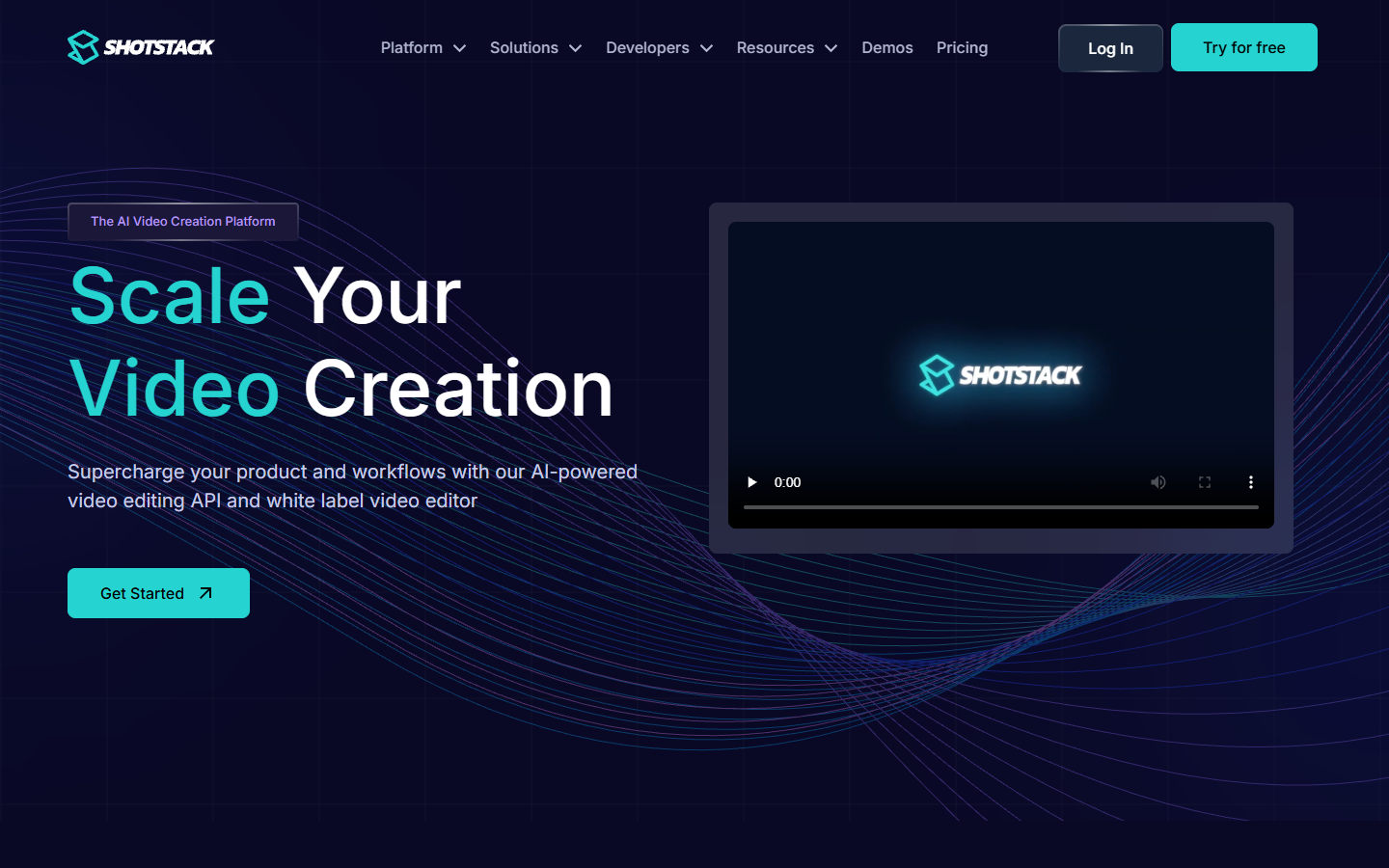
For multi shot work this matters because each clip carries its own trim in and out points, its own fit behavior, and its own transition. You can vary the number of shots per render without redesigning anything. The free tier is around 20 minutes at 720p, which is enough to prove the sequence before you commit.
Verdict: best overall for programmatic multi shot stitching when the sequence shape changes between renders.
2. Creatomate
Creatomate pairs the same JSON rendering idea with a visual editor, so a designer builds the layout and a developer fills the slots at render time. Animations, keyframes, and effects are configured in the editor and become a reusable template.
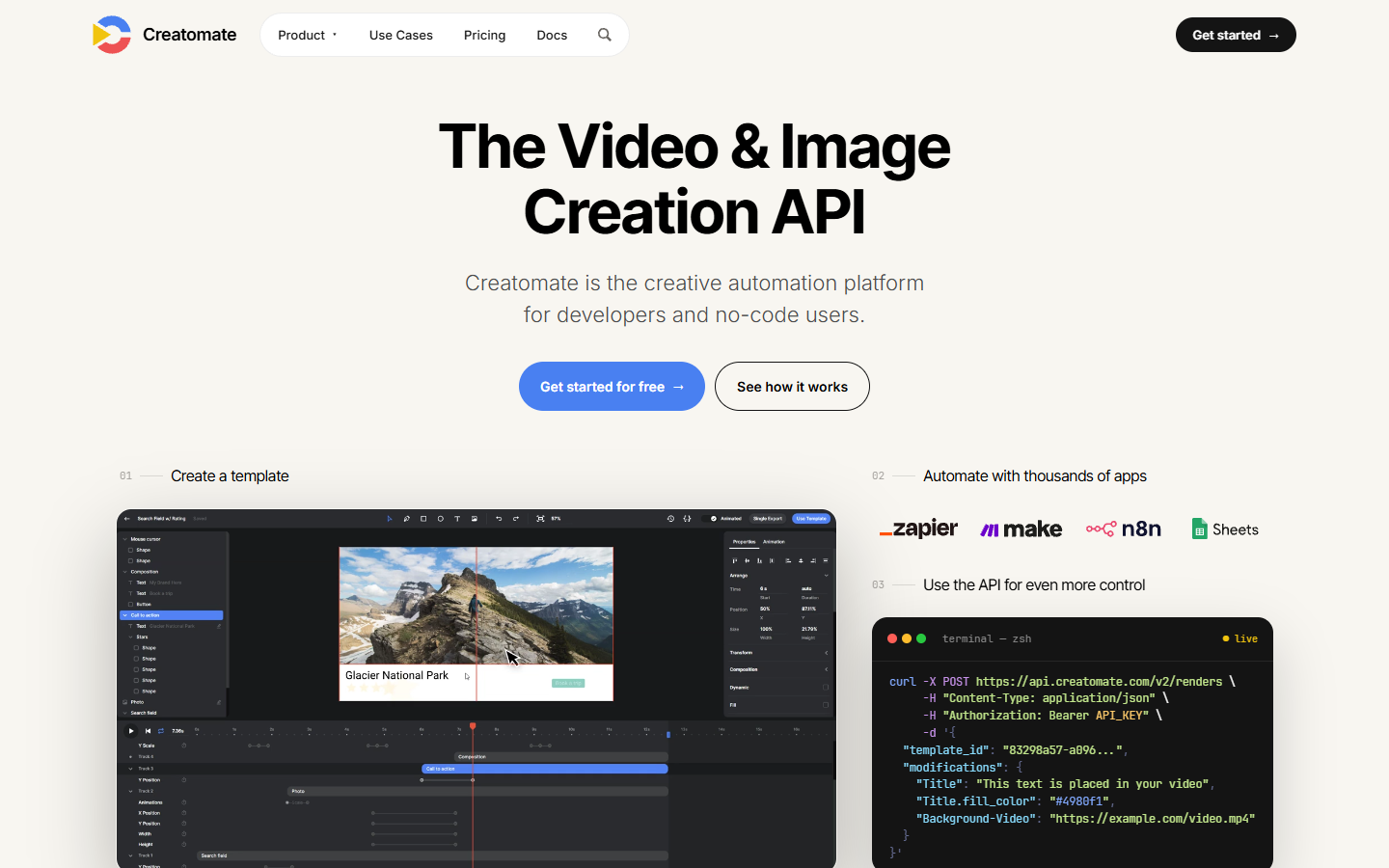
The trade is flexibility for consistency. If every render is six shots in the same order with the same lower thirds, Creatomate is faster to ship and easier to hand to a non engineer. If shot counts vary wildly, you fight the template. Pricing starts around 54 dollars a month for roughly 143 minutes at 720p.
Verdict: best for repeatable sequences where a designer owns the look.
3. JSON2Video
JSON2Video is the volume play. Elements auto arrange and auto size by default, which removes a lot of the per element configuration other tools require, and text to speech voices are included rather than billed separately.
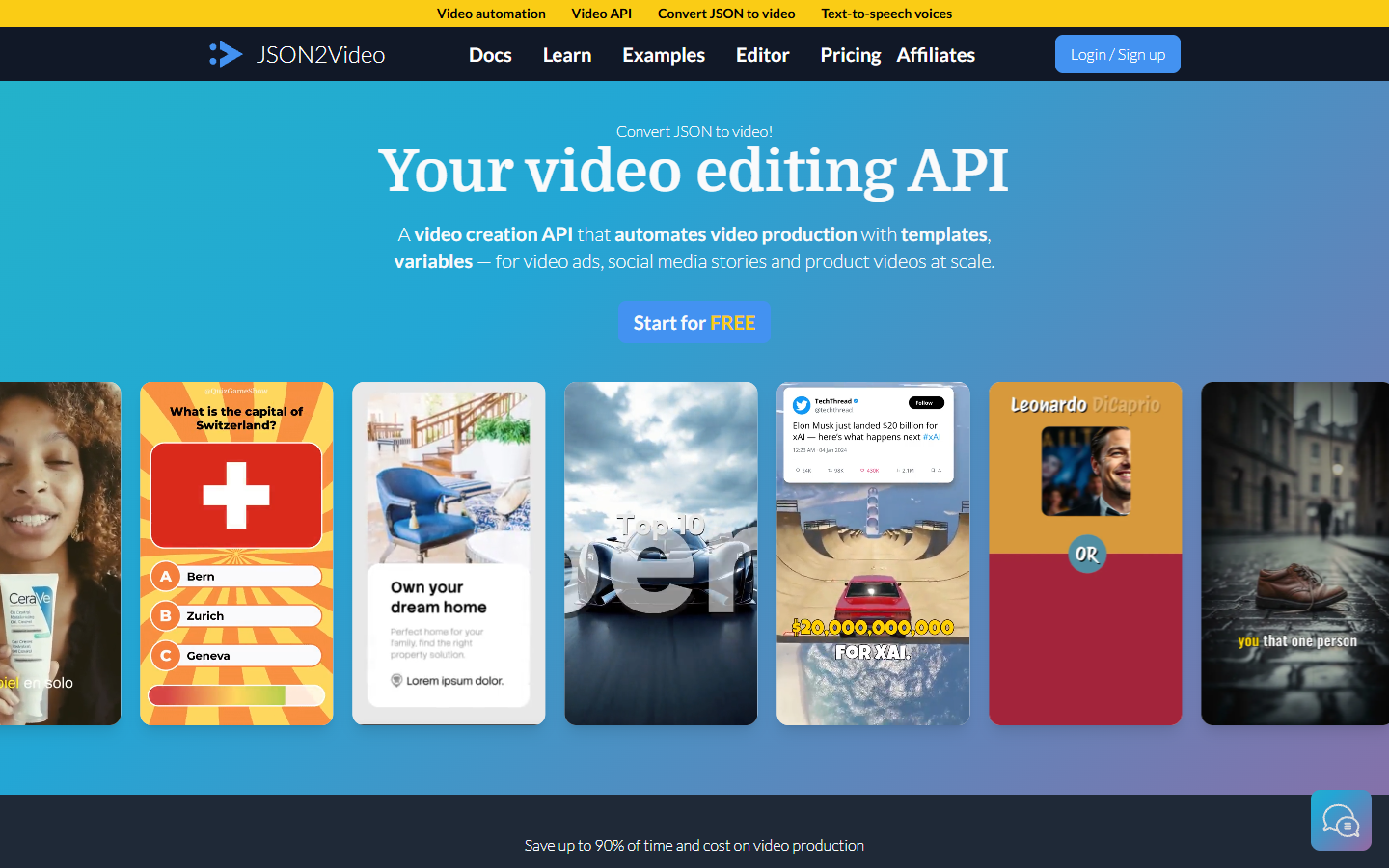
It also has working Make.com and n8n integrations, so a marketer can wire a stitching step into an automation without writing a service. Around 49 dollars a month buys roughly 200 minutes of Full HD, which is the best minutes per dollar in this list at the time of writing.
Verdict: best value when the edit is simple and the volume is high.
4. Remotion Lambda
Remotion lets you write the video as React components and render it on AWS Lambda in parallel. A six shot sequence becomes a component with a Sequence for each shot, and the cut points are just numbers in your code.
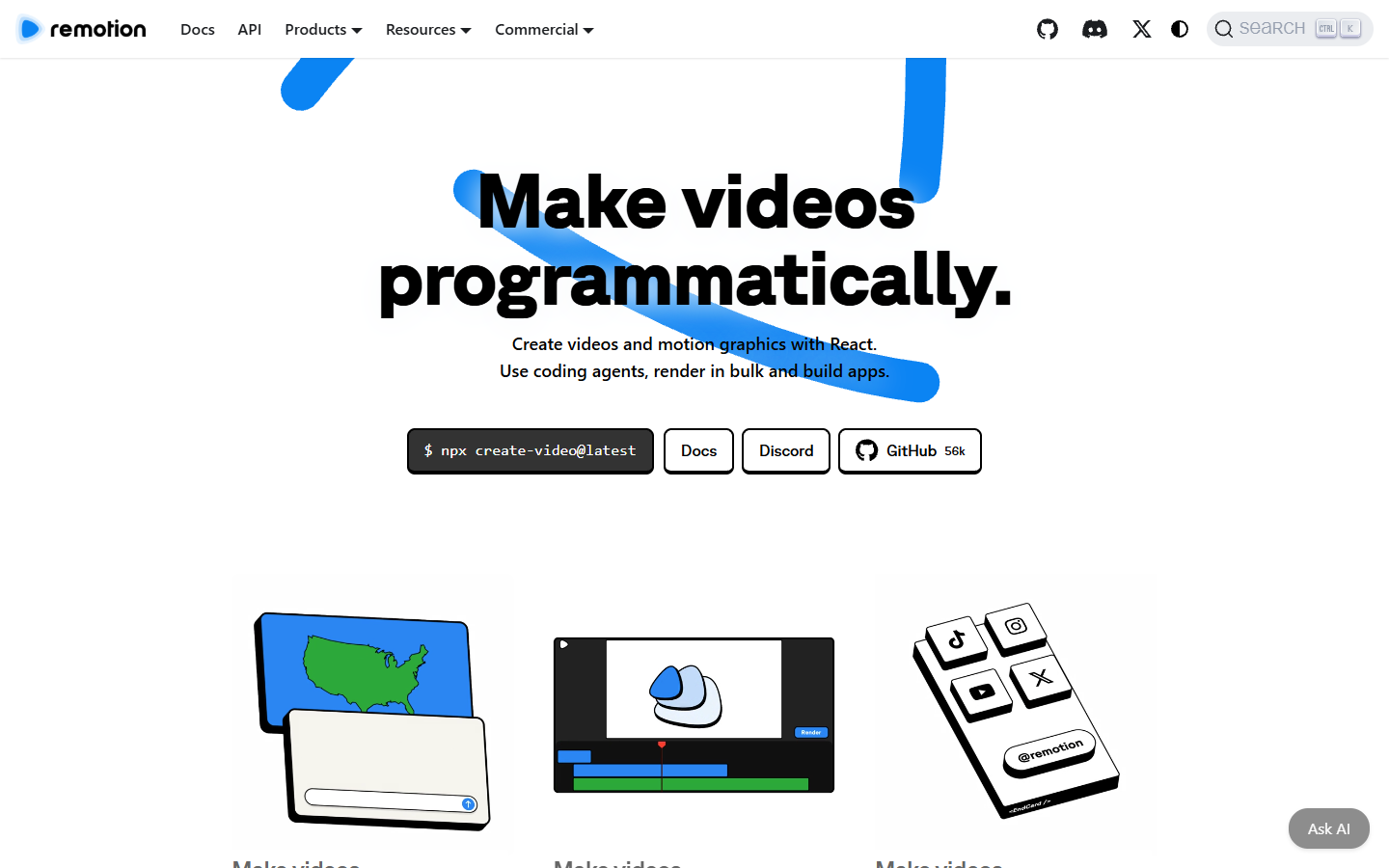
This is the most powerful option and the most demanding. You get real code, real version control, and unlimited control over easing and motion between shots. You also own the infrastructure, the cold starts, and the debugging. For a team already writing TypeScript, that trade is usually worth it.
Verdict: best for engineering teams that want the edit under version control.
5. FFmpeg on your own workers
FFmpeg concat is still the fastest and cheapest way to join shots that are already correct. With matched codecs you can stream copy without re encoding, which turns a six shot join into a sub second operation.
The catch is everything around it. You write the normalization pass, the transition handling, the audio padding, the retry logic, and the queue. It is not a product, it is a primitive. Use it when your shots come out of one generator with identical specs and you only need concatenation. The moment you want a dissolve or a text overlay, the code you write starts to look like a worse version of Shotstack. For quick manual cleanup on individual shots before the join, a browser video trimmer is faster than another script.
Verdict: best when cost matters more than features and your inputs are uniform.
6. Plainly
Plainly renders real After Effects projects through an API. You upload the .aep, mark which layers are dynamic, and Plainly swaps footage and text per render.
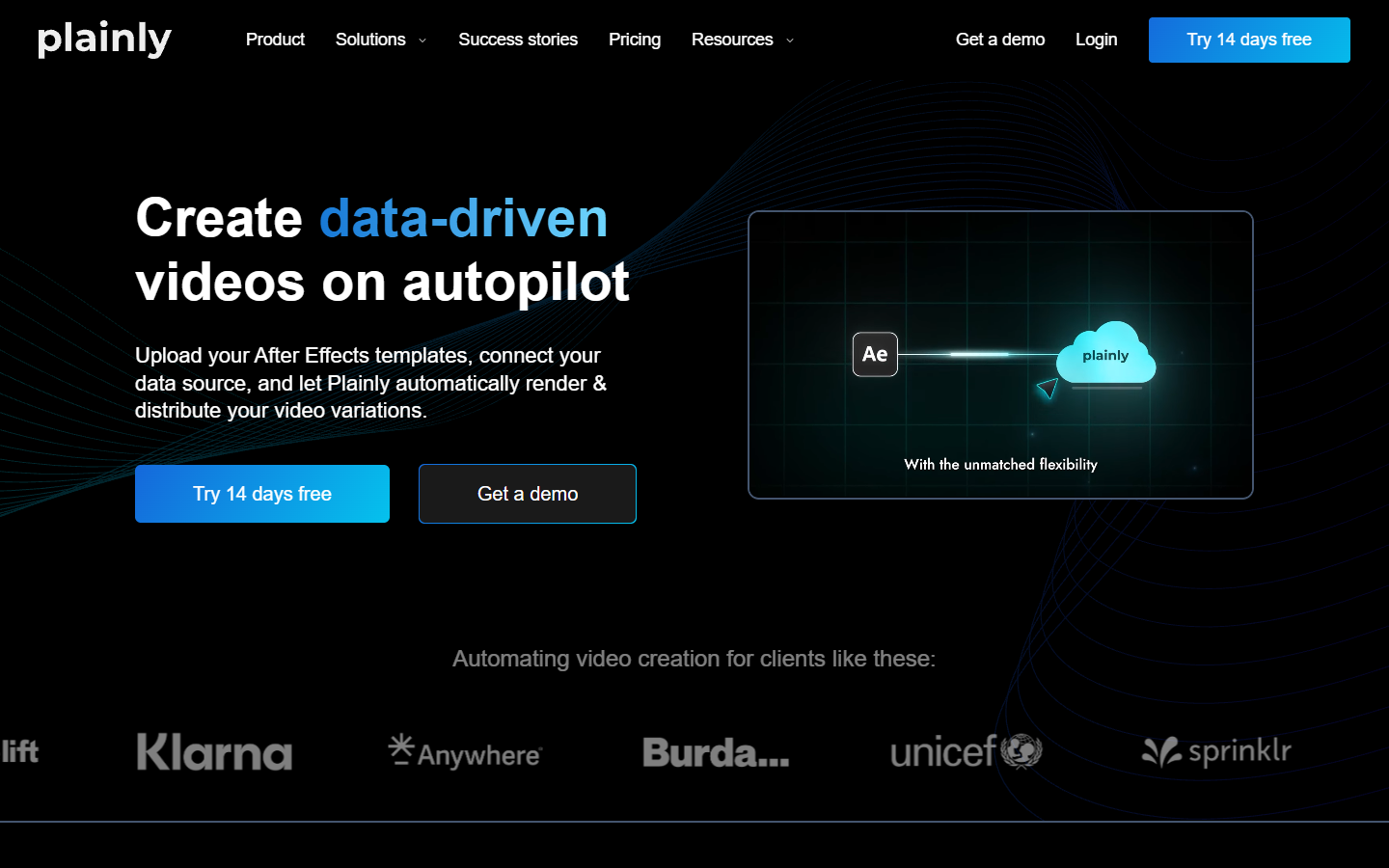
For multi shot stitching this only makes sense when the sequence already exists as an After Effects comp with a specific motion design language you cannot rebuild in JSON. It is slower and pricier per render than the JSON tools, and you need someone who owns the project file.
Verdict: best when the sequence must match an existing After Effects build.
How to pick in about two minutes
Ask three questions in order.
Does the number of shots change per render? If yes, you need a timeline model. Shotstack or Remotion. If no, a template tool will be faster to ship.
Does a non engineer need to change the look? If yes, Creatomate or Plainly, because both put the layout in a tool a designer can open. If no, stay in JSON or code.
Is the edit purely a join with no overlays? If yes, FFmpeg or JSON2Video will do it for a fraction of the cost. If you are building a longer sequence from many clips, a video compilation maker gets you a working cut faster than a first API integration will.
Frequently asked questions
What is the difference between video stitching and video concatenation?
Concatenation joins files end to end with no processing. Stitching normalizes the sources first, then joins them with intentional transitions, consistent audio, and matched framing. Concatenation is a single FFmpeg command. Stitching is a small pipeline.
Do I need to re encode every shot before stitching?
Only if the specs differ. If every source shares codec, resolution, frame rate, and audio sample rate, you can stream copy and skip re encoding entirely, which is dramatically faster. Mixed sources need a normalization pass first.
Can these APIs add captions to a stitched sequence?
Shotstack, Creatomate, JSON2Video, and Remotion all support text layers with timing, so captions are a track you define alongside the clips. Quality varies for auto generated captions, so most teams generate the transcript separately and pass the timed text in.
What frame rate should I standardize on?
30fps for social and web delivery, 24fps if the sequence includes cinematic generated footage and you want the motion cadence to match. The specific number matters far less than picking one and forcing every source to it before the stitch.
Is there a way to preview the sequence before paying for renders?
Build the cut manually once. Assembling the six shots in a browser editor or starting from a montage template shows you the pacing problems in minutes, and then you encode that timing into the API payload instead of discovering it across fifty test renders.
The short version
Pick Shotstack if the sequence shape moves, Creatomate if a designer owns it, JSON2Video if volume and price dominate, Remotion if you want the edit in code, FFmpeg if you only need a join, and Plainly if After Effects is already the source of truth. Then spend your first day on the normalization pass, not on the API. The seam between two shots is where the quality lives, and no endpoint fixes sources that never matched.
Founder of Motionbox and Gluely. Building tools for creators.