How to Convert Text to Video Using AI Tools: 7 Options Ranked
You have a script, a product description, or one line of copy, and you need a video by the end of the day. AI tools will get you most of the way there. Which one you should reach for depends less on model quality than on what you want back: a finished clip, a narrated explainer, or a timeline you can still edit.
Every tool below turns written text into moving pictures. That is where the similarity ends. Some hand back a five second shot with no sound. Some hand back a four minute explainer with a presenter, captions, and music already mixed. The ranking is ordered by how much of the job each one finishes on its own, and every entry says plainly where it stops.
The list at a glance
- Google Veo 3.1: Best for the best looking single shot from a written prompt, with audio generated alongside the picture.
- Wireflow: Best for running one prompt list across several video models in the same place.
- Synthesia: Best for script led explainers that need a presenter on screen.
- Runway Gen-4.5: Best for directing camera moves instead of hoping the model guesses them.
- Kling 3.0: Best for volume when cost per second is the constraint.
- Pictory: Best for turning an article you already published into a narrated cutdown.
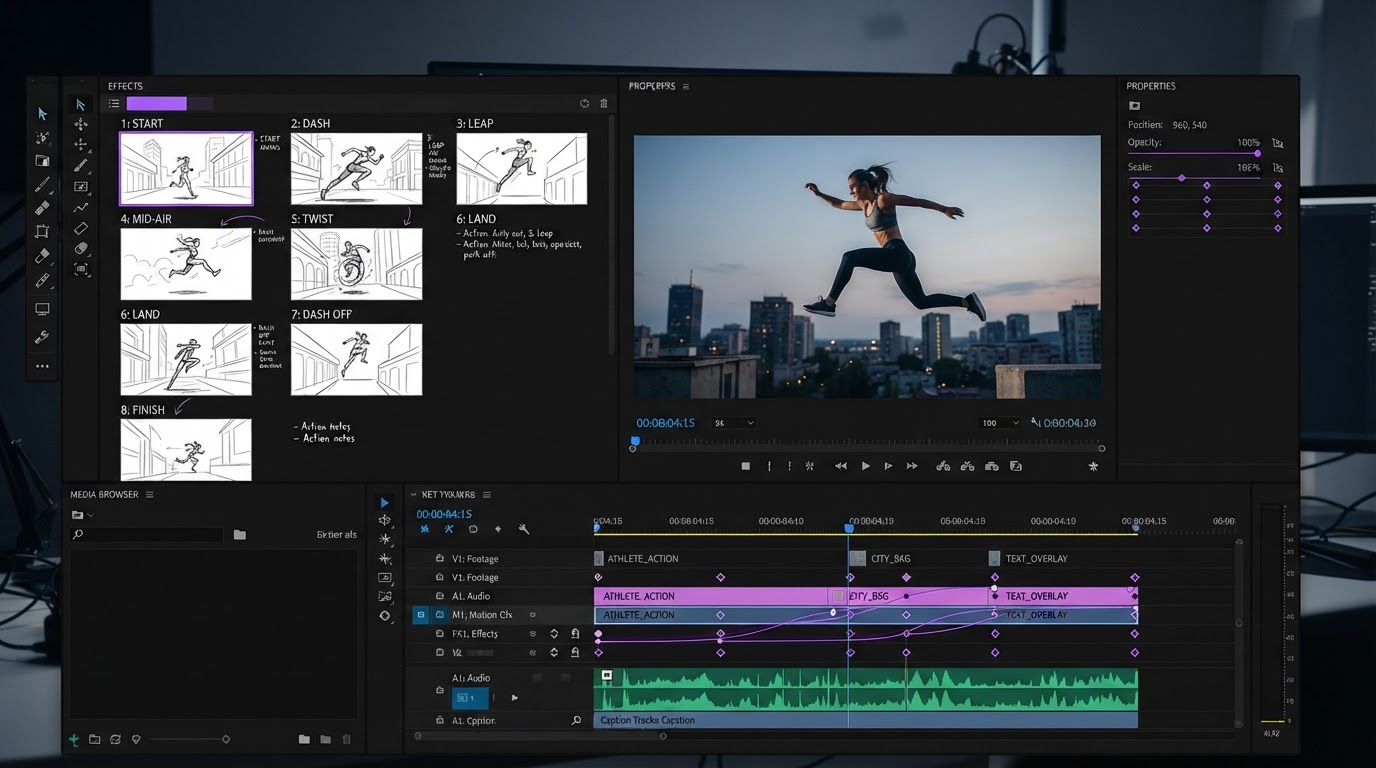
- Motionbox: Best for cutting generated clips into a captioned, branded edit you can re-export.
Quick answer:
- Short prompts produce short clips. Most text to video models cap one generation at five to ten seconds, so a sixty second video is six to twelve separate generations, not one.
- Script to video tools like Synthesia and Pictory return a finished narrated video in a single pass, but the visuals come from avatars and stock, not from your prompt.
- Whichever you pick, the last mile is identical. Trim the clips, set the captions, match the aspect ratio, render.
Text to video is really two jobs
The phrase covers two workflows that behave nothing alike, and picking the wrong one is the most common way people waste an afternoon.
Prompt to clip is the generative route. You write a sentence describing a shot, a diffusion model renders it, and you get a few seconds of footage that has never existed. Veo, Runway, and Kling all work this way. The output looks like film. It is also short, non-deterministic, and has no idea what your next shot is.
Script to video is the assembly route. You paste a script, an article, or a URL, and the tool splits it into scenes, writes a voiceover, pulls matching stock or an avatar, and stacks captions on top. Synthesia and Pictory work this way. The output is long and coherent. It also looks like everyone else's, because the visual library is shared. Our guide to AI video generation walks through where each route starts to strain.
Pick the generative route when the look is the point. Pick the assembly route when the message is the point and nobody is grading the b-roll.
The seven tools, ranked
1. Google Veo 3.1
Veo is the current default for anyone who wants one shot to look right. It generates picture and synced audio in the same pass, which removes the usual scramble to find a sound effect that matches an action you did not plan.
Where it stops: clip length. You are still writing a shot list, not a video. Veo also gives you less direct control over camera behaviour than Runway, so you describe the move in prose and accept what comes back.
Verdict: best for the hero shot in a piece, not the whole piece.
2. Wireflow
Wireflow is not a model. It is a node canvas that puts several text to video models behind one prompt list, so the same twenty line shot board can run through Kling, Veo, and Runway and come back as three sets of takes to choose from. For anyone who has ever kept six generator tabs open and lost track of which prompt produced which file, that is the whole pitch.
Where it stops: it generates and compares, it does not finish. There is no caption track, no keyframe editor, no brand kit.
Verdict: best for the middle of the pipeline, between the script and the edit.
3. Synthesia
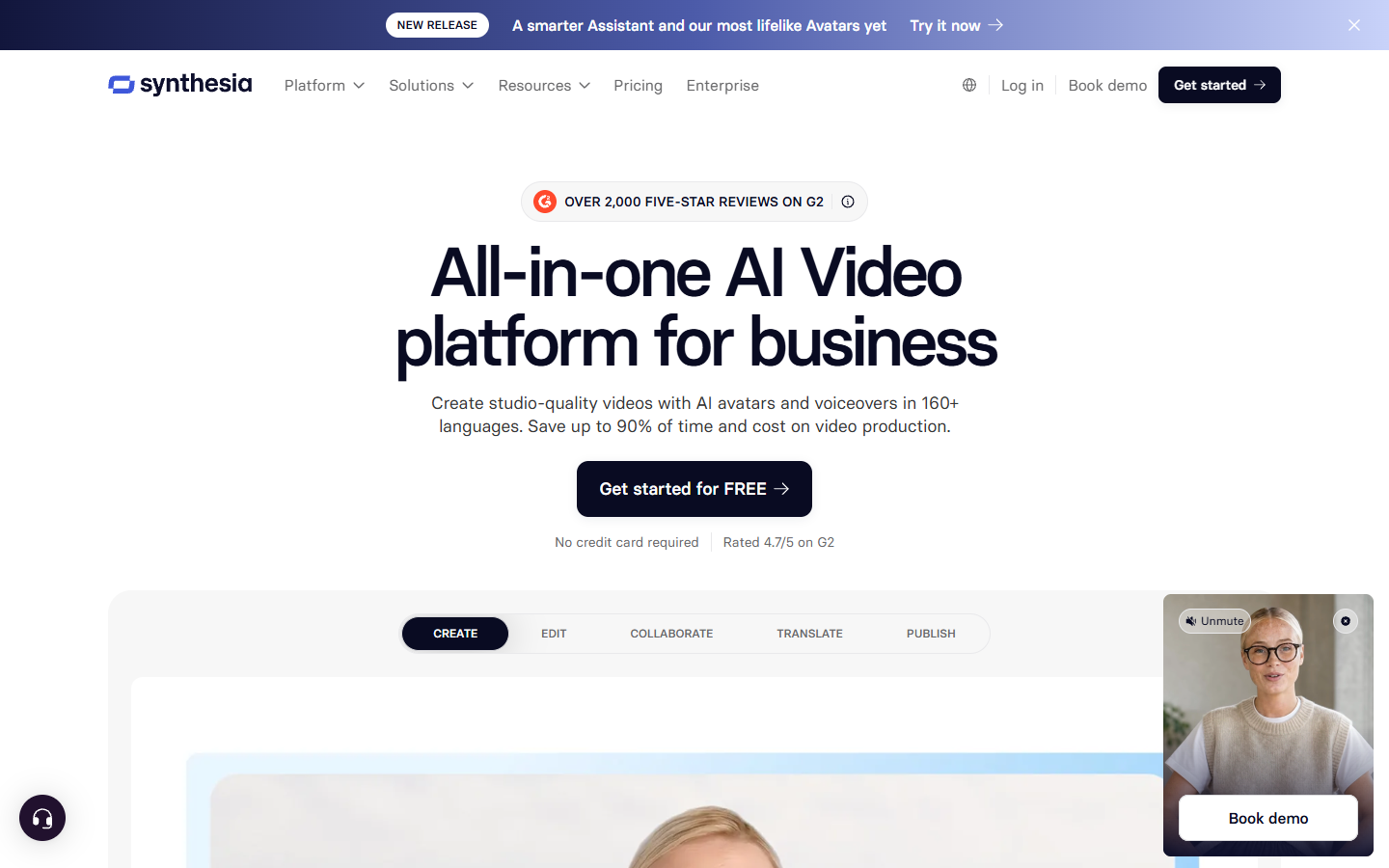
Synthesia takes a script and returns a presenter reading it, with voiceover support across more than 160 languages. For training modules, internal comms, and product explainers, it removes the entire filming step and the entire re-record step when the copy changes.
Where it stops: it is a talking head in a template. If your video needs a product doing something on screen, the avatar cannot show it.
Verdict: best for explainers where the words carry the video.
4. Runway Gen-4.5
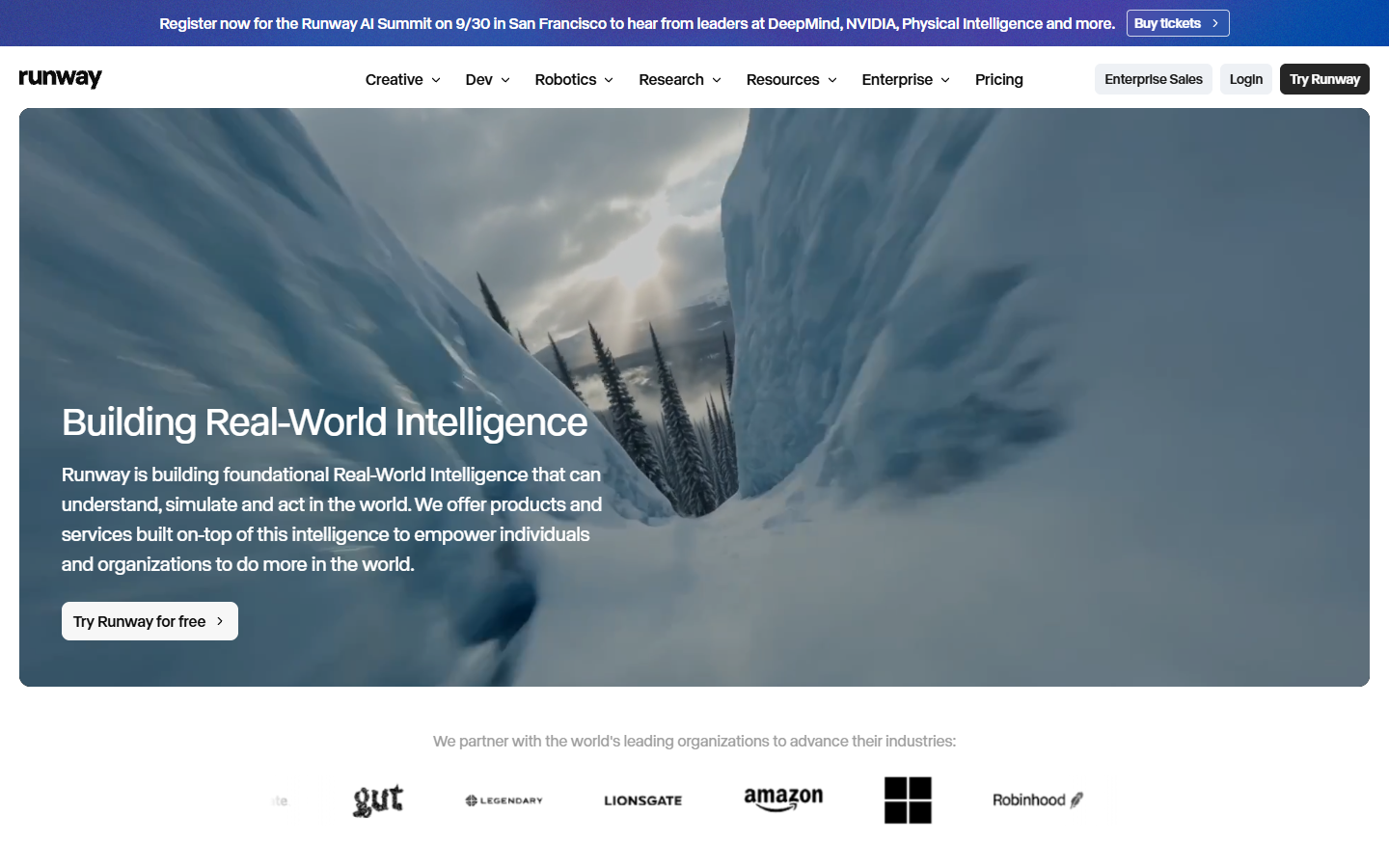
Runway is the control option. Camera motion, reference conditioning, and shot continuity are treated as things you set rather than things you describe and hope for. That matters once you need shot two to look like it belongs beside shot one.
Where it stops: the control costs time. Prompts that work here are longer and more technical than the one liners the marketing pages use.
Verdict: best when consistency across shots matters more than raw shot quality.
5. Kling 3.0
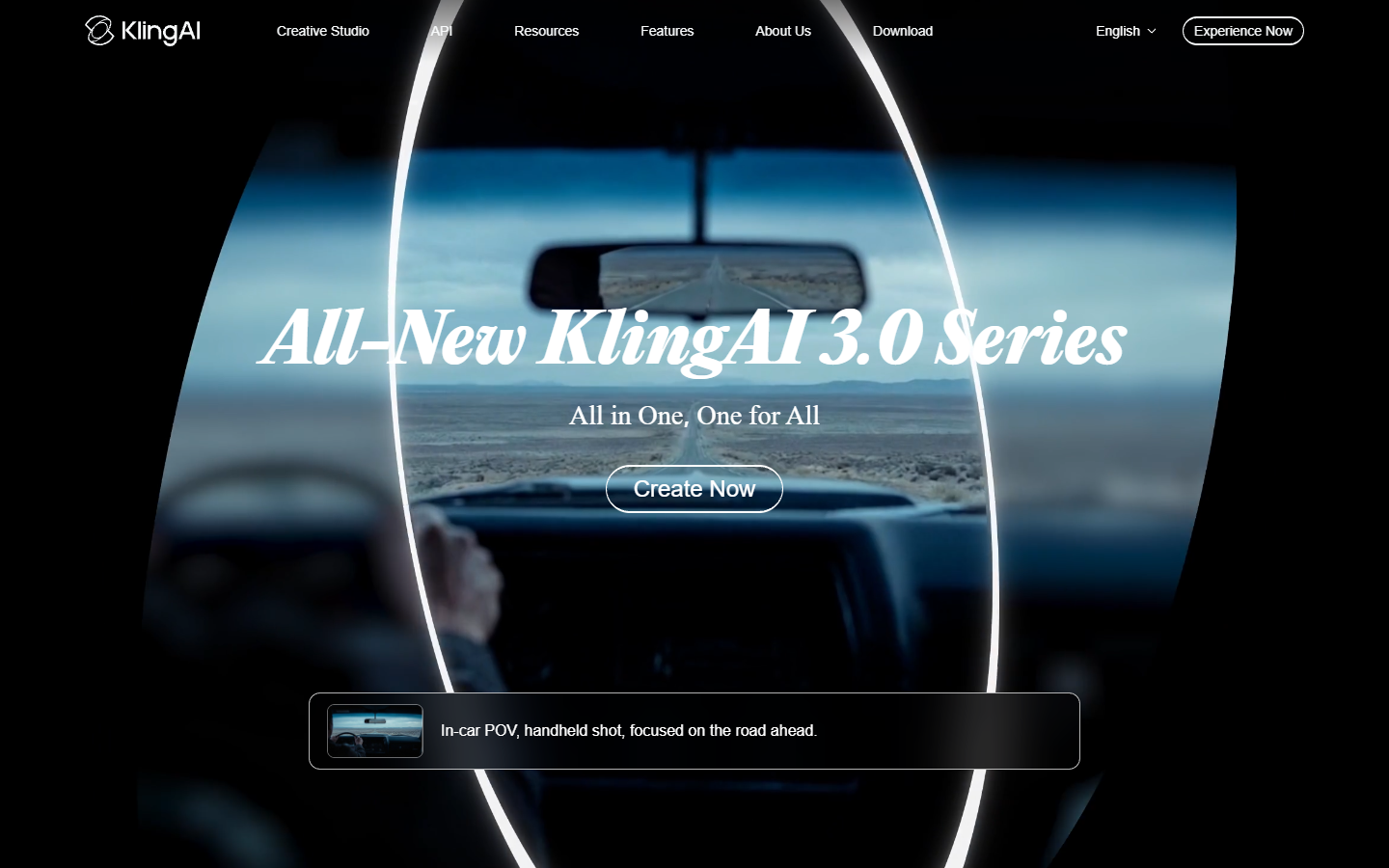
Kling has been the access and price leader through most of 2026, which makes it the sensible choice when you need forty variants of a product shot rather than one perfect one. Published rates move constantly, so check the current pricing page before you plan a batch.
Where it stops: quality per clip trails Veo and Runway on complex physical motion. It is a volume tool, and it is honest about that.
Verdict: best for testing many ideas cheaply before you commit to a final render.
6. Pictory
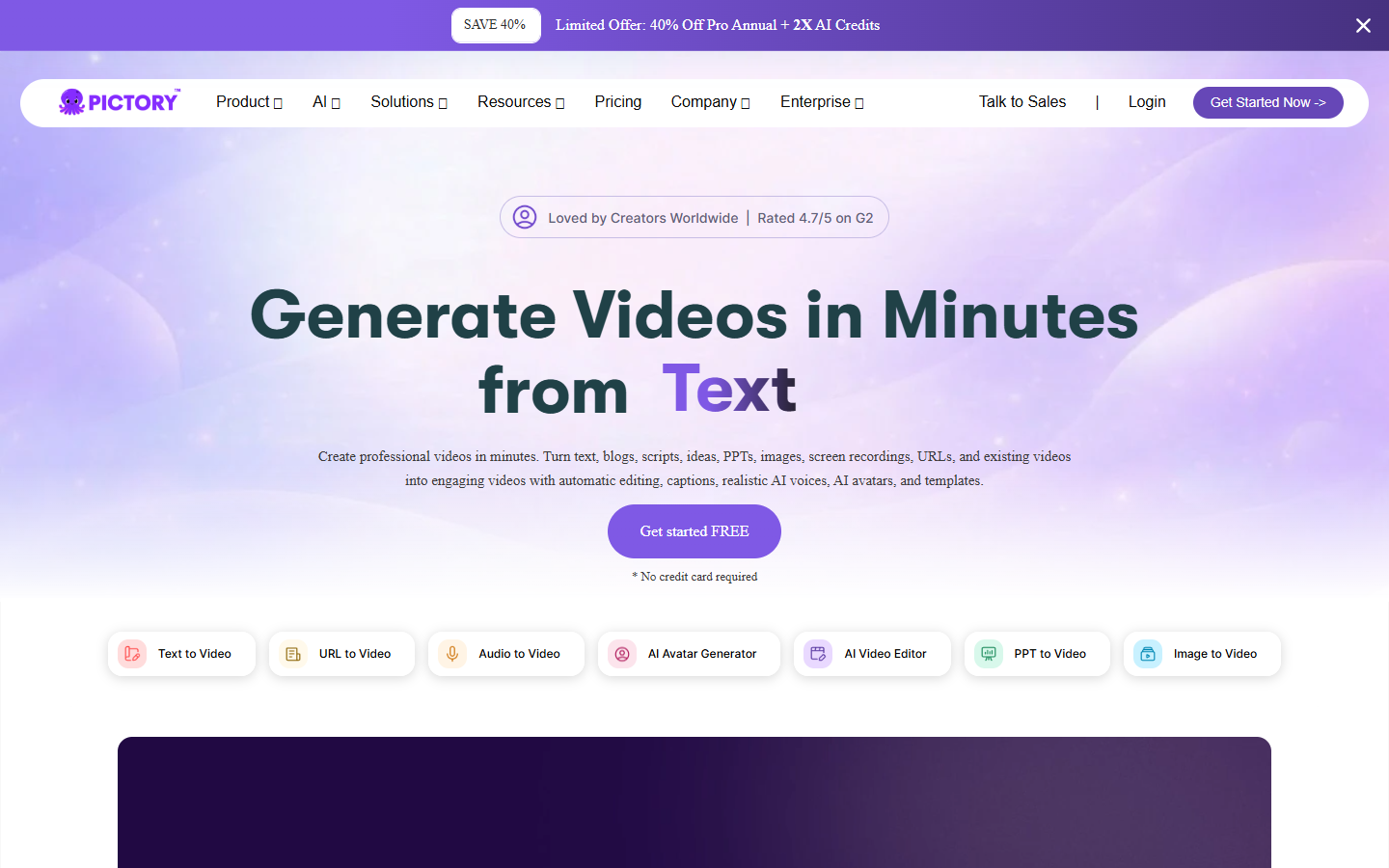
Pictory is built for content you already own. Paste a blog URL or a long script and it cuts the text down, narrates it, matches stock footage, and burns in captions. For a marketing team sitting on two years of posts, it is the fastest route to a video backlog.
Where it stops: the visual matching is keyword based, so it gets literal. Every third clip needs replacing by hand.
Verdict: best for repurposing written content at volume.
7. Motionbox
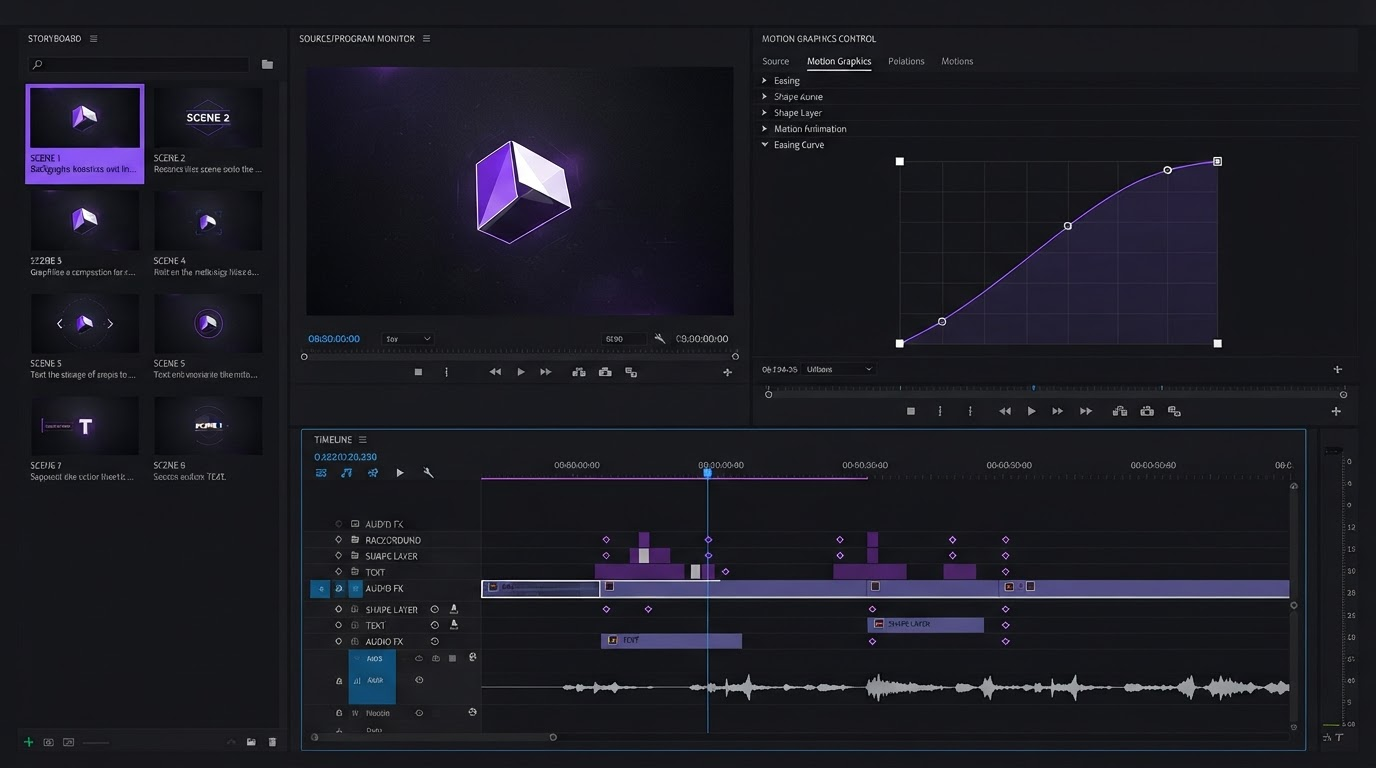
Everything above produces material. This is where the material becomes a video. Clips land on a timeline, captions get styled instead of burned in at default settings, keyframes and easing curves are editable rather than baked, and the same project exports to every aspect ratio you need. Agents handle the keyframing, you art direct. If the generated footage came back with no captions, adding subtitles to the video is a two minute job rather than a re-render.
Where it stops: it is not a generator. Bring your own footage, whether it came from a model or a camera.
Verdict: best for the last mile, which is the part every generator skips.
How to convert text to video, step by step
- Write the shot list, not the script. Generative models read one shot at a time. Break your paragraph into single actions, one per line, each with a subject, an action, and a camera position.
- Pick your route. Message led and long goes to script to video. Look led and short goes to prompt to clip. Mixing both in one video is fine, and common.
- Generate more takes than you need. Assume a third of them are unusable. Then merge the clips into one sequence so you are cutting a video rather than juggling files.
- Set the frame before you finish. Decide on 16:9, 9:16, or 1:1 first, because caption placement and safe margins change with it. A vertical cut needs its text well clear of the interface overlays.
- Caption, time, render. Captions carry sound off playback, which is most playback. Time them to the voiceover, not to the clip boundaries, then export.
The clip ceiling is the real cost
Run the arithmetic before you start. Most text to video models cap one generation at five to ten seconds, so a sixty second cutdown is six to twelve clips in the best case, and two or three attempts per shot pushes the same minute past twenty generations. At that count the bottleneck stops being model quality and becomes keeping track of which prompt made which file, which is the reason multi model canvases exist at all. wireflow.ai puts Kling, Veo, and Runway behind one prompt list on a single canvas, so a twenty shot board runs across all three and comes back as a comparable set rather than twenty downloads with hashed filenames.
The second half of that cost is assembly, and it is the half nobody budgets for. Twenty clips at five seconds is a hundred seconds of raw material for a sixty second video, which means trimming, ordering, and re-timing before a single caption exists. Plan for the edit taking as long as the generation.
Frequently asked questions
Can AI convert text into a video with sound?
Yes, but from two different places. Veo 3.1 generates audio alongside the picture in the same pass. Script to video tools like Synthesia and Pictory generate a voiceover from your text instead. If you need both a designed soundtrack and generated footage, you are mixing them yourself on a timeline afterwards.
How long can an AI generated video be?
A single generation is usually five to ten seconds. Full length videos are assembled from many of those, either by the tool or by you. Script to video tools sidestep the limit by stitching stock footage behind a voiceover, which is why they can hand back four minutes in one pass.
Do I need a full script or is a short prompt enough?
Depends on the route. Prompt to clip models want one shot per prompt, written concretely. Script to video tools want the whole narration, because the script is what drives the scene split. A script written for a human reader dropped straight into a generative model is the most reliable way to get a bad clip.
Can I still edit the video after the AI makes it?
Only if the tool gives you layers back. Most generators return a flat file, so the only edits available are the ones you make downstream in an editor. Bringing the clips into a timeline is what makes text, on screen titles, and timing adjustable again. Motionbox renders free with a watermark, so you can test the whole round trip before paying for anything.
Where to take it next
Choosing the model is the easy decision and the one most articles stop at. The harder one is what happens to the clips it hands back. Write the shot list first, generate more than you need, then put everything on a timeline where captions, timing, and aspect ratio are still yours to change. If the destination is vertical, build the 9:16 edit for TikTok before you caption rather than after. That is the difference between a clip and a video.
Founder of Motionbox and Gluely. Building tools for creators.