Video Ad Variant Generator: How to Ship 30 Ad Cuts From One Timeline
Volume wins on paid social, but hand cutting thirty versions of the same ad is how projects rot. Here is the timeline structure that lets one master edit fork into a full test batch without drifting.
A video ad variant generator is not a magic button. It is a production pattern: you build one master edit, mark the parts that are allowed to change, then render the same timeline over a list of hooks, captions, voiceovers, and end cards. The output is thirty files that share one look and disagree on purpose.
Most media buyers already know they need volume. What they usually lack is a timeline that can survive being forked thirty times without turning into thirty separate projects nobody can update. That is the real problem, and it is an editing problem before it is an AI problem.
In short
- Cut one master ad and lock everything that is not being tested (pacing, brand frames, safe areas, render settings).
- Isolate the variable layers: hook text, opening three seconds, voiceover track, caption style, end card.
- Write a variant sheet where each row is one combination of those layers.
- Render the sheet in batches, one aspect ratio at a time, using a strict file naming scheme.
- Kill losers weekly and fold the winning hook back into the master so the next batch starts from a better baseline.
Quick answer:
- A video ad variant generator produces many cuts of one ad by swapping a small set of marked layers (hook, caption, voiceover, end card) against a fixed master timeline.
- Three variables at two or three options each is the practical starting point. That is between eight and twenty seven cuts, which is enough signal for a first test week without flooding your ad account.
- The output that matters is an editable timeline, not a folder of baked MP4 files. If the winner cannot be reopened and forked again, you have to rebuild from scratch every round.
What actually changes when you generate variants
Manual variant work fails on the second round. You cut ten ads by hand, one wins, and then you discover the winner lives in a project file with layers named "text copy 4 final". Nobody can rebuild from it, so round two starts over.
Generating variants fixes that by inverting the unit of work. The unit stops being "an ad" and becomes "a master plus a variant sheet". The master holds every decision you are not testing: the cut points, the brand color, the logo timing, the safe-area padding for the platform. The sheet holds only the things in play. When you want a new batch, you add rows to the sheet, not files to a folder.
This also fixes a quieter problem. Hand-cut variants drift. The hook on cut 7 sits two frames later than the hook on cut 3, the caption on cut 11 uses a different font weight, and now your test is measuring inconsistency instead of message. A generated batch is frame-identical everywhere except the variable you chose, so the result means something.
Build a master timeline that can fork
Start by cutting one ad you would actually run. Not a template, not a rough. If the master is weak, every variant inherits the weakness and your test just ranks thirty versions of a bad ad.
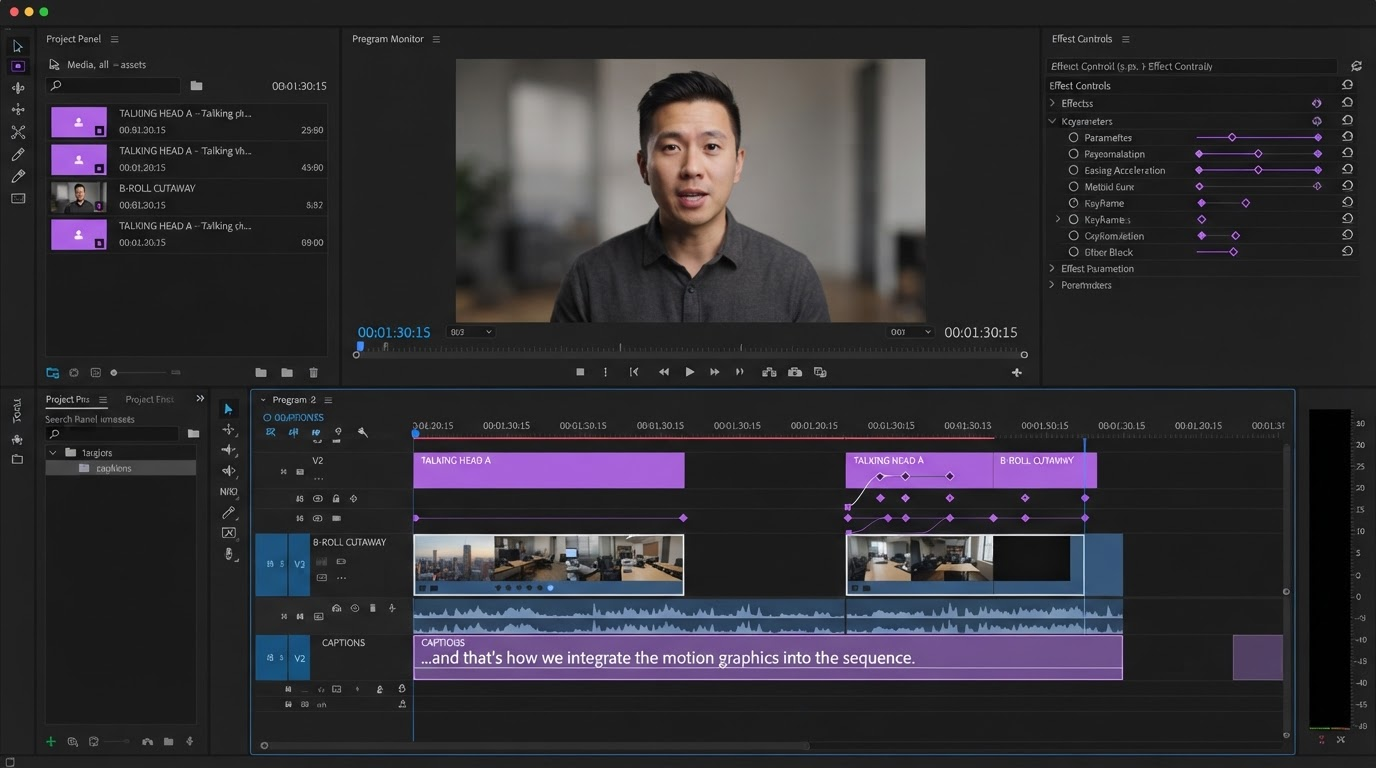
Then separate the timeline into two zones. The locked zone is your product footage, the pacing, the transitions, the end frame geometry, and the render preset. The variable zone is a small stack of layers sitting on top: a hook text layer in the first three seconds, a caption track, an audio track, and an end card. Keep the variable layers on their own tracks so a swap never touches the clips underneath.
The hook layer is where most of the lift lives. Put your opening line on a dedicated text layer with its own animation, so you can add text to a video at a fixed position and timing and change nothing else between cuts. Fixed position and fixed in and out timing are the whole point. If the hook animation differs per variant, you are testing the animation, not the words.
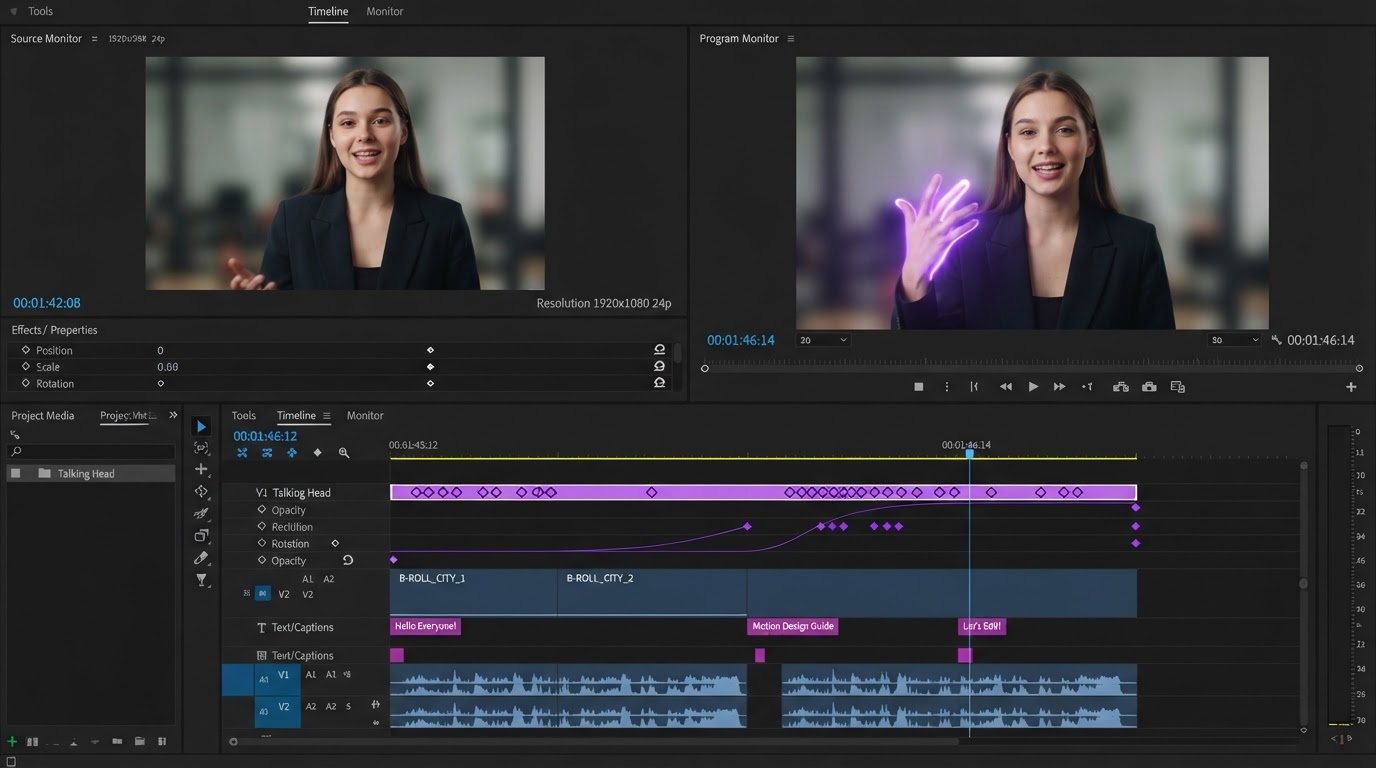
Captions deserve the same treatment. Burned-in captions change watch time on muted feeds, and the style itself (size, position, word highlighting) is a legitimate test variable. Generate the caption track once from the master voiceover, then build your alternates as style presets rather than re-transcriptions. Tools that let you add subtitles to a video automatically will give you a timed track you can restyle in seconds instead of retyping per cut.
The four variables worth testing first
You can test anything. You should not. Every extra variable multiplies your render count and divides your statistical power. These four earn their slot:
- Hook line (first 3 seconds). The highest-leverage variable by a wide margin. Test three: a problem statement, a result claim, and a direct question. Keep them all under nine words.
- Voiceover. Same script, different read. Male against female, fast against measured, scripted against conversational. Swapping the narration is a one-track change when you add audio to a video on a dedicated track rather than baking it into the clips.
- Caption style. Word-by-word highlight against full-line, top position against bottom third, all caps against sentence case.
- End card. Offer framing and CTA wording. This one moves cost per click more than it moves click through rate, so read it against the right metric.
Skip color grading, music, and transition style for round one. They rarely beat the hook, and they blow up your matrix.
Aspect ratios and the render math
A variant generator is really a render queue, and render queues punish sloppy math. Three hooks by two voiceovers by two caption styles is twelve cuts. Ship those in 9:16, 1:1, and 4:5 and you are at thirty six renders. Build the master in the tallest format first, because cropping down from 9:16 to 1:1 preserves your framing while going the other direction usually cuts off heads.
Set safe areas before the first render, not after. Platform UI eats the top and bottom of vertical placements, so anything inside roughly the top 14 percent or bottom 20 percent of a 9:16 frame risks being covered. A vertical layout like the Instagram stories ad template already accounts for the swipe-up zone, which saves you from discovering the problem in the ad preview.
Then name the files so future you can read the report. A scheme like productA_hook2_vo1_capB_9x16.mp4 maps straight back to your variant sheet. Ad platform reports give you file names and thumbnails, not your project structure, so the name has to carry the metadata or your winner is unidentifiable.
Where variant generation goes wrong
The most common failure is volume without a hypothesis. Rendering a hundred cuts from random permutations gives you a hundred underpowered tests and a budget spread too thin to resolve any of them. Pick one primary variable per round and hold the rest steady.
The second failure is the baked output trap. Many generators hand you finished video files and keep the composition on their side. That works until a claim changes, a price updates, or legal asks you to change one line. If the project returns to you as layers and tracks, a copy change is one edit propagated across the batch. If it returns as thirty MP4 files, it is thirty re-renders somebody has to sit through.
The third is tooling that cannot keep up with the cadence. Desktop compositing suites are excellent at single hero pieces and slow at batch iteration, which is why a lot of performance teams keep a browser-based editor alongside their After Effects alternative workflow for the high-volume paid social work. Use the heavy tool where craft compounds, and the fast tool where volume does.
Frequently asked questions
How many video ad variants should I launch at once?
Start with eight to twelve for a new offer. That is usually three hooks against two to four secondary variables. Fewer than eight rarely separates signal from noise, and more than about twenty splits your daily budget so thin that nothing exits the learning phase.
Do generated variants hurt ad account performance?
Not by themselves, but near-duplicate creatives compete against each other in the same auction. Keep visibly distinct variants in the same ad set and push genuinely different concepts into separate ad sets so the platform is not choosing between two versions of the same idea.
Can I generate variants from a static product photo?
Yes, and it is a reasonable starting point when you have no footage. Animate the still with a slow push, layer the hook text and captions on top, and treat the motion treatment as a locked element rather than a test variable. It will not beat real footage, but it produces testable cuts in an afternoon.
What is the difference between a variant and a new concept?
A variant changes a marked layer inside a fixed structure. A concept changes the structure itself: different footage, different narrative order, different offer. Variant testing tells you which phrasing of an idea works. Concept testing tells you which idea works. You need both, and you should not confuse a result from one for a result from the other.
How often should I refresh the master?
Every two to four weeks on an active spend account, or whenever the winning hook has clearly separated from the field. Fold the winner into the master, retire the losing variable options, and add one new variable to test. The master should get better every cycle rather than being rebuilt.
Where to go from here
Cut one ad you believe in, decide which three layers are allowed to move, and write the variant sheet before you render anything. The generator part is mechanical once those three decisions exist. The judgment is in picking what to test and being willing to throw out the twenty seven cuts that lose so the three that win get the budget.
Founder of Motionbox and Gluely. Building tools for creators.