Best AI Tools to Mass Produce UGC Ads in 2026
Generating fifty creator-style clips is the easy half. Turning them into ads a media buyer can actually run is the half that stalls teams. Here are the tools that handle real volume, and the finishing pass that makes the volume worth something.
Mass producing UGC ads is not one job. It is two. The first job is generating raw creator-style footage, and a dozen AI tools now do that well enough to fill a folder with fifty clips before lunch. The second job is turning those clips into ads that a media buyer can actually run, which means hooks trimmed to the frame, captions burned in, aspect ratios cut for three placements, and a brand kit applied the same way across every variant. Most roundups only cover the first job, so teams buy a generator, produce forty raw reads, and then stall in the editor.
This list ranks the tools that genuinely handle volume, and then covers the finishing pass that decides whether the volume is worth anything. If you already produce short-form ads, treat the generator as your footage supplier and your timeline as the factory.
The list at a glance
- Arcads - best for high volume AI actor reads from a written script
- Creatify - best for turning a product URL into batches of ecommerce ads
- HeyGen - best for localizing one winning script into many languages
- Captions - best for cheap avatar tests with a caption pass included
- Synthesia - best for brand controlled output with a review step
- Higgsfield - best for generative b-roll and product motion between talking-head beats
Quick answer:
- Use Arcads or Creatify when you need raw creator-style reads at volume, and HeyGen when the same script has to ship in six languages.
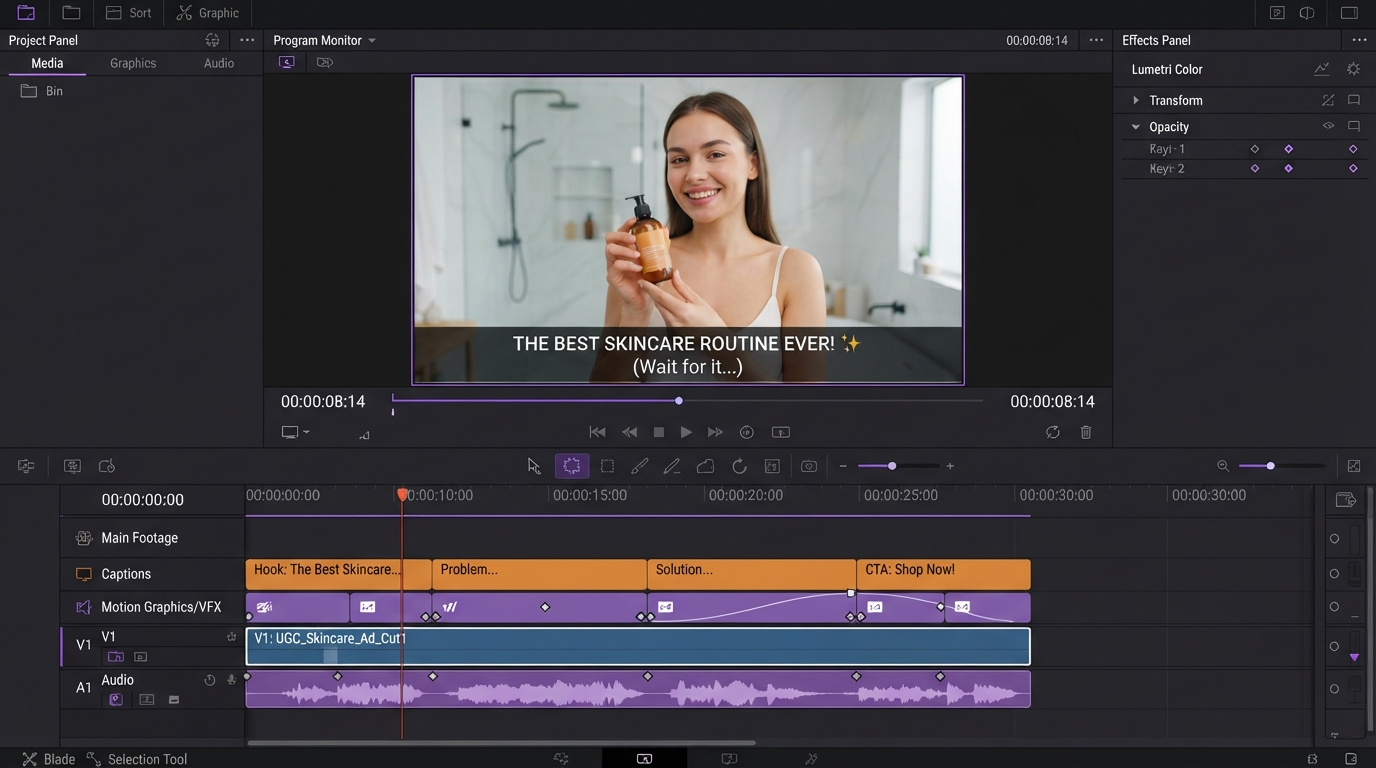
- Generation is the cheap half. Budget most of your time for the finishing pass: hook trim, burned-in captions, safe-area checks, and 9:16 plus 1:1 plus 4:5 exports of every winner.
- Keep variants on a timeline instead of in a folder of MP4s, so a hook swap is a one-layer edit rather than a full regeneration.
What actually breaks when you scale to thirty variants a month
The 2026 baseline for a brand testing seriously is roughly fifteen to thirty fresh variants a month. Nothing about that number breaks a generator. It breaks the steps after it.
Three failures repeat:
- Hook drift. The generator reads your script literally, so the first 1.5 seconds land differently in every take. Ads live or die there, and fixing it means trimming per clip, not regenerating.
- Caption inconsistency. Every tool styles captions differently. Thirty ads with four caption styles read as thirty unrelated brands. A single burned-in subtitle pass over the whole batch fixes it in one place.
- Aspect ratio rework. A 9:16 avatar clip cropped to 1:1 puts the caption block over the speaker's mouth. Reframing is a layer adjustment, not a re-render, if the project is still editable.
The practical rule: generate once, finish many times. Anything you can push into the finishing stage stays cheap to change.
The six tools, ranked
1. Arcads
Arcads is the closest thing to a volume machine for avatar reads. You paste a script, pick from a large library of AI actors across ages and delivery styles, and get back a creator-style read per actor. Because the actor pool is the variable, you can test the same script across ten faces and find out whether the hook or the presenter was the problem.
Output is a talking head against a simple background, so product demonstration has to come from footage you cut in afterwards. Plan on pairing every Arcads read with b-roll layers that show the product doing the thing the script claims.
2. Creatify
Creatify is built around the product URL. Paste a listing, and it scrapes images, copy, and price, writes a script, and renders an ad. For ecommerce catalogs it is the fastest path from SKU to first draft, and batch mode means one session can cover a whole category.
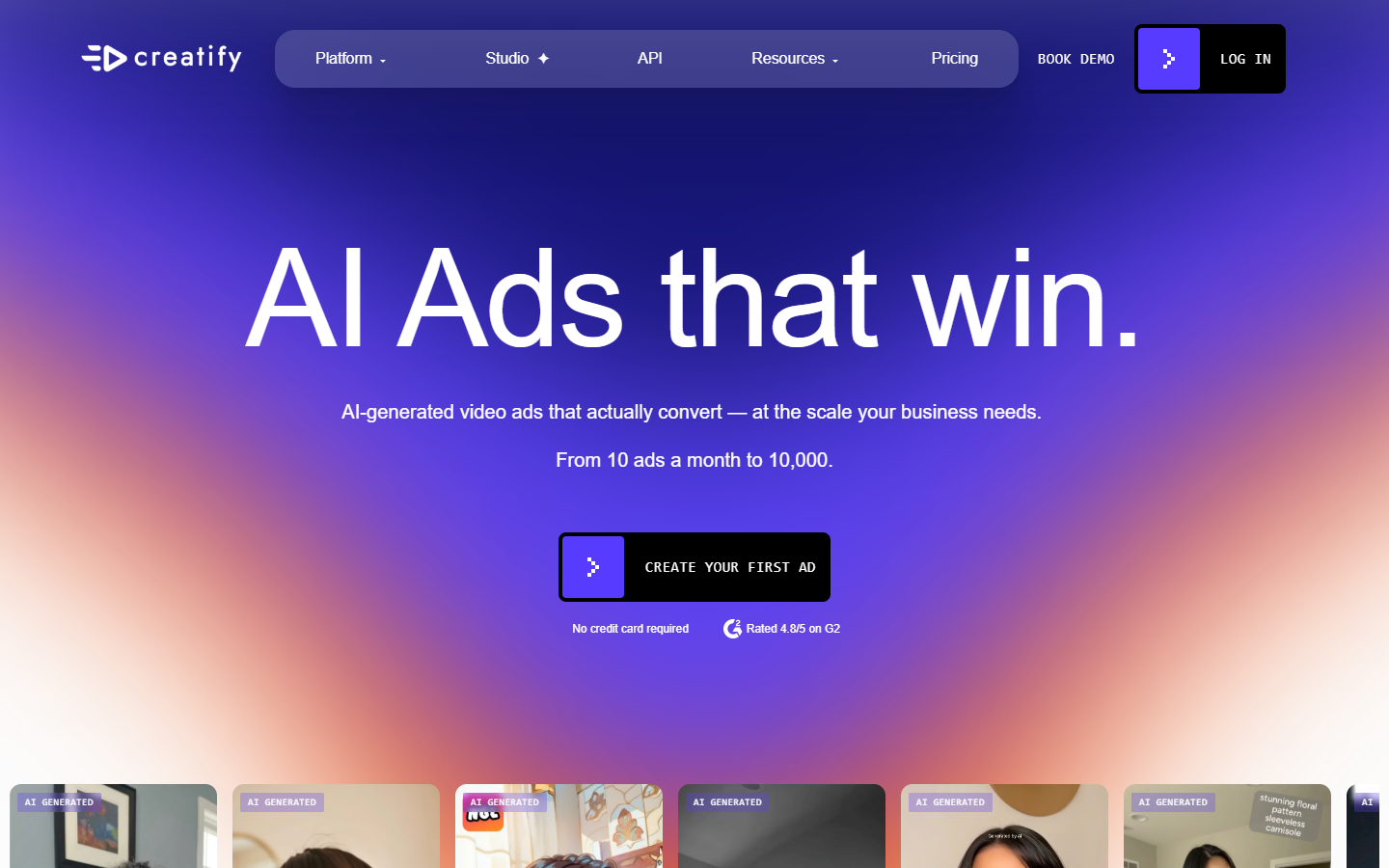
The tradeoff is sameness. Scraped copy produces scripts that read like a product page, and a run of twenty ads from the same catalog will share phrasing. Rewriting the first line by hand before you render is usually worth more than any post-production fix.
3. HeyGen
HeyGen earns its place on localization. Once a script wins in English, HeyGen can produce it in dozens of languages with matched lip sync, which turns a single validated creative into a full market rollout rather than a translation project.
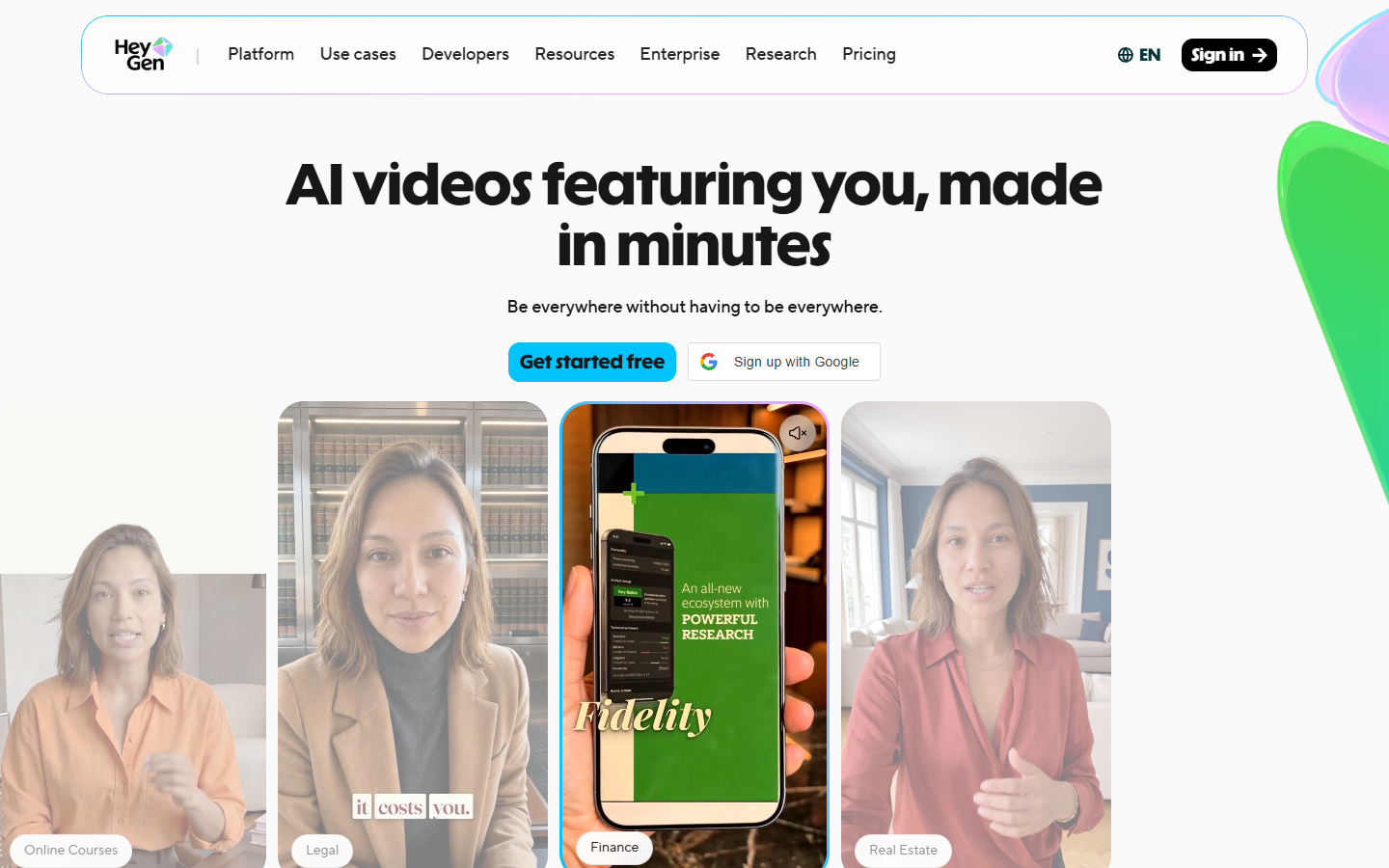
Localized runs are where caption discipline matters most. German text runs roughly a third longer than English, so a caption box sized for the English cut will overflow. Set the caption layer once with the longest language in mind and reuse it.
4. Captions
Captions starts at the lowest price point on this list and includes a caption engine, which makes it the sensible tool for early testing when you do not yet know whether the concept works.
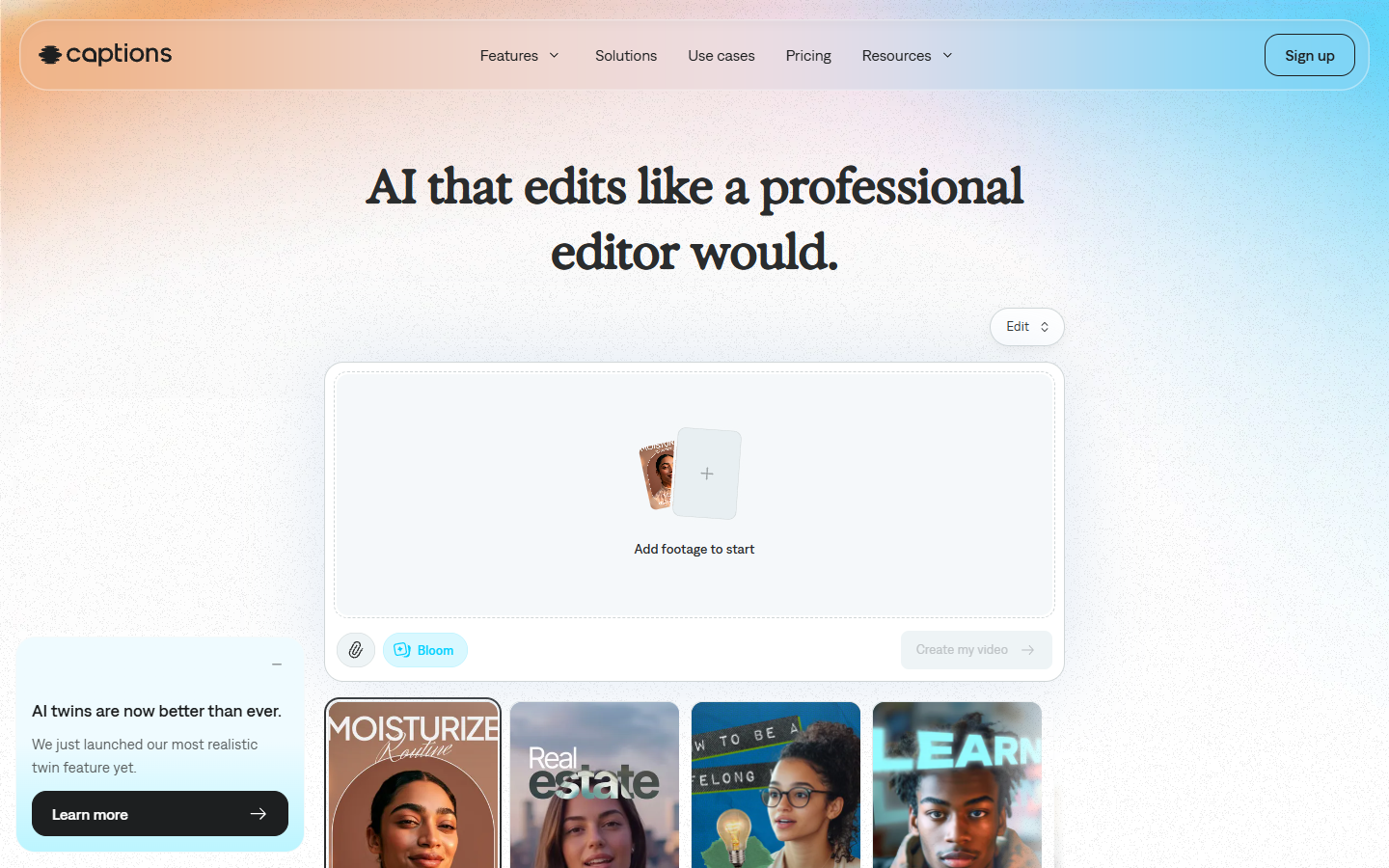
Its caption styles are strong defaults but they are its defaults, not yours. If you ship Captions output straight to an ad account alongside clips from other tools, the mismatch is visible. Strip the built-in captions and re-add your own if the batch mixes sources.
5. Synthesia
Synthesia is the enterprise pick. Brand kits, workspace permissions, and a review step before publish matter more than raw speed once legal or a client has to approve creative.
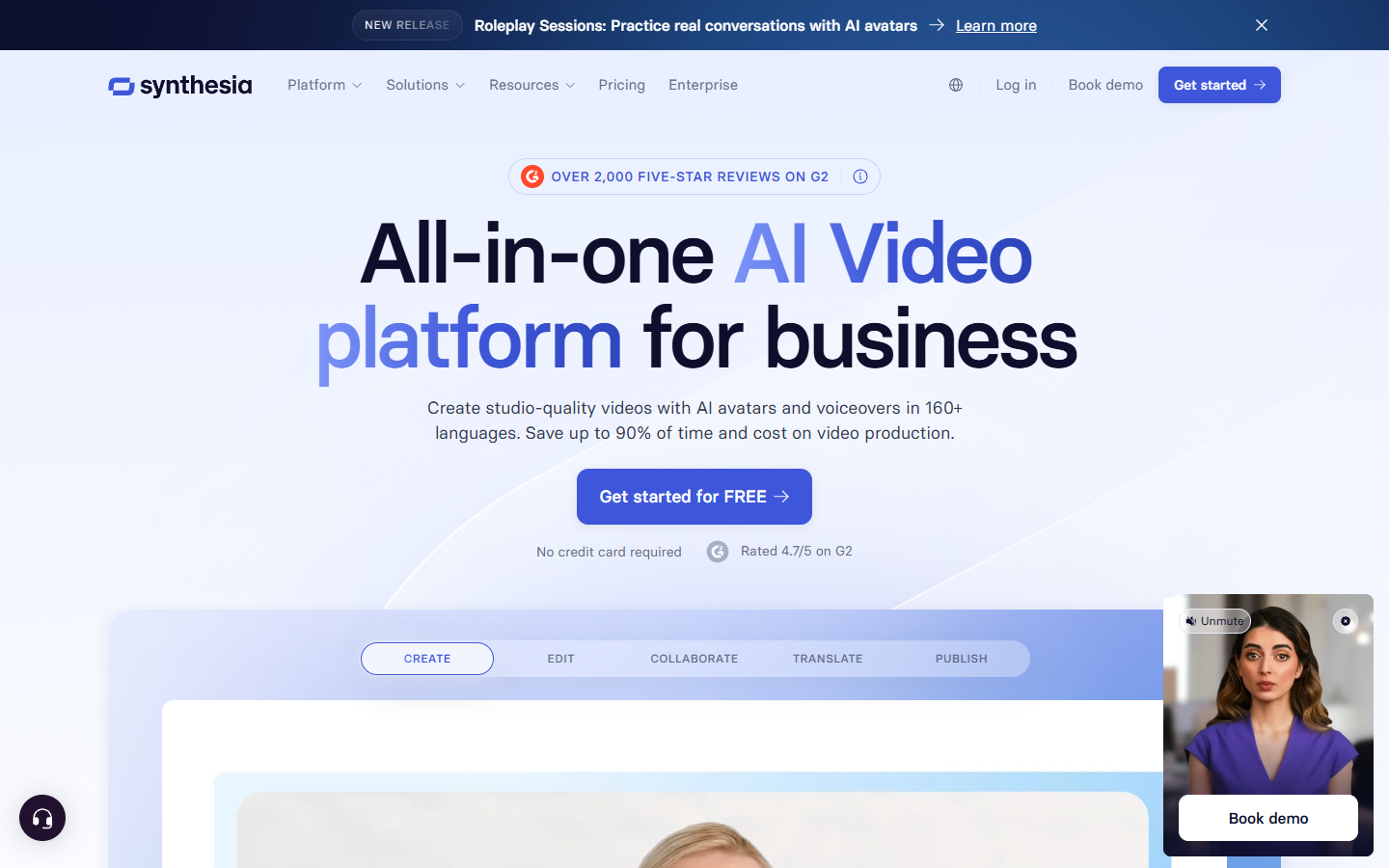
Its avatars read corporate rather than casual, which is correct for B2B and software but wrong for the handheld, slightly messy look that performs on TikTok. Match the tool to the register you need instead of forcing one tool across both.
6. Higgsfield
Higgsfield is not an avatar tool, and that is why it belongs here. Generative video is the cheapest way to produce the product motion, texture shots, and abstract cutaways that break up a talking head. Those three second inserts are what stop a UGC ad from looking like a webcam recording.
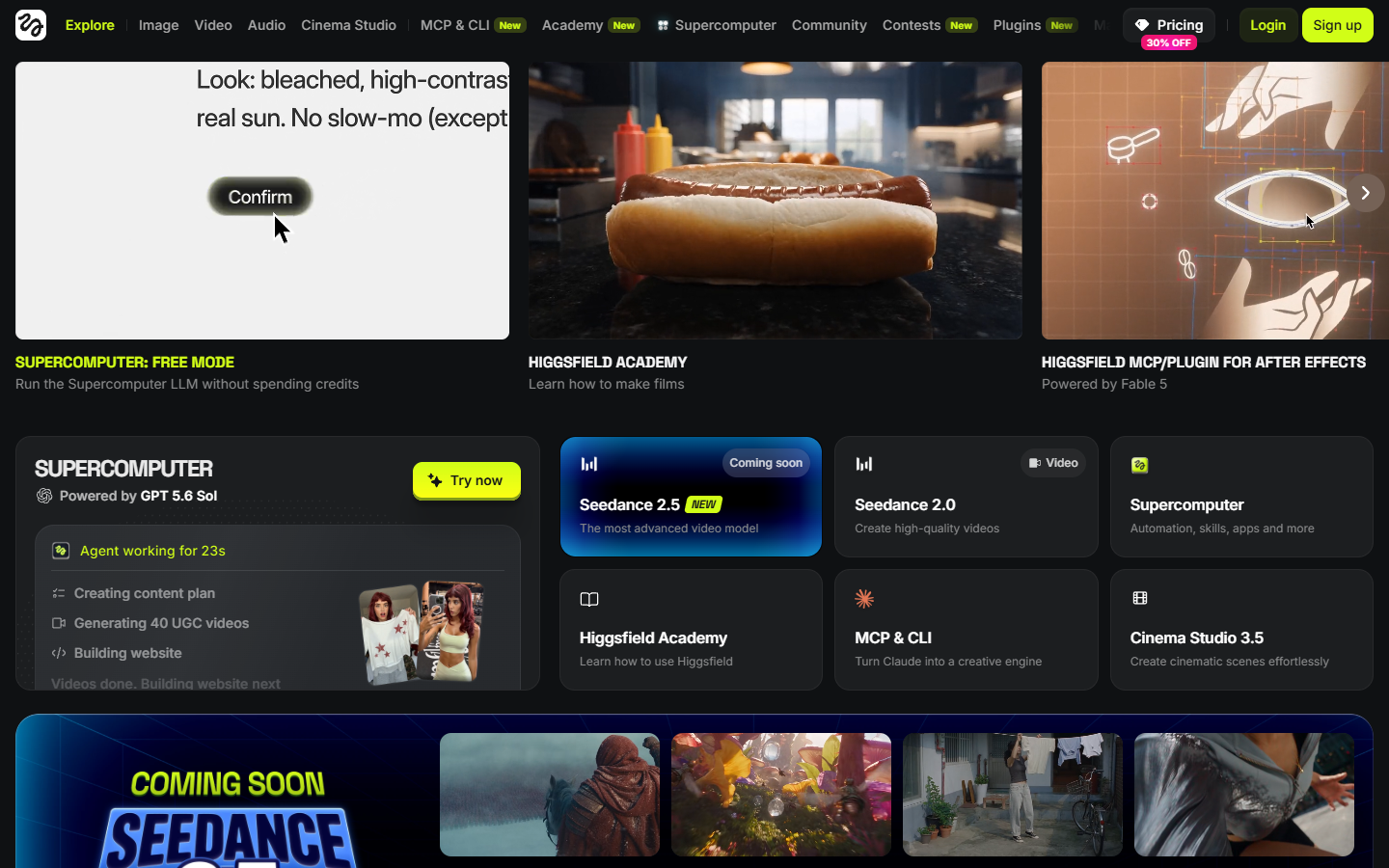
Treat generated shots as b-roll, never as the whole ad. Two or three seconds under a voiceover reads as production value. Twelve seconds of it reads as a stock loop, and viewers scroll.
The finishing pass is where performance is won
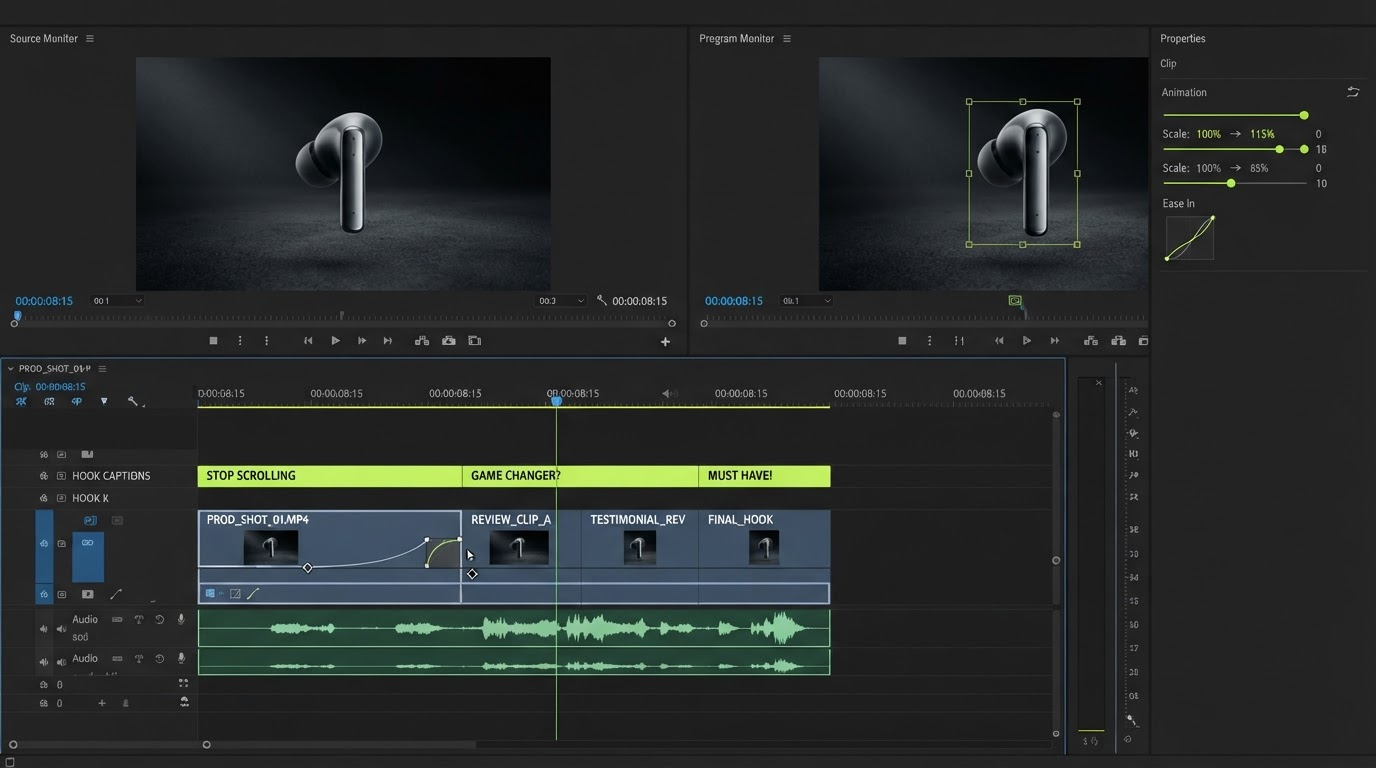
Run this as a single timeline session for the whole batch, not per clip.
- Trim the hook to the frame. Cut dead air before the first word. Most avatar output has 200 to 400ms of it, and that is a measurable drop-off.
- Burn captions once, for the batch. One style, one position, one safe area. Consistency reads as a brand.
- Add product proof. Drop two or three b-roll inserts over the claims. Real footage beats generated footage here when you have it.
- Cut the ratios. Export 9:16, 1:1, and 4:5 from the same project. Reframe the subject per ratio instead of centre-cropping.
- Apply the brand kit. Same font, same accent colour, same end card across every variant.
Do this on an editable timeline and step four costs minutes. Do it in a generator that only returns baked MP4s and step four costs a re-render per ratio. The distinction between an editable project and a finished file is the single biggest lever on how many variants a small team can actually ship, which is also why short-form vertical editing belongs in the workflow rather than bolted on at the end.
Build a variant matrix, not a folder of files
Stop thinking in ads and start thinking in a matrix: hooks down one axis, bodies across the other. Five hooks against four bodies is twenty variants from nine recorded pieces, and every cell is a two layer edit.
That structure only works if your source assets are organized upstream. Teams running the highest volume usually chain script generation, image models, avatar video, and voiceover in one repeatable pipeline rather than opening five tabs, and an AI ad generation workflow platform is the practical way to keep that chain reproducible when the same brief has to run again next month.
Here is that chain running for real. Claude Code drives a public workflow API, builds the product ad workflow once, and leaves forty ad variants finished overnight.
Once the raw pieces exist, the matrix lives on the timeline. Each hook is a clip on the top track. Swapping it produces a new ad without touching anything below. When a hook wins, you already have it paired against every body, so scaling the winner is a matter of exporting cells rather than briefing a new shoot. If you are producing for a catalog rather than a single SKU, the same matrix logic applies per product through a product video workflow.
Frequently asked questions
Which AI tool produces the most UGC ads per hour?
Creatify and Arcads are the volume leaders. Creatify wins when your input is a product catalog, because a URL becomes a draft with no scripting step. Arcads wins when your input is a script you already trust and you want it read by many different actors.
Do AI UGC ads perform as well as real creators?
For direct response testing, they perform well enough to be the right tool for finding a winner cheaply. Real creators still outperform on trust-heavy categories and on anything requiring genuine product demonstration. A common pattern is testing hooks with AI, then paying a real creator to shoot only the concept that won.
How many variants should I produce per month?
Fifteen to thirty is the working baseline for a brand with meaningful spend. Below that you cannot separate creative signal from noise. Above it, production quality usually slips unless the finishing pass is templated.
Do I still need a video editor if the AI generates the ad?
Yes, and that is the part these tools do not replace. Generators produce clips. Ads need hook trims, consistent captions, b-roll, ratio variants, and a brand kit. A browser-based timeline covers that pass without a desktop install, and the broader landscape is worth understanding before you commit, which the AI video generation guide covers in more depth.
Can I edit AI generated ads after they are rendered?
Only in limited ways if all you have is an MP4. You can trim and add overlays, but you cannot change the framing, timing, or layer order cleanly. This is the argument for keeping work in an editable project until the last step, so the render is the final action rather than the first.
The takeaway
Pick the generator that matches your input. A catalog points you at Creatify, a validated script points you at Arcads, a global rollout points you at HeyGen. Then assume the tool has done half the job. The other half is a repeatable finishing pass on a timeline, and it is the half that determines whether thirty variants read as thirty tests or as thirty rough drafts.
Founder of Motionbox and Gluely. Building tools for creators.