Best Bulk Video Ad API Tools in 2026
Hand editing stops working somewhere around the fiftieth variant. These are the APIs that take a brief, a product feed, or a spreadsheet and return finished video ads at volume, ranked by what they actually hand back.
Shipping one video ad is an afternoon. Shipping four hundred is an engineering problem. The moment a client asks for every SKU in three aspect ratios, two hooks, and four caption languages, hand editing stops being an option and the question becomes which API you point your script at.
Ranking criterion: a tool scores higher when one authenticated call can produce a full variant matrix (footage, text, aspect ratio, language) without a human opening a timeline, and when the output is inspectable rather than a mystery MP4.
The list at a glance
- Wireflow. Best for generating the footage and variants that do not exist yet, before anything renders.
- Creatomate. Best for template driven bulk renders with a spreadsheet as the input.
- Shotstack. Best for developers who want full JSON timeline control at scale.
- Plainly. Best for teams whose brand system already lives in After Effects projects.
- JSON2Video. Best for cheap scripted renders where cost per clip matters most.
- Bannerbear. Best for mixed image and short video output from one integration.
- Creatopy (The Brief). Best for marketing teams who want a UI first and the API second.
- Smartly.io. Best for enterprise advertisers who need creative and media buying in one contract.
Quick answer:
- Most bulk video ad APIs are render engines. Give them a template plus a data row, get a finished file back, and they assume the footage already exists.
- Pick by input shape. Spreadsheet in favours Creatomate and Plainly. Code in favours Shotstack and JSON2Video. Prompt in favours a generation layer upstream of all of them.
- Budget two numbers: render minutes per month and cost per finished variant. A 400 variant matrix at 30 seconds each is 200 render minutes, which is where most starter plans run out.
1. Wireflow
Wireflow is a visual canvas you wire together and then publish as a callable endpoint. It sits one step earlier than the render APIs below. Its pitch is filming one take and generating every version of it, swapping the creator, the outfit, or the product on the same frames, which is exactly the shape of an ad variant matrix.
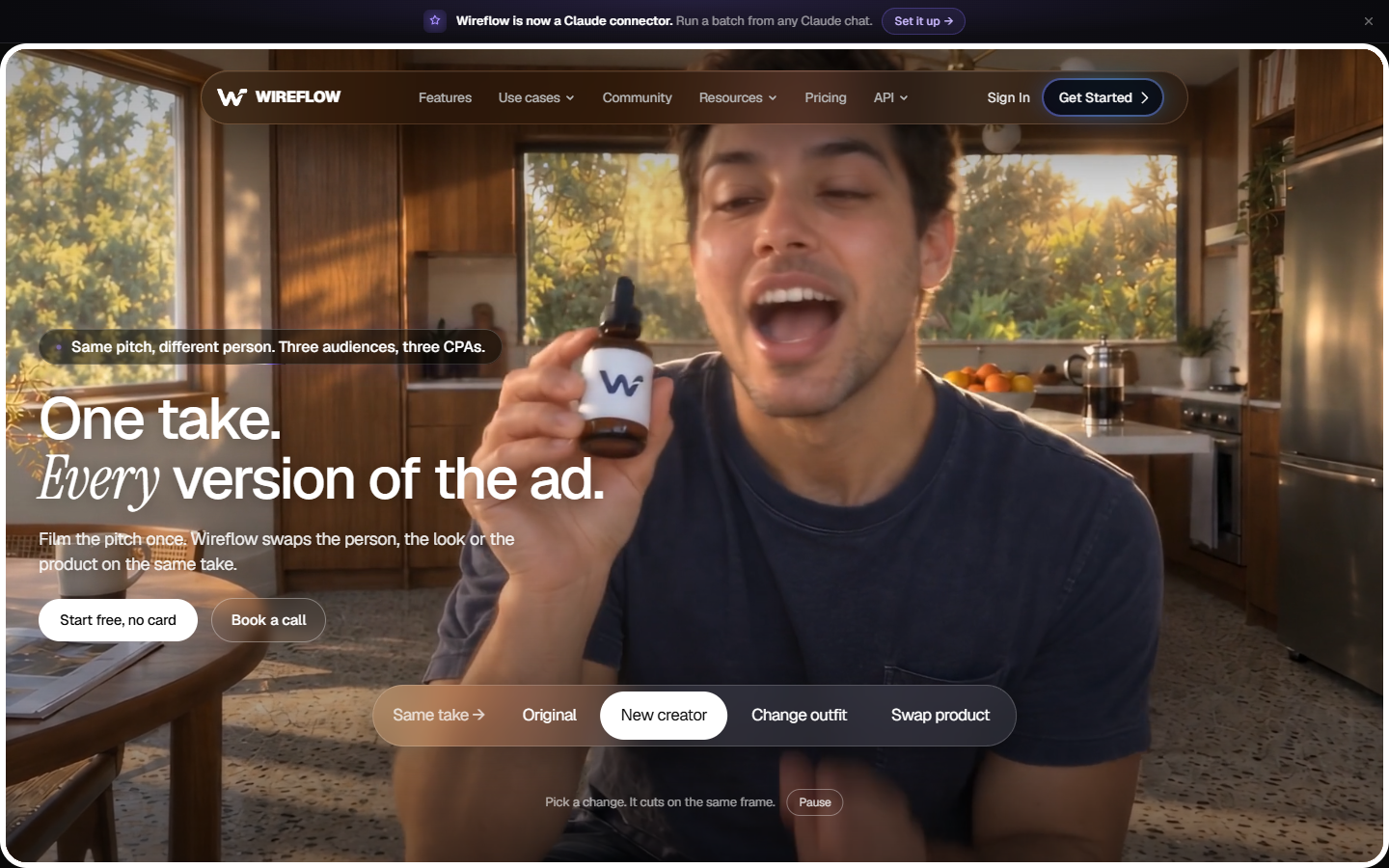
That matters for ad work. A catalogue of two thousand products rarely has two thousand video assets behind it. It has two thousand stills. Turning those stills into motion is a generation job, not a compositing job, and it is the step most render APIs skip.
Verdict: best for teams whose bottleneck is missing footage rather than missing render capacity. If your assets already exist, one of the tools below is a shorter path. Once generated clips exist, video ad templates give you a consistent frame to drop them into.
2. Creatomate
Creatomate is the closest thing the category has to a default. You design a template in its browser editor, mark the parts that change, then POST a JSON array where each object is one variant. It returns rendered MP4 or GIF files and fires a webhook when the batch finishes.
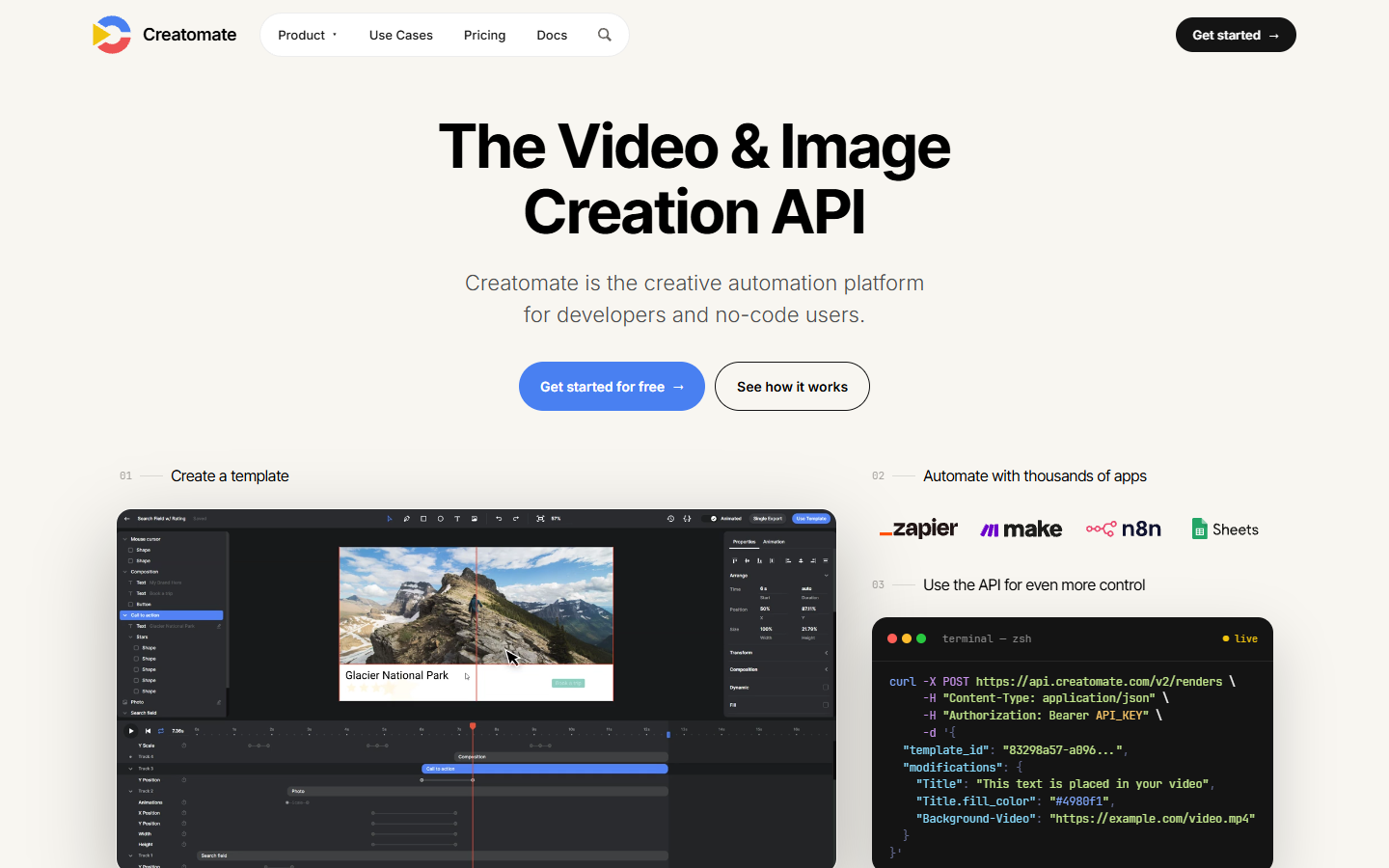
Where it wins is the non developer path. A media buyer can update a Google Sheet and trigger a few hundred renders through Zapier or Make without touching code. Text auto sizing and conditional element visibility handle most of the variant logic you would otherwise script.
Verdict: best for template driven bulk renders where the inputs live in a spreadsheet. The trade is control. Anything the template designer did not expose as a modification stays fixed for the whole batch.
3. Shotstack
Shotstack treats the edit itself as JSON. You describe tracks, clips, offsets, transitions, and effects in a payload, send it to the render endpoint, and poll for the result. There is no template to design first, which is the point.
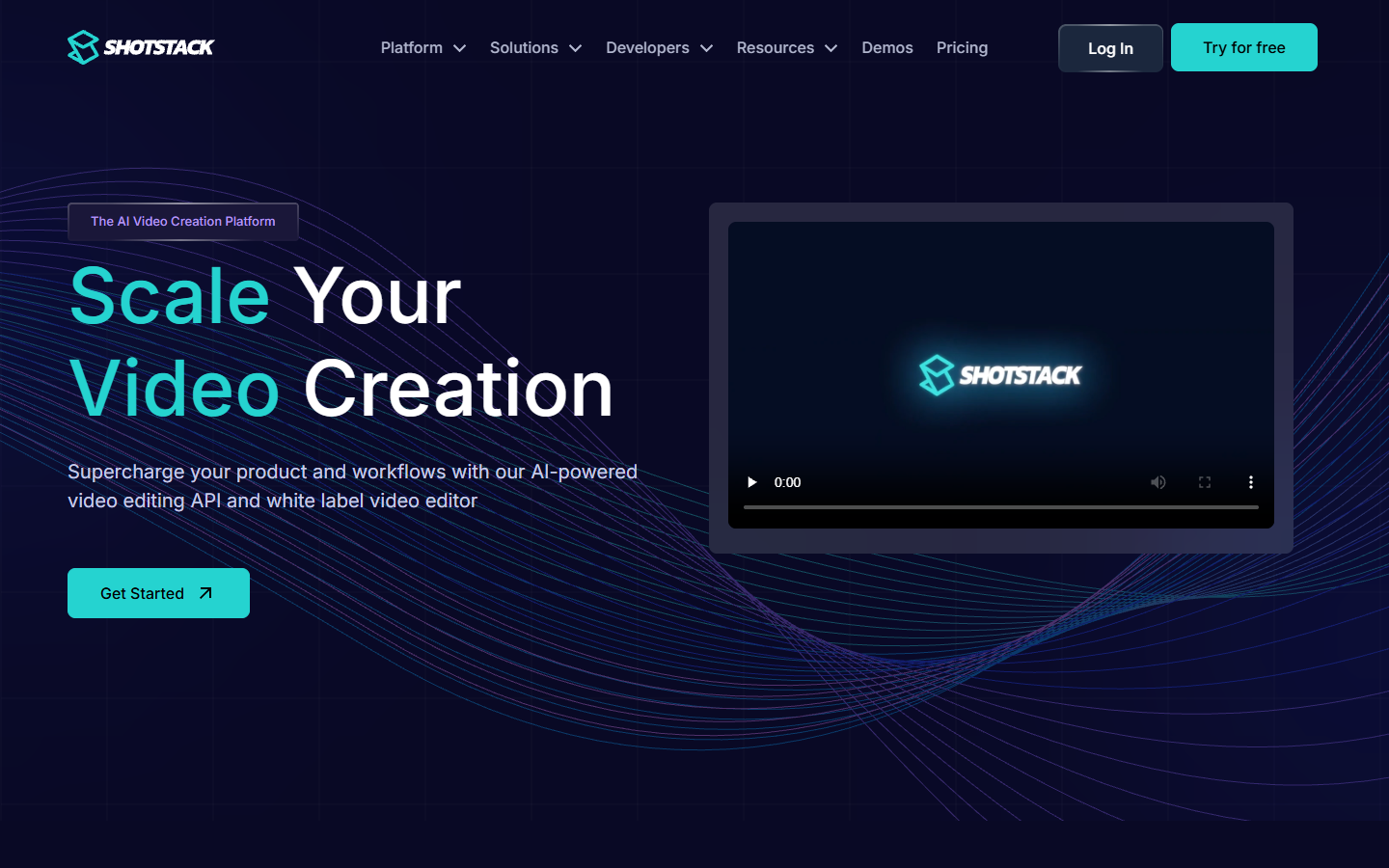
For ad matrices with real structural variety, this is the flexible option. A fifteen second cut with three product shots and a nine second cut with one are different timelines, not different values in one template, and Shotstack handles both from the same code path.
Verdict: best for developers who want the timeline as a data structure. The cost is that someone has to write and maintain that timeline builder, and marketers cannot self serve.
Where render APIs stop and generation starts
Every tool here shares one assumption worth naming: the footage already exists. Template APIs are good at placing your clip, logo, and headline into a frame, and unable to produce a clip you never shot. A catalogue with stills and no video stalls at step zero no matter how fast the renderer is. The upstream fix is a generation step that turns briefs and reference images into usable clips before the render call runs, and a full walkthrough of that pattern lives at wireflow.ai.
Most teams land on two layers. Layer one generates or sources the raw clips. Layer two assembles, captions, and resizes them into platform specific variants. Keeping those separate means you can swap either without rebuilding the other. A product video maker is a reasonable place to prototype layer two by hand before you automate it.
4. Plainly
Plainly renders After Effects projects in the cloud. You upload the .aep file, map its dynamic layers to parameters, and call the API with data. Everything your motion designer built stays intact, including expressions, precomps, and third party plugin effects.
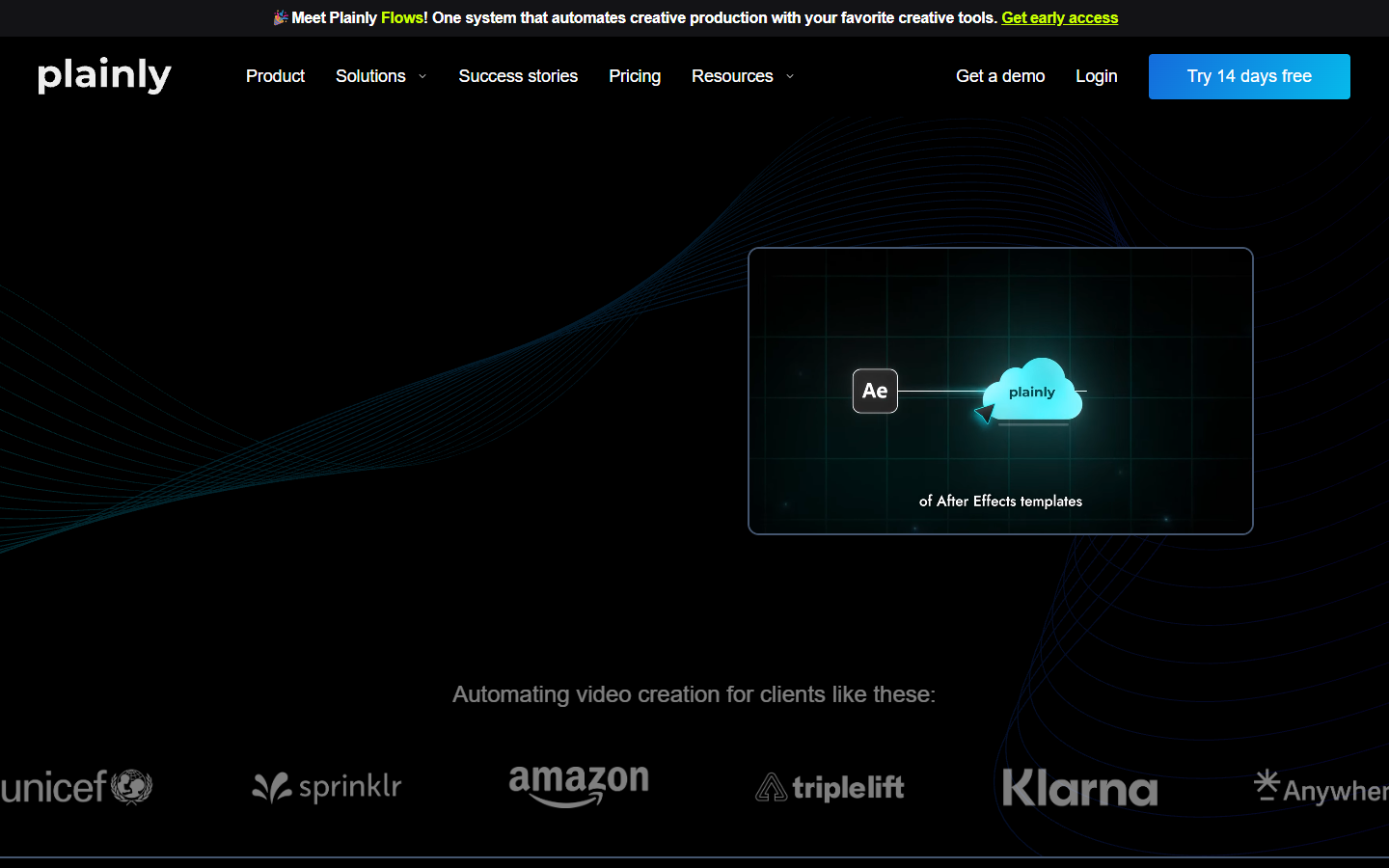
This is the right answer when the brand system is already an After Effects project and redrawing it in a web editor would lose fidelity. It is the wrong answer when nobody owns After Effects, because you inherit the whole authoring stack as a dependency.
Verdict: best for teams with existing After Effects assets and a designer to maintain them. Render times run longer than web native engines, so plan for queue depth.
5. JSON2Video
JSON2Video is a lean API that turns a JSON movie description into a finished file. Scenes, elements, text, audio, and subtitles are all declared in one payload, and pricing is built around volume rather than seats.
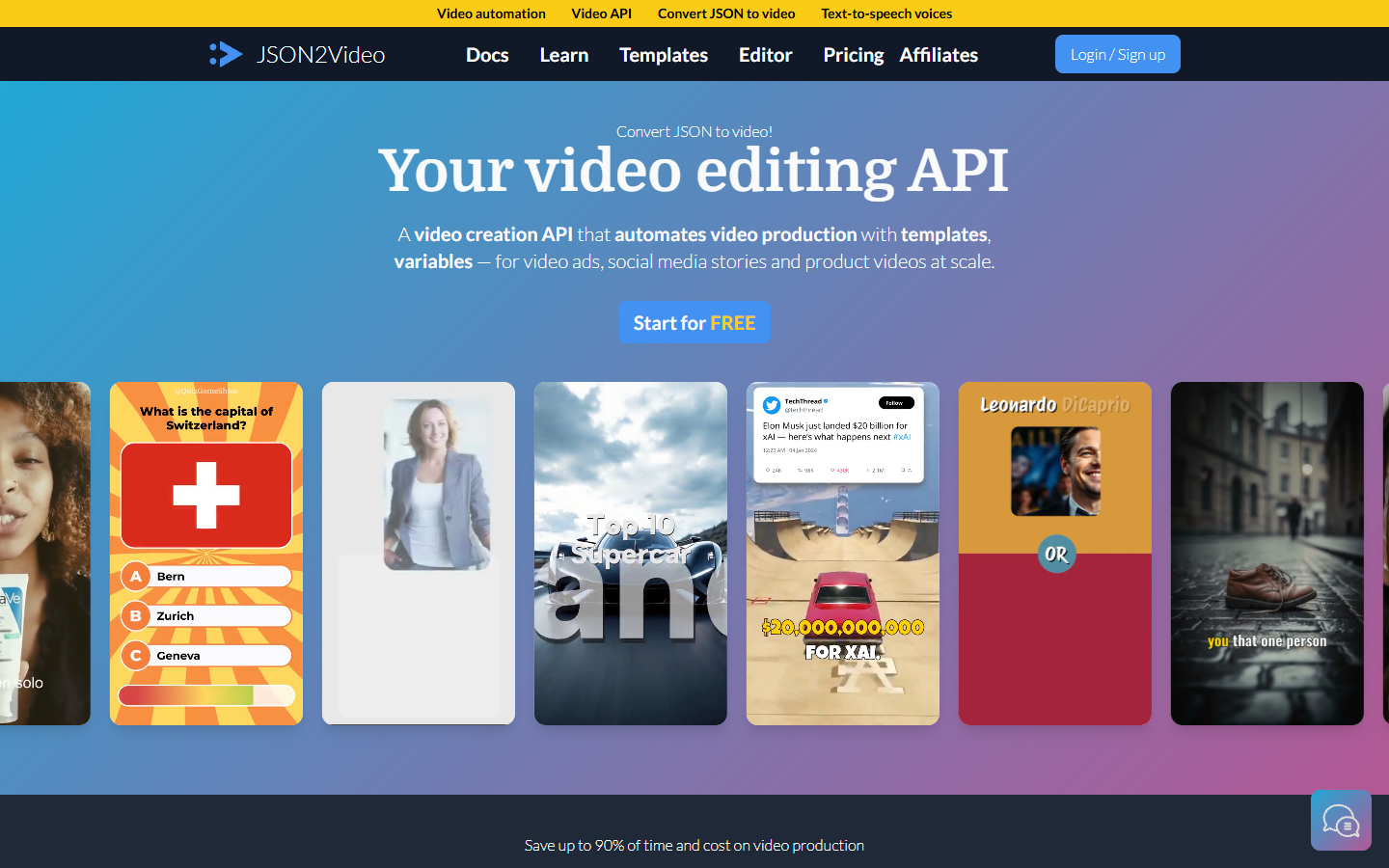
Check it when cost per finished clip is the deciding number. Subtitle generation is built in, which removes a second vendor, though the styling controls are narrower than a real caption editor. If subtitle polish matters, compare its output against a dedicated video subtitle tool first.
Verdict: best for high volume scripted renders on a tight budget. Fewer editorial niceties, fewer surprises on the invoice.
6. Bannerbear
Bannerbear began as an image generation API and added short form video later. For campaigns that ship a static set and a motion set from the same data, the single integration is the real saving.
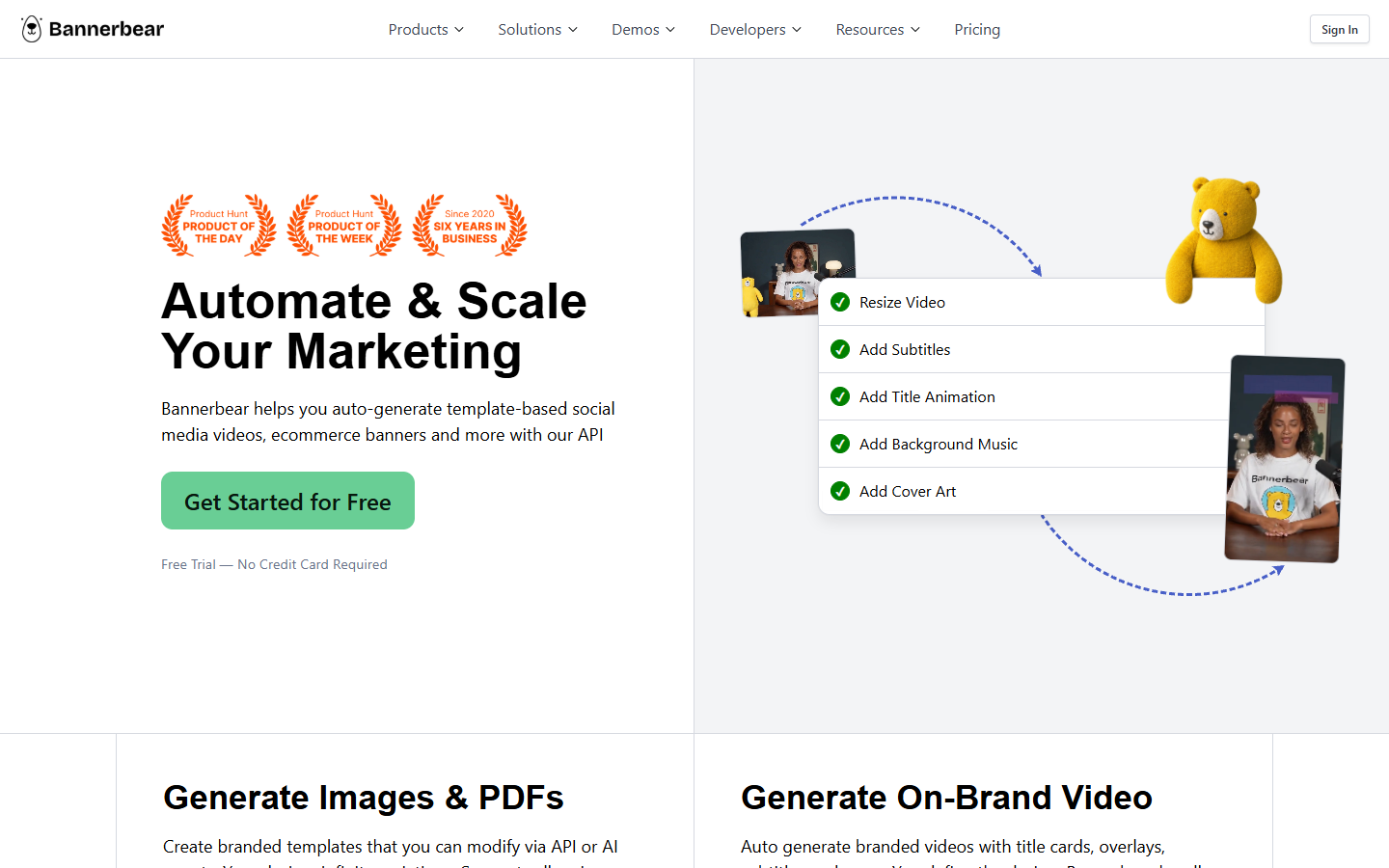
Treat it as an image tool with video attached. Simple overlays, animated text, and slideshow style clips are comfortable. Multi track edits with precise timing are not what it was designed for.
Verdict: best when the same campaign data has to produce both banners and short clips.
7. Creatopy, now The Brief
Creatopy has rebranded to The Brief and sells creative automation to marketing teams first, with the API second. The platform covers brand kits, size sets, bulk generation across dozens of placements, and direct publishing to ad networks.
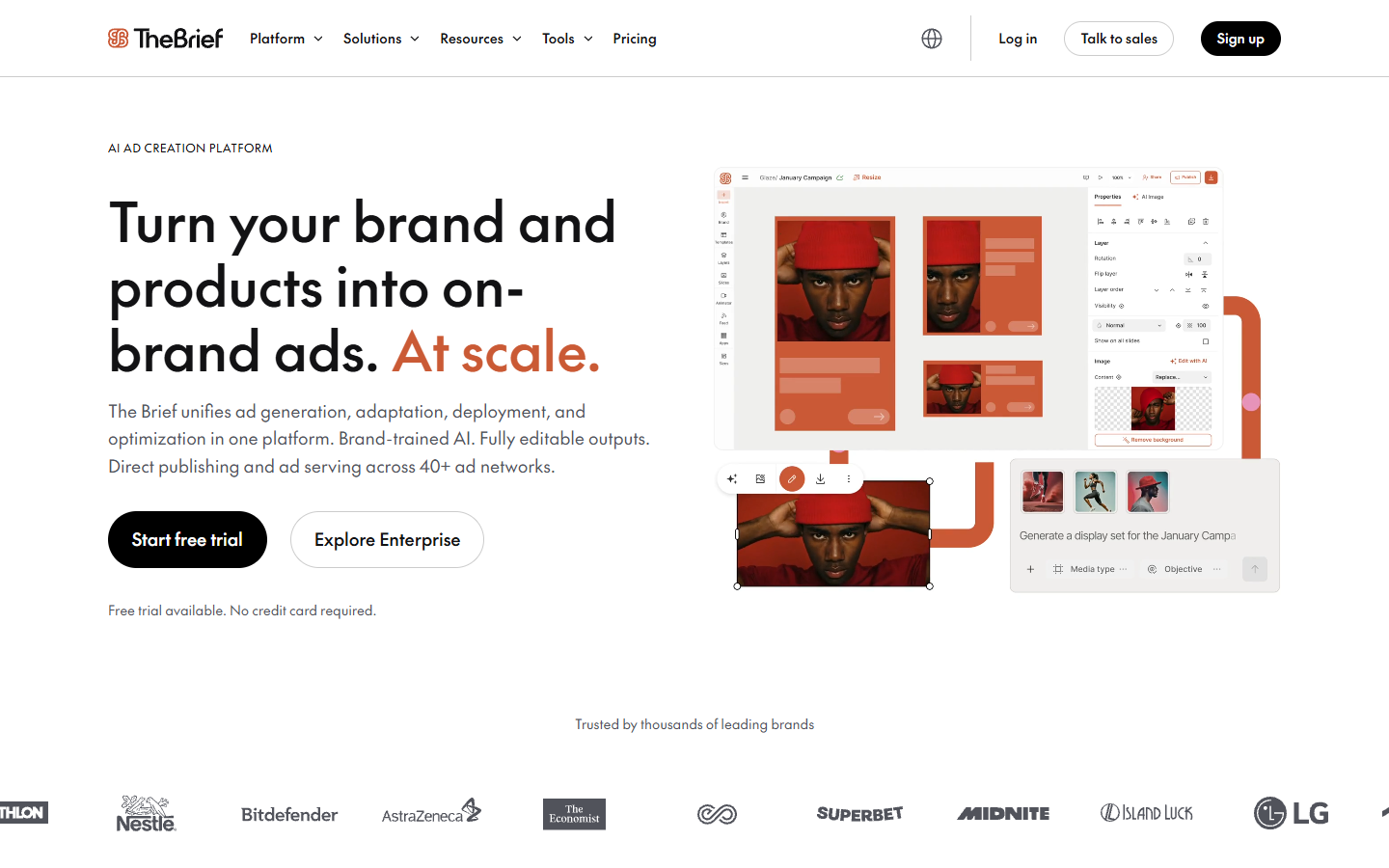
The strength is governance. Locked brand elements and approval steps matter once several people are pushing variants live, and that is usually why an agency picks it over a raw render endpoint.
Verdict: best for marketing teams who need approvals more than they need a scriptable renderer.
8. Smartly.io
Smartly.io bundles creative automation with media buying across Meta, TikTok, Pinterest, and Snapchat. Templates pull from a product feed, variants generate automatically, and the same platform launches and optimises the campaigns.
It is enterprise priced and sold with onboarding attached, so it rarely makes sense below serious monthly spend. When it fits, production and delivery stop being two systems someone has to reconcile.
Verdict: best for large advertisers who want one contract covering production and delivery.
How to choose without a three month trial
Start from the input you already have. If your variants are rows in a sheet, a template renderer is the shortest path. If they are structurally different edits, a timeline API is worth the engineering. If the clips do not exist at all, no renderer solves it.
Then test the boring failure modes before you sign anything. Render one variant with your longest headline and check the text for overflow. Render one at 9:16 and confirm the subject is still in frame. Render fifty at once and time the queue.
Finally, decide who owns the output after launch. A baked MP4 is fine until a claim changes and four hundred files need the same edit. Teams that keep an editable project alongside every render move faster on revisions, and collaborative video editing is what makes that pass survivable when notes arrive from three people at once.
Frequently asked questions
What counts as a bulk video ad API?
Any endpoint that accepts structured data and returns finished video without a person opening an editor. That means a template renderer, a JSON timeline engine, or a generation pipeline published as an endpoint. If it needs a human in a timeline for every variant, it is an editor with an export button, not a bulk API.
How many variants do I actually need?
Most performance teams find diminishing returns past twenty to thirty live creatives per ad set. The usual reason to render four hundred is not that all four hundred run, it is that the matrix covers a catalogue, several placements, and multiple languages.
Can these tools handle vertical and square at the same time?
Yes, though quality varies. Template engines resize by rules you set in advance, which works when the design was built for it and crops badly when it was not. Inspect one 9:16 render per template before batching the rest. Starting points such as TikTok templates are framed for vertical from the start.
Do I need captions burned in?
For paid social, usually yes. Most feed views start muted, so a burned in caption track is the difference between a hook and a skip. Generate captions inside the render job rather than as a separate pass, otherwise you manage two versions of every file.
What about rate limits?
Every vendor here queues rather than rejects, but queue depth is where large batches surprise you. Ask for concurrent render slots, not just monthly minutes, and run a fifty clip test batch before a deadline depends on the answer.
The short version
The tool you pick follows from the gap you have. Missing footage is a generation problem. Missing assembly capacity is a render problem. Missing governance is a platform problem. Map your pipeline in two layers, test the ugly edge cases early, and keep an editable version of every variant you ship.
Founder of Motionbox and Gluely. Building tools for creators.