6 JSON2Video Alternatives for Automated Video Creation in 2026
JSON2Video renders videos from a JSON payload, which is great until pricing, rigid templates, or blind debugging push you elsewhere. Here are six alternatives, from editable timelines to rendering APIs, matched to the job each does best.
JSON2Video made a smart bet: describe a video as a JSON payload, POST it to an API, get an MP4 back. For bulk social clips and data-driven promos, that model works. But teams outgrow it. Credit-based render pricing gets expensive at volume, templates are rigid once your brand evolves, and debugging a broken render means staring at a JSON blob instead of a timeline. If any of that sounds familiar, this guide compares six JSON2Video alternatives, from editable-timeline editors like Motionbox to rendering APIs and free scriptable engines, so you can match the tool to the job instead of forcing every video through one schema.
The list at a glance
- Motionbox: best for automated motion graphics you can still open and edit on a timeline.
- Creatomate: best direct API replacement with template editing and lower per-render costs at volume.
- Shotstack: best schema match if you want to keep the JSON-in, video-out workflow.
- Remotion: best for React developers who want videos as code with full programmatic control.
- Plainly: best for automating existing After Effects templates at scale.
- FFmpeg: best free, scriptable option for teams with engineering time and simple compositing needs.
Quick answer:
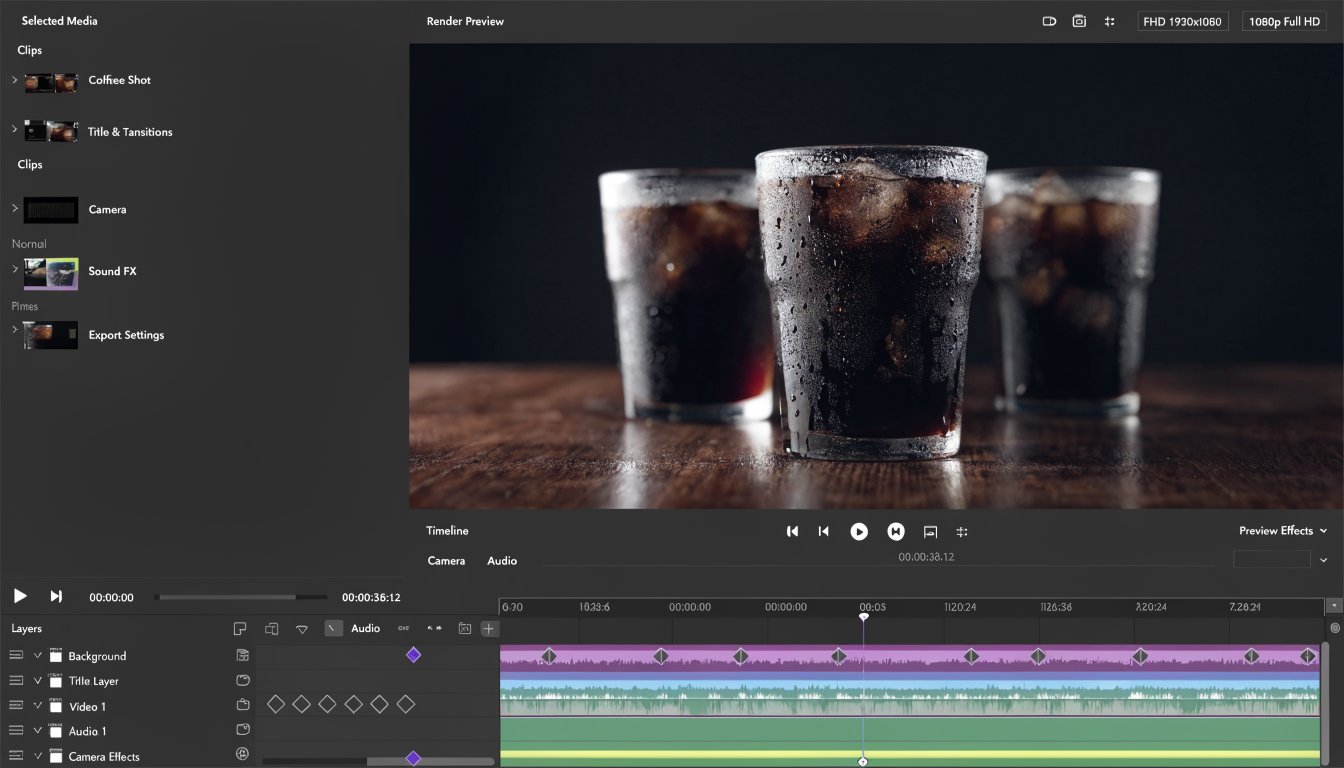
- If you switched to JSON2Video for speed but miss hands-on control, pick an editor that automates the busywork and still hands you layers, tracks, and keyframes. That is Motionbox's lane.
- If you need a pure REST API for thousands of renders a month, Creatomate and Shotstack are the closest drop-in replacements, and both price better at volume.
- If you have developers and zero budget, Remotion (videos as React code) or FFmpeg (raw command-line rendering) cover automation without a SaaS bill.
1. Motionbox
Motionbox comes at automation from the opposite direction. Instead of you writing JSON that describes a video, agents build the timeline for you. Describe the video you want, and the agents return layers, tracks, keyframes, and easing curves, not a baked MP4. You art-direct the result in the browser, nudge the timing, swap the assets, and render when it looks right.
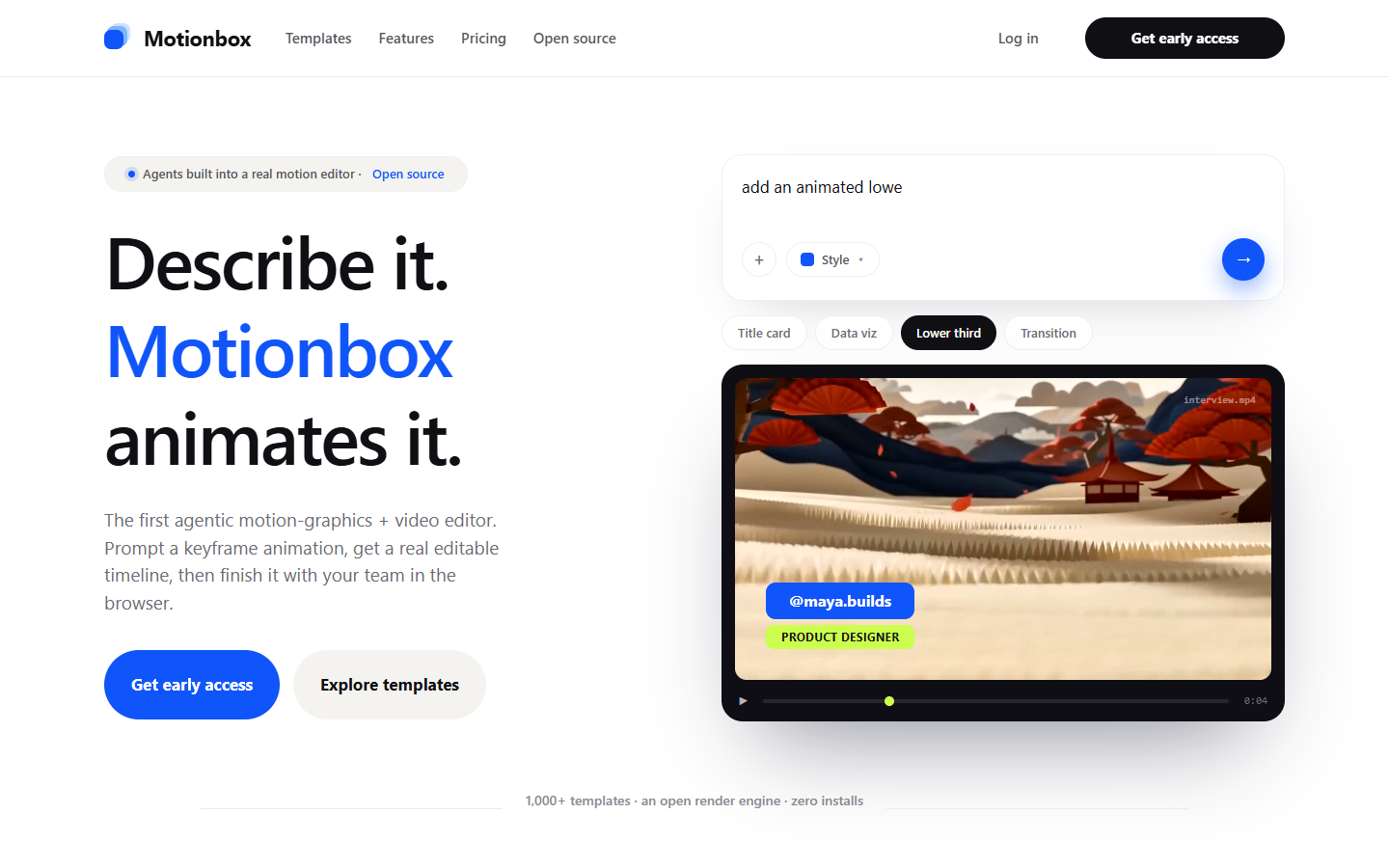
That difference matters most on revision day. With a JSON rendering API, a client note like "make the logo land harder" means editing coordinates and re-rendering blind. On a timeline, it is a ten-second easing tweak. Motionbox is built for motion graphics, captions, intros, and social cutdowns rather than long-form editing, and if you are producing product promos on repeat, the product video maker covers the templated starting points that JSON2Video users lean on.
Honest scope note: Motionbox is not a pro NLE and it is not a headless API. If your pipeline genuinely needs zero human review between data and render, look at the API tools below. Free tier renders with a watermark.
2. Creatomate
Creatomate is the most direct JSON2Video replacement on this list. It is a REST API for generating videos and images from templates, with a visual template editor on top so non-developers can maintain the designs while the API handles the renders. Most migrating teams report the switch takes an afternoon: the concepts map one to one.
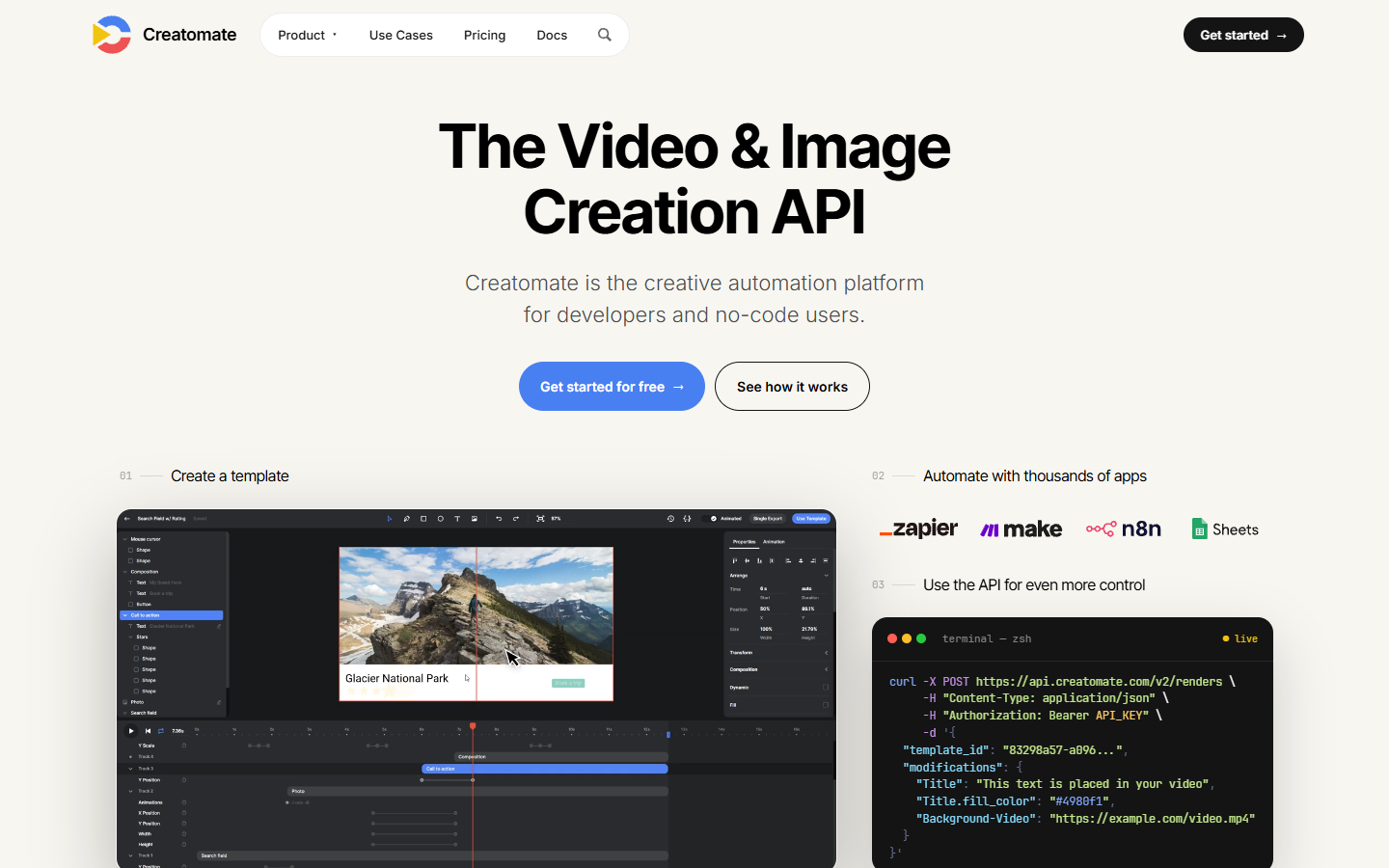
The main reasons people move: pricing that works out cheaper at higher volumes, a more capable template editor, and integrations with Zapier, Make, and n8n for no-code pipelines. If your JSON2Video complaint is cost per render rather than the JSON model itself, start your trial here.
3. Shotstack
Shotstack keeps the same mental model as JSON2Video: you send a JSON edit specification describing clips, tracks, and transitions, and the cloud renders it. Because the payload structure is also timeline-shaped, porting existing JSON2Video templates is mostly a field-renaming exercise.
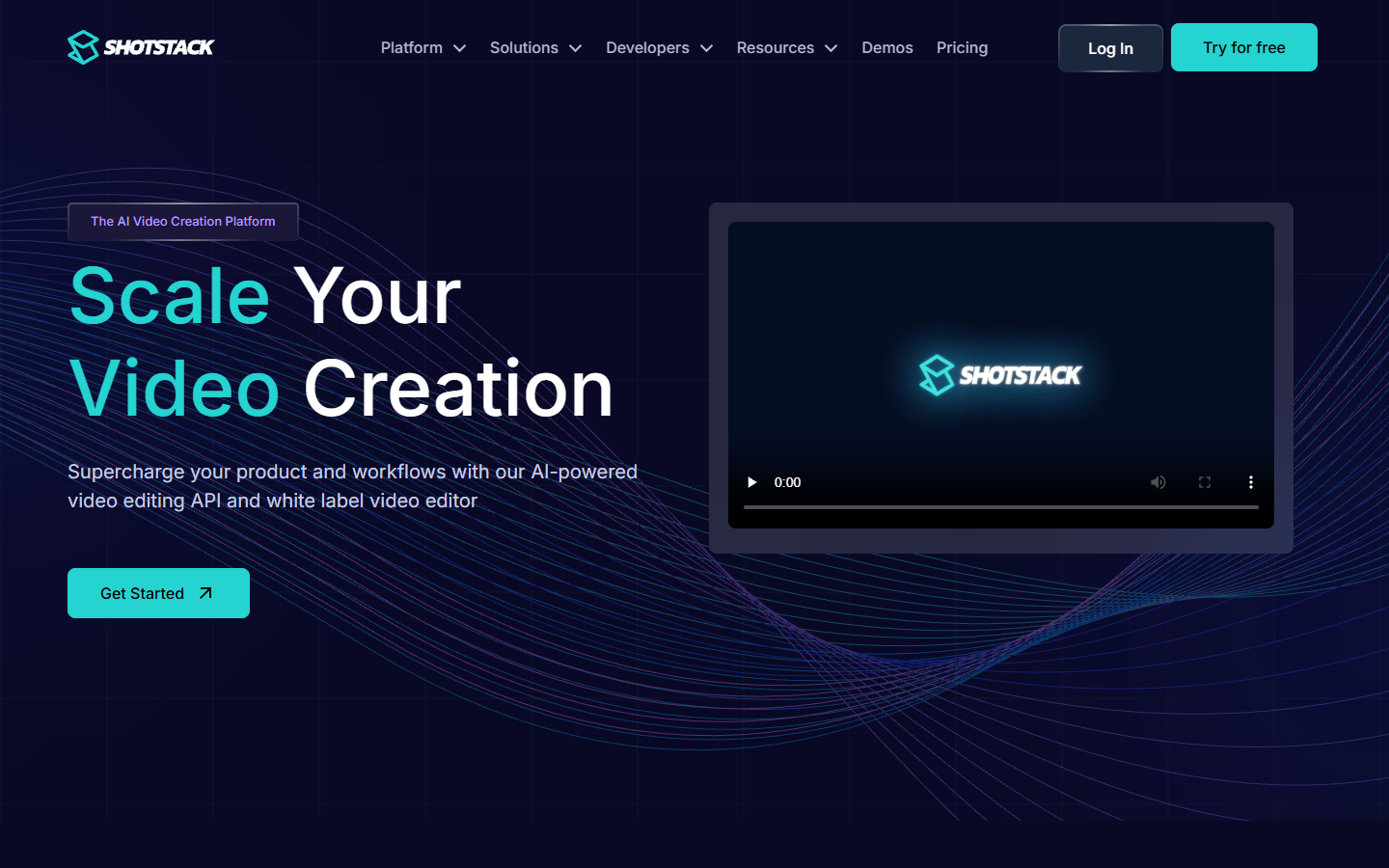
Shotstack's edge is infrastructure depth. It offers an ingest API, hosted media, an SDK for several languages, and AI add-ons like text-to-speech and auto captions. It is aimed squarely at developers building video features into products, so expect to live in documentation rather than a design tool.
4. Remotion
Remotion replaces JSON templates with React components. Every frame is a render of your component tree, which means real programming: loops, conditionals, data fetching, and any npm package you want inside your video. For developer teams, it is the most expressive option on this list by a wide margin.
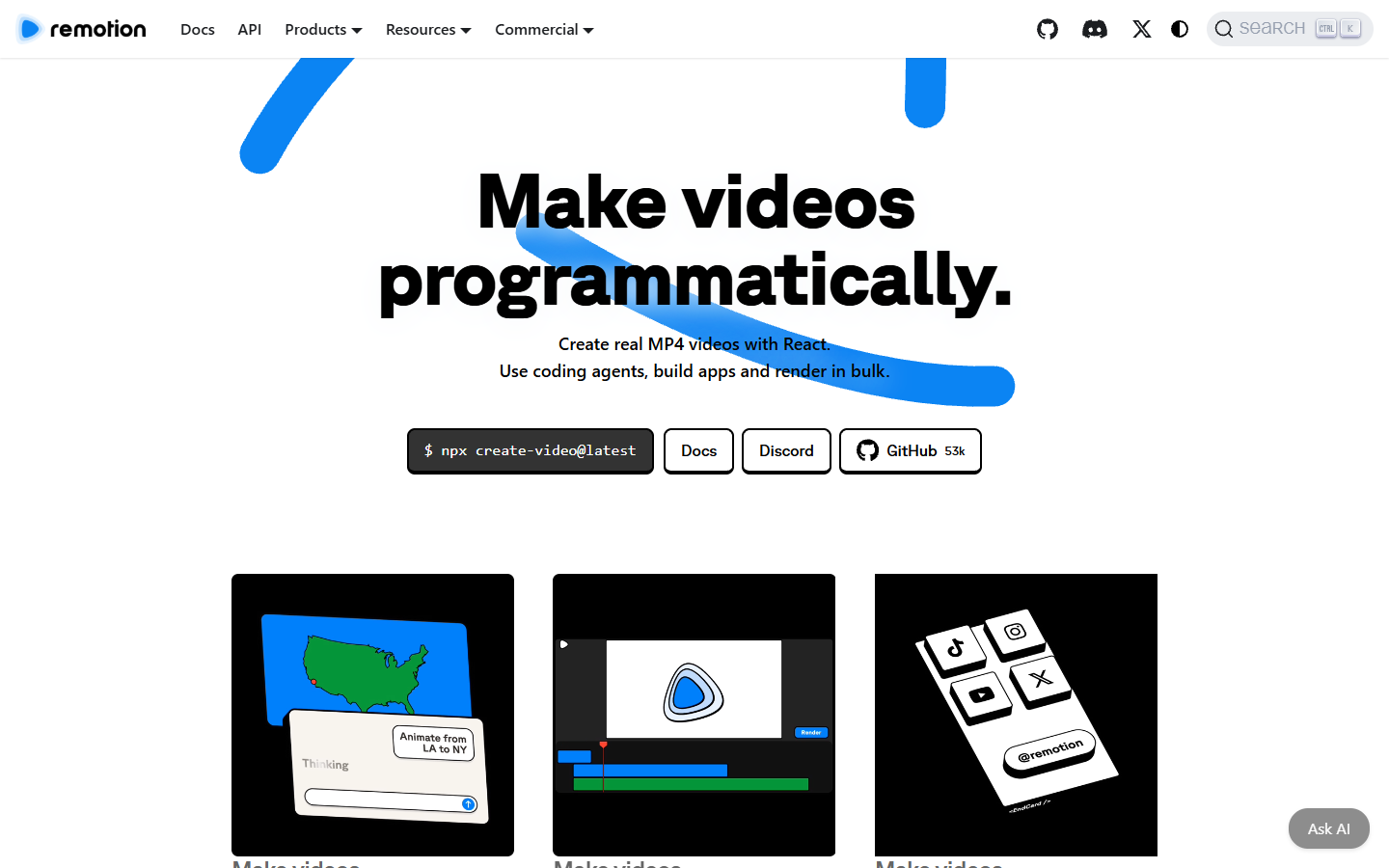
The tradeoff is that you own the rendering. You run it on your own machines or on Remotion's Lambda setup, and you write code for things a SaaS template editor gives you for free. Company licenses apply once your team passes a size threshold. Pick Remotion when video is a core product feature, not an occasional marketing task.
5. Plainly
Plainly automates After Effects templates. You upload an AE project, connect a CSV, spreadsheet, or API feed, and Plainly renders a video per row. If your brand team already lives in After Effects, this keeps their exact motion design instead of forcing a rebuild inside another tool's template editor.
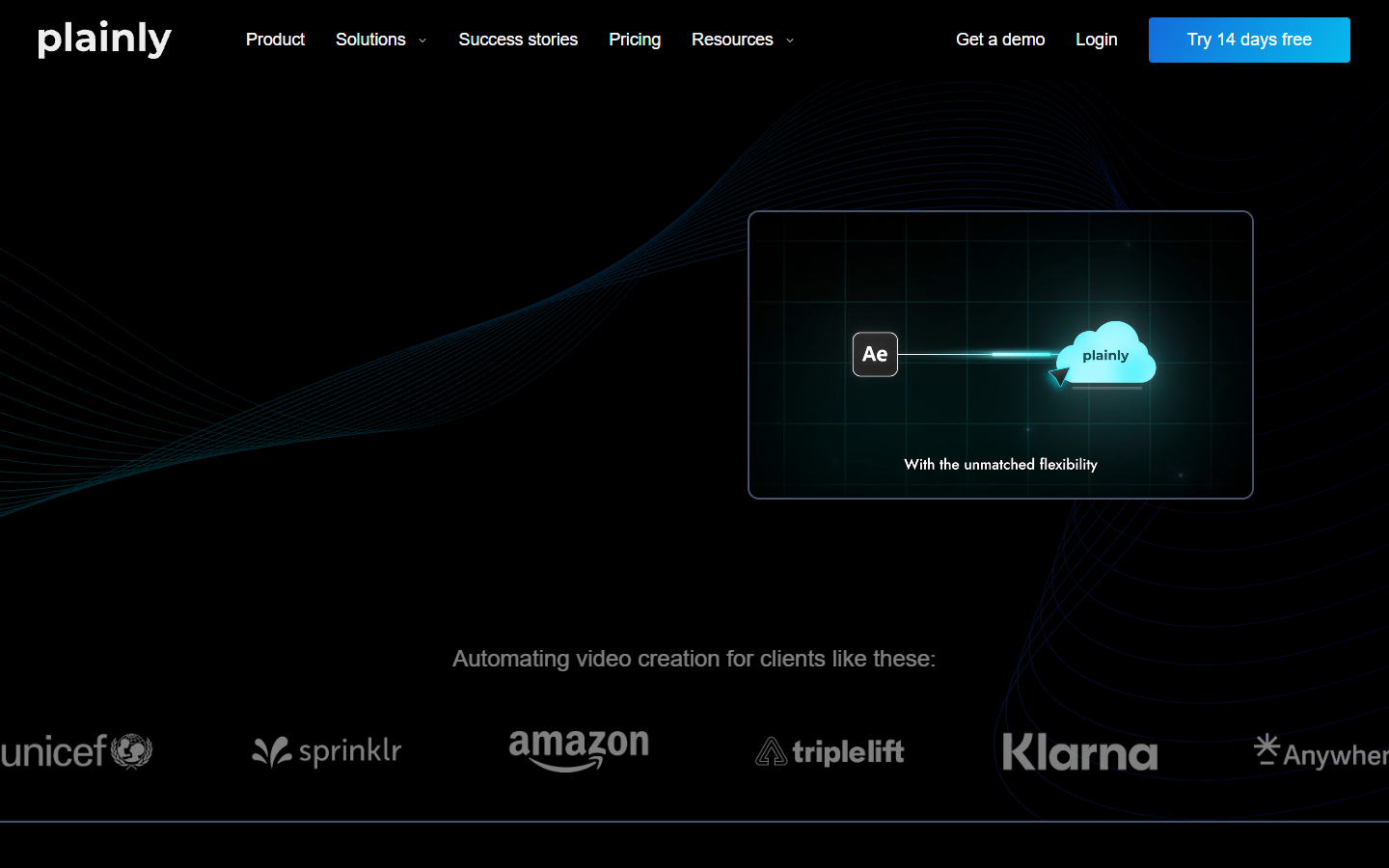
It shines for bulk personalized videos: real estate listings, sports highlights, localized ads. The dependency is the obvious one. Someone still has to build and maintain the AE projects, so it is an automation layer for motion designers rather than a replacement for them.
6. FFmpeg
FFmpeg is the free answer, and it is the engine several paid tools run underneath. Concatenate clips, overlay text and images, burn in subtitles, transcode anything. If your automated videos follow a simple recipe, a few dozen lines of shell script can replace a rendering subscription entirely.
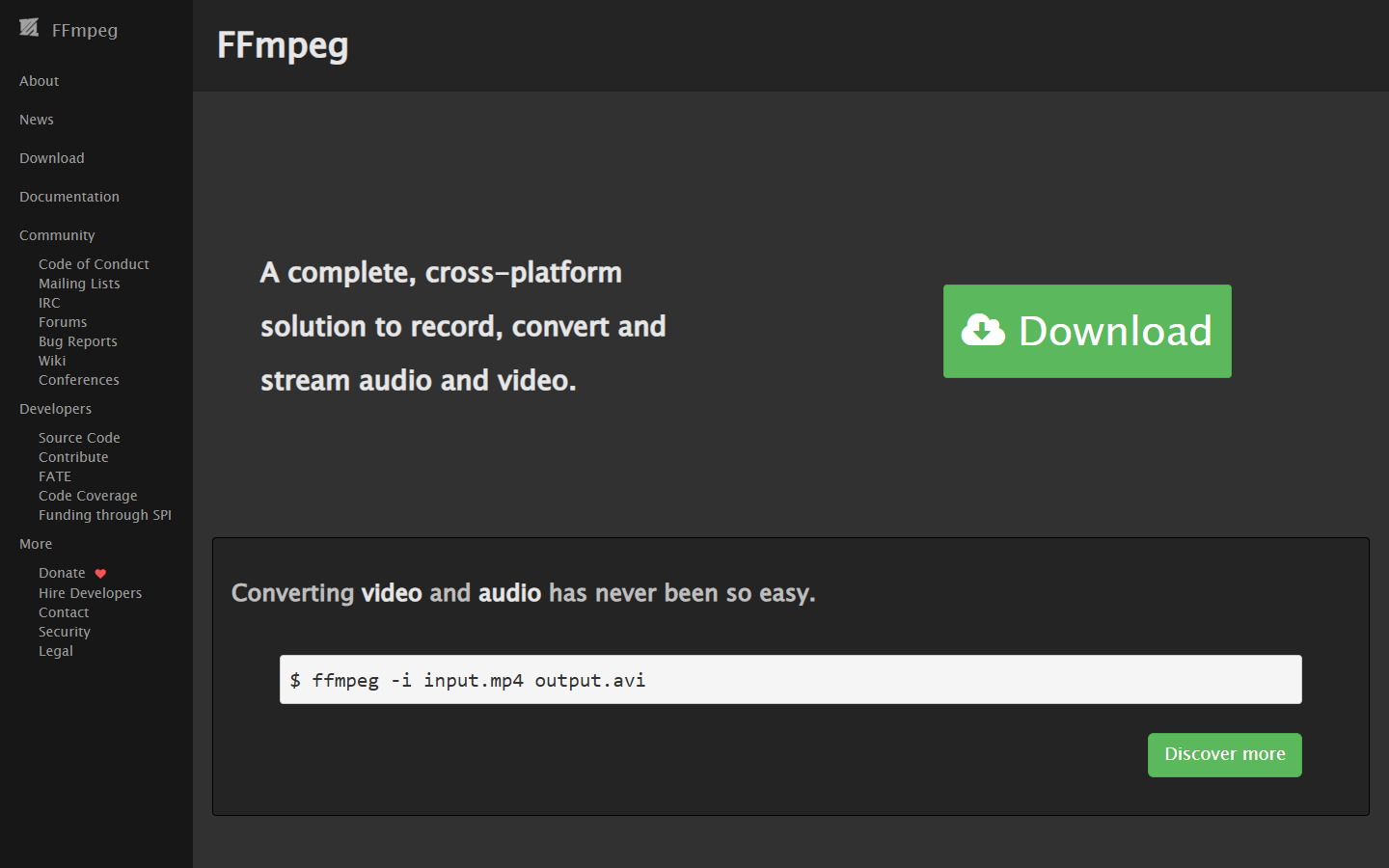
The cost is engineering time. Filter graphs are powerful but cryptic, there is no preview, and motion design niceties like easing curves and keyframed animation are painful to fake. Use it for mechanical assembly, not for anything a viewer should find beautiful.
How to choose between a rendering API and an editable timeline
The six tools split into two camps, and the right camp depends on who fixes the video when it looks wrong.
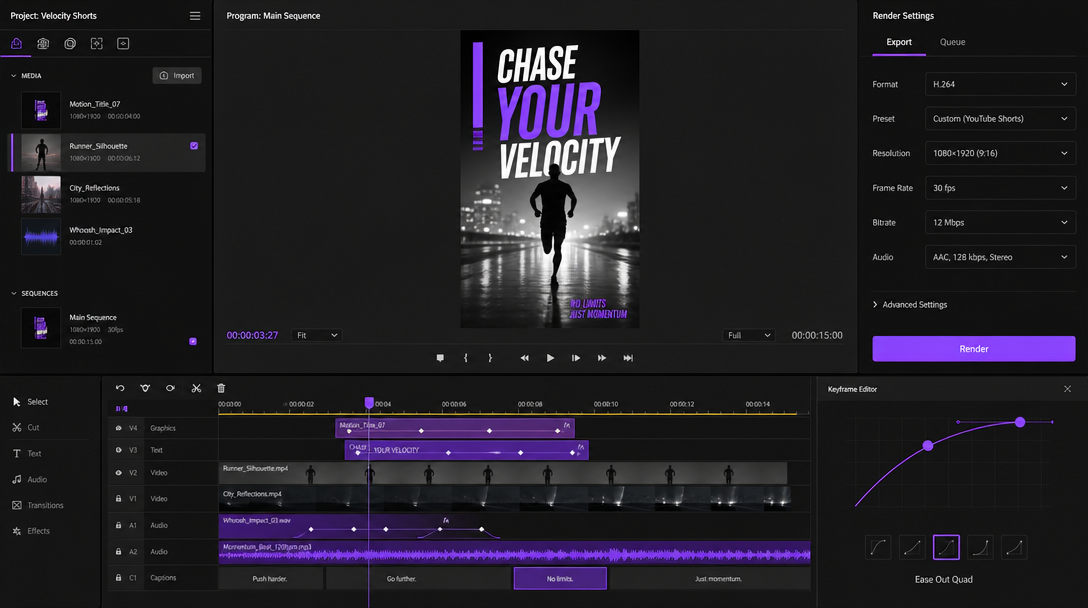
Rendering APIs (Creatomate, Shotstack, Plainly, FFmpeg) win when the videos are data-driven and nobody reviews individual outputs. A thousand localized product clips a day is API territory. Editable tools like Motionbox win when a human approves every video, because revisions happen on a timeline in seconds instead of in a payload. A useful test: if your last five revision requests were about feel (timing, easing, emphasis), you want a timeline. If they were about data (wrong price, wrong name), you want an API. For a deeper look at where generation fits alongside editing, the AI video generation guide walks through the full production stack.
Prep your assets before you automate anything
Every tool on this list assembles assets; none of them fix bad ones. The most common failure mode in automated video is not the render, it is feeding the pipeline inconsistent product shots, off-brand backgrounds, or images at the wrong aspect ratio. Batch-preparing visuals in an AI image editing suite before they hit the render queue means every generated video starts from clean, consistent plates, whichever renderer you picked.
The same rule applies to text layers. Captions carry most of the message on muted social feeds, so run them as a proper subtitle track instead of baking them into source clips. A video subtitle tool keeps them editable right up to export, which saves a re-render every time marketing rewrites a line.
Frequently asked questions
Is there a free JSON2Video alternative?
FFmpeg is completely free and open source, and it handles concatenation, overlays, and subtitles well if you can script it. Among the hosted tools, most offer free tiers with limits. Motionbox's free tier renders with a watermark.
Which alternative is easiest to migrate to?
Shotstack, because its JSON edit specification is structured like JSON2Video's, so existing templates port with mostly mechanical changes. Creatomate is a close second and usually costs less at volume.
Do I need to know how to code?
Not for all of them. Motionbox runs in the browser with agents handling the keyframing, and Creatomate connects to Zapier and Make for no-code automation. Remotion and FFmpeg are developer tools through and through.
What is best for bulk personalized videos?
Plainly if your templates already exist in After Effects, Creatomate or Shotstack if you want templates managed in the cloud. Feed any of them from a spreadsheet or API and they render one video per row.
The bottom line
JSON2Video is fine until your videos need to look better than a template allows or cost less than credits allow. Match the tool to your failure mode: Creatomate or Shotstack for cheaper drop-in APIs, Remotion or FFmpeg for code-first control, Plainly for After Effects at scale, and Motionbox when you want automation that still ends on an editable timeline. If your automated clips need stronger openings, a dedicated video intro maker is a faster fix than another render cycle. Whichever you pick, keep the assets clean and the captions editable, and the renders take care of themselves.
Founder of Motionbox and Gluely. Building tools for creators.