Best JSON2Video Alternatives in 2026, Ranked by What You Are Automating
JSON2Video turns a JSON payload into an MP4. That contract works until a human needs to change something. Here are six alternatives, ranked by the job you are automating and what each one costs at the volume you actually render.
JSON2Video does one thing well. You send a JSON payload describing scenes, elements, and timing, and you get an MP4 back. For a lot of automation work that is enough. The problem shows up when a human needs to change something. A client wants the logo two seconds earlier. The caption sits over the product. The easing feels wrong. With a pure render API, none of that is a small fix. It is a code change, a redeploy, and another render.
So the real question is not which tool has the best API docs. It is how far each alternative gets you from a JSON payload to a video someone can still edit without touching the payload. That is the criterion this ranking uses, alongside price at the volume you actually render.
The list at a glance
- Creatomate: best for template-driven bulk personalization.
- Motionbox: best when the automated output still needs art direction.
- Shotstack: best for high-volume rendering with a hard cost ceiling.
- Remotion: best for React teams that want to own the render pipeline.
- Plainly: best for studios already sitting on After Effects templates.
- FFmpeg: best for deterministic assembly at zero licence cost.
Quick answer:
- If you are leaving JSON2Video because of price, Shotstack at $49 for 200 minutes of 720p (roughly $0.25 per video minute) is the closest like for like swap.
- If you are leaving because your videos come back wrong and nobody can fix them, you want a tool that returns an editable timeline instead of a baked file.
- If you render fewer than about 200 videos a month, a self-hosted setup on Remotion or FFmpeg costs more in engineering hours than any managed API will charge you.
What actually breaks when you outgrow a JSON render API
Three failure modes push teams off JSON2Video, and they need different fixes.
The first is cost per minute. Credits map to render seconds, so a 30 second video costs 30 credits every time you render it. Three rounds of feedback triples the bill on the same deliverable.
The second is the feedback loop. A render API has no review surface. Someone watches the MP4, writes notes in Slack, and an engineer translates those notes back into JSON. Teams that move this loop into a shared editing surface stop paying that translation tax, which is why collaborative video editing matters more than raw render speed once more than two people are involved.
The third is motion quality. Schema-driven video is good at layout and bad at feel. Position, duration, and a fade are easy to express in JSON. Overshoot, stagger, and a hand-tuned easing curve are not. If your videos need to look designed rather than assembled, no amount of payload tuning fixes it.
1. Creatomate
Creatomate is the closest direct replacement if templating is what you actually want. You build the template visually in a browser editor, mark which fields are dynamic, then hit the API with a JSON payload per variant. The Essential plan runs $54 a month for 2,000 credits, and effective cost lands somewhere between $0.10 and $0.84 per minute depending on resolution and frame rate.
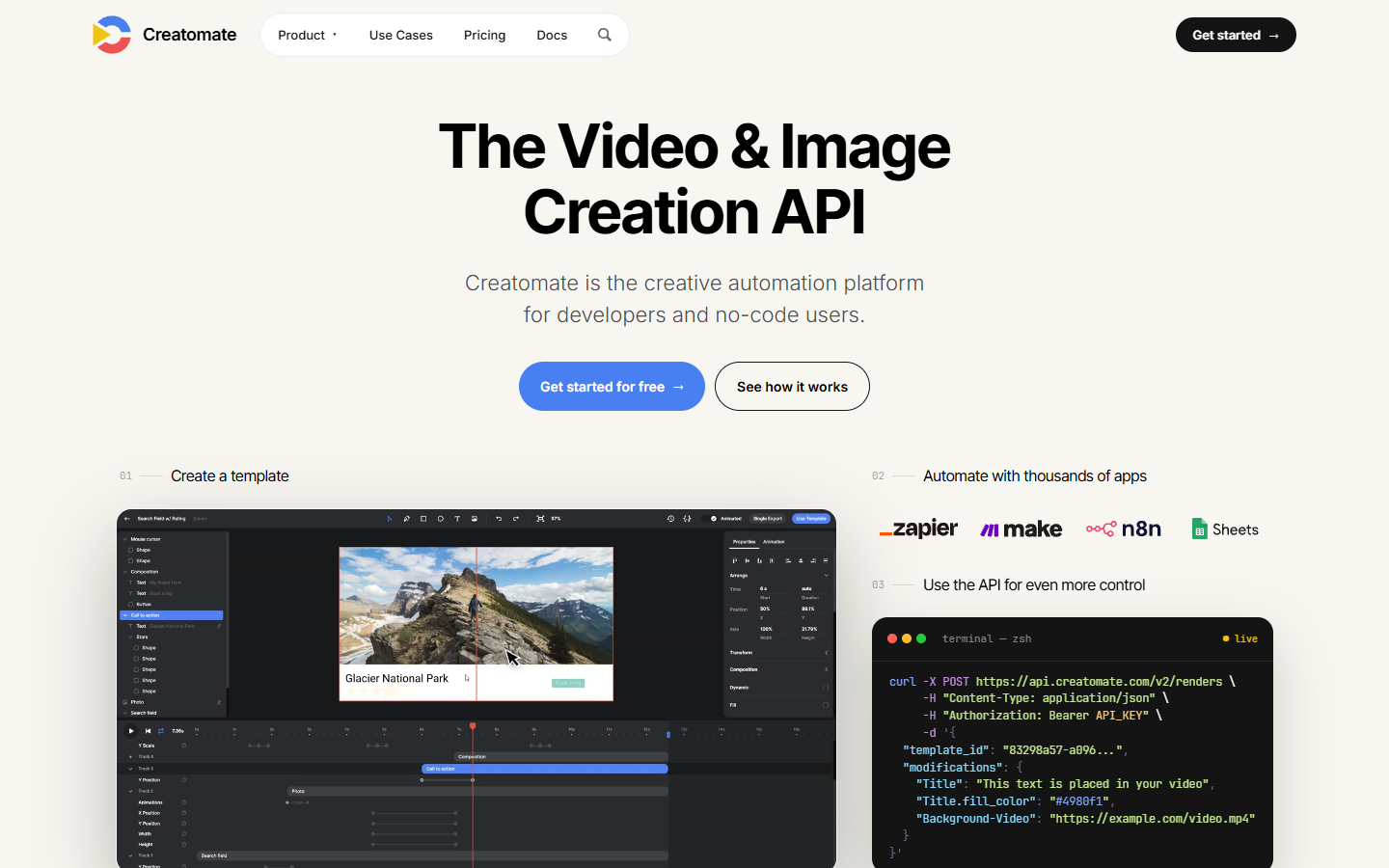
It ranks first because it fixes the most common JSON2Video complaint without asking you to rewrite your integration. A designer adjusts the template, and the payload keeps working. The limit is the one every template system has. You get variants of a design, not new designs. Credit pricing also climbs faster than per-minute pricing once you are rendering thousands of clips.
Verdict: best for marketing and sales teams generating many versions of one designed video.
2. Motionbox
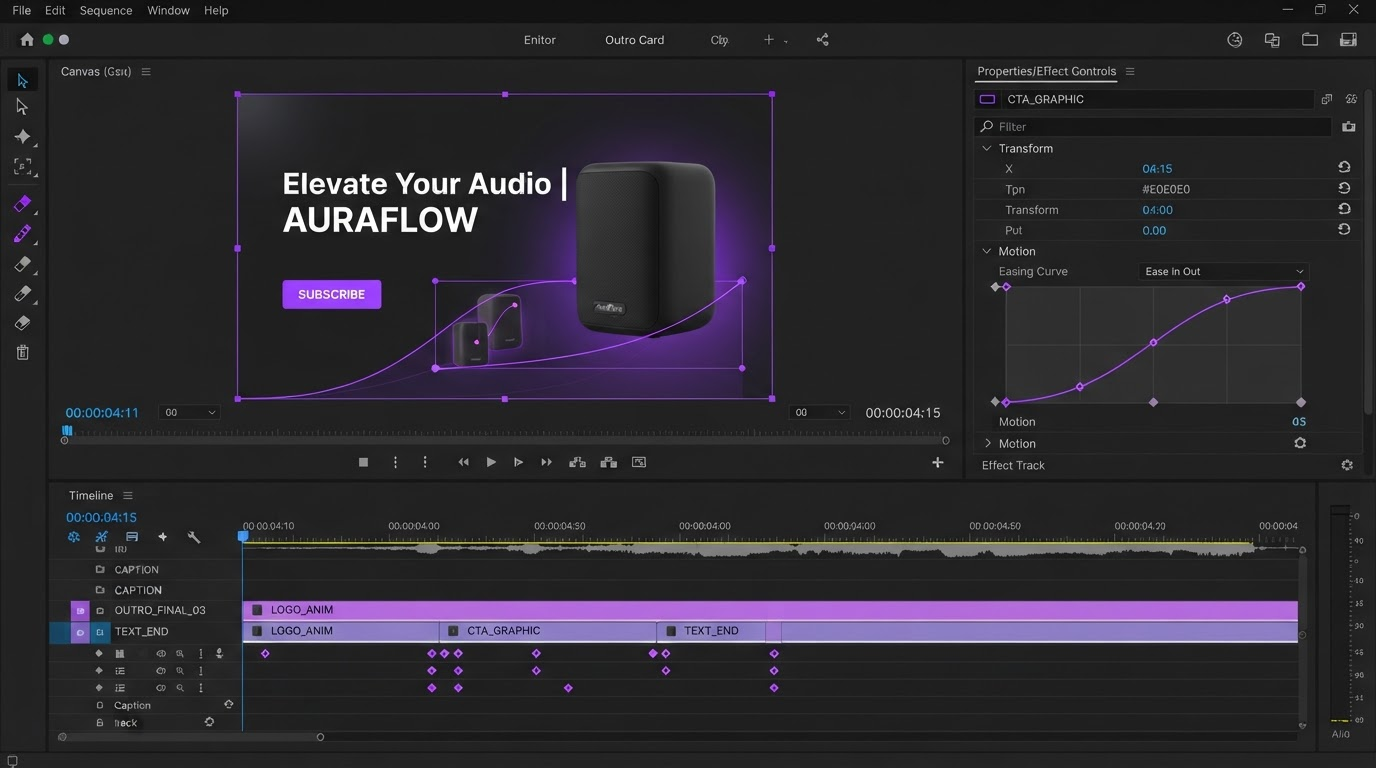
Motionbox sits in a different spot. Agents handle the keyframing and hand back layers, tracks, and easing curves rather than a finished file, so the output is a timeline you can open and change. That is the piece a render API cannot give you. When the client note arrives, you drag the keyframe instead of editing JSON and rendering again.
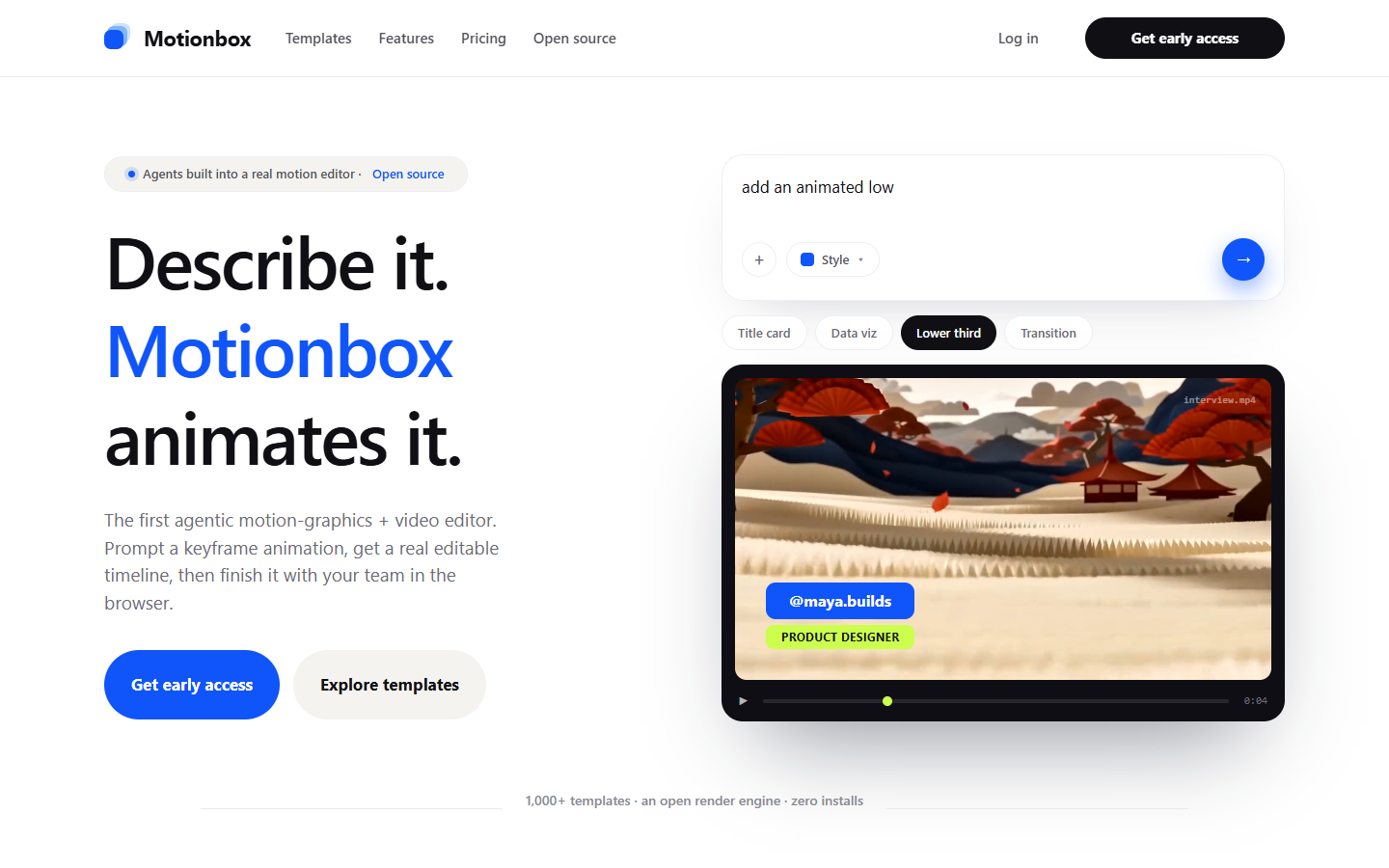
Motionbox is not a pro NLE and does not try to be. It is built for motion graphics, social cutdowns, and templated brand work in the browser, with no desktop install. In practice, bulk jobs like a product video maker run pass one automatically, and the two or three clips that come back wrong get fixed by hand in minutes instead of round-tripping through a developer. The free tier renders with a watermark, worth knowing before you plan a launch around it.
Verdict: best when automated video still has to survive a human review.
3. Shotstack
Shotstack is the industrial option. It is a rendering backend built to push thousands of videos a day, and it prices accordingly: $49 for 200 minutes at 720p, or $99 for 500 minutes, which works out to $0.20 per video minute at the second tier.
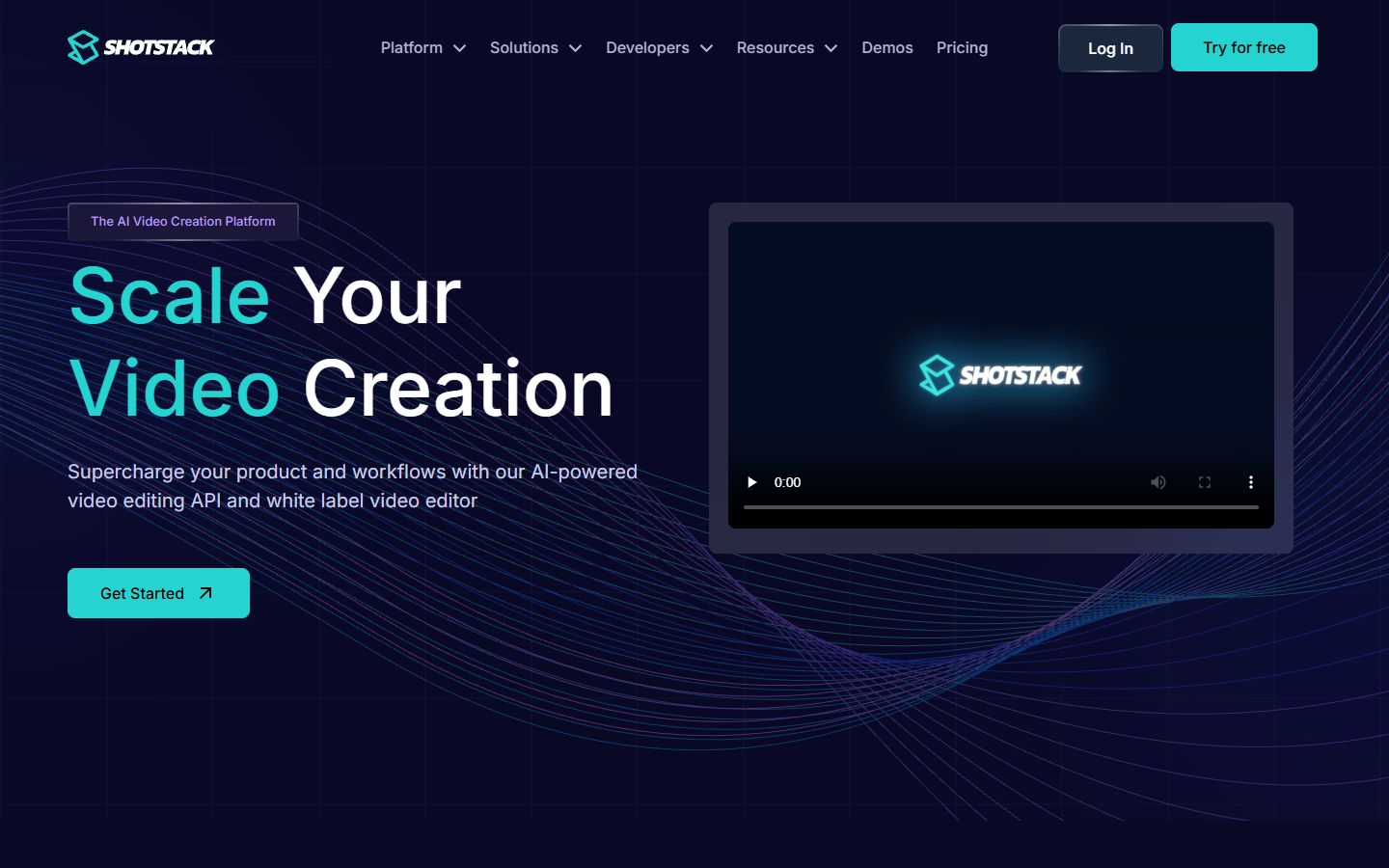
If you are a real estate platform generating a listing video per property, or an ecommerce store rendering a clip per SKU, this is the shape that fits. What you give up is what JSON2Video already made you give up. No editing surface, no review loop, no way for a non-developer to change the output. You are swapping a render API for a cheaper, faster render API, which is the right move only if price was the actual problem.
Verdict: best for high volume, low touch rendering where nobody edits the result.
4. Remotion
Remotion lets you write video as React components, then render them locally or on Lambda. Animation logic is real code, so anything you can express in a function you can put on screen. That is far more expressive than any JSON schema.
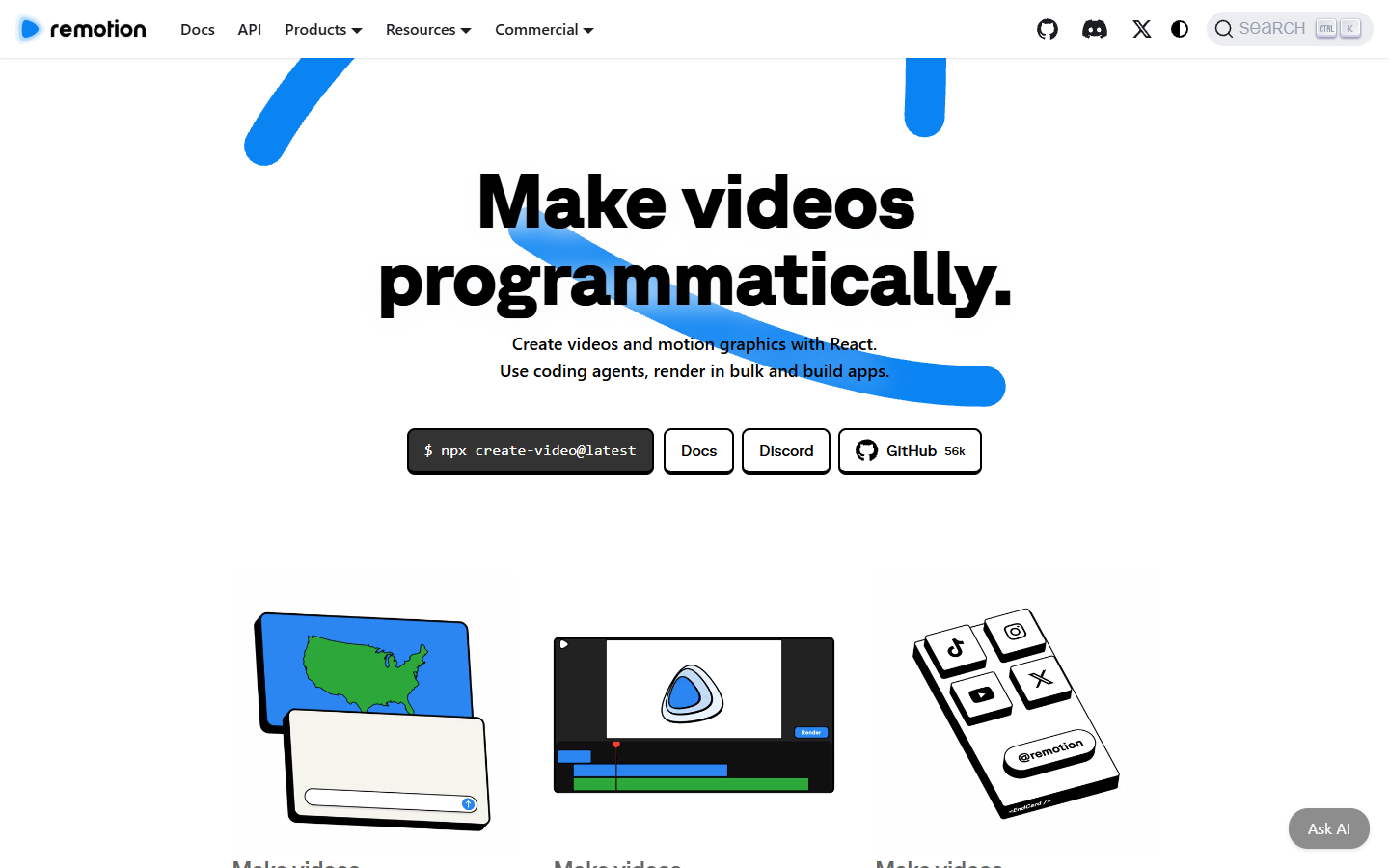
The economics invert at scale. You pay your own cloud costs plus a licence rather than a per-minute render fee, so the crossover point favours Remotion once volume is high and steady. Below that, you are funding a rendering team. It also has the steepest non-developer wall on this list. There is no visual editor, so every change is a pull request.
Verdict: best for engineering teams with volume, React skills, and a reason to own the stack.
5. Plainly
Plainly takes your existing After Effects project, exposes the layers you nominate as variables, and renders variations through an API. If a motion designer already built the thing you want to mass produce, this skips the rebuild entirely.
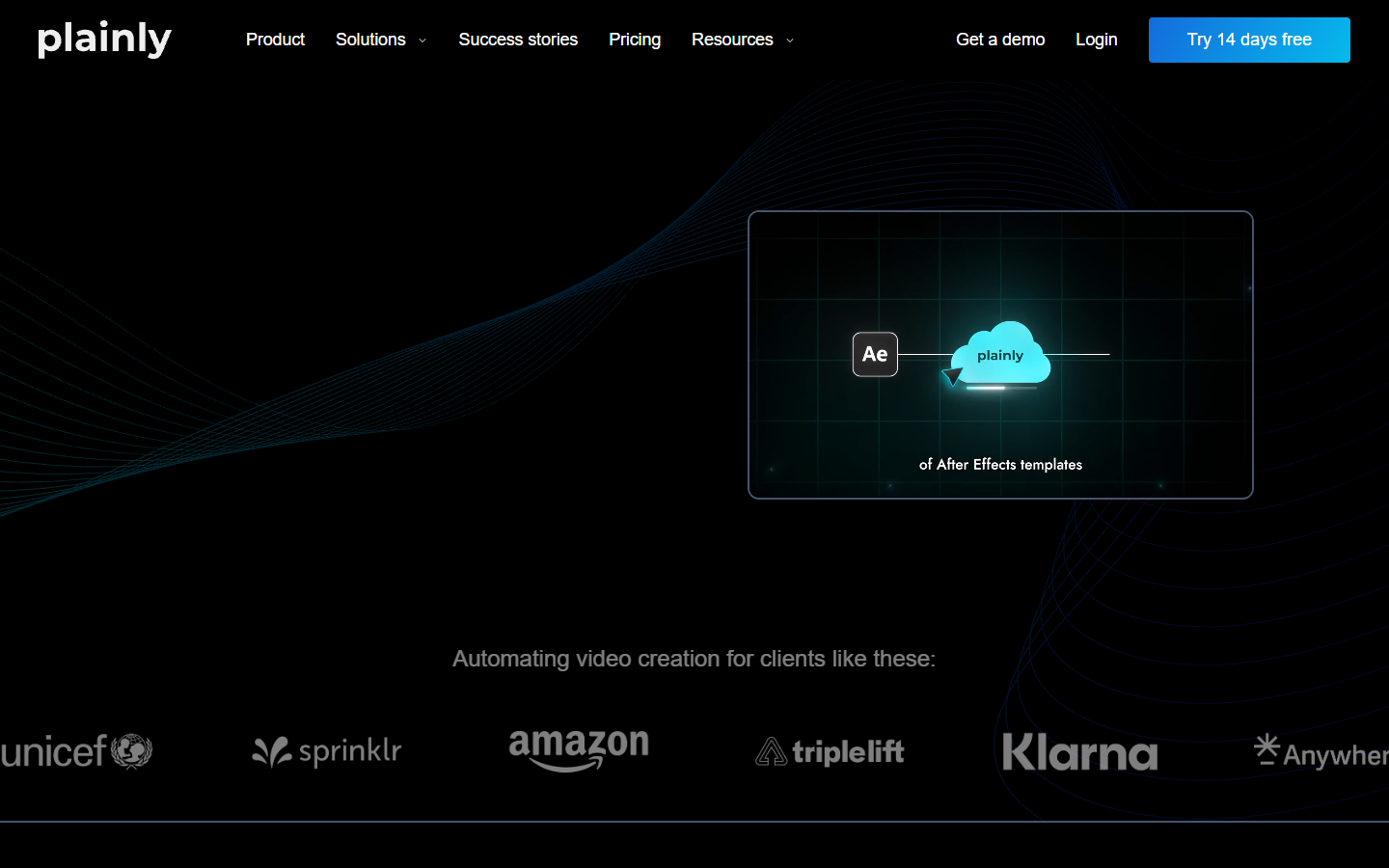
The tradeoff is the dependency. You need After Effects, and someone who can build a clean, parameterised project file. Change the creative direction and you are back in AE, not in a browser. Teams that want the automation without the desktop dependency usually end up weighing it against an After Effects alternative that runs in the browser.
Verdict: best for studios with an AE pipeline and templates worth reusing.
6. FFmpeg
FFmpeg is not a JSON2Video alternative in the product sense, but it is the honest answer for a specific job. If your video is concatenation, overlays, audio mixing, and burned-in text, FFmpeg does it deterministically, at no licence cost, on hardware you already pay for.
Where it stops is animation. Keyframed motion, easing, and layered graphics are painful to express in filter graphs, and the maintenance lands on whoever wrote the command. Plenty of teams run a hybrid: FFmpeg for mechanical work like trimming and merging videos, and a motion tool for anything with movement in it.
Verdict: best for deterministic assembly with no motion design requirement.
Comparison at a glance
- Cheapest managed price per minute at volume: Shotstack, around $0.20 per video minute at the $99 tier.
- Cheapest entry point: the JSON2Video Hobby tier at $16.95 a month, which is worth checking before you migrate at all.
- Only options where a non-developer can change the output: Creatomate (template fields) and Motionbox (full timeline).
- Only options with no per-minute render fee: Remotion and FFmpeg, both of which move the cost into engineering time.
- Best for reusing existing design work: Plainly, if that work lives in After Effects.
How to migrate without breaking your pipeline
Run both paths side by side for a week before you cut over. Render the same 20 payloads through each and compare frame by frame. Font fallbacks, default easing, and safe-area padding differ between engines, and those differences stay invisible until a client points at them.
Normalise your assets first. Most migration bugs are not API bugs. They are a 4K source in a 1080p composition, a transparent PNG that is not actually transparent, or an audio track 200ms longer than the video. Fix the inputs and half the differences disappear.
Then decide where captions live. Burned-in text renders identically everywhere and cannot be edited later. A separate caption track stays editable and can be translated, which matters if you generate video subtitles across markets. Pick one approach and hold to it, because mixing the two is how you end up with two subtitle layers on the same clip.
Frequently asked questions
Is there a free JSON2Video alternative?
Several, with conditions. FFmpeg is free outright. Motionbox has a free tier that renders with a watermark. Most managed APIs offer a trial allowance rather than a permanent free plan, so check the pricing page of whichever tool you shortlist.
Which alternative needs the least migration work?
Creatomate or Shotstack. Both take a JSON payload describing a timeline, so the shape of your integration survives. You are rebuilding templates and remapping field names, not rearchitecting.
Do I need to know how to code?
For Shotstack, Remotion, and FFmpeg, yes. Creatomate and Motionbox both have visual editors, so a marketer can build and adjust without a developer, and a developer only gets involved to wire up the automation.
What is the best option for bulk personalized video?
Creatomate, for straightforward field swaps like name, price, and product image. If the personalization changes the layout rather than just the values, a template system will fight you, and an editable timeline is the better bet.
How much does JSON2Video actually cost?
Credits map to render seconds, so a 30 second video costs 30 credits. The free plan includes 600 seconds of rendering, the Hobby tier starts at $16.95 a month, and around $49.95 gets you roughly 200 minutes at Full HD with Azure text to speech included in the same credit bucket.
The bottom line
Pick by the failure you are actually hitting. If the bill is the problem, Shotstack is cheaper for the same contract. If the output is the problem, stop looking at render APIs and move to something that hands back an editable timeline. And if you render a few dozen videos a month, the honest answer may be that the Hobby tier is fine and migrating is not worth the week.
Founder of Motionbox and Gluely. Building tools for creators.