Best MakeUGC Alternatives in 2026 for Ads You Can Actually Finish
MakeUGC turns a product description into a talking avatar clip in a couple of minutes. That is a real shortcut, and it is also where most teams stall, because a raw avatar clip is not an ad. Here are seven alternatives worth testing in 2026, ranked by how much of the finished cut you get back.
Every tool here solves the same first problem. You need a person on camera saying something believable about your product, without briefing a creator, waiting a week, and negotiating usage rights. MakeUGC fixed that for a lot of teams. What it does not fix is the second half: the hook frame, the caption track, the cutaway to the product at second four, the 9:16 and 1:1 versions, and the render you upload. This list ranks seven alternatives on that whole span.
The list at a glance
- Wireflow. Best for teams who want one repeatable pipeline instead of one tool.
- Creatify. Best for turning a product URL into ad drafts in minutes.
- Arcads. Best for scripted actor performance and high volume testing.
- HeyGen. Best for multilingual avatar clips and voice cloning.
- Synthesia. Best for brand safe spokesperson video inside a company.
- Captions. Best for shooting on a phone and styling the caption track.
- Submagic. Best for adding hooks and captions to footage you already have.
Quick answer:
- MakeUGC now sells credits rather than fixed video counts, at roughly $59 per month for 500 credits, $79 for 1,000, and $149 for 2,000. What comes back is a talking avatar clip, not a finished ad.
- For a better on camera performance, test Arcads (from about $110 per month) or HeyGen (free tier, paid from about $29). For the ad drafted for you, test Creatify (free tier, paid from about $19).
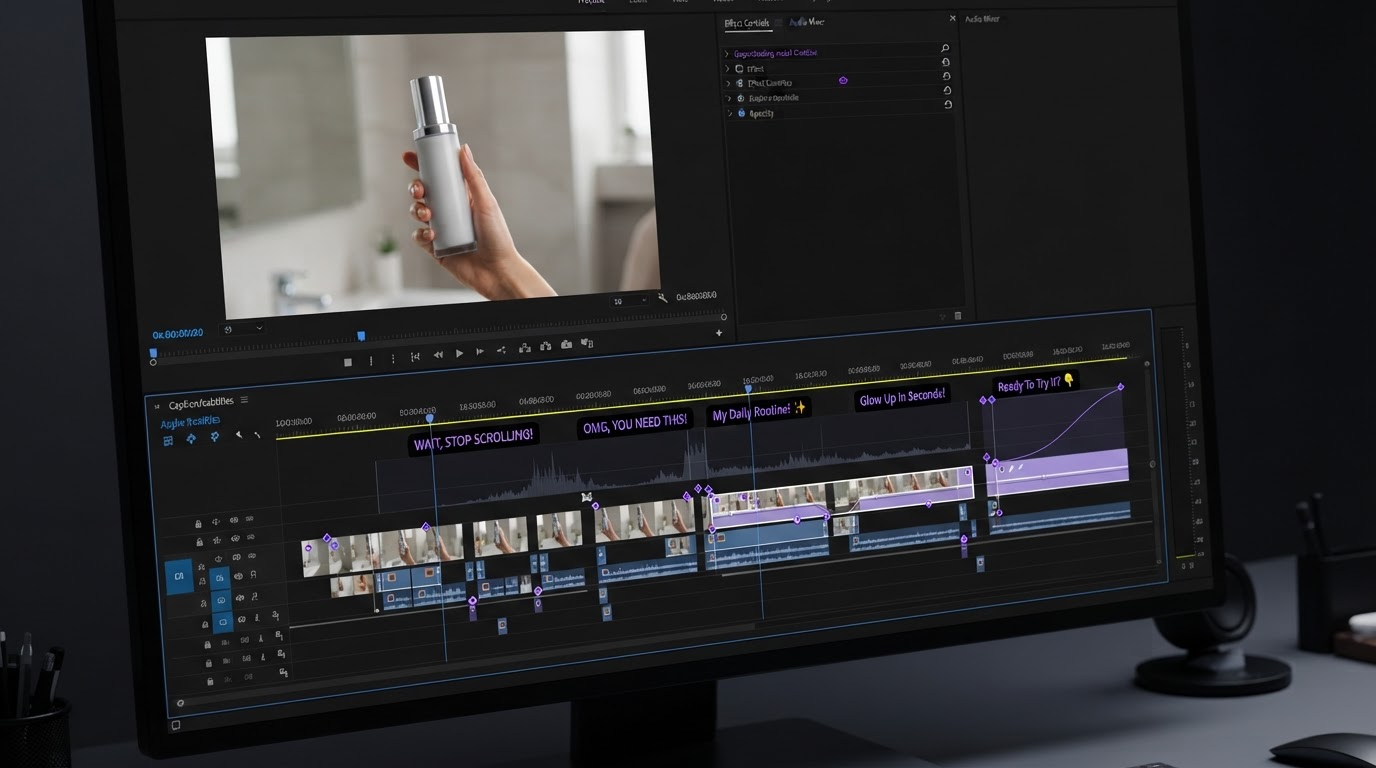
- Whichever generator you pick, plan for the finishing pass: hook, captions, B-roll, ratios, render. That work happens on a timeline, and it separates a clip from an ad.
How this list is ranked
Actor realism gets most of the attention in this category, and it is only one input into whether an ad performs. So the ranking weighs four things:
- Lip sync and gesture quality at full speed, not slowed down.
- How much of the ad comes back done: script, voice, captions, B-roll, music.
- What you can change afterwards without regenerating the whole clip, including exports and ratios.
- Cost per usable variant, which is not the same as cost per render.
That last point matters more than the sticker price. If three of four generations are unusable, a cheap tool is expensive. For most teams the bottleneck is not generating a talking head, it is getting a raw avatar clip to something with a hook, a caption track, and a product shot.
1. Wireflow
Wireflow is the odd entry here, and that is deliberate. It is not an avatar app with a fixed pipeline. It is a node canvas where you wire the steps yourself: script generation, an avatar or video model, a voice model, then whatever post steps you want. The finished graph publishes as an endpoint your scripts can call.
So you are not locked to one vendor's actor library or its idea of what an ad looks like. Swap the generation node when a better model ships and the rest of the pipeline stays intact. The tradeoff is real: you build the flow before you get your first video.
Best for: teams running UGC at volume who keep hitting the ceiling of a single vendor. Verdict: more setup up front, far less rework at month three. Overkill at five videos a month.
2. Creatify
Creatify is the closest drop in replacement for MakeUGC if your products live on a public URL. Paste the link, it pulls images and copy, writes script variants, picks an actor, and returns a cut with captions and music already on it.
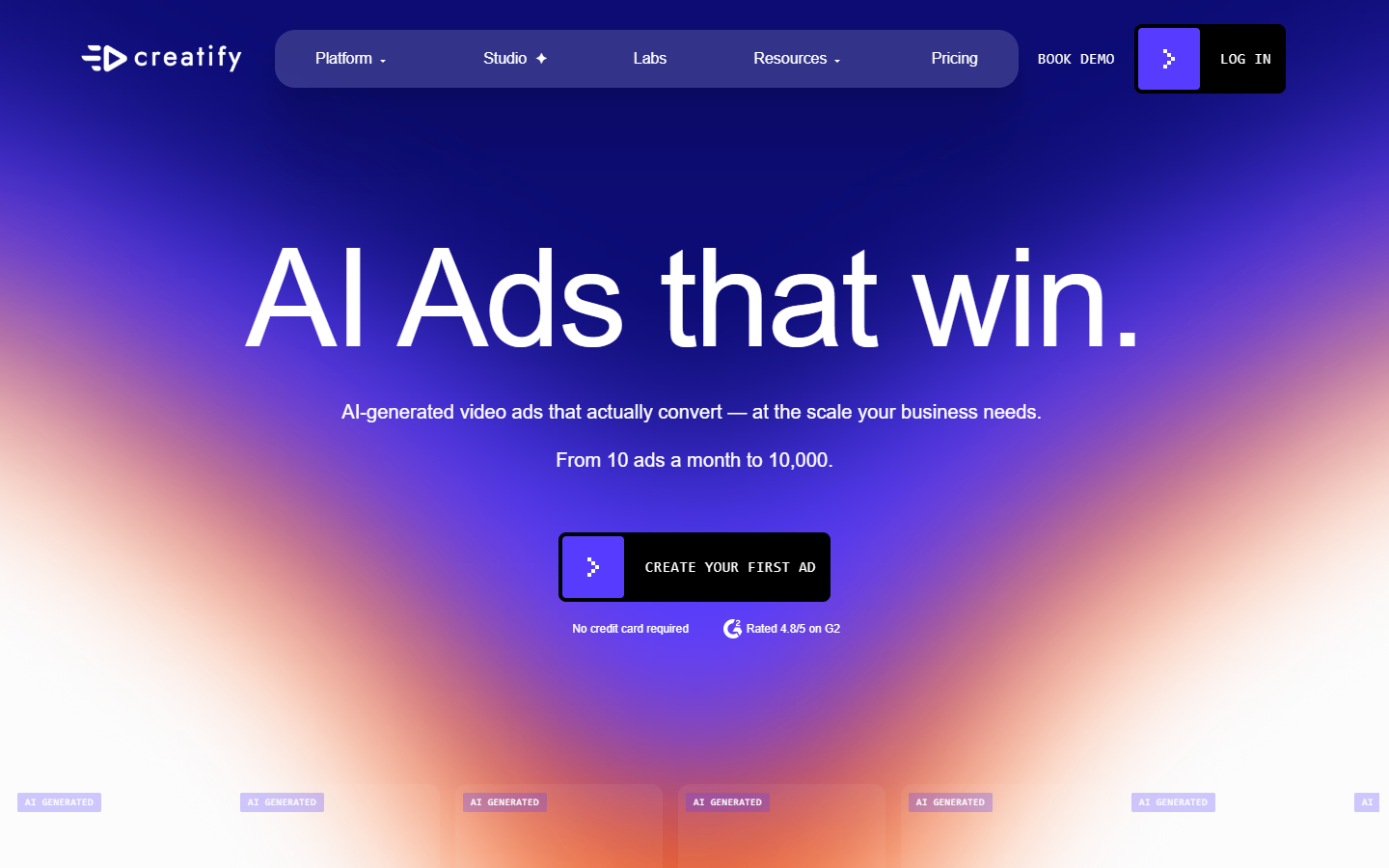
The output is more finished than MakeUGC's, which helps when you are testing twenty hooks in a week. It is also template shaped, so a trained eye starts recognizing Creatify ads in a feed. A product video pass with your own B-roll and caption styling is what stops the batch looking generated.
Best for: ecommerce teams testing volume from product URLs. Verdict: fastest link to draft, weakest on making the draft feel unique.
3. Arcads
Arcads takes the opposite position. You write the script, it casts from a library of licensed actors, and performance quality is the product. Delivery is more natural than most avatar tools.
Pricing starts around $110 per month, the highest here. That is defensible if performance is the variable you are testing. It is harder to justify when you are testing hooks and offers, because those change in the caption and the first frame, not the acting.
Best for: performance marketers testing scripts at volume. Verdict: the best read in the category, at the price of the category.
4. HeyGen
HeyGen is the general purpose avatar platform the others get measured against. Large avatar library, custom avatars from your own footage, voice cloning, and translation into many languages with matched lip movement.
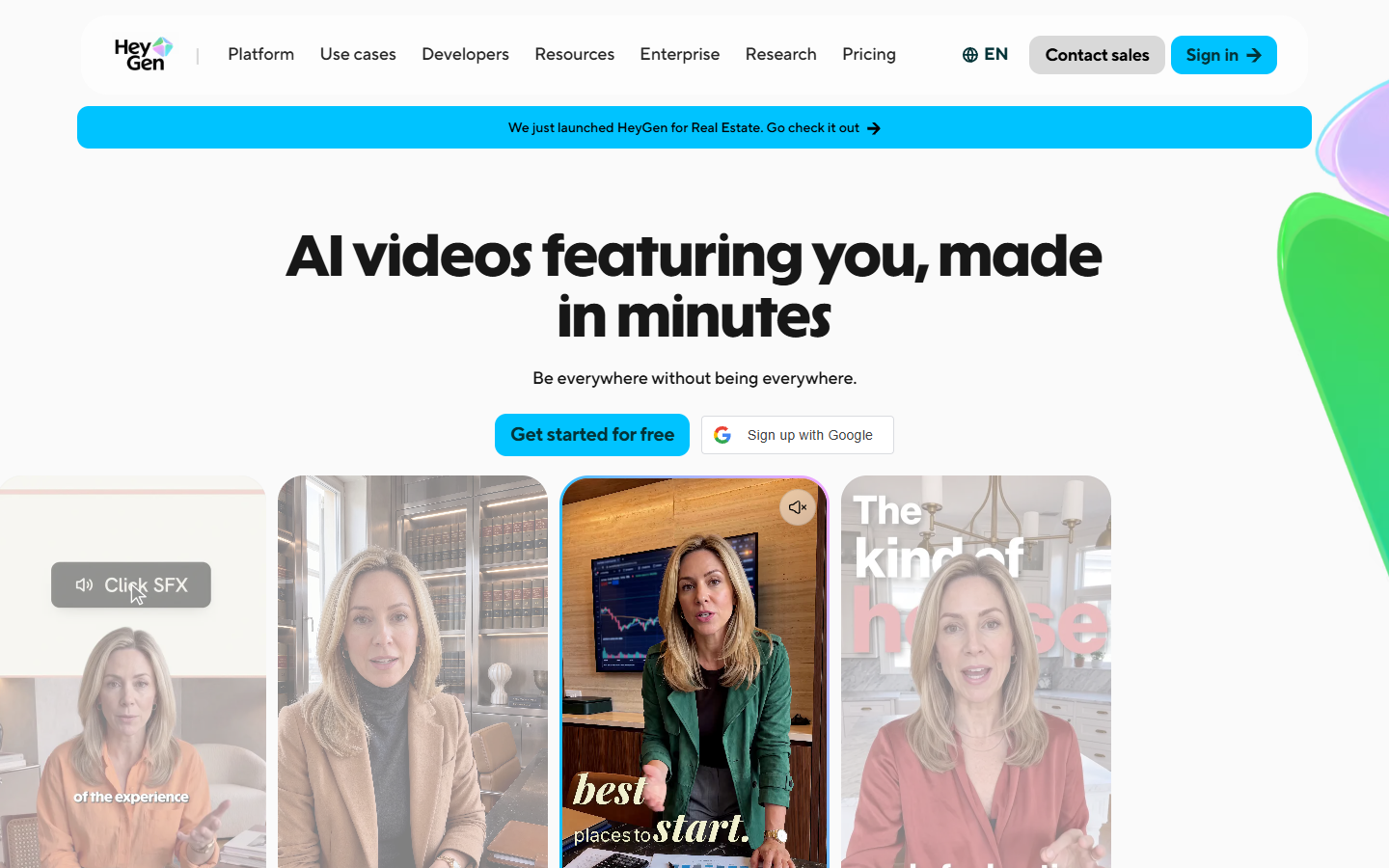
For UGC it is less opinionated than MakeUGC. You get a clean avatar clip and no ad structure, a downside if you wanted a finished ad and an upside if you were re-cutting it anyway. The free tier is enough to judge the lip sync on your own script.
Best for: one script, many languages, many actors. Verdict: the safest default if you plan to edit afterwards.
5. Synthesia
Synthesia is built for business video, not social ads. Training modules, product explainers, and internal comms, with studio grade avatars and strict brand controls.
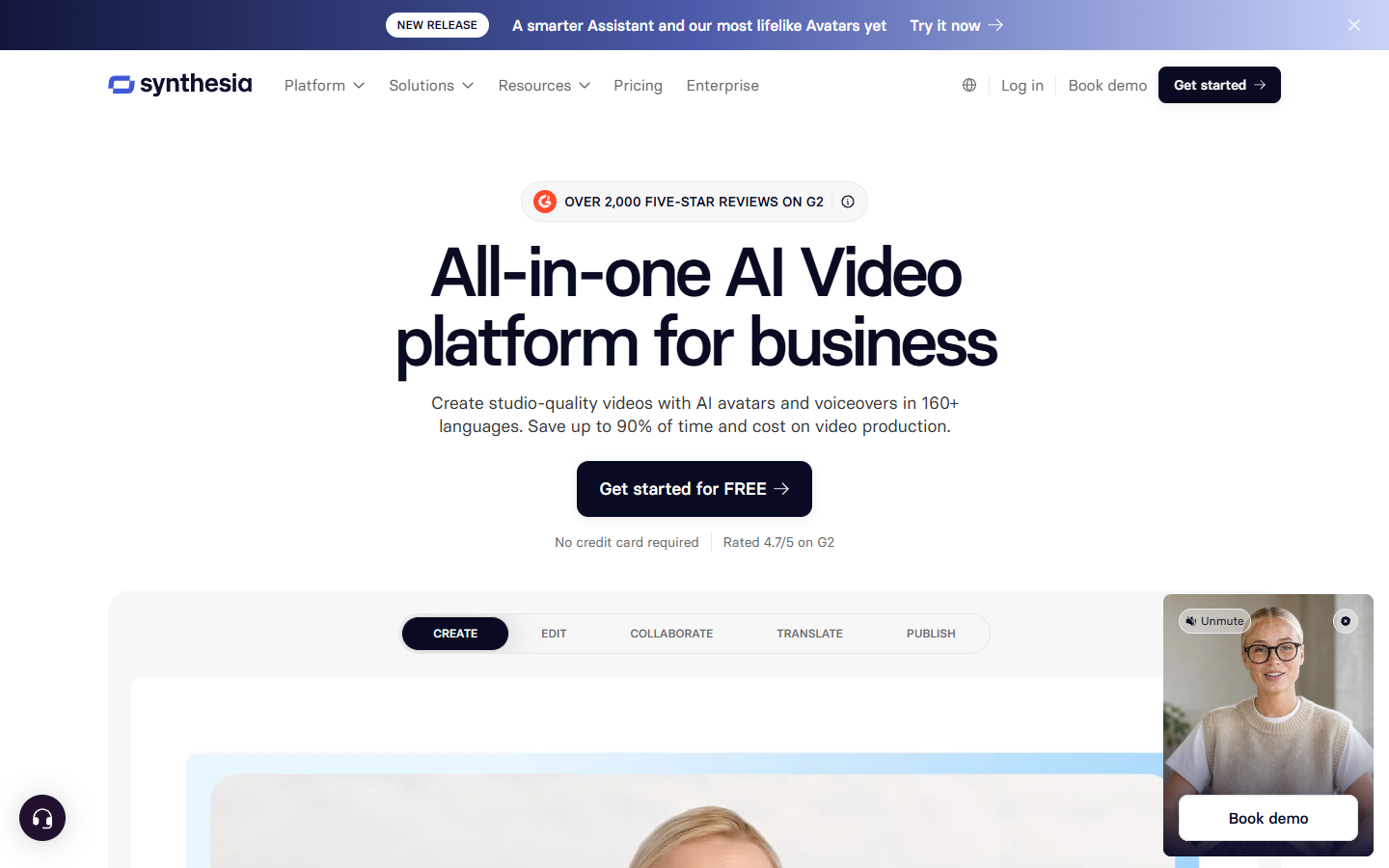
That polish works against it for UGC. Creator content works because it looks like a phone, not a studio. Pick it when the video should look official, not when it should look like a customer.
Best for: corporate video that must stay on brand. Verdict: excellent at its job, a poor fit for the UGC feel.
6. Captions
Captions works from the other end. It assumes a human shot the footage, then handles eye contact correction, filler word removal, framing, and caption styling. It ships AI actors now too, but cleanup and captions are still the strongest part.
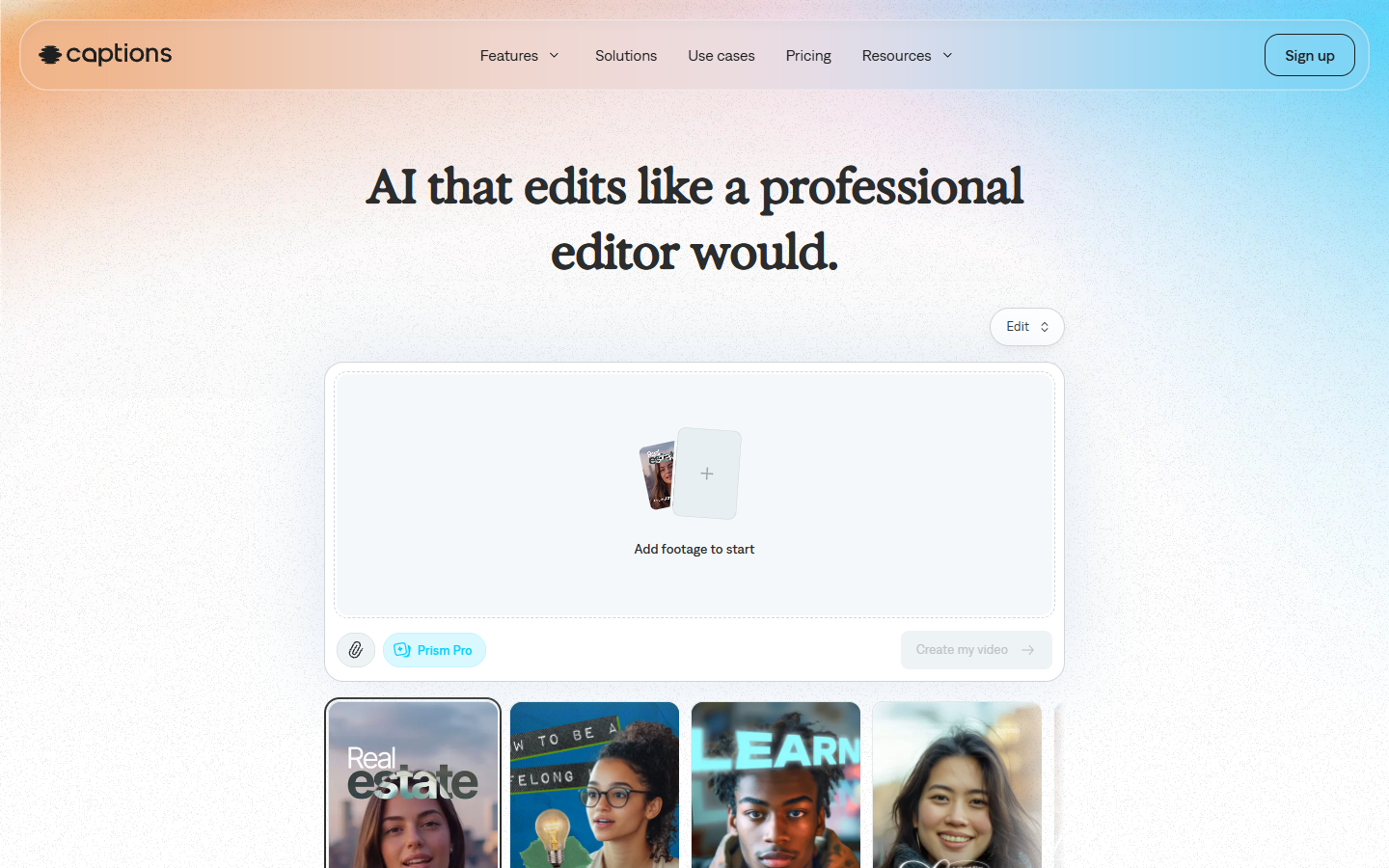
If you or a colleague will go on camera, this beats every avatar tool on believability. The limit shows up when you need many variants fast, because a human records each one. Caption presets are fixed too, so brand specific type work still means exporting and adding subtitles you control.
Best for: founders and small teams shooting their own faces. Verdict: the most believability per dollar here.
7. Submagic
Submagic is not a generator. You bring a clip, it adds animated captions, hook text, zooms, sound effects, and B-roll suggestions. Paid plans start around $16 per month, with a free tier below that.
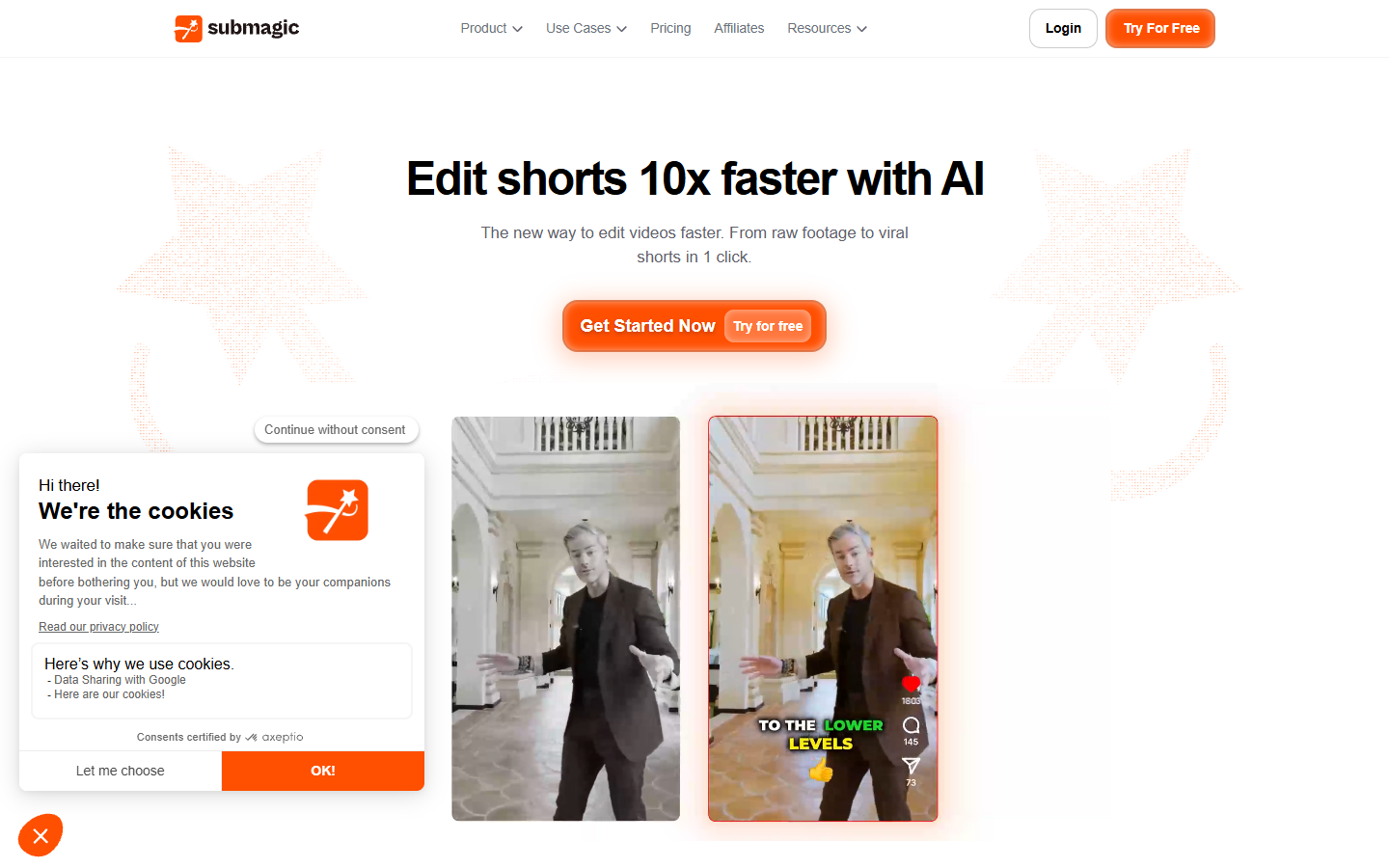
Many people searching for a MakeUGC alternative do not need a different actor. They need the clip they have to stop looking raw. Submagic does that in one pass, with the caveat that everyone uses the same presets, so your ads share a look with much of the feed.
Best for: finishing existing footage fast. Verdict: a finishing layer, not a replacement for generation.
The finishing pass every one of these leaves you
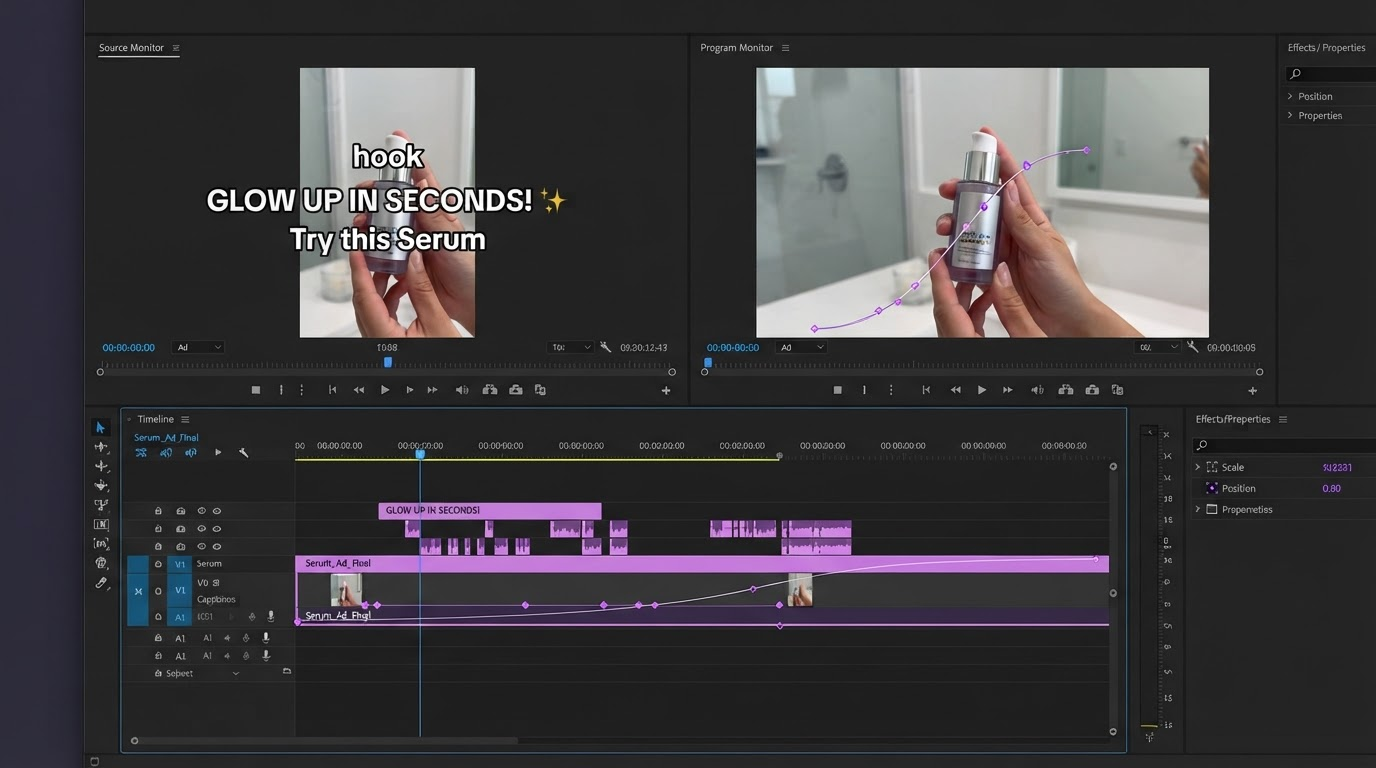
Every tool above hands back a flat video file. Four jobs remain, and they move the numbers.
Open on a hook, not a greeting. Most generated clips spend the first half second with the actor settling in. Cut it, and put your strongest claim on screen over the first words. That is a head trim and re-time, not a regeneration, so it costs seconds, not credits.
Burn in captions you control. Auto captions are fine for legibility and useless for brand. Type weight, color, position above the thumb line, and word by word timing are creative decisions, and the most visible thing in a muted feed.
Cut away to the product. A talking head holding a bottle for thirty seconds is a monologue. A two second product insert at the moment the actor names the benefit is an ad. Dropping in B-roll over the voiceover is the biggest single upgrade here.
Export the ratios each placement wants. Reels, Shorts, and TikTok want 9:16 with safe margins, in feed placements often want 1:1, and YouTube pre roll wants 16:9. Reframing once per vertical video placement beats regenerating three times.
If you are weighing a single avatar app against a pipeline you assemble yourself, Wireflow published a side by side of which MakeUGC replacements actually hand back a finished ad from the generation side.
Frequently asked questions
Is there a free MakeUGC alternative?
Yes, with limits. HeyGen, Captions, Submagic, and Creatify all run free tiers, and free output usually carries a watermark or a duration cap. Motionbox renders free with a watermark too, so you can build the edit before paying.
Which alternative has the most realistic actors?
Arcads for scripted reads, HeyGen for range and languages. Realism gaps are smaller than people expect, and pacing, hook, and caption work explain more of the performance difference than the avatar does.
Do I still need a video editor if the tool adds captions automatically?
For one video, no. For a campaign, yes. Automatic captions come in one style, and every competitor on the same tool ships it. The moment you want brand type, a hook animation, or a cutaway on an exact frame, you need a timeline.
Can I reuse one script across several actors?
Most of these regenerate the same script with a different avatar, the cheapest useful A/B test here. Keep the edit identical, swap only the actor, and you learn whether casting or copy is the variable. Build the caption and B-roll layers once, then drop each generation underneath them.
What about creator marketplaces instead?
Insense, Trend, and Influee connect you to real creators with real licensing. Authenticity is higher, turnaround is days not minutes, and cost per asset is several times higher. Most teams run both.
Where to start
If the actor is not good enough, try Arcads or HeyGen. If one clip at a time is too slow, build a pipeline you own. If the output just looks unfinished, the generator was never the problem. Pick an actor you like, then give yourself a real timeline for the hook, captions, cutaway, and ratios. That half hour is where the ad gets made.
Founder of Motionbox and Gluely. Building tools for creators.