How to Build n8n Video Editing Workflows That Actually Ship
n8n has no timeline, no scrubber, and no keyframe editor. Here is how video automation actually works in it, node by node, and which parts of an edit are still yours.
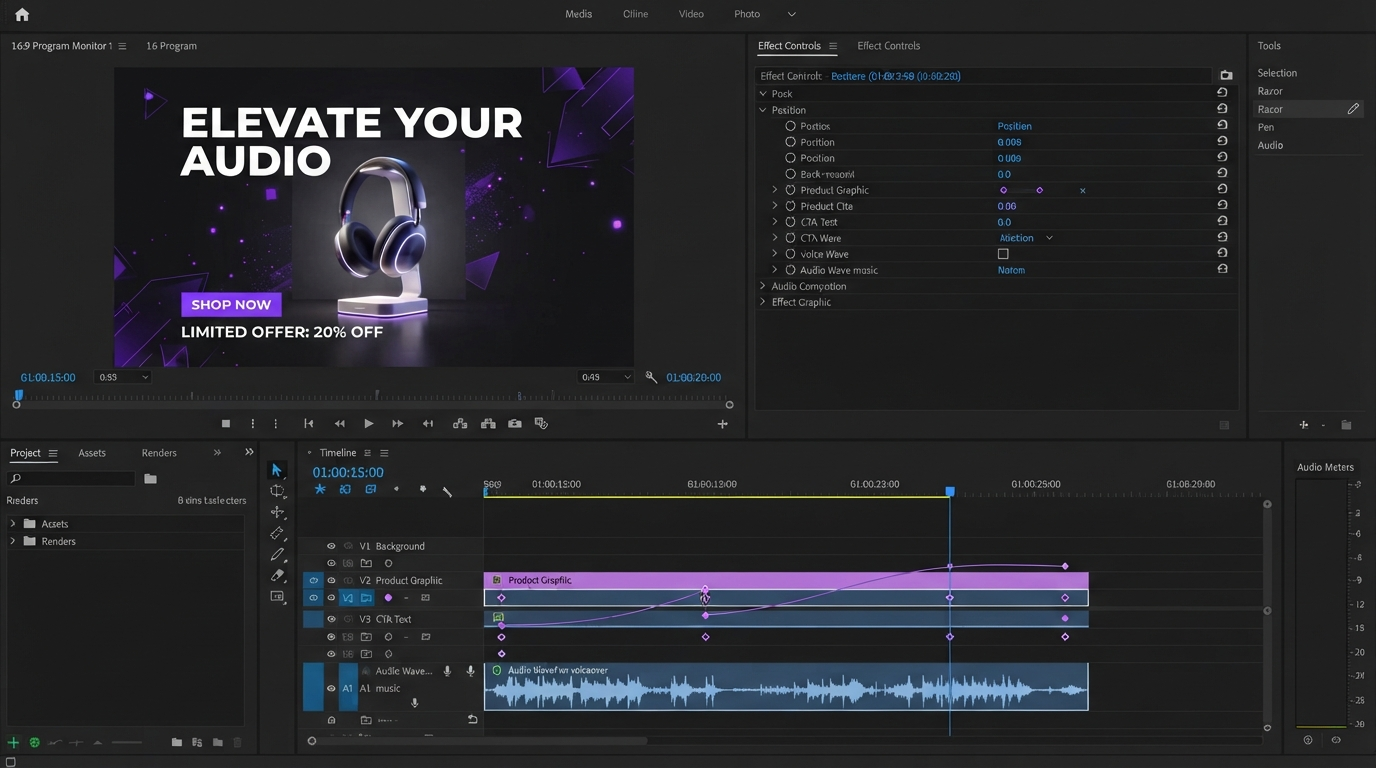
n8n does not have a timeline. There is no scrubber, no track stack, no keyframe editor anywhere in the tool. That surprises a lot of editors who hear "automate my video edits" and picture a robot dragging clips around. What n8n actually gives you is a wiring board for data, and video work happens when you wire that board to a render service that does own a timeline. Once you accept that split, building the workflow gets simple, and you stop trying to make an automation tool do the one job it was never built for.
This guide walks through the node chain, the render loop, where captions and B roll belong, and which parts of an edit you should never hand to a workflow.
In short
- Pick a render service with a REST API and build the visual template there first, with named placeholders for every element that changes.
- In n8n, add a trigger (schedule, webhook, or a Google Sheets row) and a Set node that shapes one clean JSON object per video.
- Send that object to the render API with an HTTP Request node and capture the job ID it returns.
- Hold with a Wait node, poll the job status, and route the result with a Switch node on succeeded, failed, or still processing.
- Download the finished file and push it to storage, a publishing API, or your editor for a human pass.
Quick answer:
- n8n orchestrates video work, it does not perform it. Every real edit happens inside a render API or an editor you call from an HTTP Request node.
- The minimum viable chain is six nodes: Trigger, Set, HTTP Request, Wait, Switch, and a delivery node. Everything else is refinement.
- Automate the repeatable layer (captions, resizing, intros, outros, batch variants) and keep pacing, music sync, and art direction on a real timeline.
Build the template before you touch n8n
The most common failure in these builds is starting in n8n. You end up with a workflow that runs perfectly and produces a video nobody wants to watch, because the design decisions got made in a JSON blob at two in the morning.
Design the video first, in an editor, as a template. Set your safe areas. Pick the type scale. Decide how the logo enters and how the caption block sits over the footage. Then mark every element that will change per run and give it a name: headline, product_shot, voiceover, cta_text. Those names become the keys in your n8n payload, and that mapping is the entire contract between the two systems. If you are building for vertical placements, lock the 9:16 framing in the template rather than cropping after the fact, which is the same discipline behind any decent TikTok video workflow.
Templates also make the workflow auditable. When a batch of forty videos comes out with the caption an inch too low, you fix one template instead of forty payloads.
The six nodes that do the work
Strip a video automation down and the same chain appears every time.
Trigger. Schedule Trigger for daily batches, Webhook for on-demand requests from a form or another app, or a Google Sheets trigger when a content calendar is the source of truth. Start with a Manual Trigger while you are building so you are not waiting on a cron.
Set. This is where you shape one clean object per video. Resist the urge to inline expressions all the way down the chain. One Set node that produces a flat, readable payload makes every later node easier to debug, and it gives you something you can copy into a curl call when the API starts complaining.
HTTP Request. POST the payload to the render API. Most services accept a cURL import, so paste their documented example straight into the node and swap the literal values for expressions. Capture the job ID from the response, because everything after this depends on it.
Wait. Renders take seconds to minutes. A Wait node holds execution without burning through your polling quota. Set it to a realistic floor for your render length, then poll.
Switch. Route on the job status. Three branches: succeeded goes to delivery, failed goes to an alert, processing loops back to the Wait node. That loop is the piece most tutorials draw badly, and it is the piece that keeps the workflow from silently dropping jobs.
Delivery. Download the file and put it somewhere useful. Cloud storage, a CMS, a social publishing API, or a shared project where an editor picks it up.
The render loop, in detail
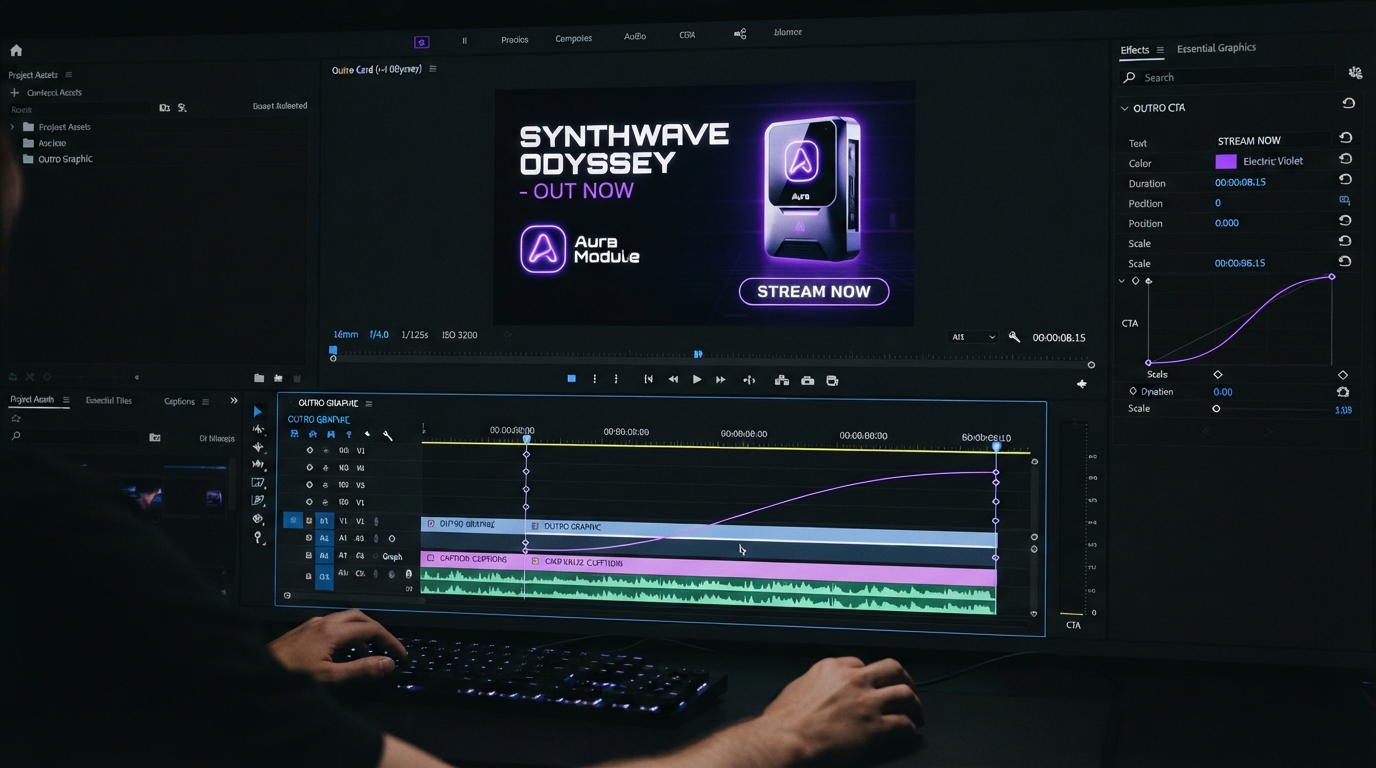
The loop is where most builds break, so it is worth spelling out.
Your HTTP Request node returns something like {"id": "abc123", "status": "planned"}. Store that ID. The Wait node pauses, say, twenty seconds. A second HTTP Request node does a GET against the status endpoint using the stored ID. The Switch node reads the returned status field.
Two rules keep this healthy. First, cap the loop. Add a counter in the Set node and fail the run after a fixed number of polls, otherwise a stuck job cycles forever and you find out when your monthly API bill arrives. Second, capture the error body on the failed branch, not just the status code. Render APIs usually tell you exactly which element broke, and that message is worth routing to Slack or email.
If the service offers webhooks instead of polling, take it. You replace Wait, poll, and Switch with a second workflow that listens on a Webhook node, which is fewer executions and no stuck loops. Polling only wins when you cannot expose a public endpoint.
Where captions, B roll, and brand assets fit
Captions are the highest value thing to automate here, because they are mechanical and they are also the thing viewers notice first when they are wrong. Run the audio through a transcription step, pass the returned timings into the render payload, and let the template style them. Keep a human check on line breaks and proper nouns, since no transcription model spells your product name right every time. The same approach works whether you are building English captions or running a subtitle translation pass for other markets.
B roll selection is the opposite. A workflow can pull clips by tag and drop them into slots, and the result is usually competent and boring. If your format depends on visual variety, treat automated B roll as a first pass that an editor swaps, not as the finished cut.
Brand assets belong in the template, never in the payload. Logos, colors, fonts, and lower thirds should live in one place so a rebrand is a template edit. If your workflow is passing a logo URL on every run, you have moved brand control into a spreadsheet, and it will drift.
What not to automate
Pacing is a judgment call. So is music sync, so is the decision to hold on a shot for an extra beat because the line lands better. Workflows are good at volume and consistency, and they are bad at taste. The healthy pattern is a workflow that produces a strong draft and an editor who spends ten minutes on it, rather than a workflow that ships unwatched.
That also means picking a render backend that returns something editable. If the API hands back only a flat MP4, every fix is a re-run with new parameters, which is slow and frustrating for the person doing the fixing. If the output opens as layers and tracks in a browser editor, a human can nudge a keyframe and move on. That is also the argument for keeping the final pass somewhere the team can see each other's changes, which is what collaborative video editing is for.
Frequently asked questions
Can n8n edit video by itself?
No. n8n has no timeline, no codec handling, and no rendering engine. It moves data between services. Any node that claims to edit video is calling an external API under the hood, and you are better off knowing which one.
Should I use a community node or a plain HTTP Request node?
Start with HTTP Request. Community nodes for services like JsonCut save typing, but they lag behind API changes and they hide the request body, which is exactly what you need to see when a render fails. Move to a community node once the workflow is stable and boring.
How do I generate the source footage if I do not have any?
This is the real limit of a pure n8n build. n8n can call a video model, but stitching several model calls, reference images, and voiceover into one coherent shot list inside a linear node chain gets unwieldy fast, and you end up maintaining a fragile branch of HTTP nodes. A purpose-built canvas handles that part better, and Wireflow AI's guide to n8n video editing workflows covers how to shape that generation step as its own pipeline before n8n ever sees the result.
How much does an automated video pipeline cost to run?
Render APIs bill per second of output or per render, and transcription bills per audio minute. A sixty second social video with captions typically lands in the low tens of cents of compute, which is not the expensive part. The expensive part is a broken loop polling a stuck job, so cap your retries.
Can I automate the whole thing, from idea to published post?
You can, and the first week feels great. Then output quality drifts, because nothing in the chain is watching. Put a human approval step before publishing. A Wait node plus a simple approval webhook costs you ten minutes a day and saves the account.
Where to go next
Build the smallest version first. One trigger, one hardcoded payload, one render, one download. Get that green, then add the loop, then add captions, then add the batch source. Most failed automations were built in the wrong order, with a forty branch workflow assembled before anyone confirmed the render API returned what they expected.
Once the pipeline runs, the interesting question stops being technical and starts being editorial. What does your format actually need per video, and what can stay fixed in the template? Answer that well and the workflow mostly disappears, which is the point. If you want a place to do the human pass after the render lands, the video merging and assembly tools are a reasonable next stop.
Founder of Motionbox and Gluely. Building tools for creators.