How to Make AI Instagram Reels That Go Viral in 2026
AI can hand you reel footage in ninety seconds. Holding a viewer past the third second is an editing job. Here is the timeline work that decides which AI reels travel and which ones stall.
Generating a reel with AI takes about ninety seconds. Making that reel hold attention past the third second takes editing. That gap is why most AI reels sit at 400 views while a scrappier hand-cut clip from the same account crosses 100k. Instagram does not grade footage on how it was made. It grades watch time, replays, sends, and saves, and every one of those is decided on a timeline, not in a prompt box.
This guide covers the production side: what to generate, what to rebuild by hand, how to time captions to speech, where the Instagram interface eats your frame, and what a repeatable weekly rhythm looks like once the first reel lands.
In short
- Write the hook line first, in text, before you generate a single frame. If it does not work as a sentence, no footage saves it.
- Generate short clips (3 to 5 seconds each) rather than one long AI take, so you keep cut points.
- Rebuild the sequence on a timeline: trim to the beat, cut every 1.5 to 2.5 seconds, and set a clean loop point.
- Burn in captions and time them to the spoken word, not to a fixed interval.
- Export 1080x1920 at 30fps, check the safe zones, then post and read the retention graph within 48 hours.
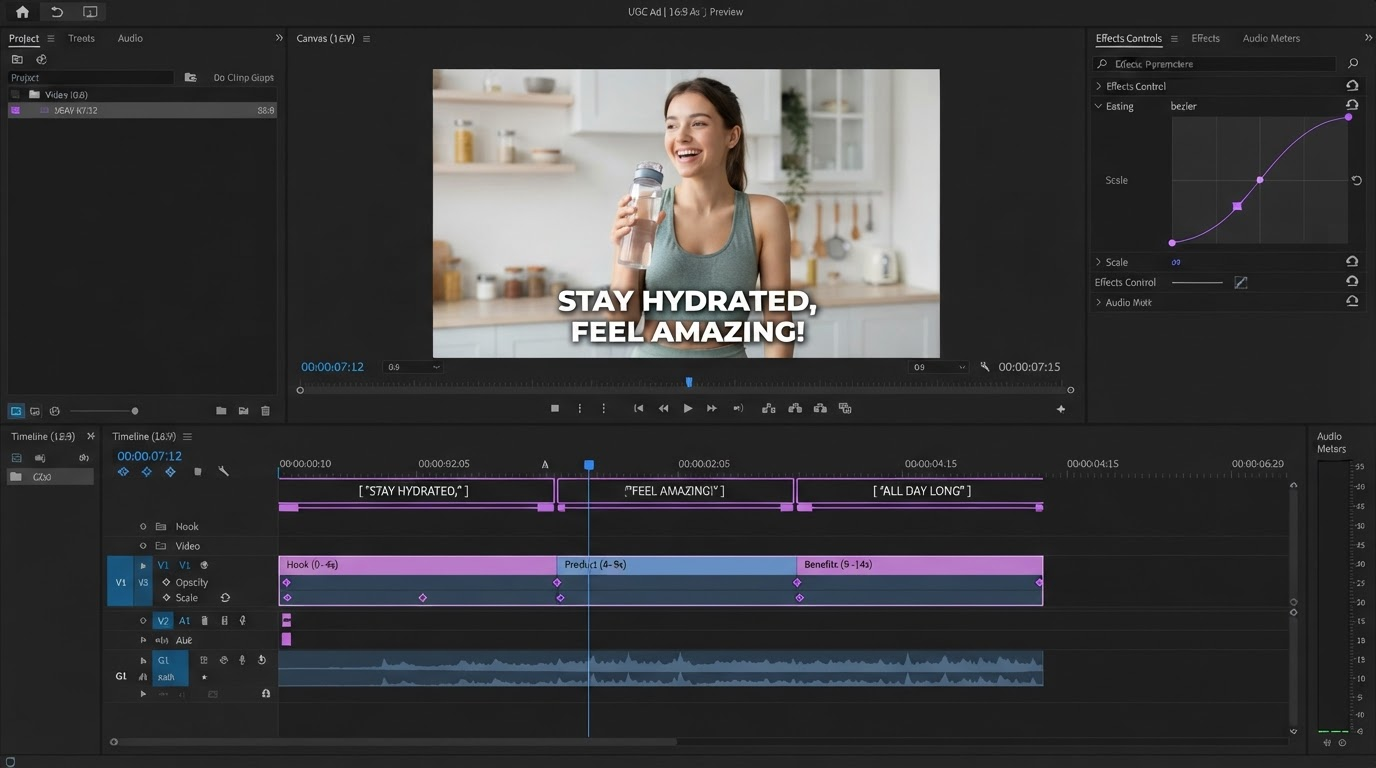
Quick answer:
- Viral AI reels are won in the first 1.5 seconds and in the cut cadence, not in the model you generated with.
- Generate footage as short separate clips, then assemble and caption them on a timeline so you control pacing, loop points, and text timing.
- Post five or more reels a week, keep the format fixed, and change one variable at a time so the retention graph tells you what to keep.
Why most AI reels underperform
The common failure is a single long generated clip dropped straight into Instagram with a stock font caption slapped on top. It reads as filler within a second because nothing moves at the rhythm a scrolling viewer expects. Real reels cut. A cut every 1.5 to 2.5 seconds resets attention. One continuous six second AI shot does the opposite: it tells the viewer that nothing is about to happen.
The second failure is audio. AI footage arrives silent or with generic ambience, so the reel has no beat to cut against. Bringing in a track first and cutting the visuals to it fixes more retention problems than a better generation model does. Motionbox lets you drop the audio onto the timeline and snap clip boundaries to the waveform peaks, which is far faster than eyeballing it. The same idea applies to voiceover: land the cut on the stressed syllable, not in the middle of a word.
The third failure is that the reel does not loop. Instagram counts a replay as watch time. If your last frame and first frame share a composition, viewers often watch twice without noticing, and the retention curve reads above 100 percent. Planning that end-to-start match while you are still choosing shots costs nothing and pays every time.
Step 1: write the hook before you generate anything
Open a text file. Write the first line of the reel as a sentence you would actually say out loud. Three shapes work consistently in 2026: the direct claim ("You are exporting reels at the wrong frame rate"), the open loop ("This took four minutes and I will show you the whole thing"), and the transformation ("Here is the before, watch what the second pass does").
Only after the line reads well do you decide what the viewer sees while they hear it. A hook written to fit existing footage almost always ends up vague, while a hook written first tells you exactly which three seconds of visual you need.
Keep the whole script between 10 and 20 seconds for the first month. Short reels finish, and a finished reel is a completed view. If you want a structure to copy rather than invent, the short-form video templates are already built at 9:16 with a hook slot, a body slot, and an end card.
Step 2: generate footage in pieces, then rebuild it on a timeline
Ask any video model for one continuous ten second shot and you get a shot you cannot edit. Ask for four separate three second shots of the same subject and you get material. Generate in pieces. Vary the framing between them (wide, then close, then a detail) so the cuts have a reason to exist.
Where should the AI footage come from?
Most teams keep generation and editing in separate tools on purpose, because the two jobs need different interfaces. A prompt-driven generator handles the raw vertical footage: describing the scene, picking the style, and returning 9:16 clips without a watermark. An AI Instagram reel generator does that part well, and you bring the resulting files into an editor for the parts a prompt cannot express, such as exact cut timing, caption placement, and the loop point. Prompting is good at "what does this look like." Timelines are good at "when does this happen."
Once the clips are in, cut hard. Bring each generated clip in, then remove its first and last few frames, since models tend to ease in and out of motion and those frames read as dead air. Use split and trim on the timeline rather than regenerating: it takes seconds and you keep the version you liked.
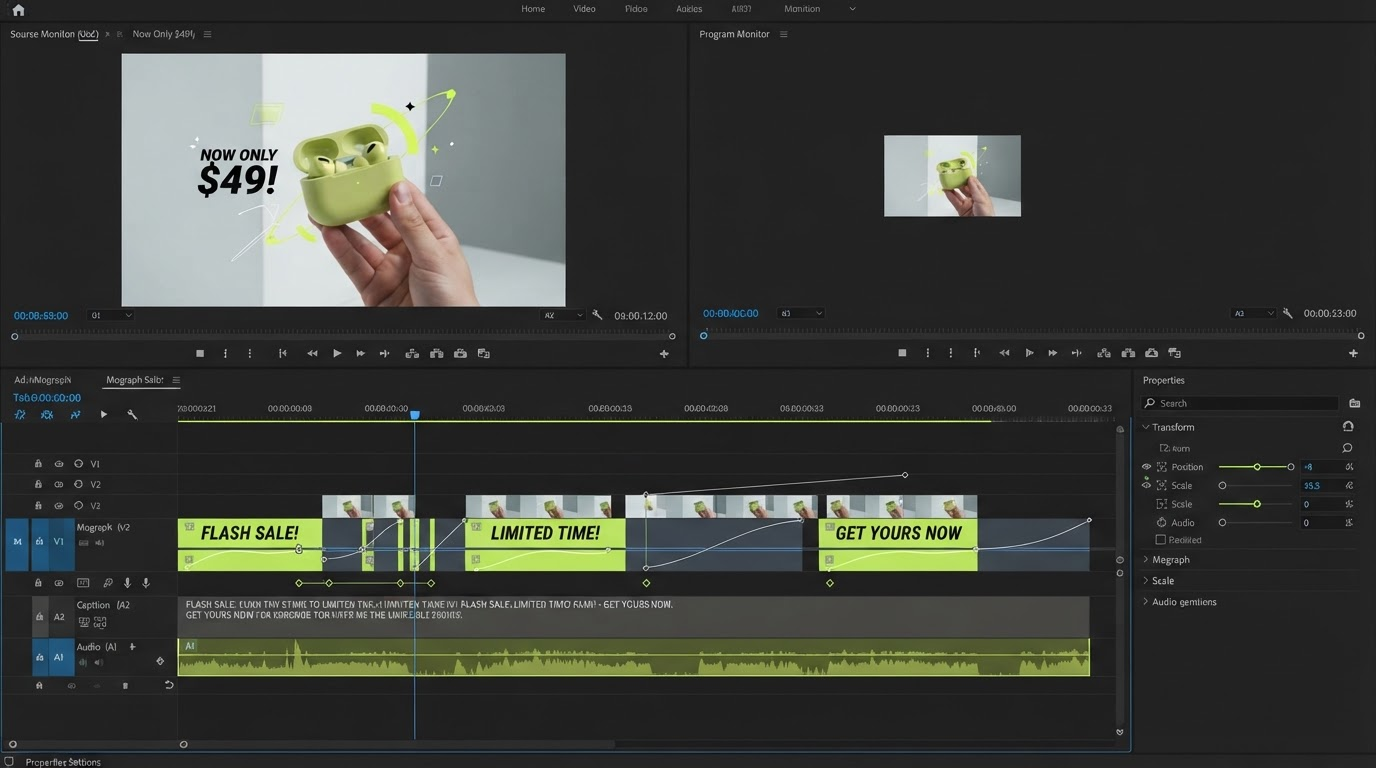
Step 3: time your captions to speech, not to a clock
Roughly four in five reels are watched without sound at first. Captions are not an accessibility afterthought here, they are the hook delivery mechanism. Two rules cover most of it. Keep each caption card to three or four words so the eye reads it in one fixation. And change the card on the word, not on a fixed 800 millisecond interval, because mistimed text feels wrong even when the viewer cannot say why.
Auto transcription gets you 90 percent of the way, and the last 10 percent is worth doing by hand: product names, numbers, and the hook line itself. Generate the track with automatic video subtitles, then scrub the hook and nudge the first two cards until they land exactly on the stressed syllables. That single pass is usually the highest-return five minutes in the whole edit.
Style the captions once and save them. Consistent caption styling across a month of reels is a real recognition signal: viewers start identifying your clips in the feed before they read the handle.
Step 4: get the export and the safe zones right
Instagram wants 1080x1920, 9:16, 30fps, H.264, under 100MB for a short reel. That part is easy. The part people miss is the interface overlay. The bottom 320 pixels or so carry the caption, the handle, and the audio row, and the right edge carries the action buttons. Any text you place there is partially covered in the feed even though it looks fine in your editor.
Practical fix: keep all burned-in text inside the middle 60 percent of the frame vertically, and leave at least 120 pixels of clearance on the right. If you build reels regularly, the Instagram video maker presets already frame to those bounds so you are not measuring by eye every time.
Check the loop before you export. Play the last second, then the first second, back to back. If the cut is visible, either match the framing or add a quarter second crossfade. Reels built to repeat cleanly, like the looping Instagram video pattern, pick up replays for free.
Step 5: build a weekly rhythm and change one thing at a time
Volume is the part nobody wants to hear, but the data is consistent: accounts publishing five or more reels a week see multiples of the reach of accounts publishing once. AI generation makes that volume achievable for a solo creator, provided the edit is templated rather than reinvented each time.
Build one project file with your caption style, your end card, your safe zone guides, and your audio bed. Duplicate it for every reel. The only things that change per reel are the footage, the hook, and the caption text. That turns a two hour edit into a twenty minute one.
Then read the retention graph 48 hours after posting. Look at exactly two numbers: where the curve drops below 70 percent (that is your hook problem) and whether the curve has a bump at the end (that is your loop working). Change one variable for the next reel. Hook wording, or cut speed, or caption size. Changing three at once teaches you nothing.
Frequently asked questions
Does Instagram suppress AI-generated reels?
There is no evidence of a blanket penalty on AI footage. What gets suppressed is content people scroll past. Instagram does apply AI content labels in some regions, and those labels have not shown a measurable reach cost. Retention, sends, and saves still decide distribution.
How long should an AI reel be in 2026?
Between 7 and 20 seconds for growth content. Short reels finish, and completion plus replays is what the ranking system reads. Save the 45 second format for tutorials where people already know your account.
Do I need to film anything myself?
No, but a single real element helps. A hand, a product shot, a screen recording, or a two second face-to-camera line breaks the fully synthetic feel that makes viewers scroll. Mix one authentic clip into an otherwise generated reel and the difference in comments is noticeable.
What is the fastest way to fix a reel that flopped?
Recut the first two seconds and repost it as a new reel with a different hook line and a different cover frame. Keep everything else identical. It is a five minute edit, and it tells you whether the hook or the body was the problem.
Can I reuse the same edit for TikTok and YouTube Shorts?
Yes, with two changes. Move the burned-in captions up slightly for TikTok, whose interface covers more of the lower frame, and swap the end card, since the call to action differs per platform. Everything above the caption layer stays the same.
Where to go next
The reels that travel in 2026 are not the ones generated with the newest model. They are the ones where somebody decided the cut points, timed the captions to the voice, and closed the loop. Pick one hook line, generate four short clips against it, cut them to a track, and read the retention graph two days later.
Founder of Motionbox and Gluely. Building tools for creators.