Programmatic Video Generation Platforms: How To Build A Pipeline That Ships
Programmatic video means producing many videos from data or code instead of cutting each one by hand. Here is how the pipeline actually fits together, where it breaks, and why you still want a timeline you can open.
You have 400 product SKUs and a launch on Friday. Or 60 creators needing the same 15 second cut with their own hook. Or a weekly report video that ships every Monday whether or not anyone opens an editor. At some point the timeline stops being the bottleneck and the copy-paste does. That is when people go looking for a programmatic video generation platform.
The category is messy because two different things share the name. One kind of platform renders a template you designed, filling slots from a data feed. The other generates net new footage from a prompt or a reference image using a video model. Most real pipelines need both, plus a place where a human can still fix the timing.
In short
- Decide whether you need template rendering (same layout, different data) or model generation (net new footage from a prompt). They solve different problems.
- Design the video once as a real composition, with named layers you intend to swap. Every slot you leave dynamic is a slot you will have to art-direct later.
- Feed variants as structured data. One row per video, one field per swappable layer.
- Call the render API asynchronously and poll or take a webhook. Long renders will time out on a synchronous request.
- Keep an editable timeline in the loop for the 5 percent of outputs that come back wrong. Batch jobs always have stragglers.
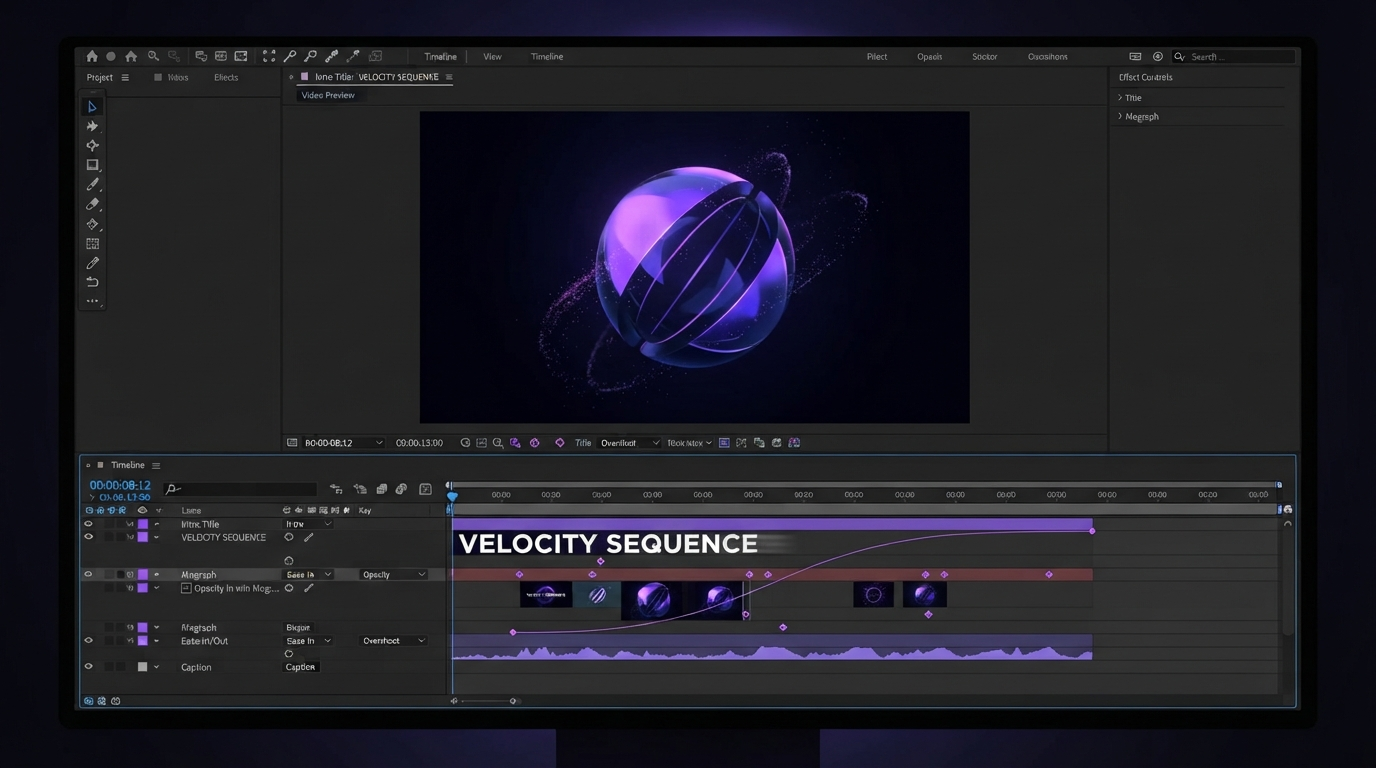
Quick answer:
- A programmatic video generation platform produces video from code or structured data instead of manual timeline work, either by rendering a template with swapped layers or by calling a video model with a prompt.
- Template rendering is predictable and cheap per output, so it wins for volume work like product cutdowns, localized captions, and personalized outreach. Model generation wins when the footage does not exist yet.
- The part most teams underestimate is the fix loop. Plan for a small percentage of renders to need a human in a timeline, and pick tools that hand you editable layers rather than a finished file.
Template rendering versus model generation
Template rendering is the older and more boring half of the category, and it is the half that pays. You build one composition and mark which layers are dynamic: a headline, a product still, a price, a logo, a caption track. Then you send rows of data, and the service renders one video per row. Shotstack, Creatomate, and Plainly all sit here, with Plainly leaning on After Effects projects and the others using their own JSON scene format.
The output is exactly what you designed, every time. That predictability is the whole point. If you are producing 400 SKU videos, you do not want creative variance. You want the same 8 second product video with a different shot and a different name in the lower third.
Model generation is the newer half. You send a prompt or a reference image and a video model returns footage that did not exist before. It is useful when you have no source material: an abstract background loop, an establishing shot you cannot film, a B roll bridge between two talking head segments. It is a poor fit for anything that must be exact, because the model does not know your brand kit and will not hit a frame accurate hit point.
Most working pipelines use model generation upstream to make raw material, then template rendering downstream to place that material into a designed composition. Treating them as competitors is the most common planning mistake.
Design the composition before you write any code
The failure mode here is building the pipeline first and the video last. You end up with a data schema that cannot express what the design needs, and you rebuild both.
Do it the other way. Cut one real video by hand, end to end, at ship quality. Then ask which layers actually change between variants. Usually it is fewer than you expect: a hero clip, one or two text fields, maybe a logo and an accent color. Everything else, including the easing on your title animation and the pacing of your cuts, should be locked in the template and never exposed to the data feed.
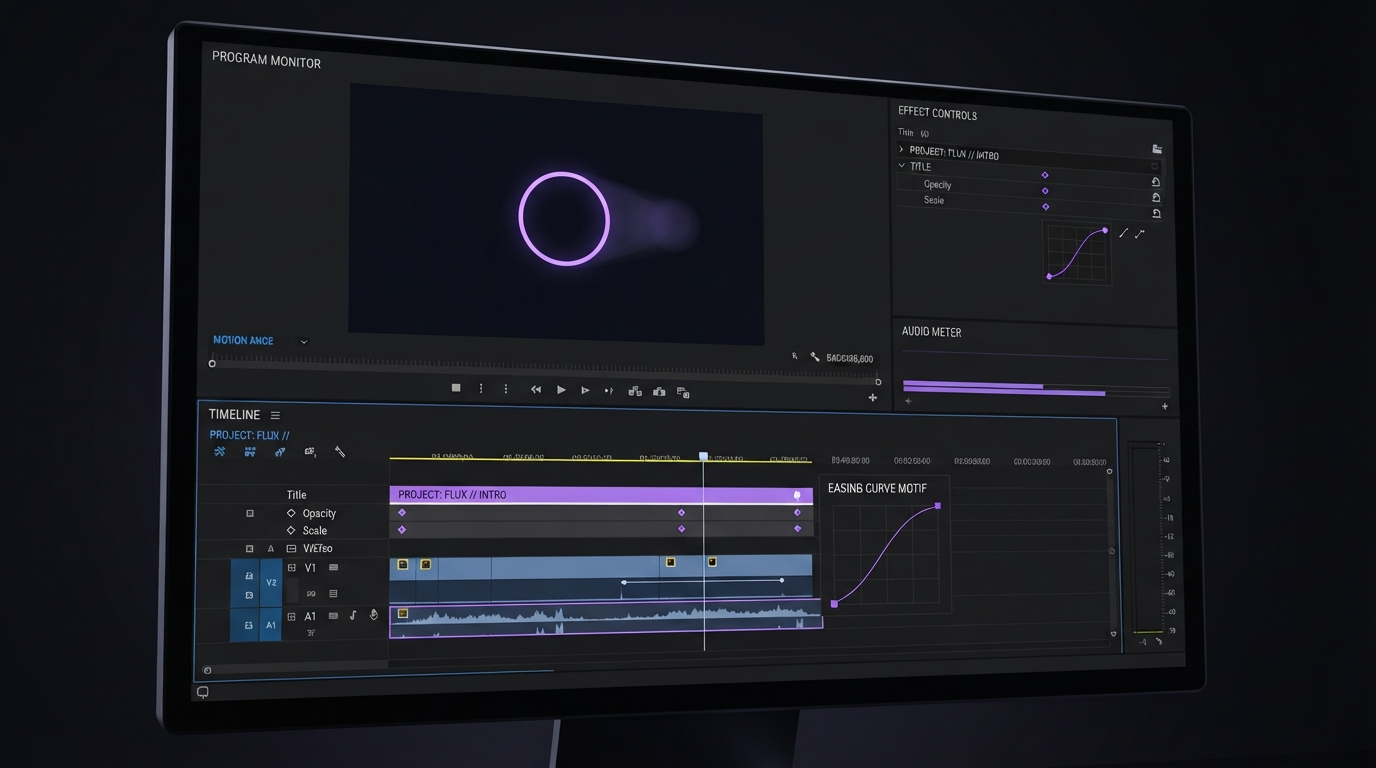
Lock the motion. Expose the content. If your easing curves are coming from a spreadsheet, something has gone wrong upstream.
This is also where you decide aspect ratios. Rendering 16:9, 9:16, and 1:1 from one composition is normal, but text that fits a wide lower third will wrap badly in vertical. Either design safe zones that work in all three, or accept three sibling templates.
Captions are usually the hardest dynamic layer
Text slots are easy when the text is short and you control it. Captions are neither. Length varies per video, they need word level timing, and they carry most of the retention value of a social cut.
Two workable approaches. Either transcribe as a pipeline step and burn the caption track in during render, or generate the caption track once and treat it as a reusable asset that also feeds your subtitle files. The second is better if you localize, because the timing survives translation even when the words do not. Motionbox handles this with automatic video subtitles that stay an editable layer rather than a baked overlay.
Whichever route you take, budget for the failure case. Transcription gets names and product terms wrong, and no amount of pipeline design fixes that. You want a place a human can open the offending video and retype four words without re-rendering the whole batch.
Async rendering, queues, and the parts that break at 3am
A 30 second 1080p render can take 10 seconds or several minutes depending on the composition. That is why every serious platform here is asynchronous. You POST a job, get an id back, and either poll for status or take a webhook when the file lands.
Things that will bite you:
- Timeouts on the caller side. Your job runner has to survive a render that takes 20x the median. Do not hold an HTTP connection open.
- Partial batches. Out of 400 jobs, some will fail on a missing asset or a bad URL. Log which row produced which output id, or you cannot tell which four videos are missing.
- Asset availability. Every image and clip you reference has to be reachable by the renderer at render time. Signed URLs that expire in an hour cause mysterious failures.
- Cost per second, not per video. Pricing here is usually render minutes, and a composition with heavy blur or many layers costs more than its duration suggests.
- Version drift. Edit the template mid batch and half your outputs come from the old design. Version templates explicitly.
Once the batch is out, joining or resequencing outputs is a common follow up step, and it is worth knowing whether your platform can merge videos natively or whether you need another hop.
Where the human still belongs
The honest version of this workflow is not fully automated. It is automated with an escape hatch.
Somewhere between 2 and 10 percent of any batch comes back needing a human: a caption that ran long, a product shot with the logo cropped, a hook that reads wrong at speed. If your only recovery option is to fix the data and re-render everything, you will either ship the errors or burn a day. What you want is to open that one output as a real editable timeline, nudge two keyframes, and export just that.
This is why the output format matters more than the API surface. A platform that returns a finished MP4 has made a decision for you. One that returns layers, tracks, and easing curves lets you keep editing. Agents can set the keyframes, but you still art-direct.
Team review is the other half. Batch output needs eyes before it goes out, and threading feedback through a spreadsheet does not scale any better than manual editing did. Collaborative video editing with comments pinned to timestamps is the practical fix.
Picking a stack for 2026
If your work is mostly volume and mostly templated, a render API with a JSON scene format is the shortest path, and the differences come down to template authoring: Creatomate and Shotstack want you in their editor, Plainly wants your After Effects project. If you need footage that does not exist yet, you are shopping for model access instead, and the useful question is how many models you can reach behind one interface. Wireflow's multi-model video pipeline builder is the interesting shape there, since you assemble the generation steps visually and then call the finished graph over REST, which means swapping the underlying video model later does not mean rewriting your integration.
Then, whichever generation route you take, land the results in an editor that treats them as raw material rather than finished goods. Our guide to AI video generation covers the model side in more depth if you are choosing there first.
Frequently asked questions
What is a programmatic video generation platform?
It is any service that produces video from code or structured data instead of manual timeline work. In practice that means a render API that fills a designed template from a data feed, or a generation API that returns net new footage from a prompt. Some platforms do both.
Do I need to know how to code?
For template rendering, you need enough to send an HTTP request and handle an async job. That is a short script, not an engineering project, and many teams drive it from a spreadsheet or an automation tool instead. Designing the template itself is editing work, not coding work.
How long does a programmatic render take?
Usually 10 seconds to a few minutes per video, driven by duration, resolution, and how many layers and effects the composition has. Because the range is wide, treat every render as asynchronous and take a webhook rather than waiting on the response.
Can I edit the output afterwards?
That depends entirely on what the platform hands back. If it returns a flat MP4, your only real option is to change the inputs and render again. If it returns an editable project with layers and keyframes, you can fix a single output without touching the batch. For any workflow with a review step, the second is worth paying for.
Is this the same as AI video generation?
No, though they overlap. AI video generation makes footage that did not previously exist. Programmatic video generation is about producing many videos automatically, which may or may not involve a model. A pipeline that renders 400 templated product clips from your own photography is fully programmatic and uses no video model at all.
The next decision
Start by cutting one video by hand at ship quality. Everything else, the schema, the API calls, the queue, follows from what that composition actually needs. Then automate the repetition and keep a timeline open for the outputs that come back wrong, because some always do.
Founder of Motionbox and Gluely. Building tools for creators.