Replace a Freelance Video Editor With AI: What Actually Transfers
A freelance edit is six jobs bundled into one rate. AI is better at three of them, even on one, and worse at two. Here is the split, and how to run it without your videos getting worse.
Most people who ask whether AI can replace their freelance video editor are really asking a narrower question: which line items on the invoice can go away without the videos getting worse. That is a much better question, and it has a concrete answer. A freelance edit is not one job. It is roughly six jobs bundled into one rate, and AI is now genuinely better than a junior freelancer at three of them, roughly equal at one, and clearly worse at two. Split the brief that way and you stop guessing.
This guide walks the split. It assumes you are shipping real work: social cutdowns, UGC ads, product demos, YouTube uploads, caption passes, animated titles. Not demos.
In short
- Break your current editor brief into the six jobs it actually contains: ingest and logging, assembly and pacing, captions, motion graphics and titles, color and audio cleanup, and creative direction.
- Hand AI the mechanical jobs first: transcription, logging, rough assembly, caption timing, aspect ratio versions, and batch renders.
- Keep a human on the two jobs AI still fails: taste level pacing decisions and brand judgment on motion.
- Insist on an editable timeline as the deliverable, not a baked MP4, so revisions cost minutes instead of a new brief.
- Re-price the retainer around what is left, usually a smaller hourly block for direction plus a per-video machine cost.
Quick answer:
- AI reliably replaces the logging, rough assembly, caption timing, resizing, and versioning parts of a freelance edit, which is usually 50 to 65 percent of the hours on social and UGC work.
- AI does not replace the person deciding when a cut lands, whether a motion title feels like your brand, or which take sells the product.
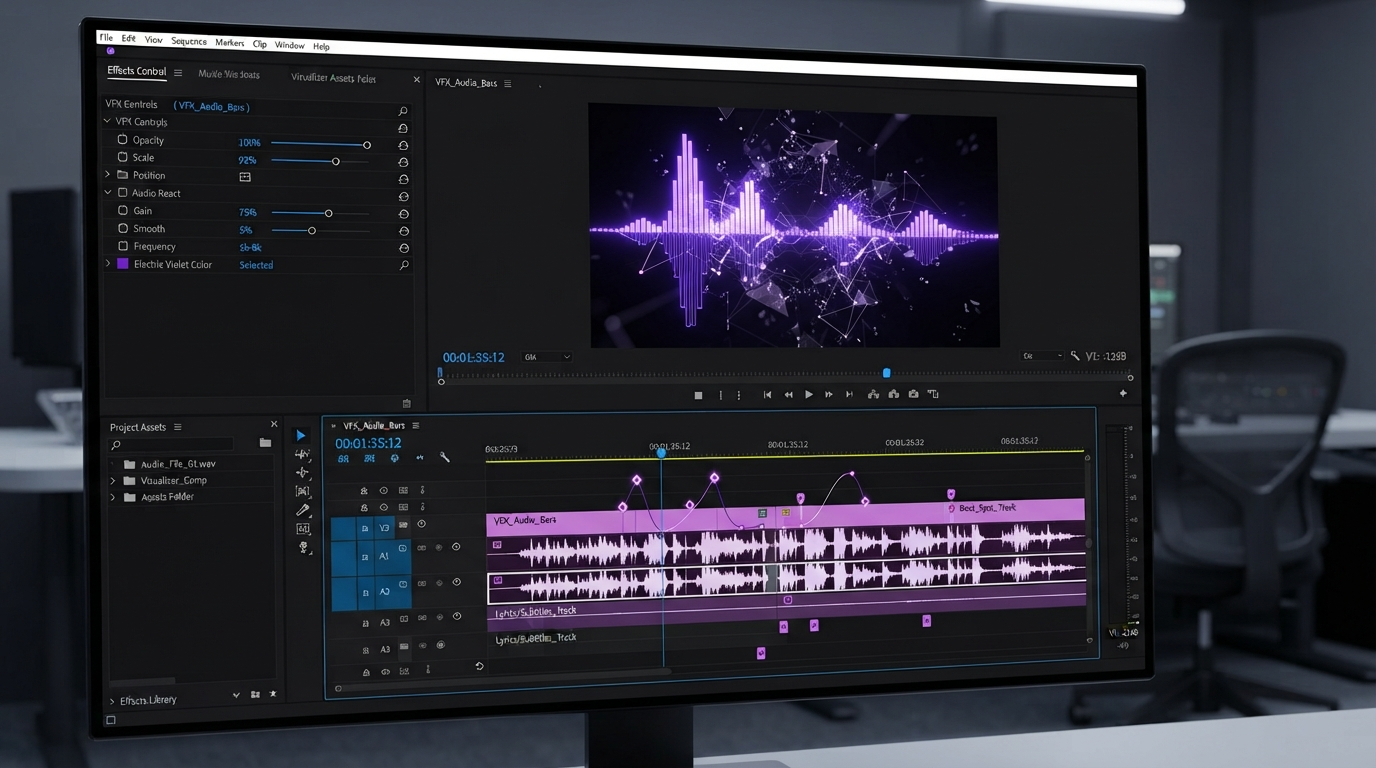
- The practical setup is not "fire the editor" or "hire the editor." It is agents doing keyframe and caption busywork on an editable timeline, with one person art directing the result.
The six jobs hiding inside one freelance rate
When you pay a freelancer 60 dollars an hour for a 30 second UGC ad, you are paying the same rate for work of wildly different value. Break it out.
Ingest and logging. Watching every take, marking usable seconds, naming clips. Pure labor. AI transcription plus scene detection does this in the time it takes to upload, and it does not get bored on take 40.
Rough assembly. Stringing selects into a first pass in script order. This is where transcript driven editing shines. For any footage where someone is talking, the transcript is the edit, and cutting text cuts picture.
Captions and subtitles. Timing, line breaks, safe area placement, translation. Fully mechanical once the transcript is right, and one of the clearest wins. A caption pass that used to be an hour of nudging is now a review pass on an existing layer, which is how adding video subtitles should have always worked.
Motion graphics and titles. Lower thirds, product callouts, animated end cards, kinetic type. Partly mechanical, partly taste. AI can set the keyframes. It cannot tell you the easing feels cheap.
Color and audio cleanup. Levels, loudness normalization, noise removal, basic matching. Solved. This has been half automated for years and AI closed the rest.
Creative direction. Which hook, which take, where the beat lands, what gets cut for pace. Not solved, and not close.
Three of those six are gone as billable freelance hours. That is the real number behind the question.
What AI genuinely does better than a junior freelancer
Volume and consistency. A freelancer cutting your twelfth ad variation this week is a tired human doing repetitive work at 11pm. An agent cutting the twelfth variation applies the exact same caption style, the same safe areas, the same brand kit, and the same render settings it applied to the first. Variation work is where the cost math flips hardest, because the marginal cost of variation 13 is near zero.
Speed on structural changes also favors machines. "Make a 9:16 version, a 1:1 version, and a 15 second cutdown" is a half day of freelance work and a batch operation for a system that holds the edit as layers and tracks. That only holds if the edit exists as a timeline you can reopen. The moment your deliverable is a flattened file, every variation is a new job again, which is why collaborative browser based editing matters more than raw generation quality for teams shipping weekly.
The upstream half of this is worth planning too. If your ads need footage or product shots that do not exist yet, generating those assets in a visual AI workflow builder before anything hits the timeline keeps the motion stage clean: you arrive with named, versioned clips instead of a folder of one off exports, and the assembly step has something consistent to work from.
What still breaks without a human
Four failure modes show up over and over once teams cut the editor loose entirely.
Cuts on breath, not on meaning. Transcript driven tools cut where speech stops. Humans cut where thought stops. The difference is a video that feels slightly wrong and nobody can say why. You fix this by scrubbing the rough assembly once with your hand on the trim handles, not by rewriting the prompt.
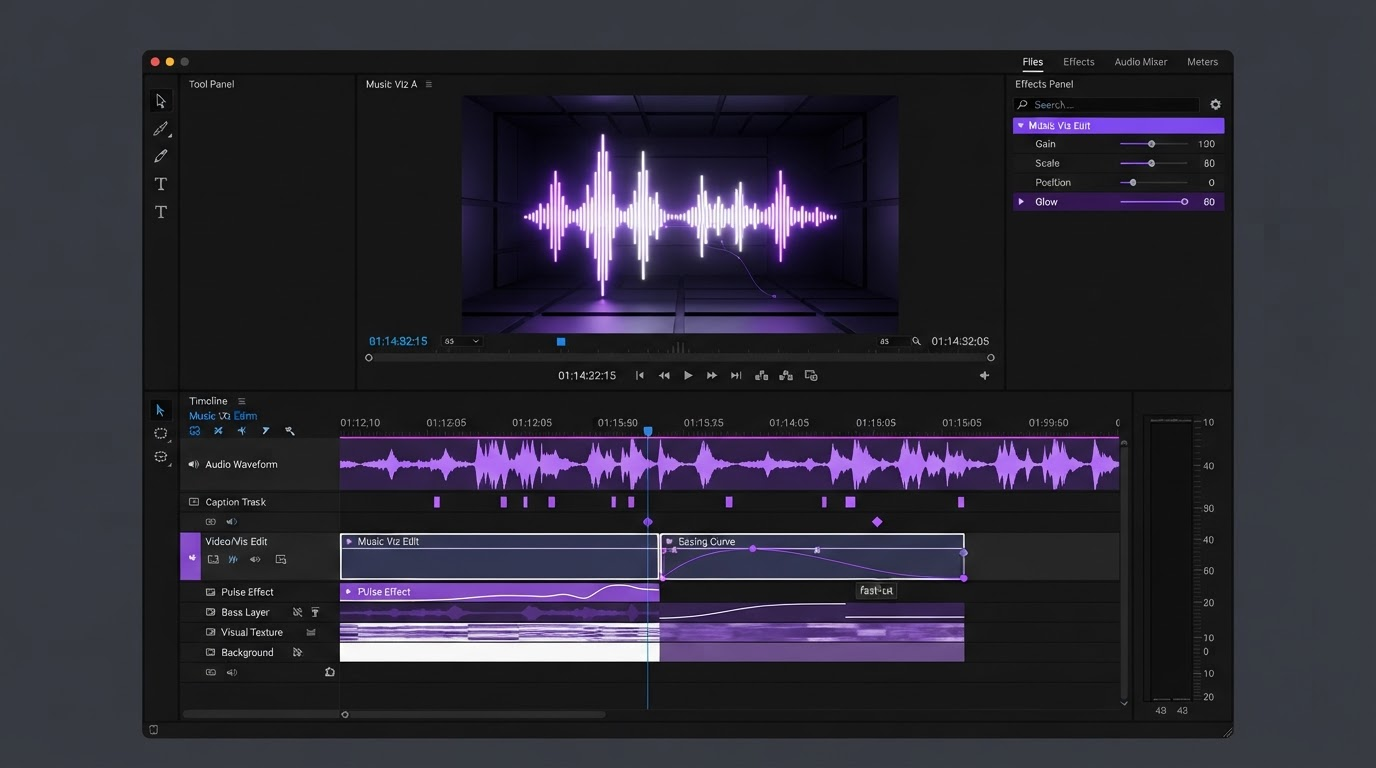
Motion that is technically correct and emotionally flat. An agent will happily give you a title that fades in over 12 frames with linear easing. It is on time, on brand color, correctly placed, and lifeless. Easing curves are taste. Pull the curve, do not accept the default. This is the single most valuable minute you will spend in the timeline, and it is why animated text and titles deserve a human pass even when everything else is automated.
Ratio blindness. Systems reframe to 9:16 by cropping center. Products live off center. Faces live off center. Check every vertical version at full size before it ships.
Confident invention. Ask for a callout referencing a spec and you may get a plausible number that is not in your product. Anything factual in a graphic gets read by a human before render.
None of these need a freelancer on retainer. They need thirty focused minutes from someone who knows the brand.
Re-pricing the work honestly
Here is the shape most teams land on after the switch.
| Job | Old freelance cost | After the split |
|---|---|---|
| Ingest and logging | 1 to 2 hours per shoot | Near zero, automatic |
| Rough assembly | 2 to 4 hours | Minutes, then reviewed |
| Captions | 1 hour per video | Review only |
| Motion and titles | 2 to 3 hours | Agent sets keyframes, human tunes easing |
| Color and audio | 1 hour | Near zero, automatic |
| Direction and QA | Bundled, invisible | The job you now pay for |
The mistake is deleting the whole line and expecting the same output. The move is deleting five lines and paying properly for the sixth. Many teams keep the same freelancer at a quarter of the hours and a higher hourly rate, which the good ones prefer, because the remaining work is the part they actually trained for.
Understanding where generation ends and editing begins helps here too. Generated clips and edited timelines solve different problems, and the difference between video editing and AI generation is the difference between owning your revisions and re-rolling the dice every time a stakeholder asks for a small change.
Set it up so revisions stay cheap
The whole plan collapses if the output is a flat file. Three rules keep it intact.
- Editable timeline as the deliverable. Layers, tracks, captions, and keyframes should all still be addressable after render. If a change request means regenerating from scratch, you did not automate the edit, you automated the first draft.
- Brand kit before volume. Lock fonts, colors, caption style, safe areas, and lower third templates once. Every automated pass inherits them. Skipping this is how twelve variations end up in nine slightly different styles.
- One review gate, not five. Batch the human pass. Review the rough assembly and the final motion, not every intermediate state. Reviewing everything recreates the hours you just removed.
Teams coming off a desktop workflow usually find the browser side of this the bigger adjustment, since project files, review links, and renders stop living on one machine. If that is your situation, the practical constraints are covered in the Adobe Premiere alternative breakdown.
Frequently asked questions
Can AI fully replace a freelance video editor in 2026?
For high volume, template shaped work like social cutdowns, caption passes, and ad variations, close to it. For narrative, brand films, or anything where pacing carries the message, no. The realistic split is that AI absorbs the mechanical 50 to 65 percent and a human keeps direction.
What kind of video work should I never automate end to end?
Anything where a wrong beat costs money: brand launches, founder led sales videos, and any edit where the client is paying for feel rather than throughput. Automate the assembly of those, then direct them by hand.
Does this work if my footage is not talking head?
Partly. Transcript driven assembly needs speech. For b-roll, product, or motion graphics led work you get less from automatic assembly and more from the caption, versioning, and render sides. Log and organize the footage first and the rest still applies.
How do I keep quality consistent across many videos?
Lock a brand kit and reuse it as the input to every automated pass, then review batches rather than individual videos. Consistency comes from the template layer, not from watching every render.
What do I do with the freelancer I already work with?
Move them from execution to direction. Fewer hours, higher rate, focused on hook choice, pacing, and the motion pass. Most experienced editors are relieved to stop doing caption timing at midnight.
The decision to make next
Do not decide whether to replace your editor. Open your last brief, mark which of the six jobs each hour went to, and automate the mechanical ones this week. Keep a person on pacing and motion taste. If the output is an editable timeline rather than a flat export, you can always claw back more of the work later without starting over.
Founder of Motionbox and Gluely. Building tools for creators.