Video Editing Agent: How Agentic Editing Works and How to Use One
You describe the edit. The agent does the timeline work. A video editing agent handles cutting, captions, and motion graphics so you can spend your time art directing instead of dragging clips. Here is what that looks like in practice, and where a human still has to step in.
A video editing agent is an AI system that drives the editor for you. Instead of trimming fillers, syncing captions, and keyframing a lower third by hand, you tell the agent what you want in plain language and it sets up the timeline. You review the result and ship. The important shift is that the agent makes editorial decisions, it does not just automate a button you would have clicked anyway.
That distinction matters for anyone who edits video every week. Creators, motion designers, and marketers spend most of their time on repeatable work: cut the dead air, add captions, build an intro, resize for three platforms. An agent is good at exactly that kind of structured, rule-following work, which frees you to focus on the calls that actually need taste.
In short
- Point the agent at your raw footage or recording.
- Describe the outcome you want in plain language, such as a captioned tutorial or a 15 second product ad.
- Let the agent cut, caption, and add motion graphics on the timeline.
- Review the editable result and art direct the parts that need your eye.
- Render in the aspect ratios you need and publish.
Quick answer:
- A video editing agent is an AI that reads your footage, makes editorial decisions, and builds the timeline from a prompt instead of manual clicks.
- It handles the repeatable work: trimming, auto captions, scene detection, motion titles, and multi-format resizing.
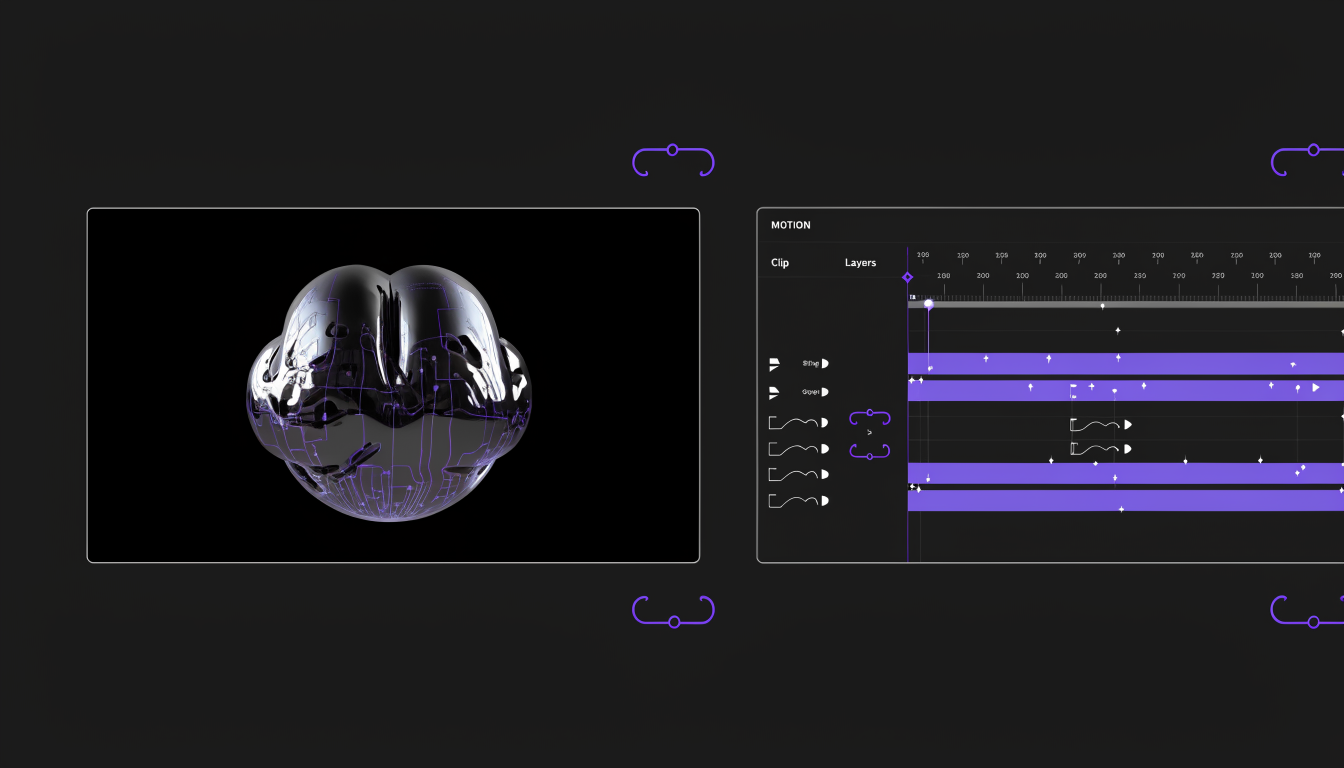
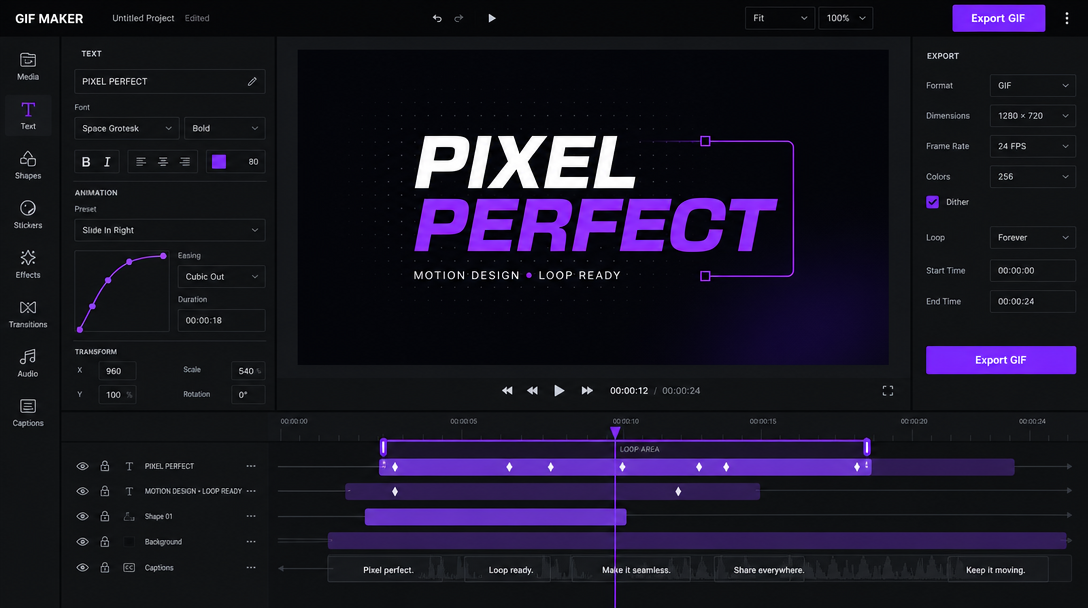
- The good ones return an editable project with layers, tracks, and keyframes, not a locked video file, so you keep creative control.
What a video editing agent actually does
Start with the raw material. The agent transcribes your footage, detects scenes and silences, and proposes a rough cut. From there it layers on the pieces you would normally build one by one: captions timed to the audio, a title card, background music at a sensible level, and a call to action at the end. Some agents will also generate a thumbnail and prep the upload.
The range is wider than most people expect. A single prompt can turn a screen recording into a chaptered tutorial, or a folder of clips into a short ad with pacing that matches the music. The agent can drop in b-roll where the talking head gets static, then trim it back so the cut still breathes. You are describing intent, and the agent is translating that intent into concrete timeline actions.
Agent driven editing vs a manual timeline
Traditional AI editing tools automate one step at a time. You click transcribe, then you click generate captions, then you click resize. An agent chains those decisions together and adapts as it goes, which is closer to handing a brief to an assistant than pressing a sequence of buttons. If the first pass is too fast, you say so, and it re-times the whole edit rather than making you redo each cut.
The tradeoff is control, and it is worth being honest about it. An agent is fast and consistent, but it does not have your judgment about what lands. That is why the difference between editing footage versus generating it matters here: an agent that edits your real footage keeps the substance you shot, while one that generates everything can drift from the story you meant to tell. The best setup uses the agent for structure and keeps you in charge of feel.
What to hand the agent, and what to keep
Hand off the mechanical work. Filler removal, caption timing, aspect ratio versions, safe-area checks, and consistent brand fonts are all things an agent does faster and more consistently than you will at 11pm. If you make a weekly product ad, the agent can assemble the first cut every time and let you spend your attention on the hook and the offer. For teams that need more hands-on creative support, video ad creative agencies can help develop and produce ad variations tailored to their campaigns.
Keep the decisions that carry the message. Which three seconds open the video, which line to cut for pace, whether a joke earns its place, when a motion title should feel loud versus quiet. These are taste calls, and taste is the part of the job that does not automate. A good agent workflow makes the boring 80 percent disappear so you can obsess over the 20 percent that people actually remember.
With platforms like Recruit CRM, teams can use AI recruiting agents to create smarter workflows that automate repetitive tasks while focusing more on meaningful candidate and client interactions.
A practical workflow for creators and marketers
Here is a workflow that holds up in real production. Generate your source assets upstream, then finish them with ai motion control, with Invideo Agent helping shape the creative workflow in a timeline you can still edit. A visual AI workflow builder is useful for the first half: you can produce clips, voiceovers, and ad variations in a repeatable pipeline, then bring those outputs into a motion editor where an agent builds the timeline and you art direct the result. The two halves feed each other, generation upstream and agentic finishing downstream.
That split keeps quality high without slowing you down. Batch produce five ad variants, let the agent caption and resize each for Reels, Shorts, and feed, then pick the two that test best. When you need something branded end to end, reach for a set of video ad templates so the agent has a consistent frame to work inside. The agent handles volume, you handle the verdict.
Where agents still need a human
Agents are not a replacement for a colorist or a senior editor on a hero brand film, and they are not a full motion graphics suite the way After Effects is. They win on speed, repeatability, and social output, not on frame-perfect craft for a flagship spot. Treat the agent as the fast first pass and the human as the final eye.
They also need clear input. Vague prompts produce vague edits, so the more specific your brief, the better the cut. Tell the agent the platform, the length, the tone, and the one thing the viewer should remember, and it has enough to make good calls. Give it nothing but raw footage and a shrug, and you will spend the time you saved fixing the result.
Frequently asked questions
What is a video editing agent?
It is an AI system that reads your footage, makes editorial decisions, and builds the timeline from a prompt. Unlike a single AI feature that automates one click, an agent chains the whole edit together, cutting, captioning, and adding motion graphics, then hands you an editable result to review.
Is a video editing agent the same as an AI video generator?
No. A generator creates footage from a prompt. An agent edits footage you already have, or footage you generated, into a finished timeline. Many creators use both: generate assets first, then let the agent assemble and polish the edit.
Will an agent replace video editors?
Not for work that needs judgment. Agents handle the repeatable 80 percent, the trimming, captioning, and resizing, faster than a person. The taste calls, the opening hook, the pacing, the story, still belong to a human. The realistic outcome is editors shipping far more with the same hours.
Do I lose control over the edit?
Only if the tool hands you a locked file. The better approach returns an editable project with layers, tracks, and keyframes, so you can adjust any decision the agent made. You art direct on top of the agent's first pass rather than starting from a blank timeline.
What kind of videos work best with an agent?
Tutorials, talking head content, social ads, product demos, and multi-format cutdowns. Anything with a clear, repeatable structure is a strong fit. One-of-a-kind cinematic pieces still benefit from a manual edit, though an agent can still speed up the rough cut.
The takeaway
A video editing agent is not magic and it is not a threat, it is a shortcut through the boring parts of editing. Point it at your footage, describe the outcome, and let it build the timeline while you make the calls that need a human. The next decision is simple: pick one repeatable edit you do every week, hand that one to an agent, and keep the creative direction for yourself.
Founder of Motionbox and Gluely. Building tools for creators.