Zapier Video Editing Integration: What To Automate And What To Keep Manual
Zapier can run the administrative half of video production for you. Here is what to automate first, how a render action fits into a Zap, and where a human still needs to art-direct the timeline.
Most video teams do not lose time in the timeline. They lose it in the gaps around the timeline: downloading a file someone dropped in a form, renaming it, posting it into the right channel, chasing an approval, remembering to publish the vertical cut on Thursday. A Zapier video editing integration closes those gaps. Zapier watches an app you already use, then fires an action somewhere else, so the boring half of production runs while you are still cutting.
This guide covers what Zapier can and cannot do for video work, which steps are worth automating first, how a render step fits into a Zap, and where a human still has to art-direct the frame.
In short
- Map your current pipeline and mark every step that is copy, paste, rename, or notify. Those are the automation candidates.
- Pick one trigger app (a form, a folder, an Airtable base, a CRM) and one action app. Start with a two step Zap, not a ten step monster.
- Add a render action so the Zap produces an actual video file instead of just moving a brief around.
- Route the render output back to storage and to the person who reviews it, with the project link attached.
- Keep taste out of the Zap. Automate intake, versioning, and delivery. Keep keyframes, pacing, and copy under human control.
Quick answer:
- Zapier connects Motionbox to roughly 9,000 apps, and the useful action for editors is Render Video, triggered by a new row, form entry, or file.
- The highest return automations are intake and delivery, not editing: brief capture, asset routing, caption jobs, versioned exports, and publish notifications.
- Anything that needs judgment (pacing, easing, on screen copy, brand feel) stays manual, because a Zap can queue a render but it cannot tell you the timing feels wrong.
What a Zapier video workflow actually looks like
A Zap has two halves. The trigger is the thing that happens: a new Notion database item, a Typeform submission, a file landing in a Google Drive folder, a deal moving stage in HubSpot. The action is what you want done about it: create a task, render a video, post to Slack, upload to a CDN, add a row to a tracking sheet.
For video, that maps cleanly onto a real production pipeline. A client fills out a request form. Zapier creates the project record, drops the supplied logo and product shots into the right folder, and pings the editor. When the edit is approved, a second Zap exports the deliverables, files them by campaign, and tells the account manager the cut is ready. Nobody had to remember any of it.
The part people underestimate is naming. Zaps are only as good as the data they carry, so decide early on one naming convention for projects, versions, and aspect ratios. If your Zap writes client_campaign_v3_9x16, every downstream step can parse it. If it writes final_FINAL_2, you will be untangling folders by month two.
The five steps worth automating first
Automating everything at once is how these projects die. Ship them in this order.
Brief intake. A form is a better brief than a Slack thread because the fields are fixed. Trigger on the submission, create the project, attach the assets. This single Zap usually saves more time than the rest combined.
Asset routing. Raw footage, logos, product photos, and music arrive from five directions. Have Zapier file them by project the moment they land, so the editor opens one folder rather than searching four inboxes. If your team already works in a shared browser session, collaborative video editing removes the second half of that problem, which is version drift between local copies.
Caption and subtitle jobs. Captions are mechanical and high volume, which makes them ideal automation targets. A Zap can push every approved cut into a captioning step and return the file with burned in text, and you can still open the result and fix line breaks by hand where a sentence lands badly. Motionbox handles this natively with video subtitles, so the automated pass and the manual correction live in the same timeline.
Versioned exports. One master edit usually owes you a 16:9, a 9:16, and a 1:1. Trigger the resize and export set from a single approval, rather than doing three exports and three uploads by hand.
Delivery and notification. The last mile is where deadlines quietly slip. Post the finished link into the channel, update the tracker, and mark the row complete in one action chain.
Adding a real render step to the Zap
Most Zapier video guides stop at moving files around. The step that changes the economics is a render action, where the Zap produces a finished video rather than a to do item. Motionbox exposes a Render Video action on Zapier, so a new row in Notion, a paid Stripe order, or a fresh Airtable record can output an actual MP4 without an editor touching it.
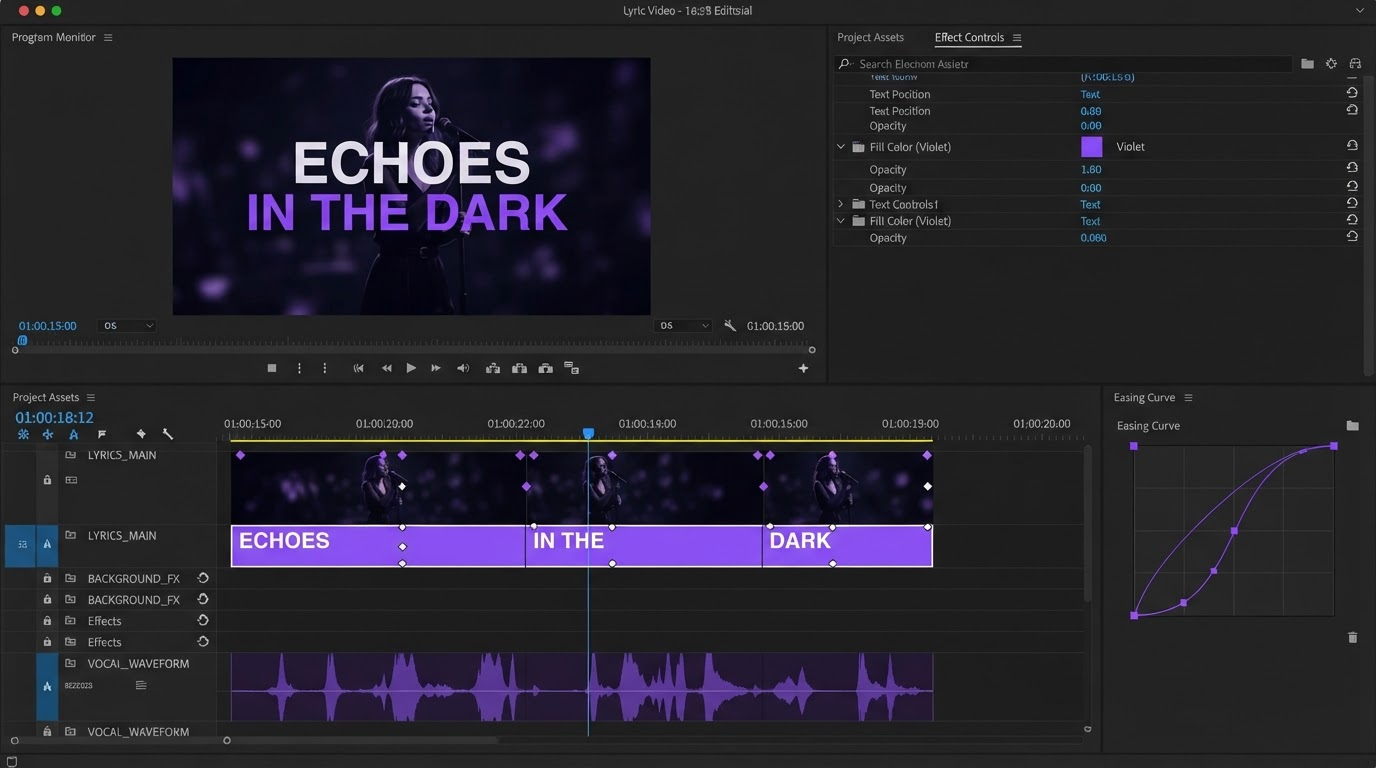
The pattern that works: build the piece once as a real project with the layers, tracks, and easing you want, then treat it as a template. The Zap swaps the variable parts (headline, product shot, price, name, logo) and renders. You are not asking automation to design anything, you are asking it to repeat a design you already approved. That is the difference between a pipeline that holds up over 400 videos and one that produces 400 pieces of unusable output.
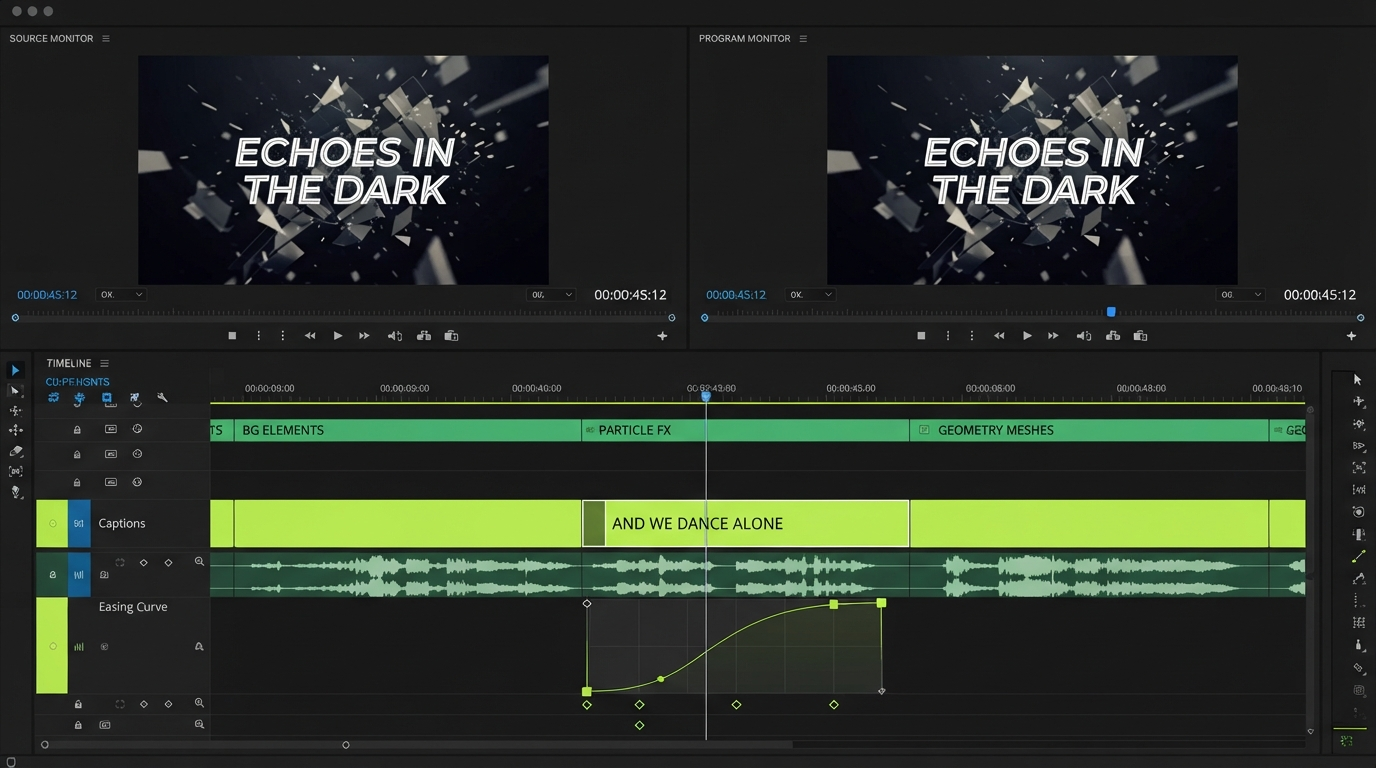
Personalized outreach video, real estate listing cutdowns, event badges, product feeds, and weekly report recaps all fit this shape. Anything where the structure repeats and only the contents change is a render automation candidate. A launch film is not.
Where the upstream assets come from
Automation exposes a supply problem fast. Once rendering is one Zap step away, the bottleneck moves to footage and images, because you can now finish videos faster than you can source what goes in them. Teams solve this by generating the variable assets ahead of the edit: product frames, b roll, avatar takes, and ad variants produced in batches and stored where the render step can reach them. A node based generation tool such as the Wireflow platform works well as that upstream stage, since it can produce many clip and image variants from one graph and hand them off as plain URLs.
Keep the boundary clean. Generation makes the raw material. The timeline is where you decide what the material means: what holds for three seconds, what cuts on the beat, where the caption sits so it clears the platform UI. Automating the first job does not remove the second, and treating a generated clip as a finished ad is the most common failure mode in this whole category. The difference between editing and generation is worth being explicit about with your team before you wire anything up.
What not to automate
Some steps look automatable and are not.
- Pacing and timing. A Zap can hit render. It cannot tell you the hook needs to land half a second sooner.
- On screen copy. Auto filled headlines break lines badly, overflow safe areas, and read as filler. Write them, then let the Zap place them.
- Final approval. Automated publish to a live channel is how a typo becomes a public post. Keep a human gate before anything goes out.
- Music and sound choices. Track selection carries most of a short video's feel and has no rule you can encode.
- Anything client facing on the first run. Run the Zap internally for a week and watch what it produces before it touches a customer.
Building it without breaking your existing edits
Start with a duplicate. Copy one representative project, wire the Zap against the copy, and run twenty test rows through it. You will find the naming problems and the missing fields immediately, and none of it touches live work.
Watch the failure paths too. Zapier will happily fire a broken step 200 times, so add a filter so nothing runs on incomplete records, and route errors to a channel someone reads. Also check where your render minutes and storage go once volume ramps up, since batch automation makes cost real in a way one off editing never does. When you do need to stitch several rendered outputs into one longer piece, merging videos is a cleaner final step than trying to make a single Zap produce a multi part edit.
Finally, keep the template maintained. Automated pipelines rot when the brand kit changes and nobody updates the source project, and you find out through 60 rendered videos carrying the old logo.
Frequently asked questions
Does Motionbox have a Zapier integration?
Yes. Motionbox is listed on Zapier and connects with around 9,000 other apps, with Render Video available as an action. Typical setups trigger from Notion, Airtable, Google Sheets, a form tool, or a CRM, and return a finished file.
Can Zapier edit a video by itself?
No, and that is the right way to think about it. Zapier moves data and calls actions. The editing decisions live in a project you built first. Zapier's role is to trigger the render and route the result, not to make creative choices.
What should I automate first if I only have time for one Zap?
Brief intake. A form that creates the project record and files the supplied assets removes the most repetitive work and gives every later automation clean, structured data to run on.
How do I stop automated videos from looking generic?
Design the source project properly and only let the Zap swap contained variables like text, images, and colors. If the automation is choosing layouts, the output will look automated. If it is filling a layout you art-directed, it will not.
Is there a cost risk with batch rendering?
There can be. Set a filter on the trigger so only complete, approved records fire, run a small batch first, and confirm your render and storage limits before pointing a high volume source at the Zap.
The takeaway
Zapier is worth wiring into video production for one reason: it removes the administrative half of the job so the creative half gets the time. Automate intake, routing, captions, versioned exports, and delivery. Add a render action once you have a template you would ship as is. Then leave pacing, copy, sound, and final approval where they belong, which is with the person who can tell when a cut feels wrong. Build the template first, automate second, and your next Zap will be worth keeping.
Founder of Motionbox and Gluely. Building tools for creators.