7 AI agents that edit video, ranked by what they hand back (2026)
Editing eats most of the schedule on a video project. A new class of tools promises to take that part off your hands: you describe the cut you want, and an agent executes it against your footage. Here is what actually ships a usable edit in 2026, and where each one hands the timeline back to you.
Editing is where the hours go. Filming or generating the raw material is the short part, and then someone sits in front of a timeline cutting pauses, hunting b roll, nudging caption timing, and rendering three aspect ratios. A video agent takes a plain language brief and performs those steps against your actual project, rather than describing what you could do.
The agents worth using in 2026 split into two camps. One returns a finished file and hopes you like it. The other returns layers, tracks, and keyframes you can still art direct. That split decides the ranking below.
The list at a glance
- Wireflow: best for building your own video agent with a human review step before anything renders.
- OpusClip AI Producer: best for turning long talking head footage into finished shorts.
- Descript: best for editing by transcript, now callable from a chat client over MCP.
- Mosaic: best for running one edit recipe across a batch of raw files.
- Vizard: best for fast clip extraction from webinars and podcasts.
- VEED AI Video Agent: best for chat driven edits inside a browser editor.
- invideo: best for turning a written brief into a first draft timeline.
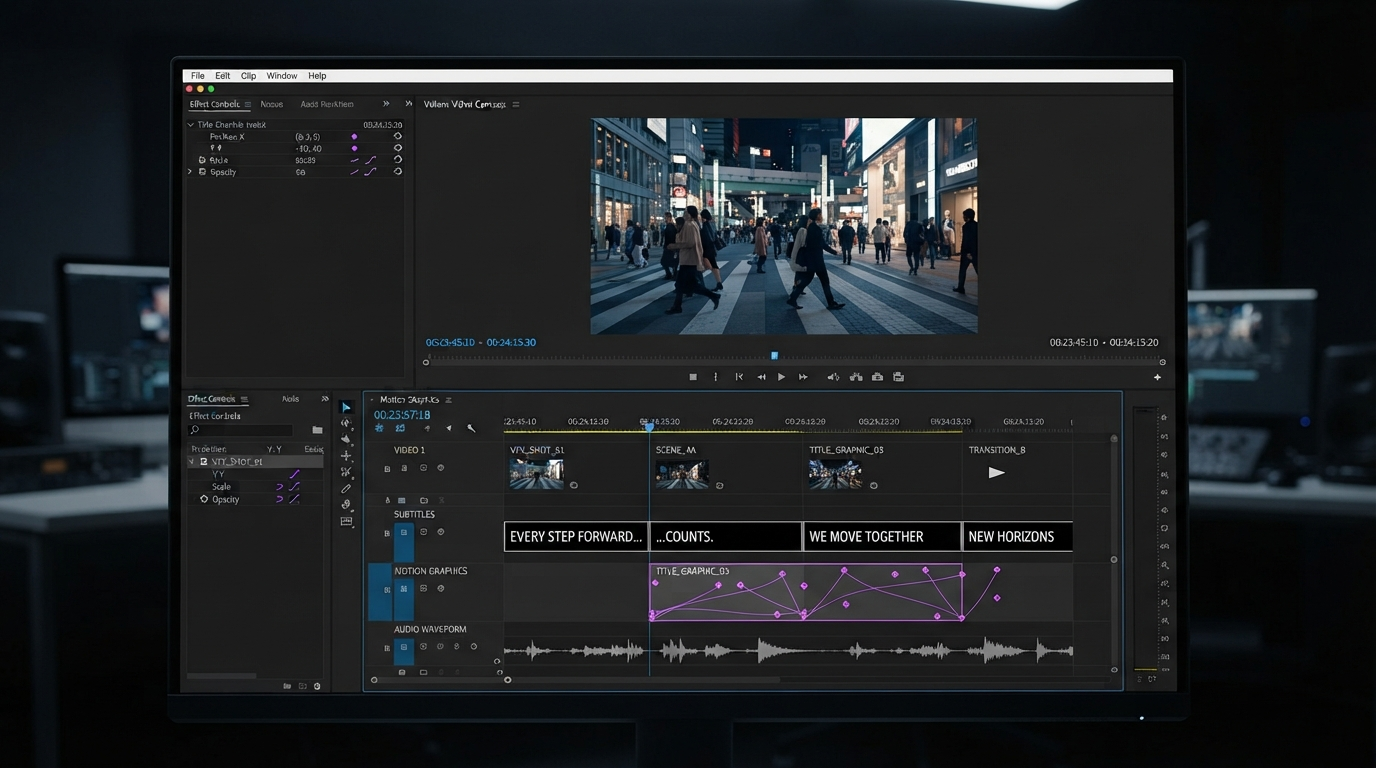
Quick answer:
- An agent that edits video reads your footage (words, shots, beats), makes editorial decisions against a brief, and executes them on a timeline or in a render graph.
- In 2026 agents reliably handle transcription, shot indexing, filler and silence removal, caption placement, reframing, and rough cut assembly. They still miss on story order, performance judgement, and fine cut rhythm.
- Pick by what comes back. A baked MP4 costs you a full redo when one shot is wrong. An editable timeline or an inspectable graph costs you one node.
How we ranked them
Three criteria, applied in order. First, how much of a finished edit the agent executes without a human driving the playhead. Second, what it hands back: a locked export, an editable timeline, or a pipeline you can rerun. Third, whether you can redo only the step that broke. Tools that score well on the first and badly on the third are fine for one off social clips and painful for anything a client signs off on.
1. Wireflow
Wireflow is the pick when you want the agent itself to be something you built and can inspect. Instead of one opaque button, the edit is a graph: a planning model breaks the brief into shots, an image model renders a review frame for each shot, and the compose step only runs once a human approves the frames. Claude handles the four shot plan, GPT Image 2.5 Flare renders the review frames, and Remotion does the actual composition at the end.
That ordering is the reason it sits at the top for production work. The expensive step happens last, after you have looked at what the agent intends to make. If shot three is wrong you fix shot three and rerun that branch, rather than regenerating a whole video and paying for it twice. The tradeoff is real: you are assembling a pipeline, not clicking one button, and the first build takes an afternoon. If you want a finished short in ninety seconds with no setup, start at number two.
2. OpusClip AI Producer
OpusClip's AI Producer takes raw talking head footage and returns a publish ready vertical video with captions, b roll, motion design, music, and sound effects already placed. It is the most complete hands off pass on this list for one specific input shape, which is a person talking to a camera for a long time.
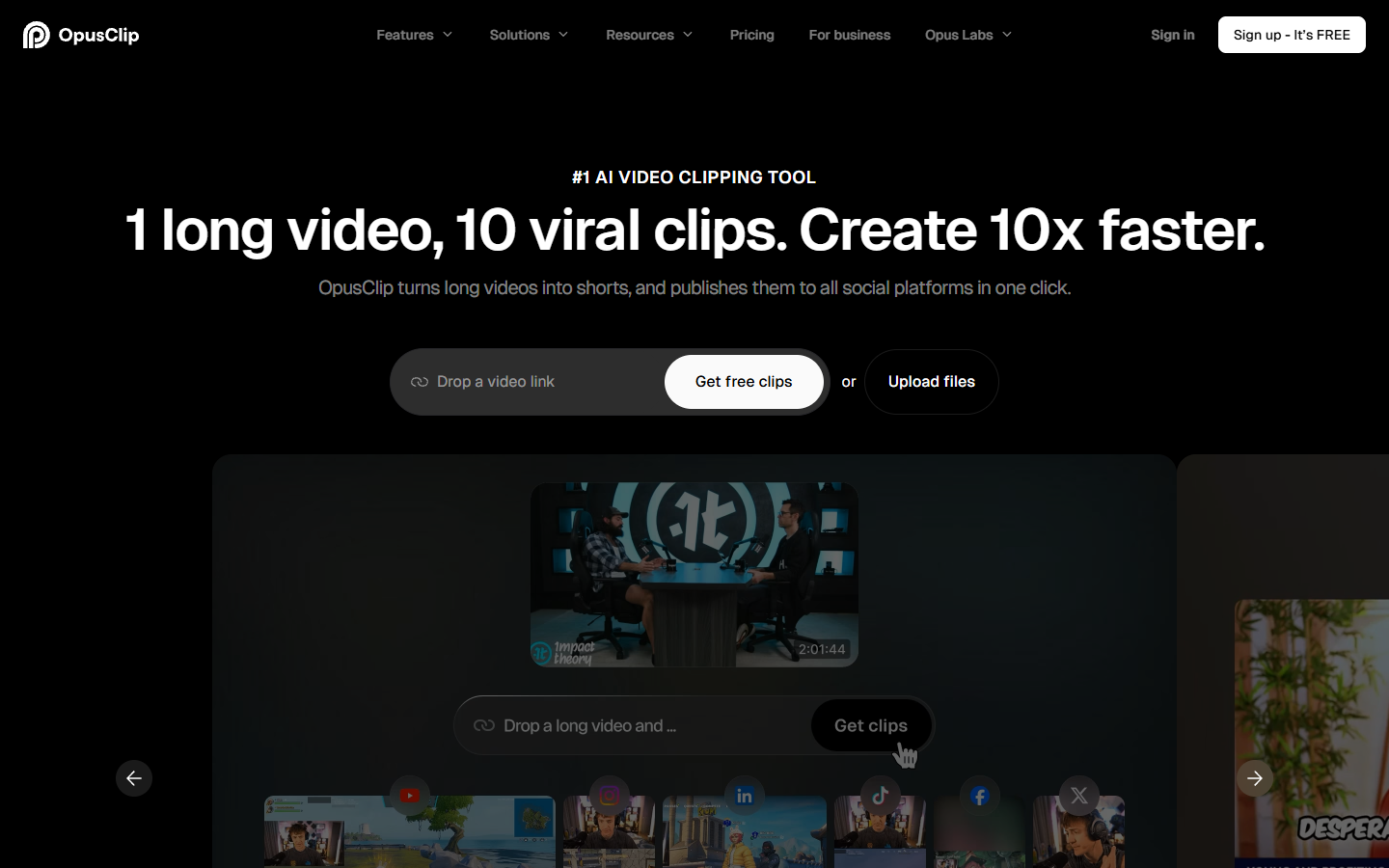
Where it stops is art direction. Caption styling, b roll selection, and music choice are all decisions the producer makes for you, and adjusting them means fighting presets rather than moving keyframes. Creators who care about a consistent look usually take the OpusClip cut as a starting point and rebuild the caption layer with proper video subtitles they control.
3. Descript
Descript edits by transcript. Delete a sentence in the text and the corresponding video disappears. Since mid 2026 you can also connect it to Claude over MCP and run those edits from a chat client without opening the app, which makes it the most genuinely agentic tool here for dialogue heavy content.
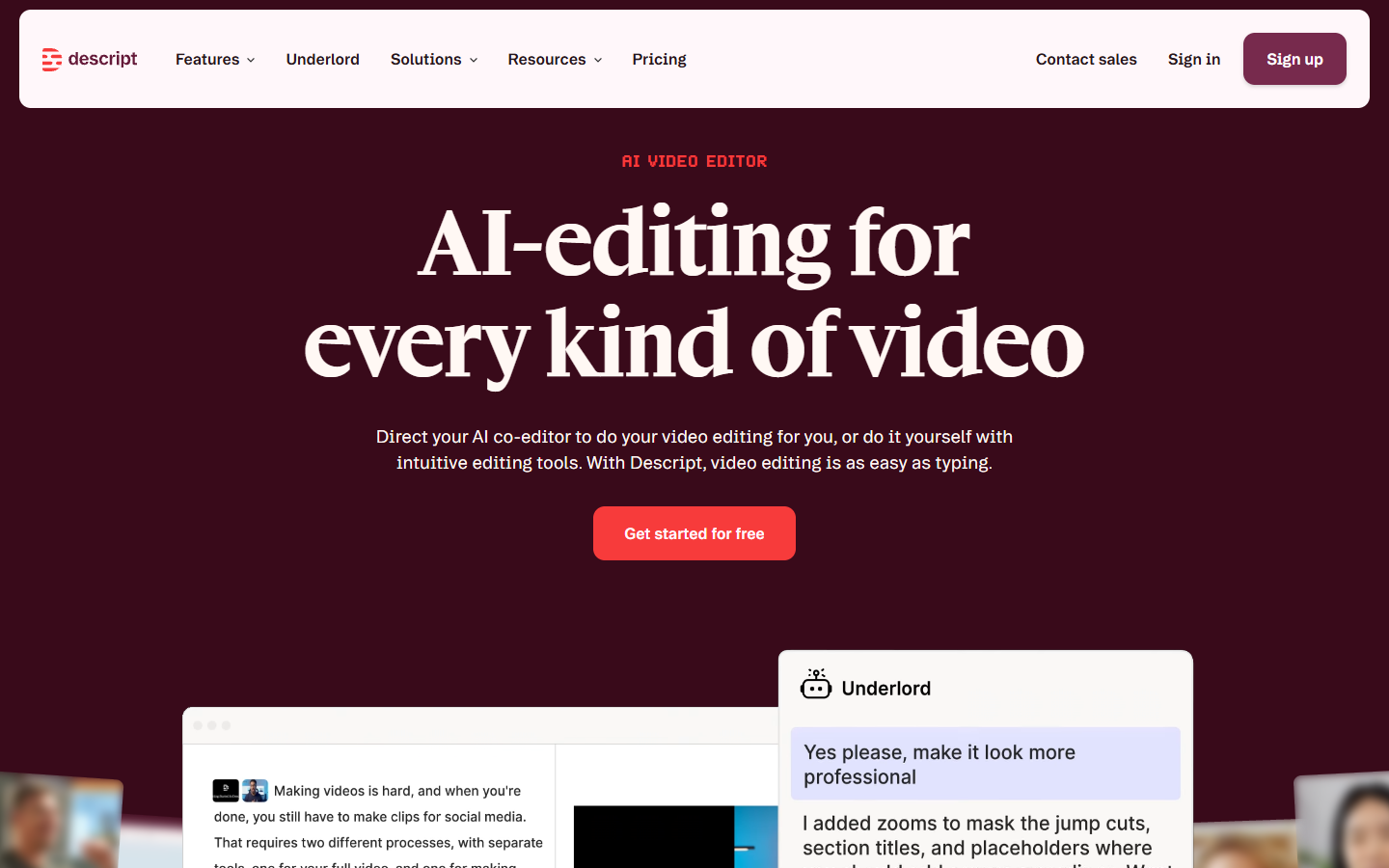
It is excellent for podcasts, interviews, and course recordings, and weak for anything where the story lives in the pictures rather than the words. A montage, a product demo cut to music, or a motion graphics piece has no transcript to steer, so the agent has nothing to reason about. Pair it with a b roll pass for the visual half of the edit.
4. Mosaic
Mosaic treats agentic editing as a canvas. You build an edit recipe once, then run it on autopilot across a folder of raw footage and generate multiple variants of the same cut for testing. For a team producing the same format every week, that repeatability is worth more than any single clever edit.
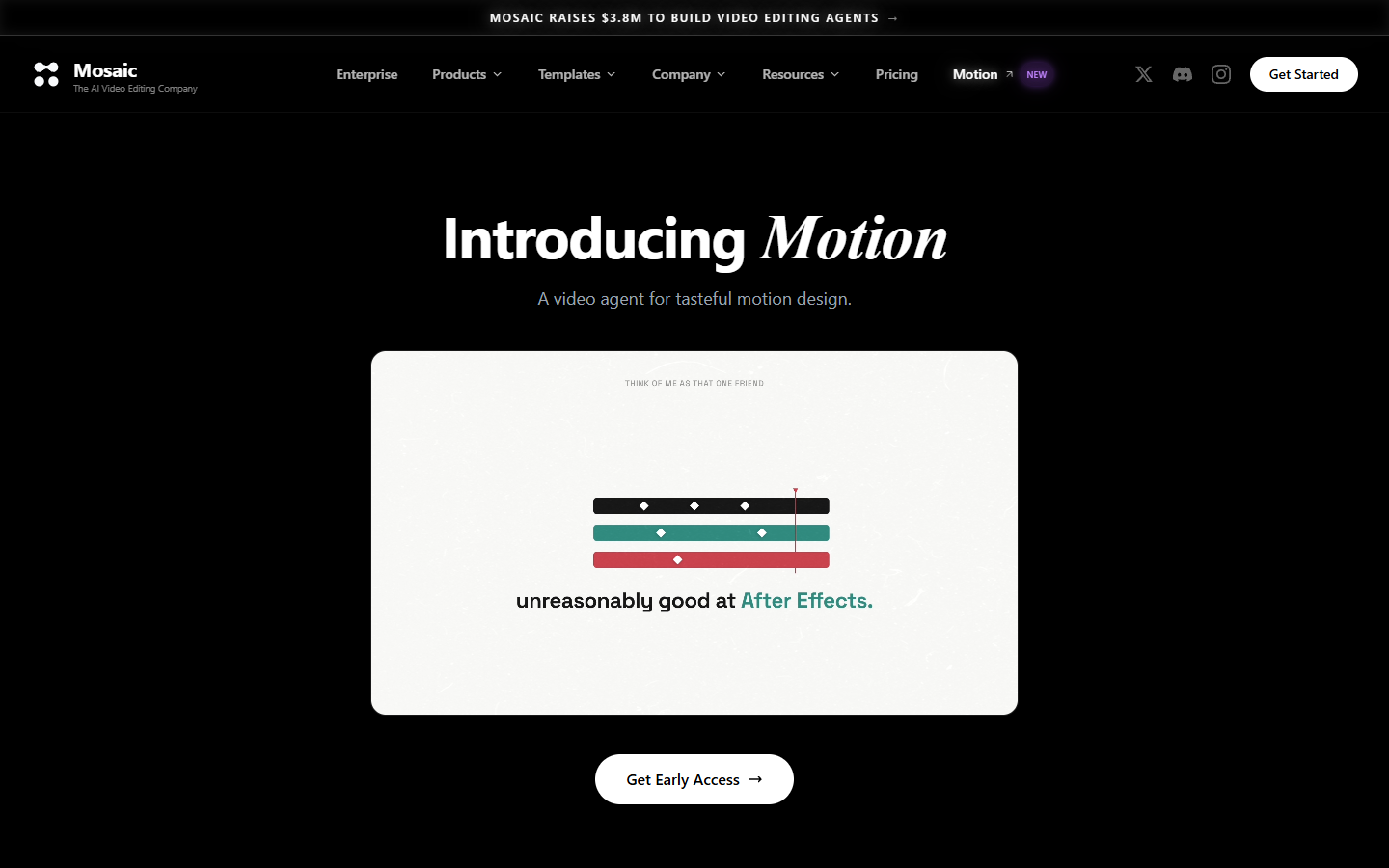
Mosaic has also pushed further into motion graphics than anyone else here with Motion, an agent pitched at After Effects style work rather than social cutdowns, which is the first serious attempt on this list to automate animation instead of assembly. It is the closest competitor to the number one pick in spirit, and the difference is where the human sits. Mosaic runs unattended across volume. Wireflow stops and asks before the render. Choose by whether your failure mode is "too slow" or "shipped the wrong cut".
5. Vizard
Vizard finds the moments. Feed it a webinar, a podcast, or a long stream and it picks the segments most likely to perform, then returns them as fully edited social clips with captions burned in.

The selection quality is the product, and it is good. The editing quality is adequate rather than considered. Treat Vizard as a moment finder and expect to redo the finish in an editor that gives you real collaborative video editing once a second person needs to sign off.
6. VEED AI Video Agent
VEED's agent replaces a crowded toolbar with a chat box. You ask for captions, a background swap, a trim, or a resize, and it performs the operation in the browser editor rather than describing how to do it yourself.
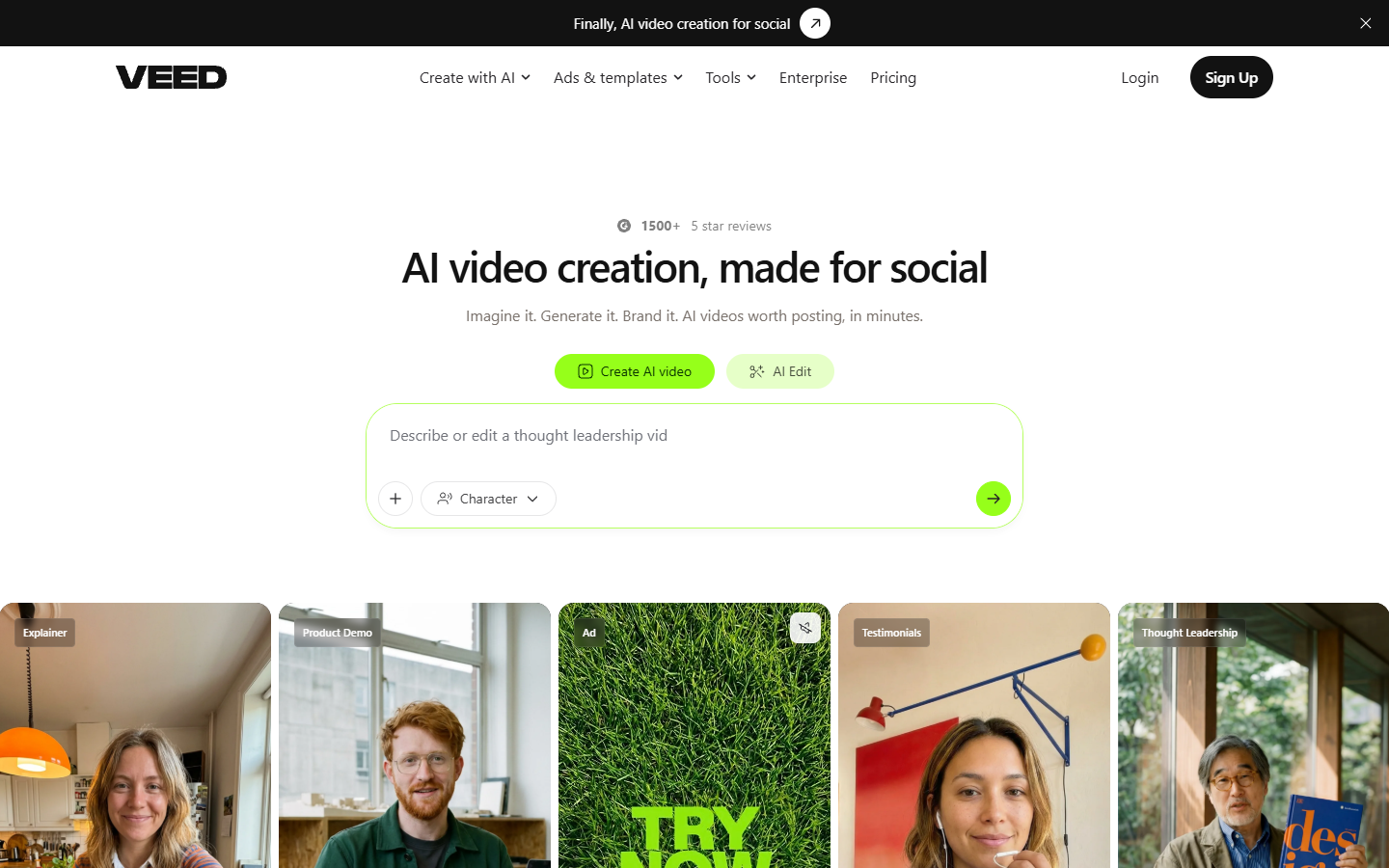
It is the gentlest entry point here for someone who has never opened a timeline, and it stays useful because the manual editor is right there when the agent misreads a request. The ceiling is low for motion graphics, since the agent works on clips and effects rather than keyframes and easing curves.
7. invideo
invideo reads the footage itself, makes editorial calls against your brief, and hands back an editable timeline rather than a locked export. That last part matters more than the marketing usually admits, because a first draft you can open is worth several finished files you cannot.
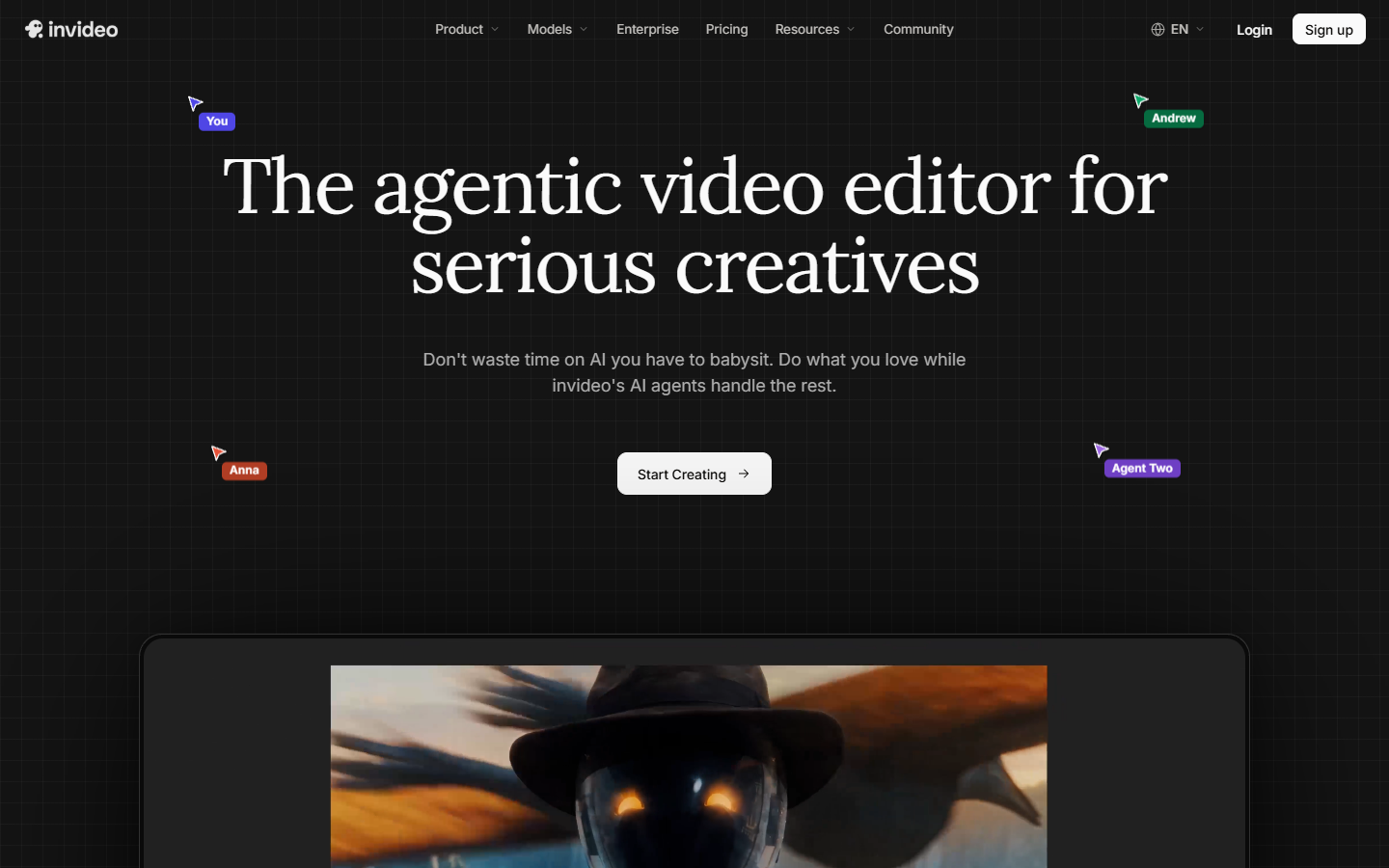
It ranks last on craft, not on usefulness. Template driven output looks template driven, and the stock library shows up quickly if you publish often. It earns its slot as the fastest route from a written brief to something an editor can open and fix.
What agents still get wrong on a timeline
Every tool above is good at the mechanical layer and shaky above it. Transcription, footage indexing, search, multicam switching, and rough cut assembly are solved. Story order, performance evaluation, and fine cut rhythm are not, and no amount of prompting has fixed that yet.
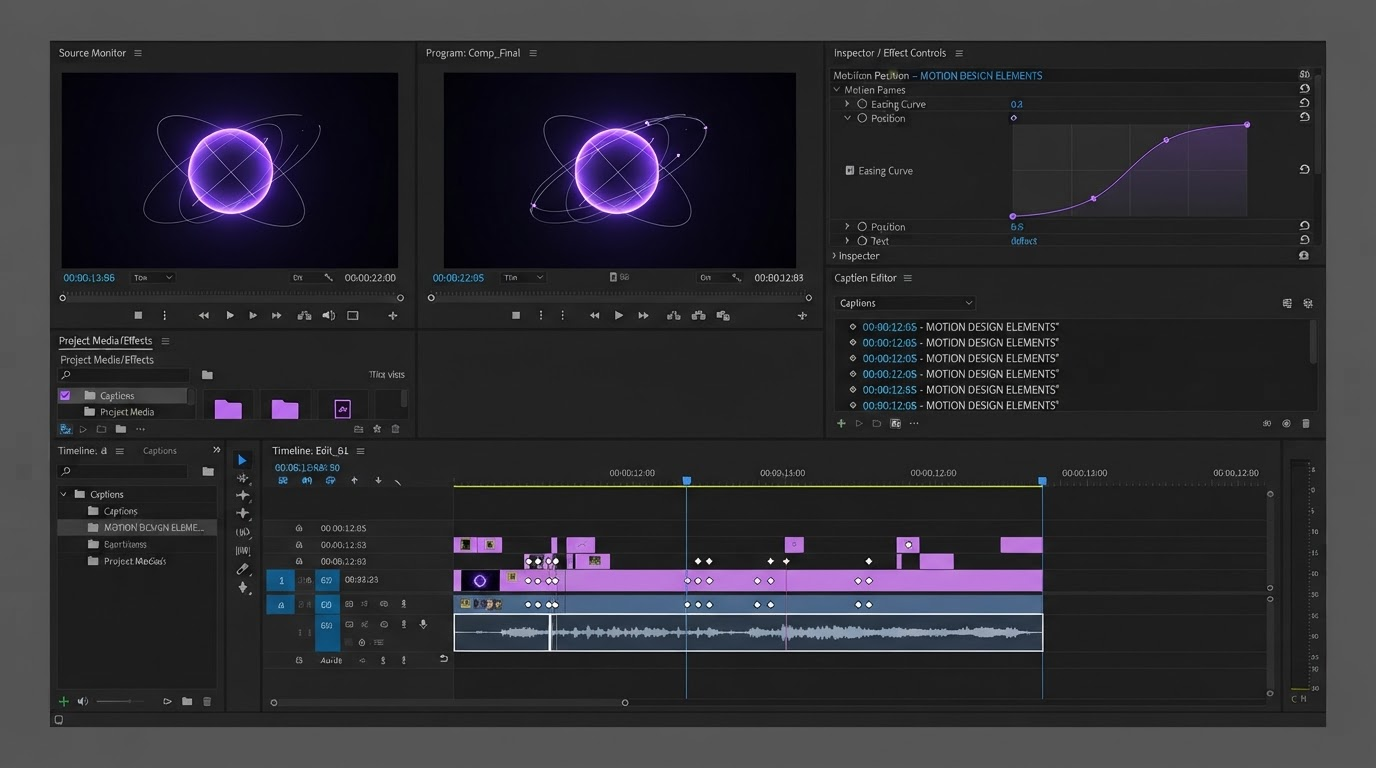
The practical consequence is that your agent should produce something openable. An agent that returns tracks, layers, and easing curves gives you a starting point. An agent that returns a baked file gives you a decision: accept it or start over. That is also the honest version of the AI generation versus editing tradeoff that gets flattened in most tool comparisons.
Frequently asked questions
Can an AI agent edit video without any human input?
For a narrow input shape, yes. Talking head footage cut to a short with captions is reliable end to end. Anything with a story order decision, a performance judgement, or a brand look still needs a person, and the agents that admit this by returning an editable timeline cost you less time than the ones that do not.
How do I stop an agent from rendering the wrong cut?
Put a review gate between planning and rendering. Wireflow's review-gated video agent does exactly this: a planning model writes the shot list, an image model renders a still for each shot, and the Remotion compose step only runs after a human approves those frames, so a bad shot costs one rerun instead of a whole video.
What is the difference between an AI video generator and a video editing agent?
A generator makes new footage from a prompt. An editing agent works on footage you already have: it cuts, captions, reframes, and assembles. Most real pipelines use both, with the generator producing b roll or inserts and the agent doing the assembly.
Do these agents work for motion graphics, not just social clips?
Mostly not yet. Agents on this list operate on clips, captions, and effects. Motion graphics work lives in keyframes and easing curves, so the practical pattern is to let the agent build the rough cut and then finish the animated layers yourself, starting from caption templates rather than from a blank timeline.
Is an editable timeline really better than a finished export?
It is better whenever anyone else has to approve the video. A locked export turns every note into a full regeneration. An editable timeline turns the same note into a nudge on one layer, which is why revision count, not first draft quality, is the number worth comparing between these tools.
Which one to start with
If you publish talking head shorts, start with OpusClip and fix the captions afterwards. If your content is dialogue, start with Descript. If you run the same format weekly at volume, look at Mosaic. If you want the agent to be a pipeline you own, with a human check before anything expensive runs, build it rather than buy it. Either way, finish in a timeline where the keyframes and easing curves are still yours to move.
Founder of Motionbox and Gluely. Building tools for creators.