Best AI Tool for Amazon Listing Videos in 2026, Ranked by What You Can Still Edit
Amazon rejects listing videos for reasons that have nothing to do with the model that generated them. This ranking judges six AI tools on what they hand back to your timeline once the render is done.
Most roundups of AI video tools stop at the render. For Amazon, that is the wrong place to stop. A listing video has to clear a spec sheet and a policy screen before it ever reaches a shopper, and the thing that gets you through both is not the model quality. It is how much of the video you can still change after the model is finished with it.
So this ranking asks one question of every tool: when generation ends, what do you actually get back? A flattened MP4, or something you can still cut, recaption, and resize without paying for another render.
The list at a glance
- Wireflow. Best overall for building a repeatable listing pipeline across a whole catalogue.
- Topview AI. Best for turning a product page into a rough first cut in minutes.
- Creatify. Best for UGC style hooks and Sponsored Brands variants.
- HeyGen. Best for spokesperson and demo explainer cuts.
- Runway. Best for cinematic product motion and b-roll inserts.
- CapCut. Best free starting point if you plan to finish by hand anyway.
Quick answer:
- Amazon wants 16:9, at least 1280x720, H.264 or H.265, under 500 MB, and roughly 6 to 45 seconds. Aim for 30 seconds or less.
- Watermarks, price claims, competitor mentions, and faked interface footage are the usual rejection reasons, so free tiers that stamp the export are dead on arrival.
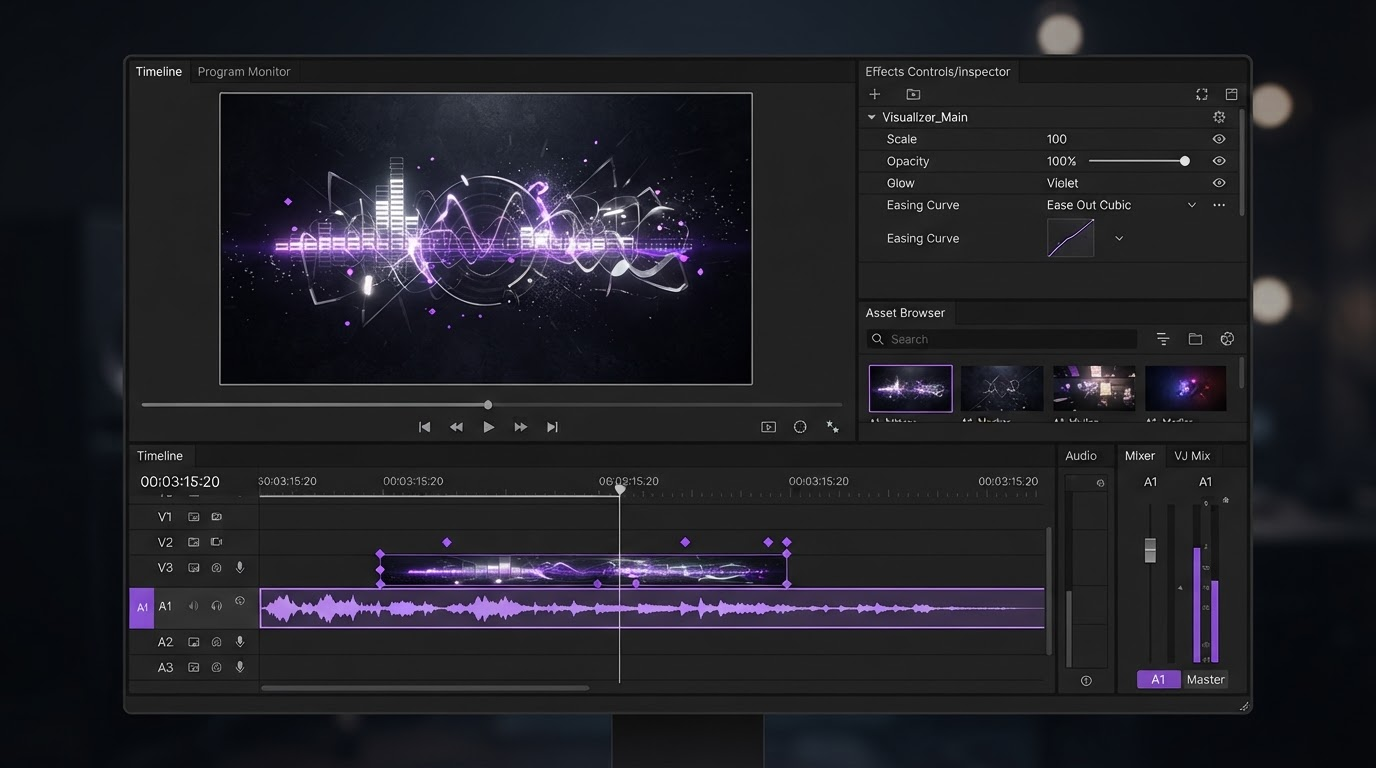
- Pick the tool that returns editable pieces. Every listing video needs a second pass for captions, trims, and aspect variants, and that pass is cheaper on a timeline than on a re-render.
What Amazon actually accepts
The spec is narrow and it is published, so there is no reason to guess. Videos run 16:9 at 1280x720, 1920x1080, or 3840x2160, at standard frame rates between 23.976 and 30 fps, encoded H.264 or H.265, at 1 Mbps or higher, in MP4 or MOV, and under 500 MB. Length runs 6 to 45 seconds for the main listing slot and up to 60 seconds inside A+ content. Nothing exotic. Any AI tool can hit those numbers.
Policy is where sellers actually lose time. Amazon rejects videos that carry a watermark, quote a price, name a competitor, show customer reviews, or fake a user interface. Those are all things that get baked into an AI generated cut without you asking, especially when a template writes its own on screen copy. A product video maker that keeps text as a live layer lets you delete an offending line in ten seconds. A tool that burns it into pixels sends you back to the prompt.
The practical takeaway: treat generation as a draft stage. Assume at least one rejection loop, and choose tools that make the loop cheap.
1. Wireflow, best overall for a repeatable pipeline
If you sell more than a handful of SKUs, the bottleneck is not making one good video. It is making the fortieth one look like the first. Wireflow is a node canvas where each step of the video, product shot cleanup, motion generation, voiceover, caption pass, is a separate block you wire together once and then run against a list of products. That is the difference between a tool and a pipeline, and it is why it sits at the top here. Their own writeup on picking an AI video workflow platform for Amazon listings goes through how the chaining is set up per SKU.
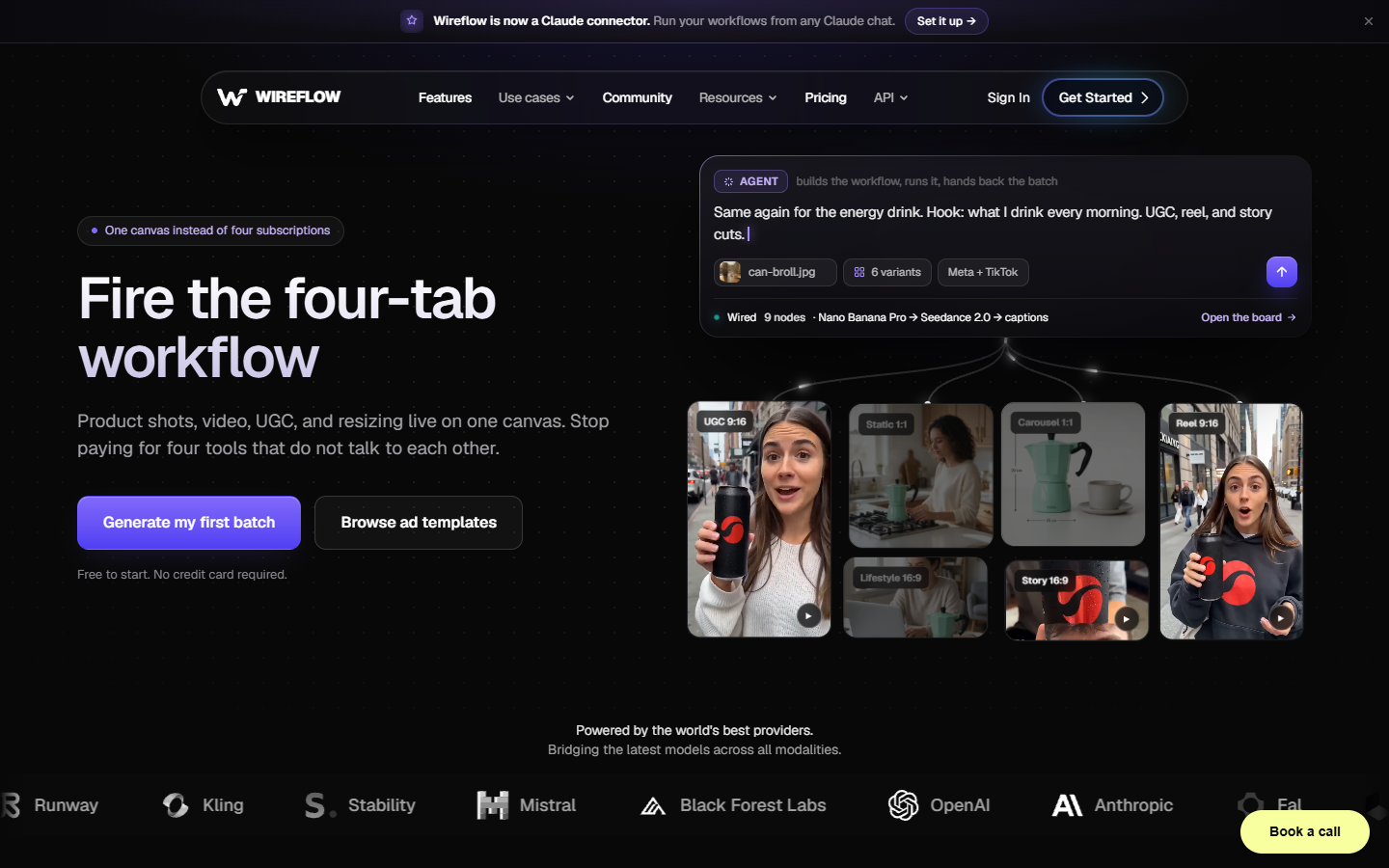
The catch is that it is a builder, not a one click generator. You are assembling a graph, picking which model runs at which step, and deciding where a human reviews the output. For a single listing that is overkill. For a catalogue refresh across sixty ASINs it pays for itself on the second batch, because a rejected video means editing one node, not restarting one video.
What matters for Amazon specifically: the output stays as separate assets right up until you render, so a caption rewrite or a 9:16 variant for Sponsored Brands does not force a full regeneration.
2. Topview AI, best for a fast first cut
Topview is built around the product-page-to-video shortcut. You paste a listing URL, it pulls the images and bullet copy, and it comes back with a scripted cut in a few minutes. For sellers who need something on the listing this week, that is the shortest path from nothing to draft. See Topview AI for current plans.
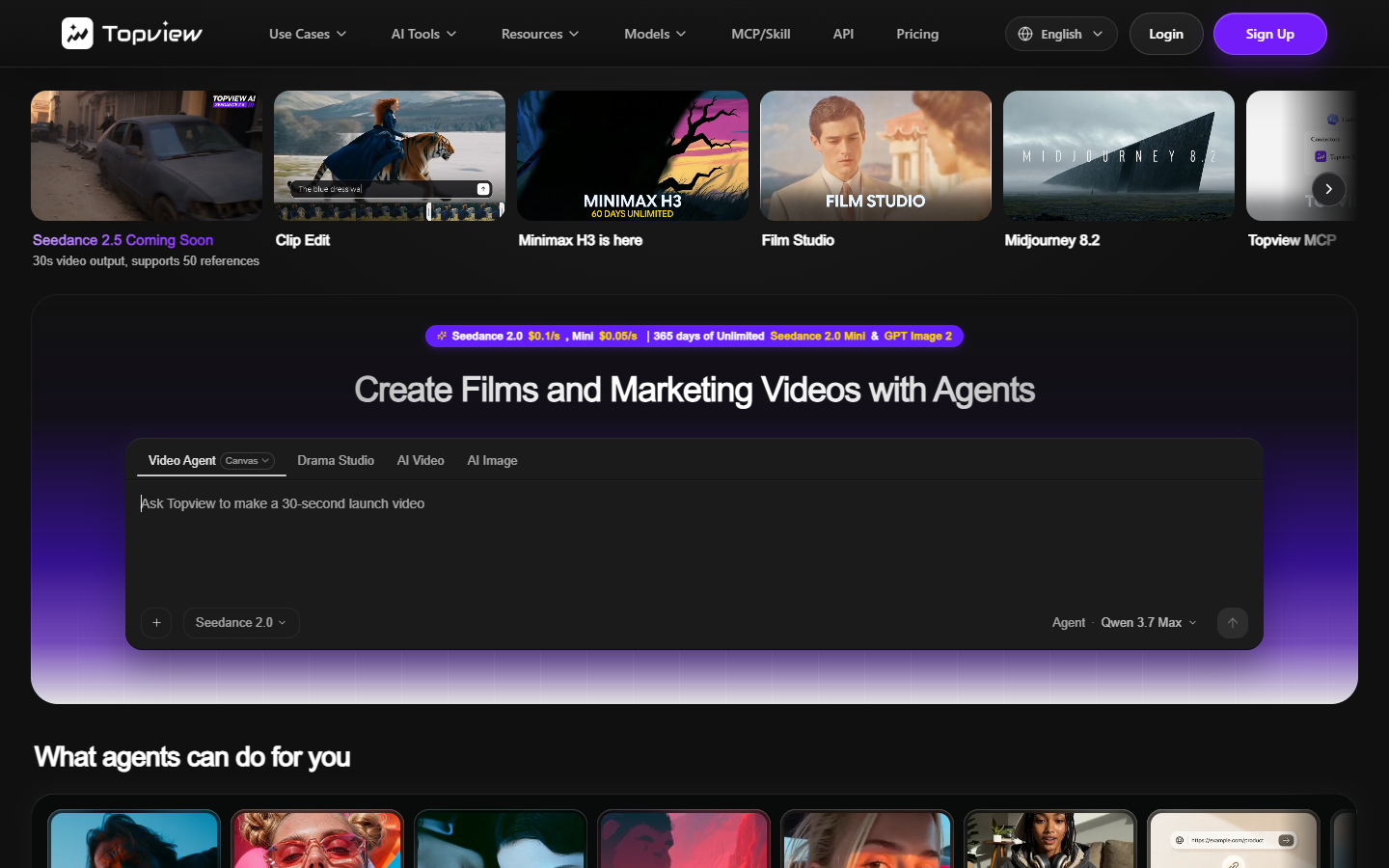
The output is template shaped, and it shows. Scripts lean on the bullet points verbatim, pacing is uniform across SKUs, and the on screen text styling is fixed to whatever template you picked. Run six products through it and they will feel like six versions of one video. That is fine for a category page and less fine for a hero product. Plan on replacing the opening three seconds and rewriting at least half the captions before it goes live.
3. Creatify, best for UGC style hooks
Creatify's angle is the creator-face ad: an avatar or stock presenter delivering a hook over your product footage. That format converts well in Sponsored Brands and off-Amazon traffic, where a talking human outperforms a clean studio spin. Pricing and avatar library are at Creatify.

Two cautions for main-listing use. First, avatar delivery reads as an ad, which is a mismatch for the listing slot where shoppers expect a product demonstration. Second, UGC scripts drift toward claim language ("the best pan I have ever owned") that trips Amazon's review policy. Keep Creatify for the ad placements, and pull just the product b-roll segments into your listing cut. Trimming those segments cleanly is a job for a timeline, and a video trimmer and cropper will get you the exact in and out points faster than regenerating with a shorter duration.
4. HeyGen, best for spokesperson explainers
For products that need explaining rather than showing, a supplement regimen, a software subscription, a multi-part assembly, a presenter beats a montage. HeyGen has the deepest avatar and voice library of the tools here and handles multi-language variants well if you sell across Amazon marketplaces. Details at HeyGen.

The output is a flat video of a person against a background, which is the least composable format on this list. To put that presenter next to your actual product you need to key them out and rebuild the scene, so a chroma key tool becomes part of the workflow rather than an optional extra. Budget for that step rather than accepting HeyGen's stock backgrounds, which look generic on a listing page.
5. Runway, best for cinematic product motion
Runway produces the best looking motion of anything here. Slow orbits, material close-ups, liquid and fabric behaviour, the shots that make a product look expensive. For a hero SKU where the listing video is doing brand work as much as explaining, Runway is the right generator.

It is also the least practical for volume. Clips are short, per-generation cost is real, and consistency across a batch is not something you can rely on. Use it the way a video editor uses stock: generate four or five strong inserts, then cut them into a structure built elsewhere. That is exactly the b-roll workflow most sellers already run with stock footage, and Runway just replaces the stock library with shots of your actual product category.
6. CapCut, best free starting point
CapCut's AI features have grown a lot, and the template library covers ecommerce formats well. If your budget is zero and you are willing to do the assembly yourself, CapCut will get you to a publishable video.

The blocker is the export. Free tier renders carry a watermark, and Amazon does not accept watermarked video on a listing. That is not a policy you can negotiate around by cropping, because the crop breaks the 16:9 requirement. Either pay for the clean export or use CapCut for drafting and finish the master somewhere else.
The finishing pass that keeps a listing video approved
Whichever generator you pick, the last twenty minutes of the job are the same, and they are the part that decides whether the video stays live.
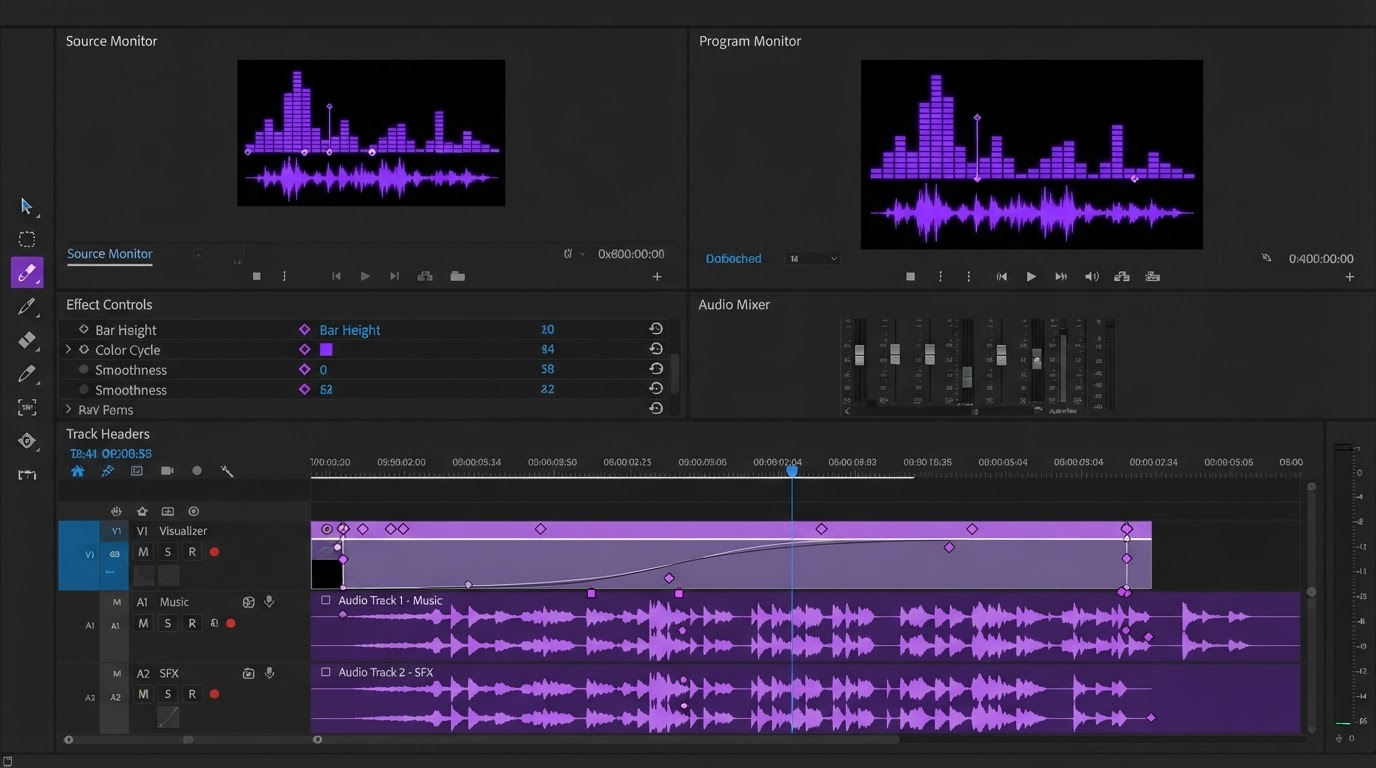
Start with the copy. Read every word on screen and delete anything that names a price, a competitor, a review, or a guarantee. This is the single most common rejection and it takes two minutes to prevent. Keep the text as a caption layer so the fix is an edit, not a re-render, and editable video subtitles also cover the accessibility side, which matters because most listing views happen with sound off.
Then check the shape. Amazon's main slot wants 16:9, but the same footage usually needs a 9:16 and a 1:1 version for Sponsored Brands and social. Reframing on a timeline means repositioning the subject inside a new canvas, keeping the product centred as the crop tightens. Regenerating at a new aspect ratio gives you a different video, not the same video in a different box.
Last, trim to the front. Amazon shoppers give a listing video a couple of seconds. Whatever your generator put in the first two seconds, a logo sting, a slow fade, a title card, is probably costing you the view. Cut it and start on the product in motion.
Frequently asked questions
What is the best AI tool for Amazon listing videos in 2026?
For a single product, Topview AI gets you to a usable draft fastest. For a catalogue, Wireflow wins because you build the pipeline once and run it per SKU, so the marginal cost of the next video is close to nothing. There is no tool that is best at both.
Does Amazon allow AI generated listing videos?
Yes. Amazon does not restrict how the video was produced. It restricts what the video contains: no watermarks, no pricing, no competitor references, no fabricated reviews, no fake interface footage. An AI generated video that respects those rules is treated the same as one shot in a studio.
How long should an Amazon listing video be?
Between 6 and 45 seconds for the main listing slot, and 30 seconds or less performs best. A+ content allows up to 60 seconds. If your generator produced 60 seconds for a main listing, trim rather than re-prompt.
Can I use a free AI video tool for an Amazon listing?
For drafting, yes. For the published file, usually not, because free tiers watermark the export and Amazon rejects watermarked video. Either upgrade for a clean render or move the final assembly to a tool that exports without a stamp.
Do I need captions on an Amazon listing video?
Amazon does not require them, but most listing views happen muted, so a video with no on screen text is a video most shoppers watch without understanding. Add captions as a layer, keep them free of claim language, and keep them large enough to read on a phone.
What to do next
Pick the generator that matches your volume, not the one with the best demo reel. One product means a fast template tool. Forty products means a pipeline. Either way, plan for a finishing pass on a real timeline, because the difference between a listing video that gets approved and one that bounces is almost always something you fix in an edit, not something you fix in a prompt.
Founder of Motionbox and Gluely. Building tools for creators.