Best AI Tools for TikTok UGC Ads in 2026, Ranked From the Editing Chair
AI generators solved the raw footage problem for TikTok UGC ads. They did not solve the edit. Here are seven tools ranked by what actually lands in your timeline and how much work is left once it does.
You do not have a TikTok ad problem. You have a volume problem. The account needs fifteen new UGC creatives this week, the last batch fatigued in nine days, and nobody wants to book another creator shoot for a twenty dollar product. AI generators solved the raw footage part. They did not solve the part where a raw clip becomes an ad that holds attention past the first second.
So this ranking is built from the editor's chair. Not which tool makes the most realistic person, but what lands in your timeline and how much work is left after it does. Every tool below is judged on the handoff: file format, aspect ratio, captions burned in or editable, and how painful it is to spin the winner into eight variants.
The list at a glance
- Wireflow. Best for producing a whole batch of ad variants from one repeatable setup.
- Creatify. Best for turning a product URL into a watchable first draft in minutes.
- TikTok Symphony. Best free option if you already run an ads account.
- Arcads. Best for the delivery, when the script needs a believable human read.
- Captions. Best for the hook and caption pass on your phone.
- TopView AI. Best for cheap volume when you need many angles, not perfect ones.
- HeyGen. Best avatar breadth for multi language versions of the same ad.
Quick answer:
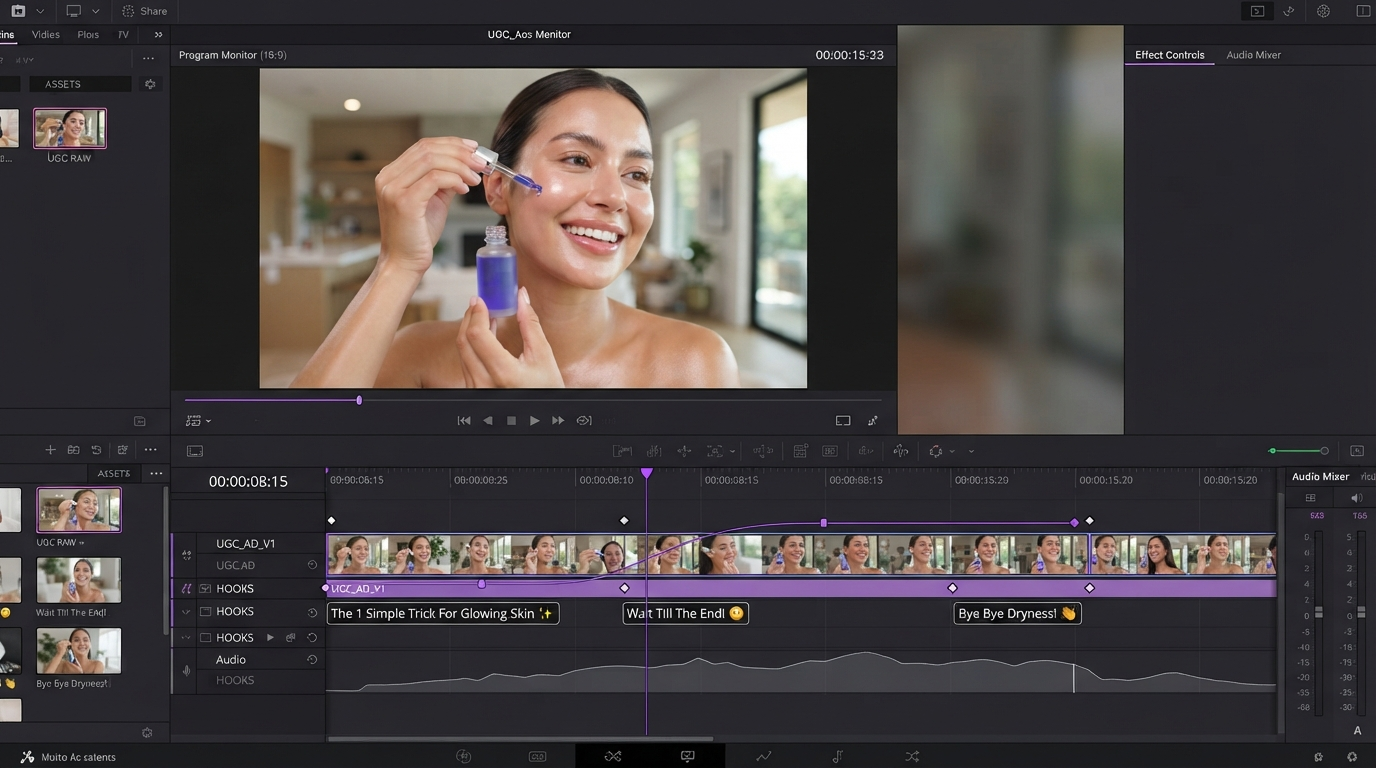
- Generators are for the raw take. The cut, the hook timing, and the caption rhythm still happen on a timeline, so pick tools that export clean footage instead of finished MP4 files you cannot open.
- Rank by your actual bottleneck. Short on faces, pick Arcads or HeyGen. Short on scripts, pick Creatify. Short on variants, pick a workflow tool that batches.
- Budget the finishing pass. Trimming to a three second hook, adding TikTok style captions, and cutting a 9:16, 1:1, and 16:9 version takes longer than the generation did.
How I ranked these
Four questions, asked of every tool.
What comes back? A baked MP4 with captions welded into the pixels is a dead end. You cannot retime the hook, swap the price, or fix a typo without regenerating and paying again.
Can it batch? TikTok creative fatigue is fast, so the number that matters is ads per hour, not ads per prompt. One prompt at a time caps out around three usable creatives before you lose the afternoon.
Does it respect 9:16? Plenty of generators still produce 16:9 and crop, so watch for heads cut at the forehead and labels sliding out of frame. If you are fixing framing later, you want a vertical TikTok editor rather than a smart crop button.
What does it cost per usable clip? Not per generation. Divide by your keep rate. Thirty cents a clip at one in eight is more expensive than a dollar at one in two.
1. Wireflow
Wireflow is a node canvas where you wire the steps of an ad together once, then run that chain on new inputs. Script generation, voice, video model, and image inputs each sit as a node, connected in the order you want them to fire. It is the only tool here where the output of a run is a repeatable process rather than a single file.
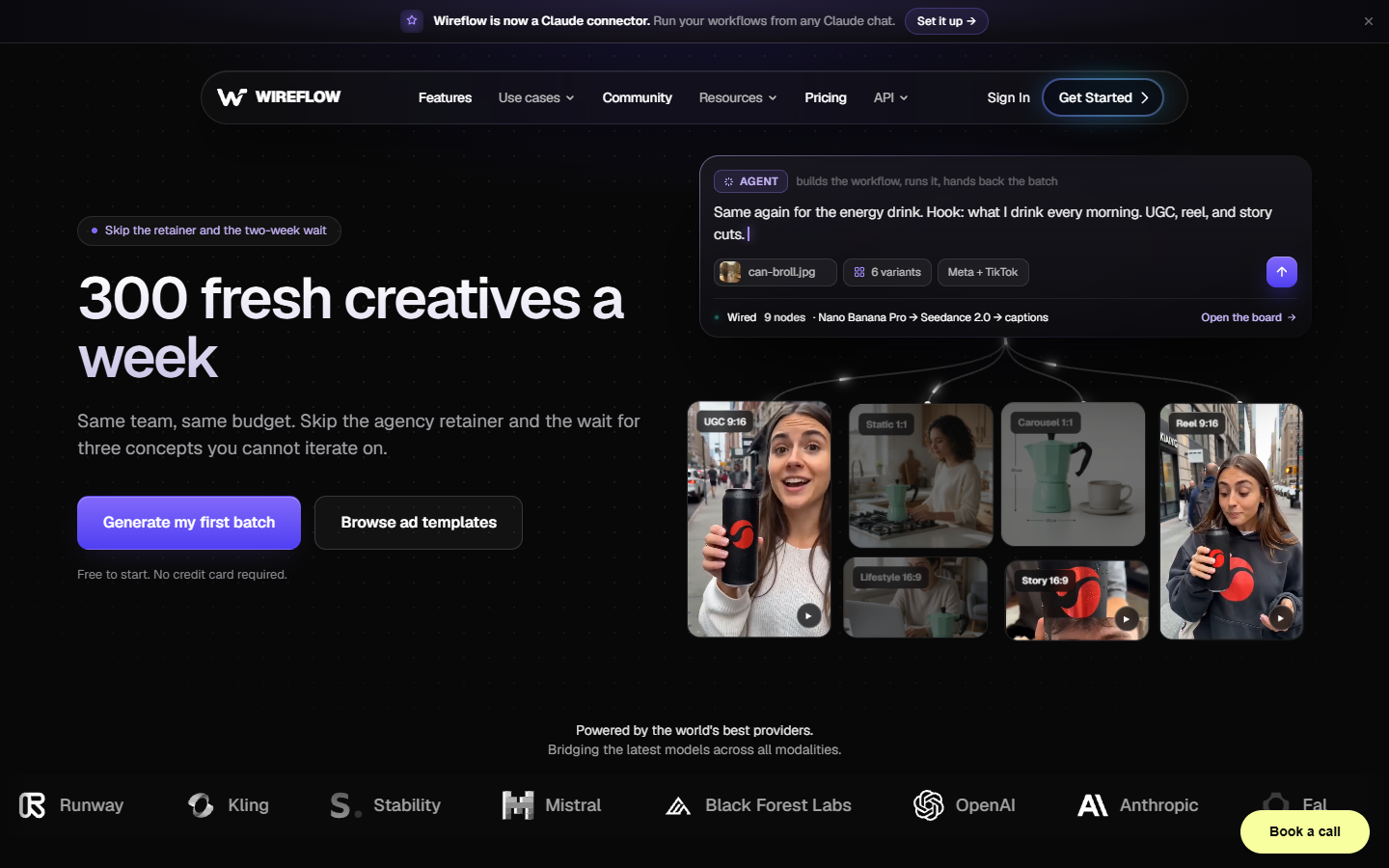
That matters most when you are producing a batch. Change one node, rerun, and every downstream step follows the new setting, which is how you get twelve hook variants against the same body footage instead of twelve unrelated ads. If you want the buyer's view of the same category, the team keeps a companion breakdown at their AI workflow tool guide, written from the media buying side rather than the editing side.
Where it costs you: a real setup curve. The first workflow takes an afternoon of wiring and testing. If you need one ad tonight, start elsewhere on this list and come back when the same job repeats weekly.
2. Creatify
Creatify takes a product URL, reads the page, and returns a fifteen to thirty second ad with a script and an AI presenter. For a store with clean product pages it is the fastest path from nothing to something watchable, and the scripts beat the category average because they are grounded in real copy instead of a prompt.
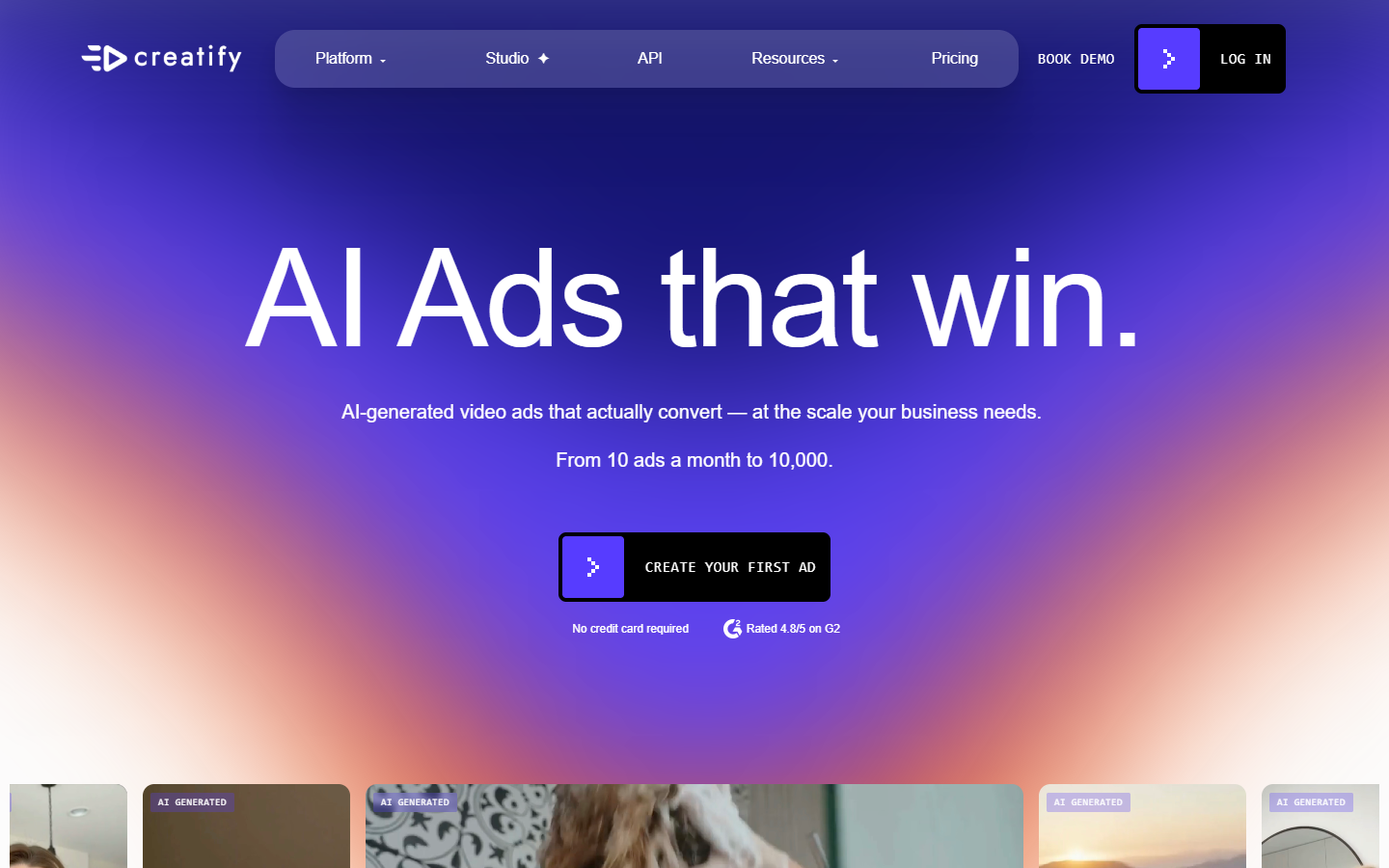
The catch is uniformity. Run it on five products and the pacing, presenter energy, and caption style come out close to identical, which TikTok's audience notices. Treat the output as a strong first draft and re-cut the opening on a timeline. Pulling the best three seconds forward is worth more than any prompt change.
3. TikTok Symphony
Symphony sits inside TikTok Ads Manager and it is free with an account, which makes it the correct starting point for anyone still deciding whether AI UGC works for their offer. The 2026 version writes in your brand voice once you feed it examples, generates variants of a winning creative, and produces avatar reads in thirty plus languages.
It is also the most locked in option here. Assets live inside the ads platform, exports are limited, and the creative reflects what TikTok's own model thinks a TikTok ad looks like, which is a ceiling once your competitors all use it too. Establish a baseline with it, then move production somewhere you can art direct.
4. Arcads
If the ad is a talking head making a claim, delivery is the whole ad, and Arcads still has the most convincing reads. The library actors carry sentence stress and small physical tells that most avatar tools flatten, so scripts with a genuine emotional turn survive the trip.
It is narrow on purpose. You bring the script, it returns the performance. No product B roll, no editing, no captions worth keeping. Pair it with B roll footage over the middle third, because thirty unbroken seconds of any face, real or generated, loses viewers around second eleven.
5. Captions
Captions is the mobile native pick. Shoot on your phone and it handles transcription, word level caption timing, filler word removal, and eye contact correction in one pass. The styling defaults are close to what actually performs on TikTok, which saves an argument about fonts.
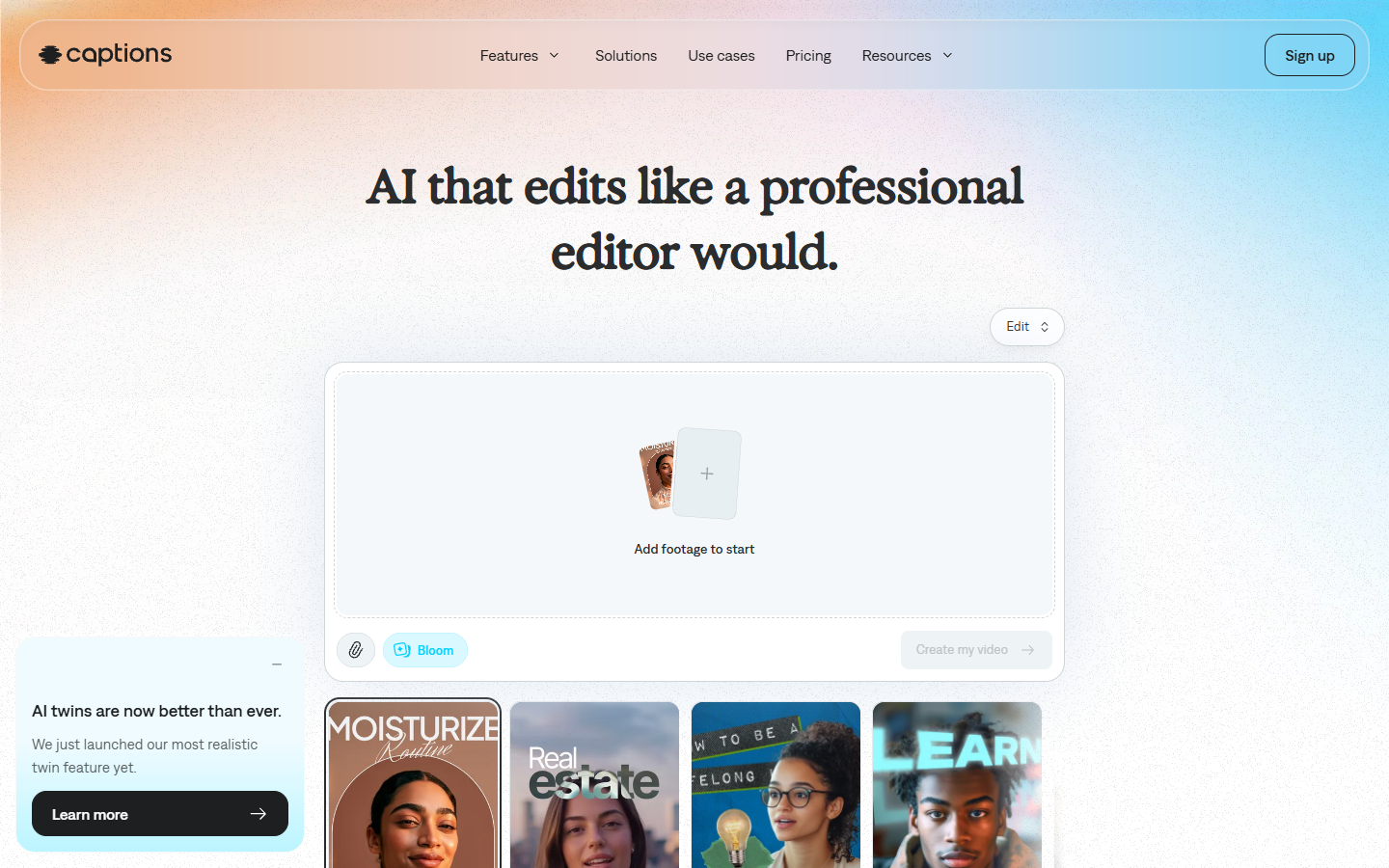
The limit is depth. Once an ad needs layered graphics, a price callout that animates on beat, or a keyframed product zoom, you are past what a phone app does well. That is the handoff point to a desktop class timeline, and where teams reviewing creative together move into collaborative video editing instead of trading exports over Slack.
6. TopView AI
TopView is the volume play. It runs an agent front end over current video models, per second pricing is the lowest here, and it will produce twenty variations of one concept while you do something else. For hook testing, where you need quantity over polish, that maths works.
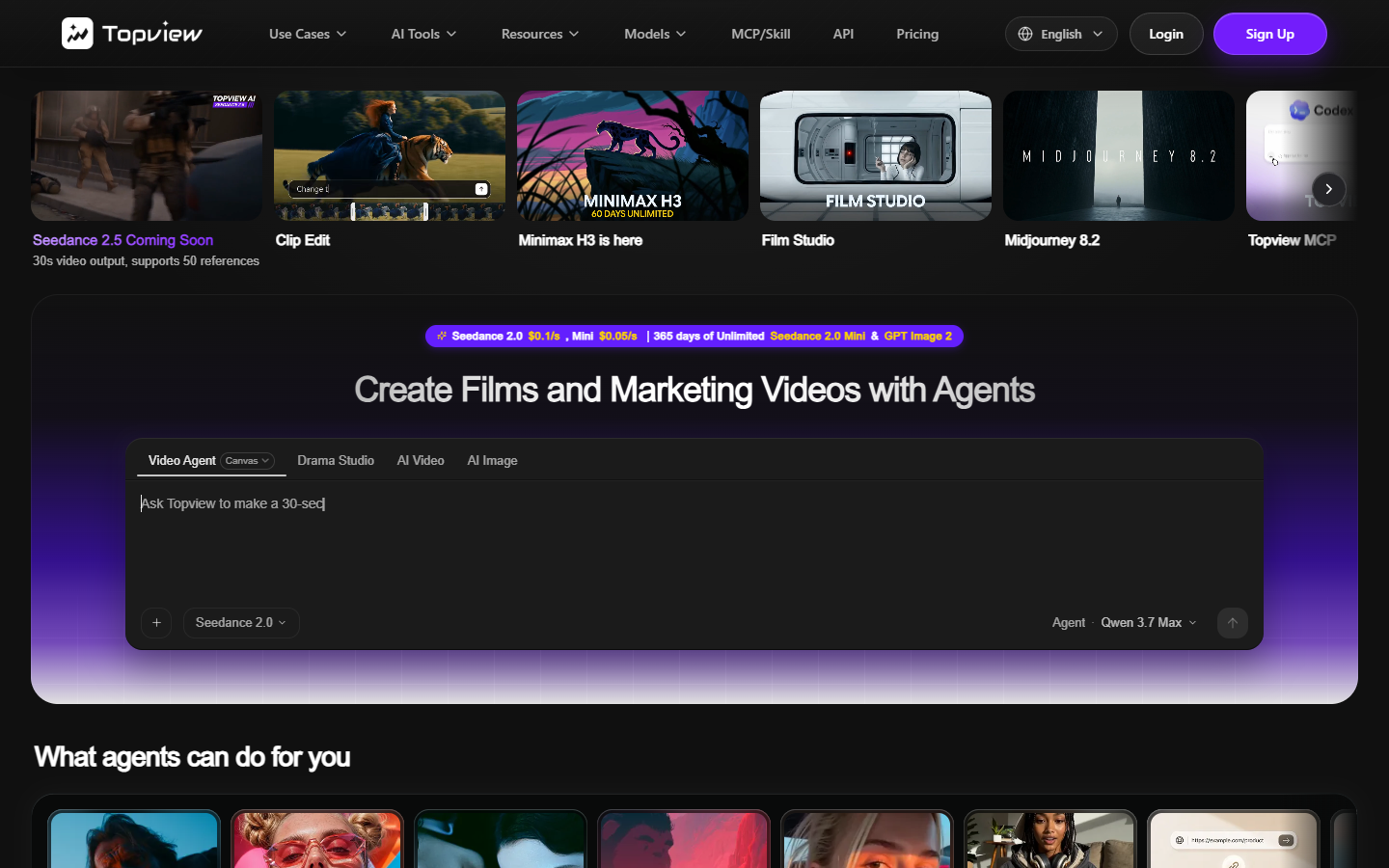
Quality breaks in a specific place: hands and product interactions. Expect to discard more than half. Screen the batch, keep the takes where the product stays stable in frame, and use those clips as the middle of an ad rather than the opening shot.
7. HeyGen
HeyGen's advantage is breadth and translation. Hundreds of avatars, tight lip sync, and the strongest path from one proven ad to eight language versions with matched mouth movement. For an account running the same offer across several markets, nothing else here is close.
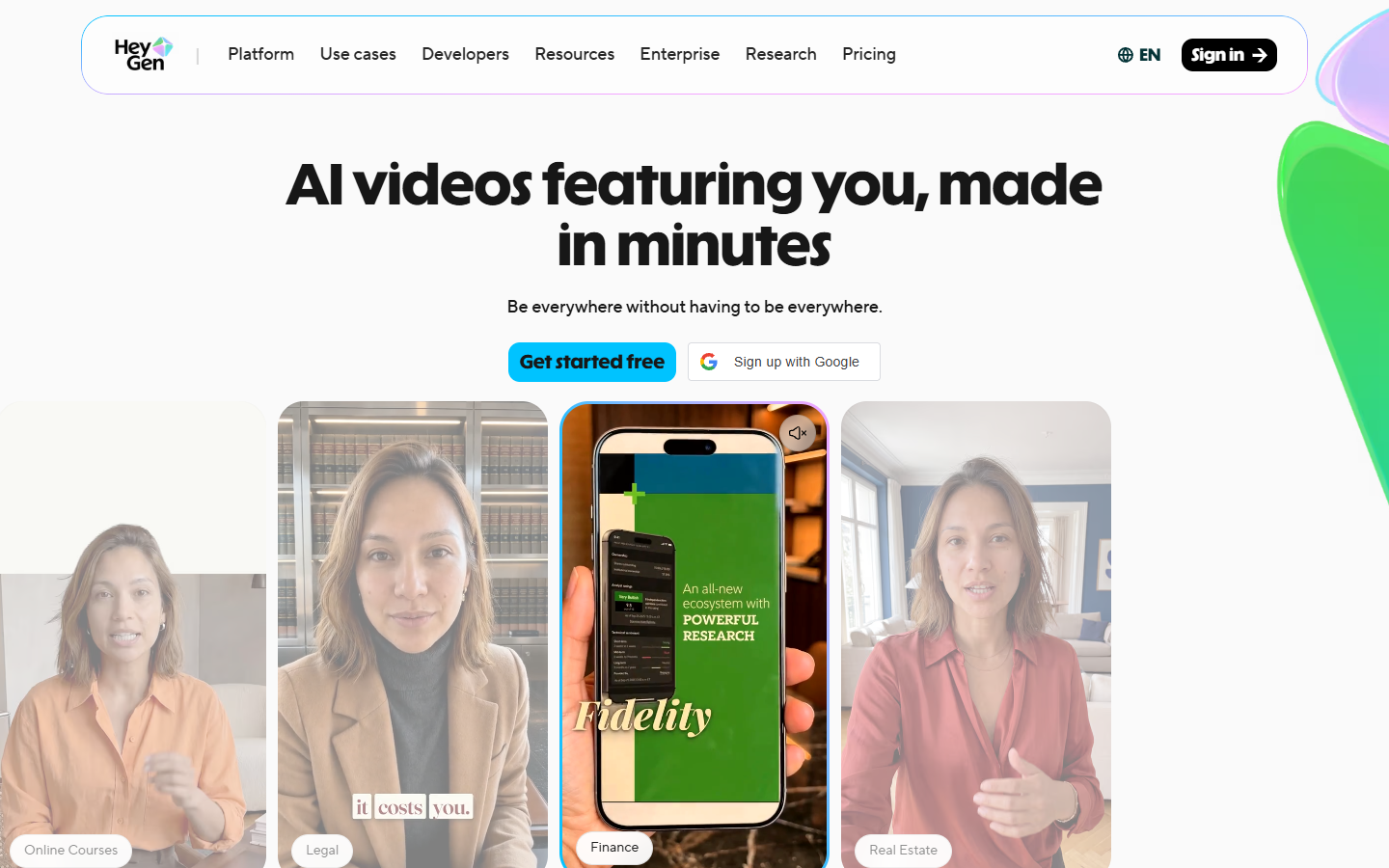
For cold TikTok traffic in one market, though, the avatars read as corporate more often than as someone who actually bought the thing. Better for explainer segments, founder style pieces, and localization than for the scrappy first person hook TikTok rewards.
What the generator hands your timeline
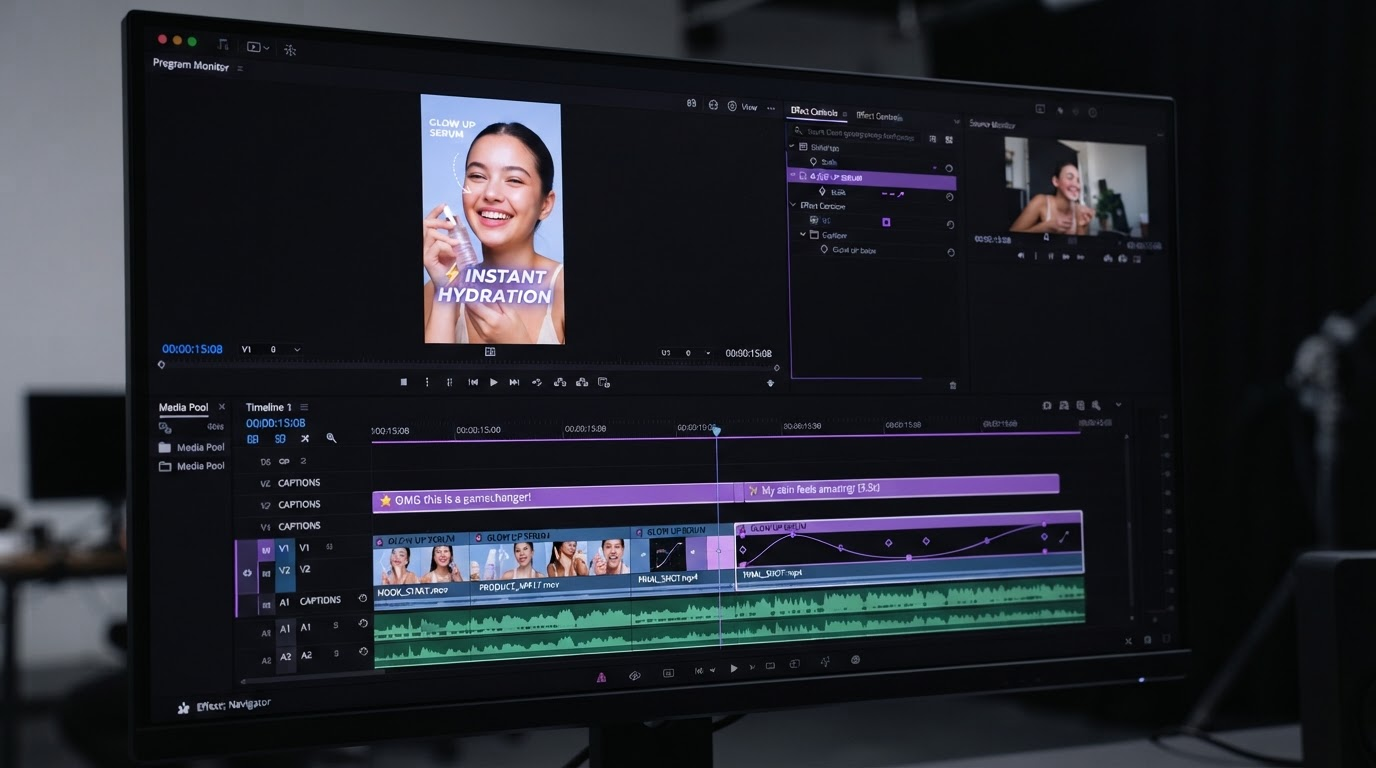
Here is the part most rankings skip. Open any of these exports and you get a flat video file. One track. No separated voice, no isolated captions, no keyframes to nudge. Every change means going back to the generator and burning another credit.
Force the split at generation time instead. Ask for the clip without captions, export the voiceover separately where the tool allows it, and generate B roll as its own job rather than letting the tool assemble the whole ad. Three assets instead of one video, and on a timeline those three become twenty ads.
That is why the finishing tool matters as much as the generator. Agent driven editors return layers, tracks, and easing curves rather than a baked file, so Monday's ad is still editable on Friday when the hook needs to change.
The finishing pass that decides your CPA
Four moves, in order, every time.
Cut the first second last. Generate the ad, then find the strongest three seconds anywhere in the clip and move them to the front. The generated opening is almost never the best opening.
Caption at word level. Sentence captions sit on screen too long and read as subtitles. Word level timing with a light scale pop on the stressed word keeps the eye moving.
Add one motion beat every four seconds. A product zoom, a price callout, a hard cut to a different angle. This is where keyframes and easing earn their place, and where a product video maker built for motion beats a general purpose editor.
Version before you export. Duplicate the timeline, swap the hook, keep everything else. Three hooks against one body is the cheapest test you will run.
Frequently asked questions
Do AI UGC ads actually perform on TikTok in 2026?
They perform when they look unproduced. The winners are AI generated raw footage cut with human judgement about pacing and hook. Fully automated ads, generated and posted without an edit, underperform because they all share the same rhythm.
Which tool should I start with if I have never made one?
TikTok Symphony, because it is free with your ads account and lets you test whether the format works for your offer before spending anything. Move to Creatify or Wireflow once volume becomes the constraint.
Can I edit AI generated UGC clips after they are made?
You can cut, retime, recaption, and add graphics to any exported clip. You cannot change what the generated person said or did without regenerating. Plan for that by generating shorter segments you can rearrange rather than one long finished ad.
How many variants do I need per concept?
Three hooks against one body is the working minimum. Most teams running paid TikTok refresh creative every seven to ten days, so a concept that tests well should have six to eight variants queued behind it. Starting from a TikTok video template keeps the safe zones and caption placement consistent across the set.
The takeaway
Pick the generator that fixes your shortage, not the one with the best demo reel. Faces, scripts, volume, or languages, each points at a different tool here. Then treat whatever comes back as footage rather than as an ad. The generator gets you to the timeline faster. The timeline is still where the ad gets made.
Founder of Motionbox and Gluely. Building tools for creators.