7 Best AI Video Generation Workflow Tools in 2026
A workflow AI video generator should turn a brief, assets, rules, and output settings into a finished video you can reproduce. These seven tools are ranked by how well they support that full path, not by the quality of one isolated generation.
A one-shot prompt can make a strong clip, but it does not create a dependable production system. A workflow AI video generator needs repeatable inputs, ordered stages, review points, and a finished file in the right format. The twentieth run should be easier than the first.
The list at a glance
- Wireflow, best overall workflow AI video generator.
- Motionbox, best for editable generation and finishing.
- Runway, best for generating footage and visual effects.
- ComfyUI, best for technical visual pipelines.
- n8n, best for connecting an AI video pipeline.
- Zapier, best lightweight setup.
- Descript, best for spoken video workflows.
Quick answer:
- Wireflow is the best workflow AI video generator for reusable, agent-built pipelines across image, video, audio, and editing models.
- Motionbox ranks second for turning prompts and generated assets into editable motion graphics timelines that teams can revise and render.
- Runway is the best focused option when the central job is generating footage and visual effects rather than orchestrating the full pipeline.
This ranking treats workflow as a production system, not a folder of disconnected clips. A strong AI video generation workflow accepts stable inputs, runs known steps in order, handles tasks such as visual effects and other post-production adjustments, and can use tools such as Invideo Agent to coordinate the production process, while exposing review decisions and producing the required aspect ratio, duration, captions, and destination. Pricing reflects what each vendor published at the time of writing.
1. Wireflow: Best overall workflow AI video generator
Wireflow is a node-based AI workflow canvas for video and creative production. You can connect script logic, image models, video models, audio tools, upscalers, format steps, and output nodes in one saved graph. Agents build it from a brief, then the team can inspect, change, and rerun it. Models run in the cloud, so no local GPU is needed.
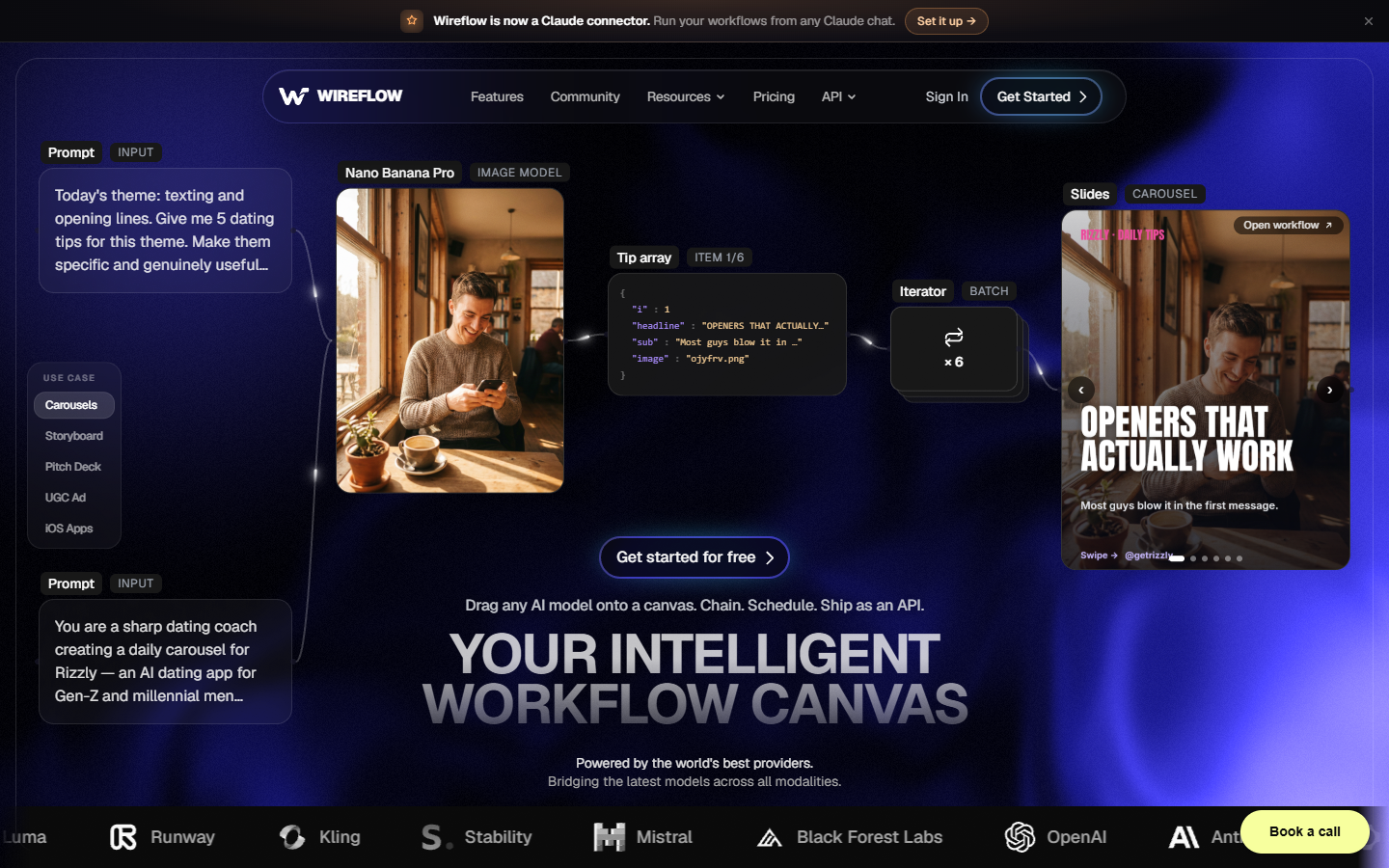
Its AI video pipeline workflow is built for the exact input-to-output job behind this search. The graph records which stage creates each asset, where one output feeds the next model, and how the final video is prepared.
That structure fits product videos, UGC ad variants, social clip systems, and batch image-to-video runs. Teams can swap the brief, product, style, or target format without rebuilding the production path. UGC ad and video templates provide practical starting points.
Pricing is usage-based with a free tier to start. The tradeoff is that the canvas rewards clear workflow thinking. Teams with an undefined process may need to map the steps first.
2. Motionbox: Best for editable generation and finishing
Motionbox is an agentic motion graphics editor. A prompt becomes an editable keyframe timeline with layers, tracks, easing curves, and render controls. It runs in the browser, and the free tier renders with a watermark. You get editable structure rather than only a flat video file.
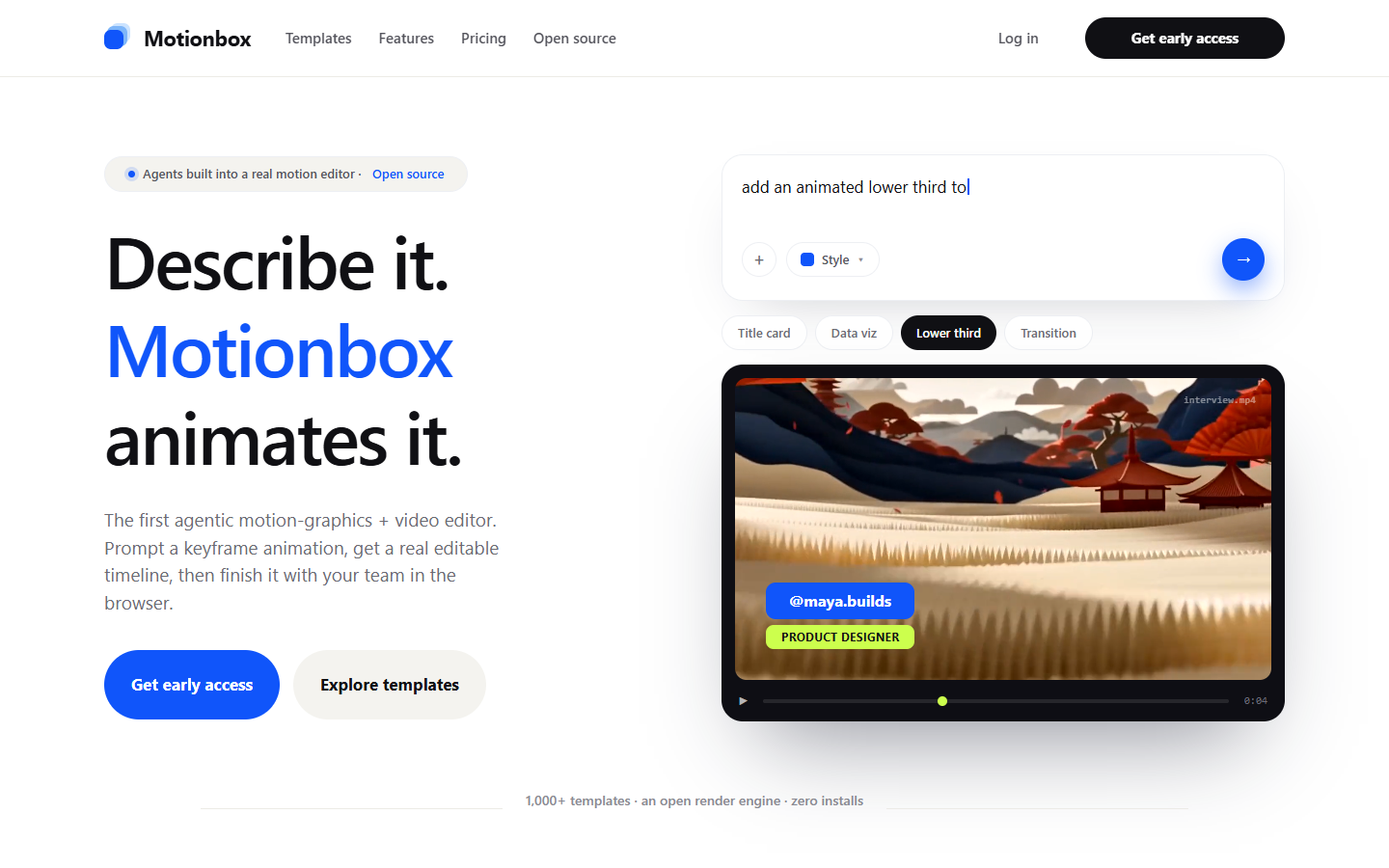
Motionbox fits the generation, finish, and approval stages for animated titles, offer cards, product callouts, logo motion, lower thirds, explainers, end screens, and social overlays. Its collaborative video editing tools keep reviews on the same editable work. Agents set the keyframes, you art-direct.
You can make caption treatment repeatable with editable video subtitles, so placement and timing follow the same rules on every run. A reviewer can still move a logo two frames earlier or soften an easing curve without rebuilding the video.
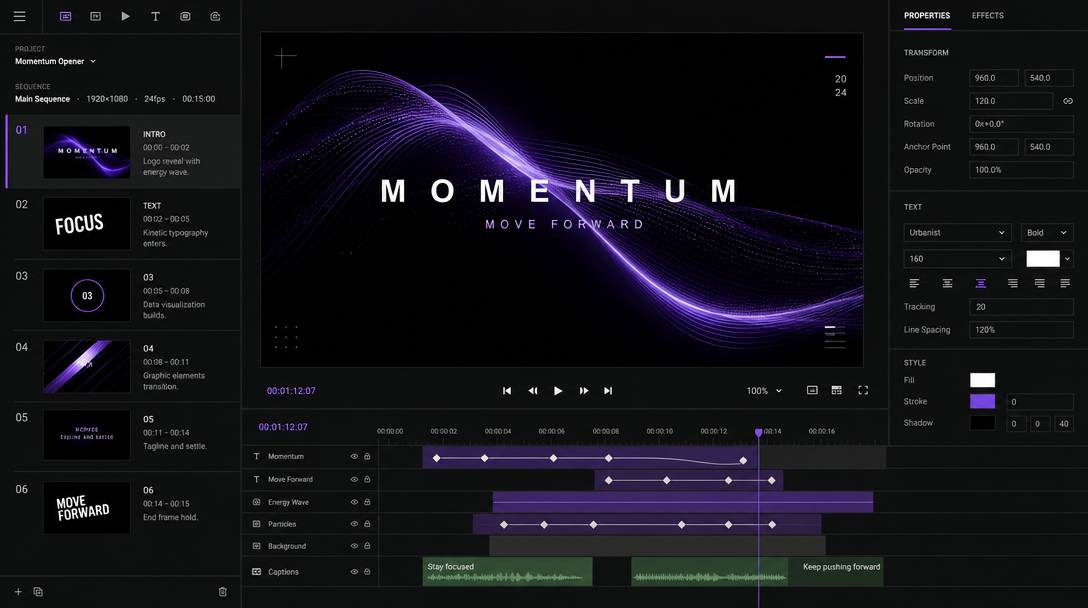
Motionbox is not a pro NLE and does not replace deep editing in Premiere or Resolve. It ranks second because it combines prompt-driven creation with editable motion structure, browser review, and repeatable renders.
3. Runway: Best for generating footage and visual effects
Runway is a dedicated AI video generation and editing platform. It includes Gen-4.5 text-to-video, image-to-video, inpainting, object removal, and style transfer. It is the strongest option here when the pipeline needs shots that do not exist yet, or when a team wants to test visual directions before selecting footage.
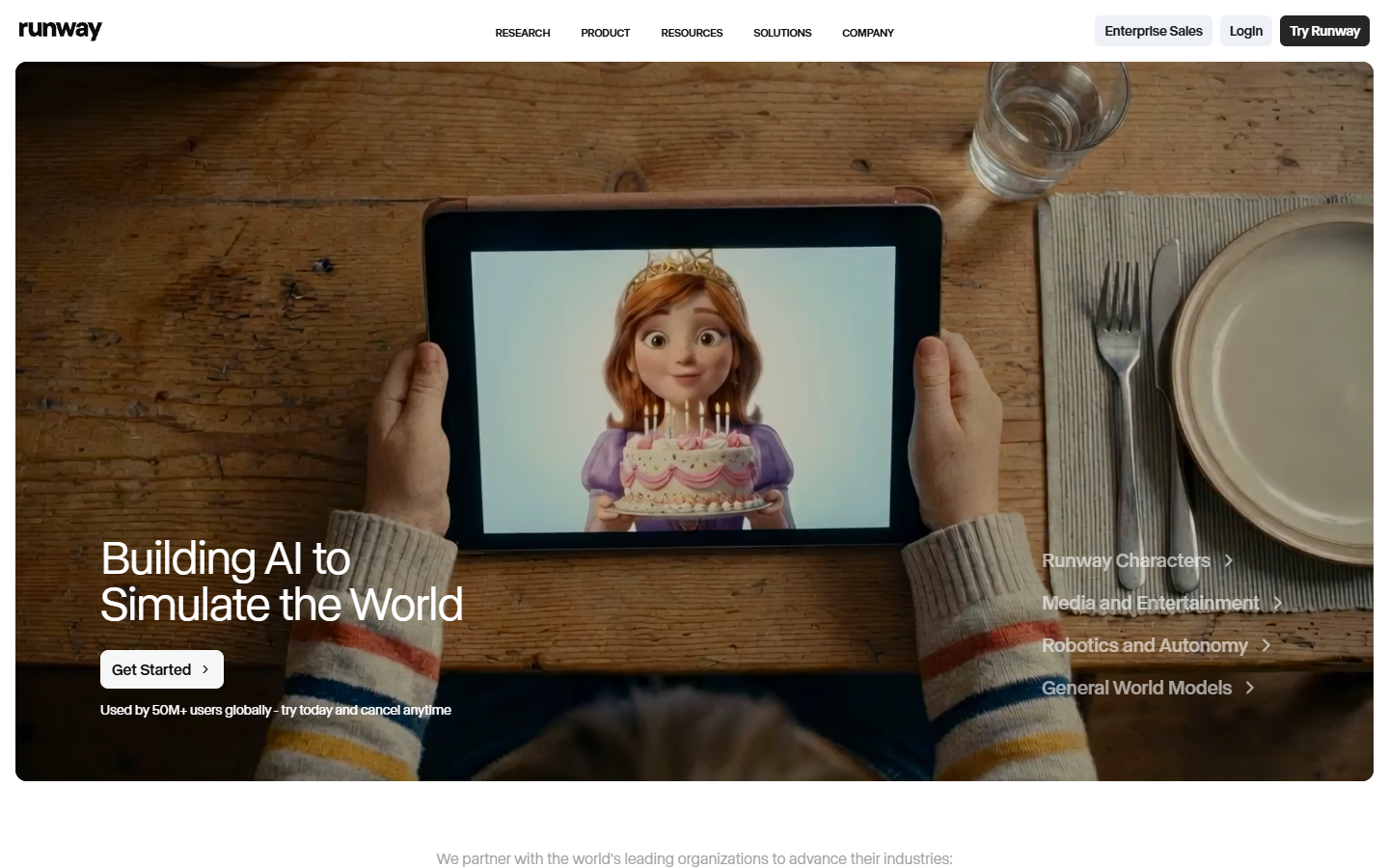
Runway has a free tier with 125 one-time credits, Standard at $12 per month, Pro at $28 per month, and Max at $76 per month on annual pricing. Credit costs vary by model and output quality.
Its limitation is orchestration. Multi-step jobs still require planning, exports, and handoffs outside the tool. Approved shots may also need separate video speed controls to match a fixed template before final assembly.
4. ComfyUI: Best for technical visual pipelines
ComfyUI is a free, open-source node interface best known for Stable Diffusion workflows. Technical users can connect model loaders, ControlNet, IP-Adapter, LoRA, VAE, upscaling, and post-processing steps into saved graphs. That makes visual generation repeatable at a detailed level, with a large ecosystem of community workflows.
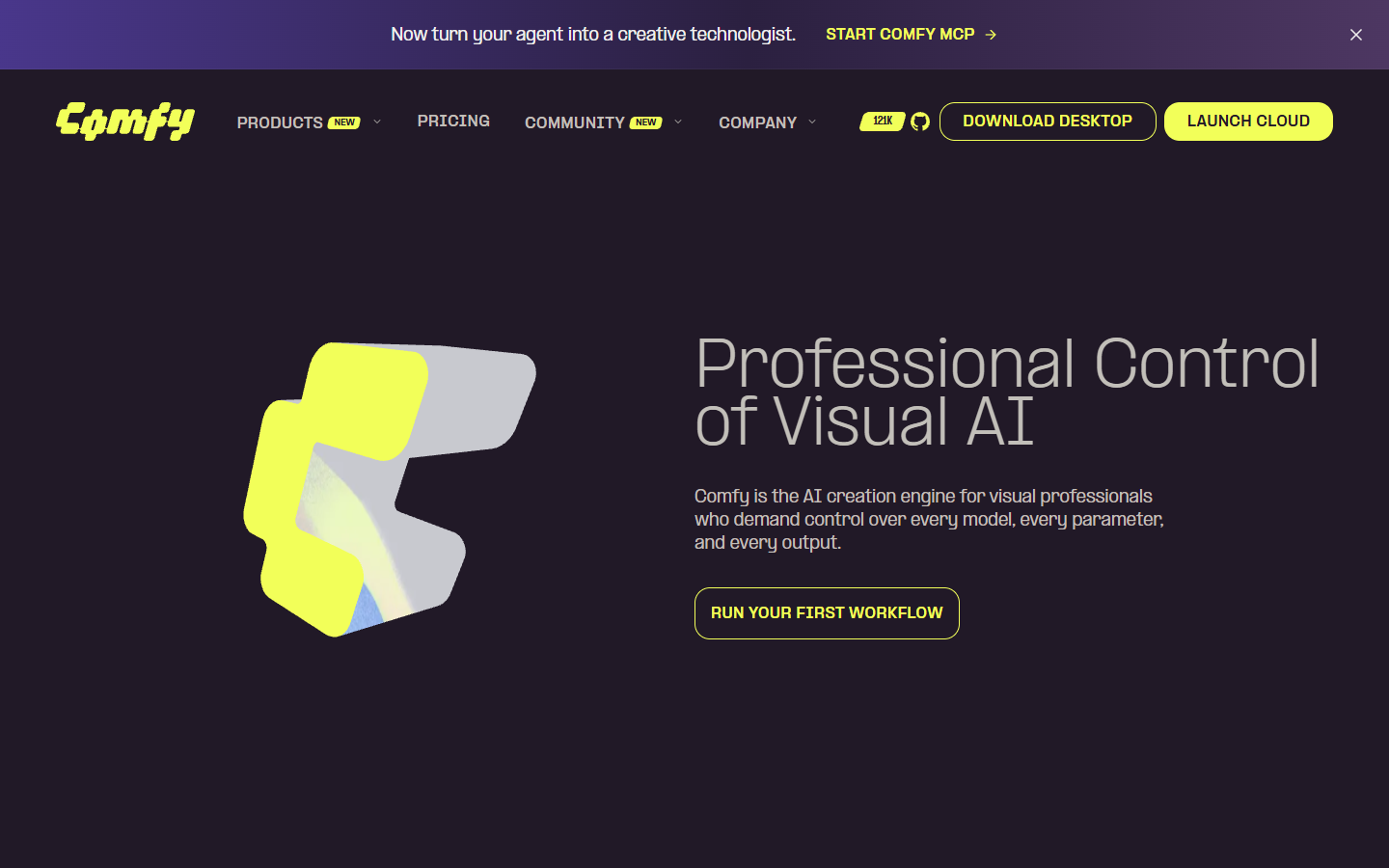
The software itself is free. The real cost is hardware, hosting, maintenance, and operator time. It runs locally and generally needs a capable NVIDIA GPU, with at least 8GB VRAM called out.
ComfyUI is best when a technical operator wants deep control over model behavior. Its limitation is the path to a finished video. Teams often need extra nodes, custom setup, or other editing tools to package the deliverable.
5. n8n: Best for connecting an AI video pipeline
n8n is an open-source workflow automation platform. It connects APIs, file storage, CMS tools, spreadsheets, notification tools, and AI model calls in trigger-and-action flows. It is not a video generator or editor. It moves inputs, outputs, and status between the systems doing the creative work.
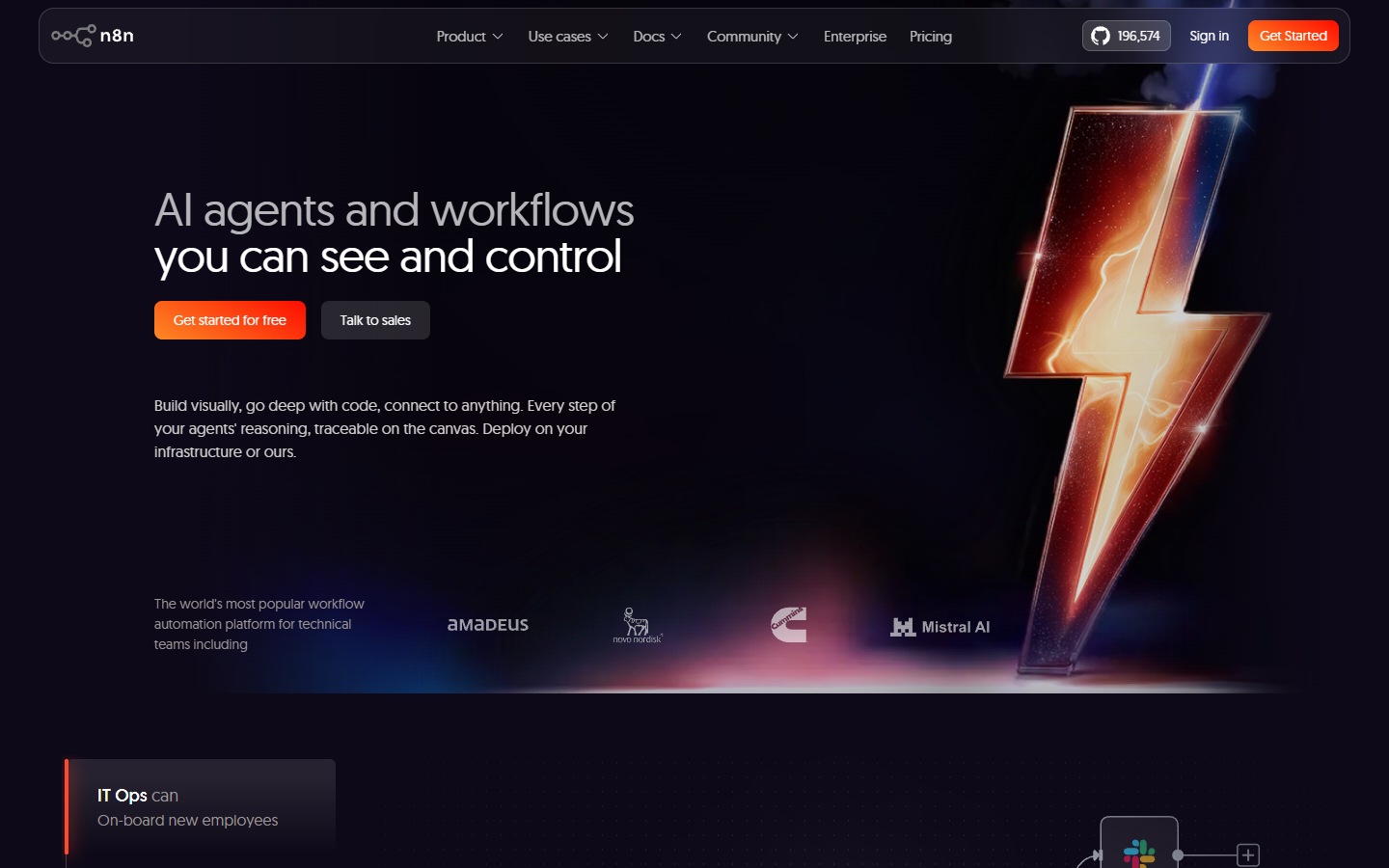
A form response can create a brief, fetch assets, call an AI model, upload the result, notify Slack, and write status back to a database. This helps when the bottleneck is routing rather than shot creation or timeline editing.
Self-hosting is free, and cloud plans start from $20 per month. There is no visual preview of generated content inside the editor, and teams must build and debug integrations. n8n can coordinate a pipeline, but it needs generation and finishing tools to produce the final video.
6. Zapier plus CapCut style stacks: Best lightweight setup
Some teams assemble a workflow from familiar apps. Zapier watches Google Drive, Sheets, Airtable, Typeform, or a CRM for new inputs. Webhooks send them to a generation or editing step, and CapCut handles quick social finishing. Zapier connects more than 7,000 apps, covering common intake and delivery routes without custom code.
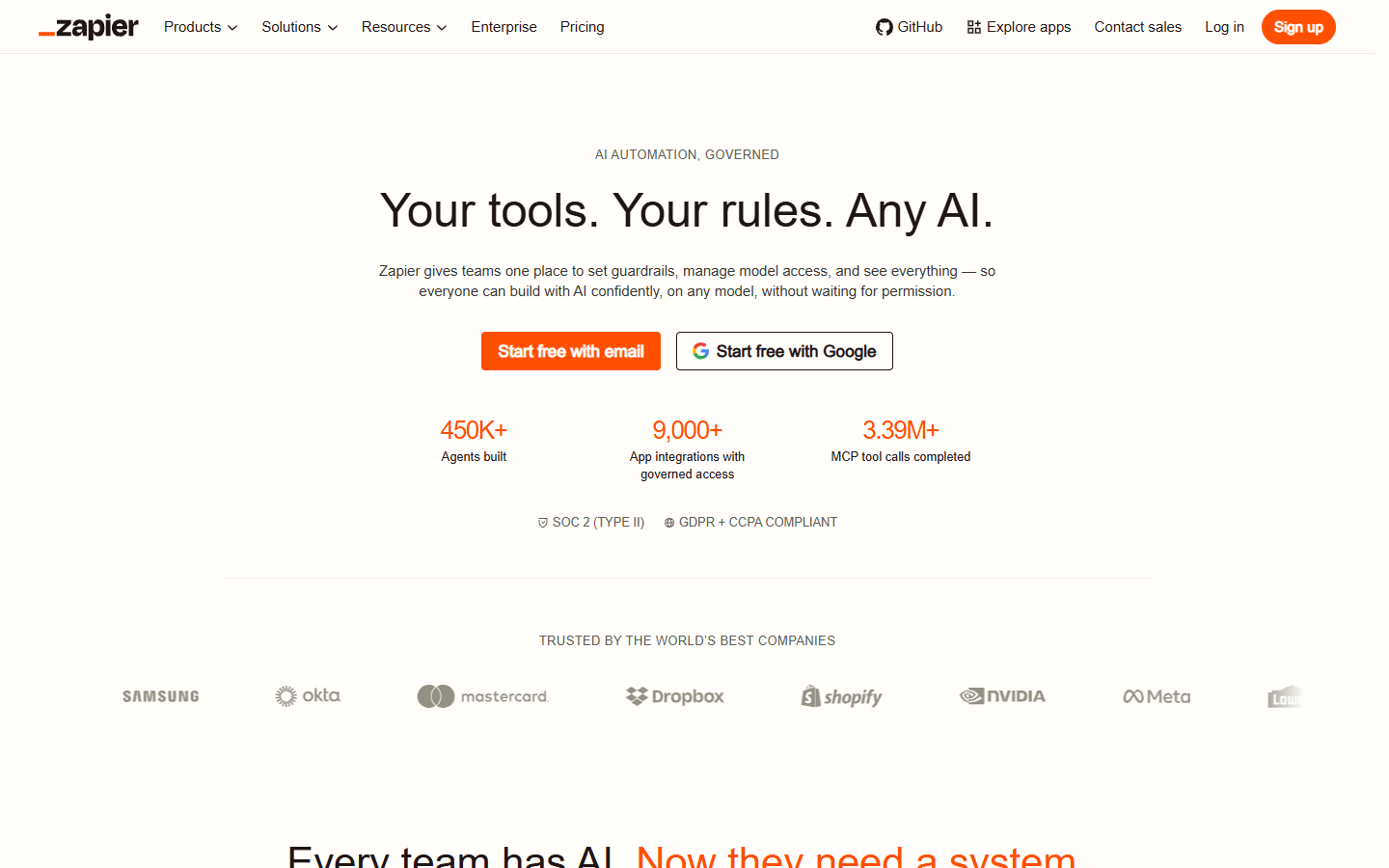
This setup works for form-driven ads, content calendar requests, and client onboarding videos. Reusable video templates can keep aspect ratios, titles, overlays, and end screens consistent across several apps.
There is no public bundled price for a Zapier plus CapCut style stack. Cost depends on current plans, task count, storage, and workflow calls per video. Every export, file URL, delay, and polling step adds a failure point, so this is a lightweight route rather than one creative operating system.
7. Descript: Best for spoken video workflows
Descript is a transcript-based editor. Upload audio or video, edit the text, and the media changes with it. The Underlord assistant handles filler words, silence trimming, eye-contact correction, social clip suggestions, Studio Sound, and show notes.
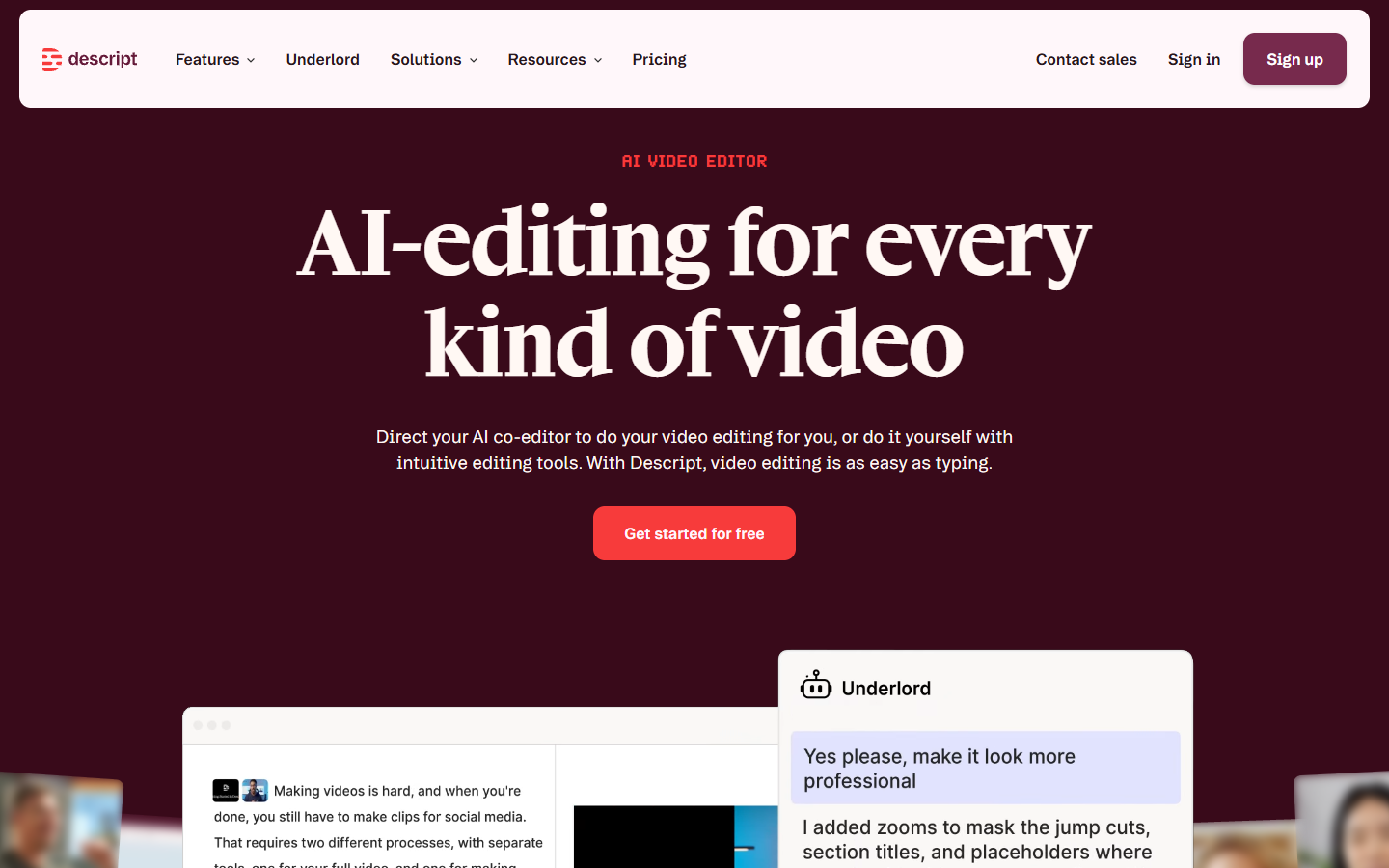
It is strongest for podcasts, interviews, webinars, courses, founder updates, and internal training because the transcript becomes the repeatable editing layer. A podcast-to-video workflow can package approved speech with a consistent visual treatment.
Descript has a free tier with 60 minutes per month, a Creator plan at $24 per month on annual billing, and Business at $50 per user per month. AI usage can involve additional credits.
The limitation is visual pipeline depth. Descript does not replace a multi-model generation graph, motion graphics timeline, or automation layer for multi-app production.
How to choose an AI video generation workflow tool
Write down the inputs, generated assets, review decisions, rule-based edits, and exact deliverable. Then test whether a new team member can run the same process without inventing missing steps.
- Choose Wireflow when one saved graph must coordinate multiple models and turn changing briefs into consistent video outputs.
- Choose Motionbox when editable motion graphics, captions, brand elements, and stakeholder revisions are central to the finish.
- Choose Runway or ComfyUI when generating shots or frames is the hardest stage and the team can manage downstream assembly.
- Choose n8n or a Zapier stack when intake, file movement, notifications, and delivery cause most of the delay.
- Choose Descript when spoken media and transcript-led editing define the production process.
Test a repeatable AI video generator with one real brief, then change the product, aspect ratio, and call to action on the second run. Record manual handoffs, failed steps, repair time, credit cost, and whether the output is ready for review. Repeat performance is a better buying signal than one standout demo.
Frequently asked questions
What is the best workflow AI video generator?
Wireflow is best when you need a reusable pipeline connecting image, video, audio, editing, and output steps. Motionbox ranks second when the workflow needs prompt-driven motion graphics, editable keyframes, browser review, and repeatable rendering. Choose according to whether orchestration or editable finishing is the bigger job.
What should an AI video workflow include?
An AI video workflow should define the brief and asset inputs, generation stages, editing rules, human review points, export settings, and delivery destination. It should make failures easy to identify so one stage can run again without restarting everything.
How is a workflow AI video generator different from a one-shot generator?
A one-shot generator turns one prompt or image into one clip. A workflow AI video generator connects repeatable stages and carries their outputs forward until a finished video is ready. It supports consistent production across many runs, not only one result.
Do AI video pipelines need a local GPU?
Not always. Cloud tools can run models without local hardware, while ComfyUI commonly needs a capable local GPU or hosted compute. Compare control, usage cost, setup time, and available operator skill.
Can Zapier or n8n replace a video editor?
No. They move data, trigger jobs, and report status. A generation tool creates the footage, while an editing or motion tool handles timing, layers, captions, review changes, and final renders.
Build for the next hundred videos
The best AI video generation workflow is not the tool that makes one surprising clip. It is the system your team can feed with a new brief, inspect, revise without guesswork, and run again. Pick the tool that removes repeated handoffs while keeping the final video editable.
Founder of Motionbox and Gluely. Building tools for creators.