Best AI Video Production Software for Agencies: 6 Tools Ranked for 2026
Agency video work is not one video at a time. It is a brand spec, two rounds of client notes, and the same story in three aspect ratios. Here are six AI video tools ranked on that job, plus the finishing stage most lists leave out.
Agencies did not get fewer deliverables in 2026. They got more formats, more cutdowns, more language versions, and the same headcount. AI video software is the usual answer, and most lists that rank it are written for solo creators making one video at a time. That is a different job. An agency has to hit a brand spec, survive two rounds of client notes, and ship the same story in 16:9, 9:16, and 1:1 without rebuilding it three times. This list ranks six tools on that job.
The list at a glance
- Wireflow. Best for chaining several AI models into one repeatable client pipeline.
- Runway. Best for generative shots and restyling on brand film work.
- HeyGen. Best for presenter video and language versions at client volume.
- Descript. Best for turning recorded client footage into cutdowns fast.
- Creatify. Best for paid social ad variants built from a product page.
- Synthesia. Best for corporate training and internal comms accounts.
Quick answer:
- No single tool covers an agency deliverable end to end. Expect a three stage stack: generate, assemble, finish. Every tool below is strong at one of those stages and weak at the others.
- Rank candidates on four things: how much of the output arrives usable, what you can change without regenerating, how fast a client note turns around, and cost per approved deliverable rather than cost per render.
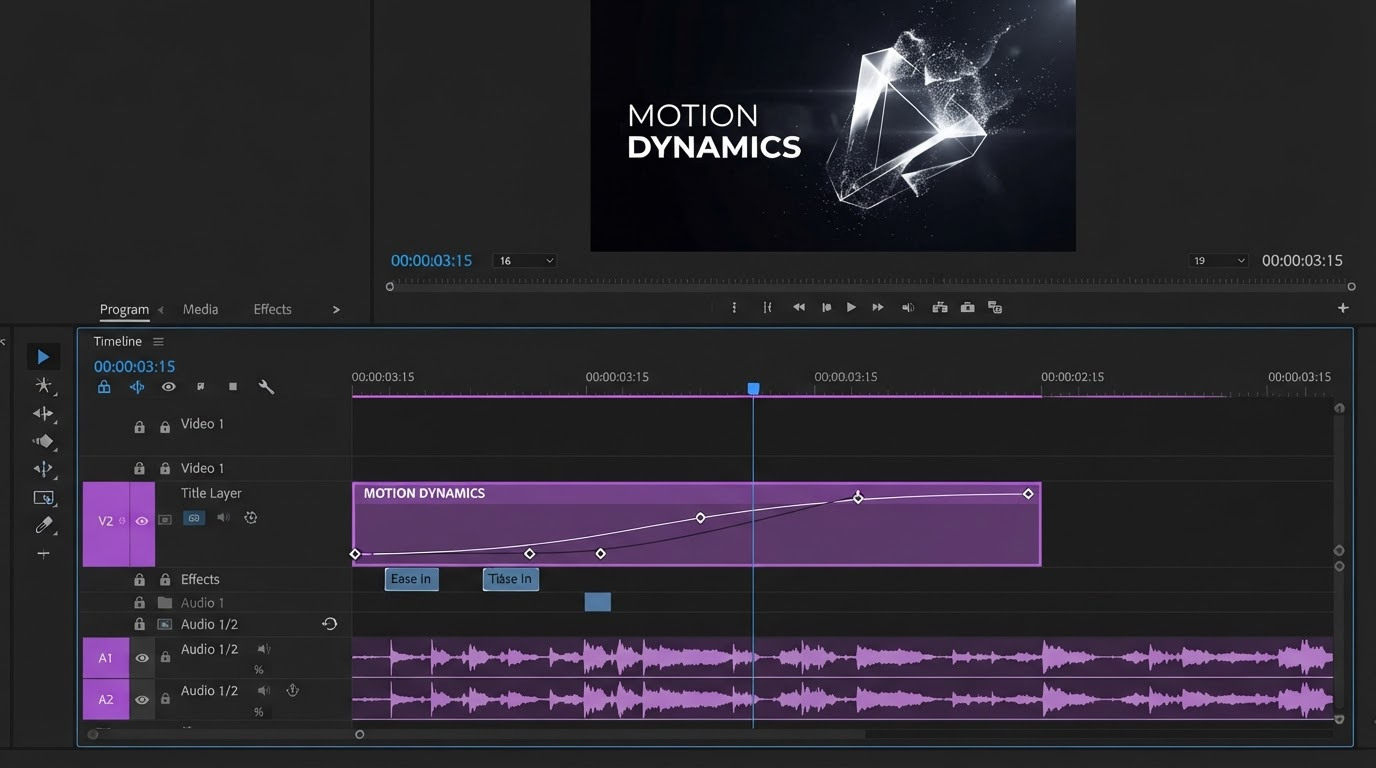
- The finishing stage is where agency margin lives. Captions, brand type, B roll, ratio versions, and the render spec the client asked for all happen on a timeline, after the generator hands back a clip.
How this list is ranked
Most agency tool lists rank on output quality alone. Output quality is close to table stakes now, and it is not what breaks a production week. Revision cost is. So the ranking weighs four things:
- How much of the deliverable comes back finished: script, voice, captions, music, ratios.
- What you can change afterwards without regenerating the whole thing.
- How a second person picks the project up when the first one is on another account. Shared projects and browser based collaborative editing matter far more in an agency than in a solo workflow.
- Whether the tool can run the same job twenty times with different inputs, or only once by hand.
That last point separates tools that scale with a client roster from tools that scale with your team's free hours.
1. Wireflow
Wireflow is first because it answers the structural problem rather than one step of it. It is a node canvas. You wire a script step, a generation model, a voice model, and whatever post steps the deliverable needs, then publish the finished graph as an endpoint. The same graph runs again next week with a different brief.
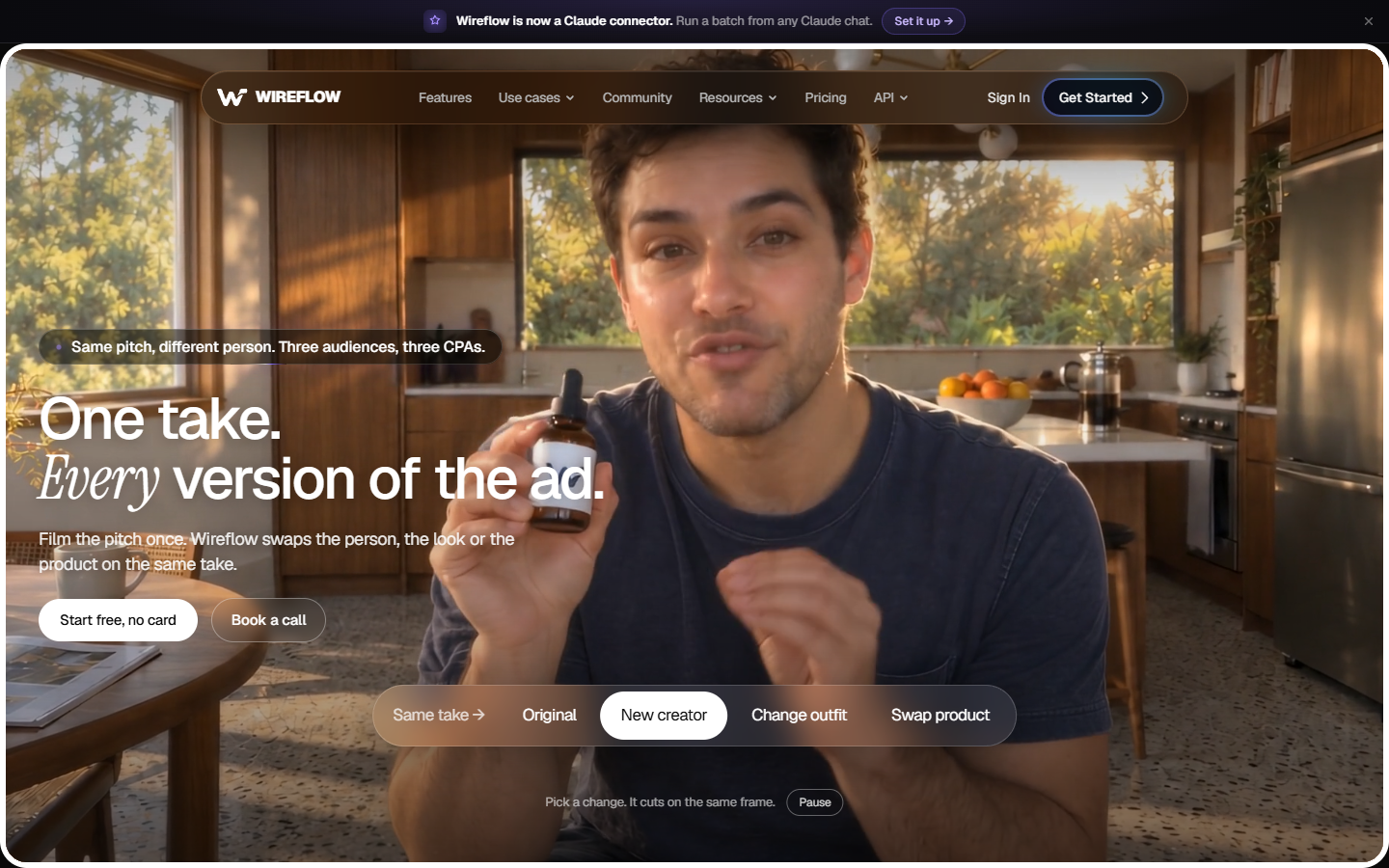
For an agency that means the pipeline becomes an asset you own rather than a habit living in one editor's head. When a better video model ships, you swap that node and the rest of the flow is untouched. When a client wants forty variants, the flow runs forty times instead of an editor running it forty times.
The tradeoff is real and worth stating. You build the flow before you get your first video, and that first build is an afternoon, not a click. Below roughly ten videos a month it is more structure than the work needs.
Best for: agencies with a repeating deliverable across several clients. Verdict: highest setup cost on this list, lowest rework cost by month three.
2. Runway
Runway is the pick when the shot itself is the deliverable. Text to video, image to video, and video to video restyling are all strong, and the output holds up on brand film and concept work where a stock clip would read as filler.
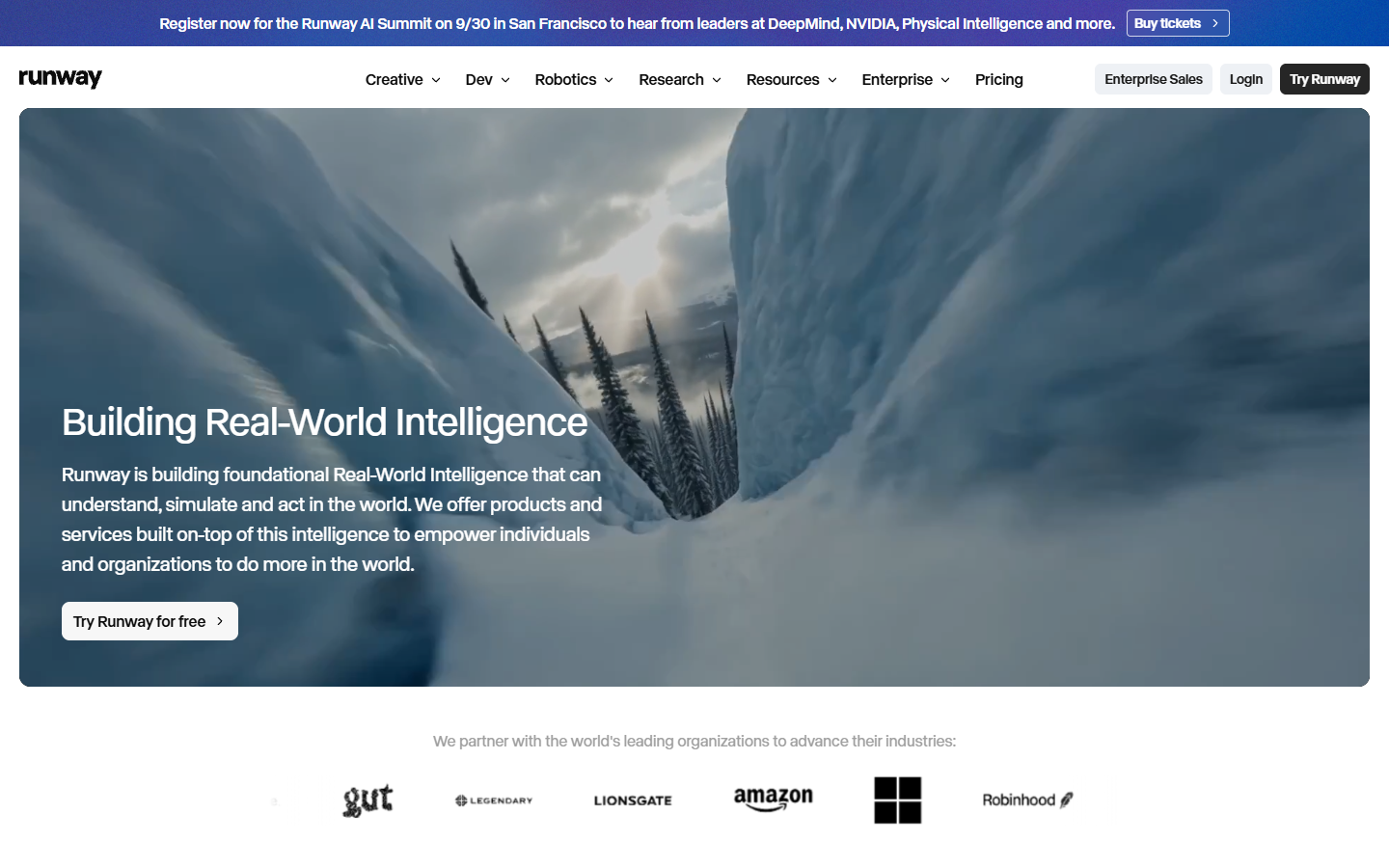
Agencies use it two ways. The obvious one is generating shots that would be impossible or expensive to film. The less obvious one is previsualisation. Generate the sequence, show the client the shape of the edit, then shoot or source the real footage against an already approved cut. That removes a whole round of notes.
Best for: creative and brand led accounts. Verdict: best generative quality here, but it hands back clips, not deliverables.
3. HeyGen
HeyGen is the presenter engine. Type a script, pick or clone an avatar, and get a talking head clip back, then translate that same clip into other languages with matched lip movement. For agencies with multi market clients, that last part is the reason to keep it in the stack.
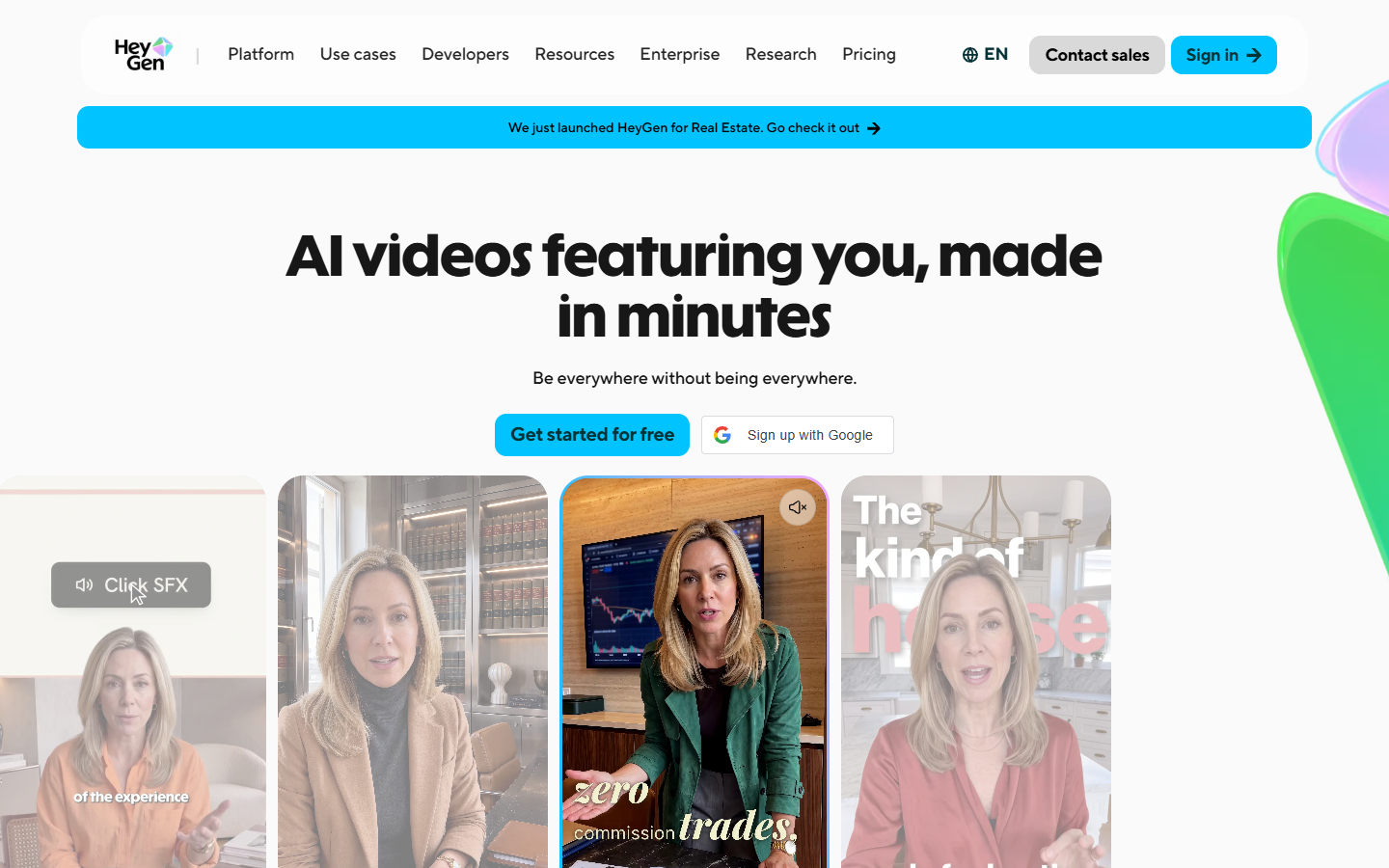
The realistic use is product explainers, internal announcements, and localized versions of a script already approved in English. Where it falls down is anything needing real performance or physical product handling. An avatar cannot pick the product up.
Best for: volume presenter video and language versions. Verdict: excellent at one narrow job, and that job recurs constantly in agency work.
Worth reading alongside this list: Wireflow's own ranking of agency video production software covers the same question from the pipeline side, including how the generation step gets swapped out without rebuilding everything downstream.
4. Descript
Descript edits video by editing its transcript. Delete a sentence in the text and the video cuts. For agencies sitting on recorded client webinars, podcast episodes, founder interviews, and call recordings, that is the fastest route from three hours of footage to twelve social cutdowns.
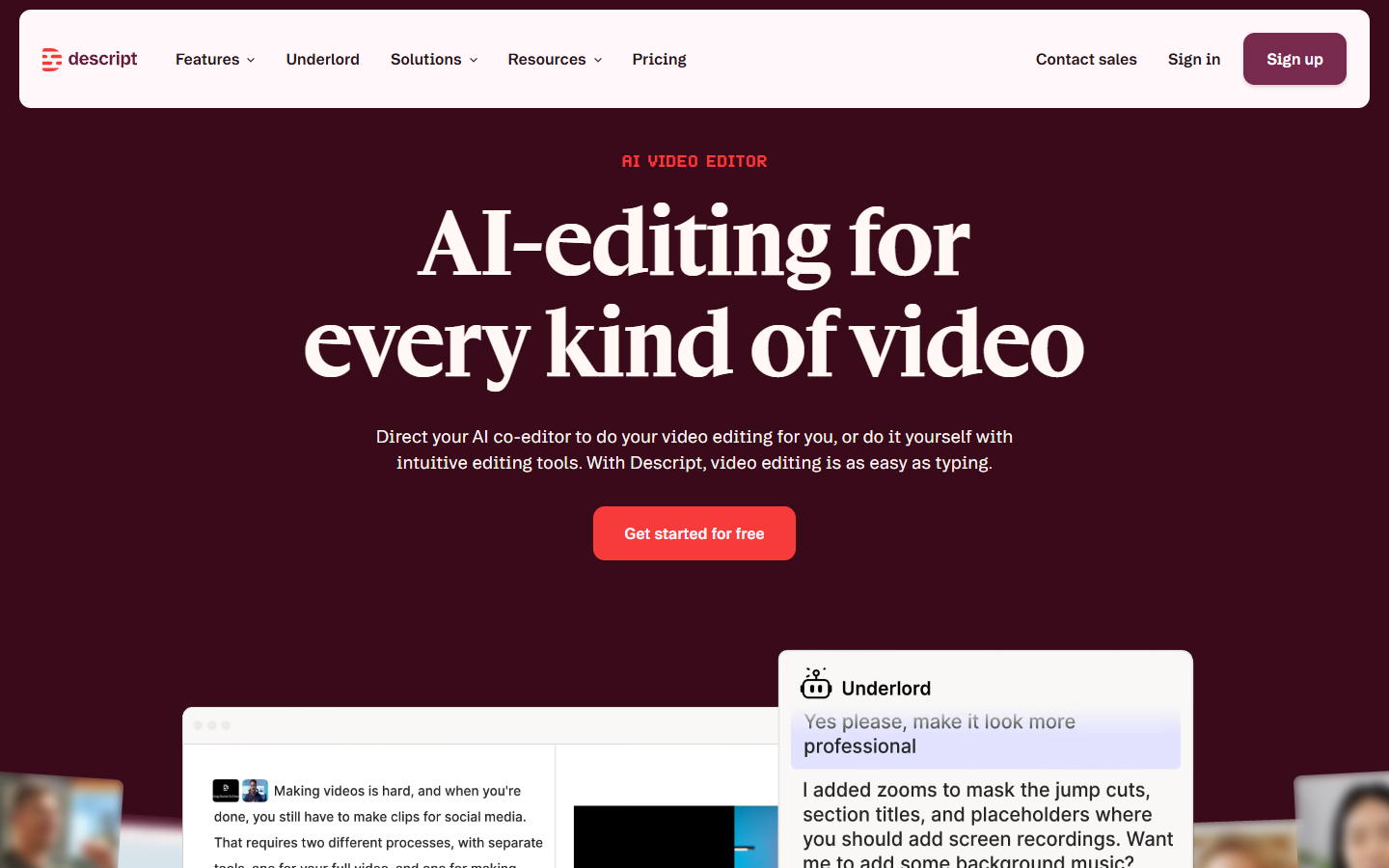
It is also the easiest tool here to hand to someone who is not an editor. An account manager can pull quote clips without opening a timeline, which frees your animators to animate.
Best for: repurposing footage you already have. Verdict: fastest rough cut in the category, weakest at anything motion graphics shaped.
5. Creatify
Creatify starts from a product URL. It pulls images and copy from the page, writes script variants, picks an actor, and returns cuts with captions and music already applied. For performance accounts that need ten angles tested this week, that is the shortest path to a testable batch.
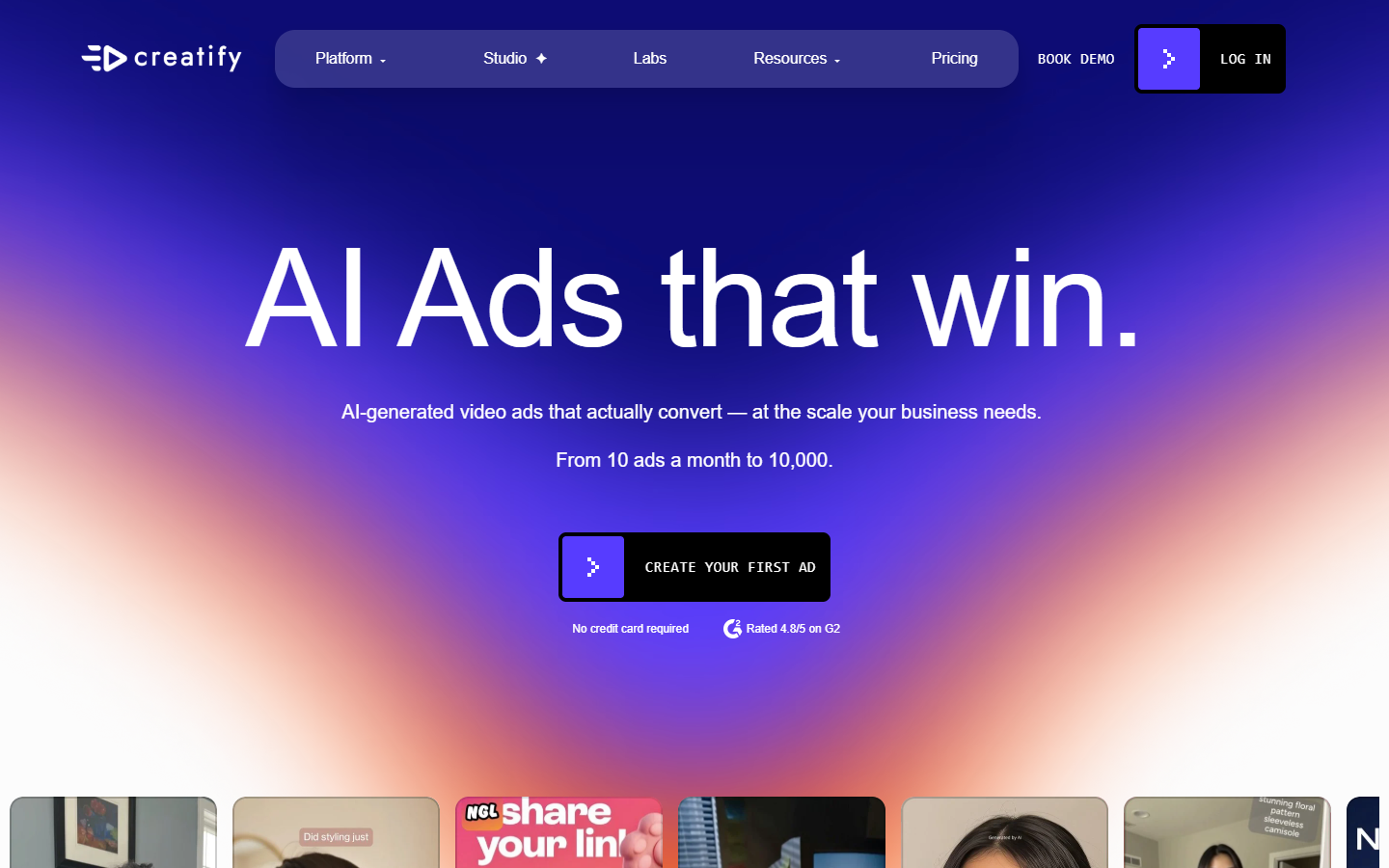
Treat the output as a first draft, not a final ad. The hook frame is usually generic and the caption styling will not match a client brand kit, so budget a finishing pass on anything that gets spend behind it.
Best for: paid social testing at volume. Verdict: strong draft generator, always needs a finishing pass before it carries real budget.
6. Synthesia
Synthesia sits at the enterprise end of avatar video: training modules, compliance updates, onboarding, product walkthroughs. It is built around approval, brand control, and reuse rather than speed, which is exactly right for the clients that buy it.
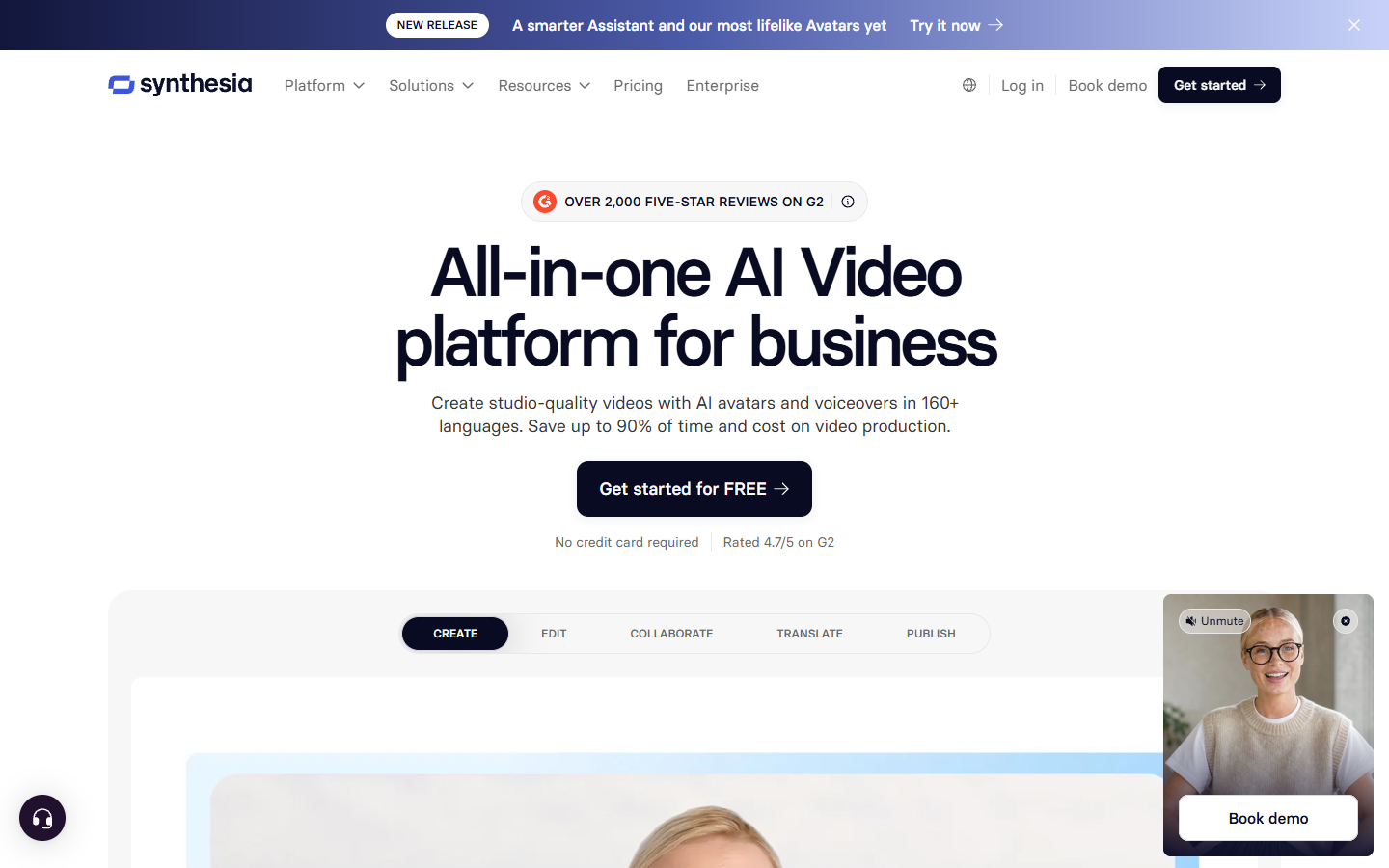
If your roster includes a bank, an insurer, or a large employer, this is the tool that survives their review process. If your roster is DTC brands and creators, it is the wrong shape and priced for someone else.
Best for: corporate training and internal comms accounts. Verdict: safest choice for regulated clients, slowest for social work.
The stage every list skips
Every tool above hands back a clip. A client deliverable is not a clip. It is a clip with a hook frame, brand type, a caption track that matches the brand kit, a product shot at the right second, three aspect ratios, and a render at the spec the client's media buyer asked for. That gap is the finishing stage, and it is where agency hours actually go.
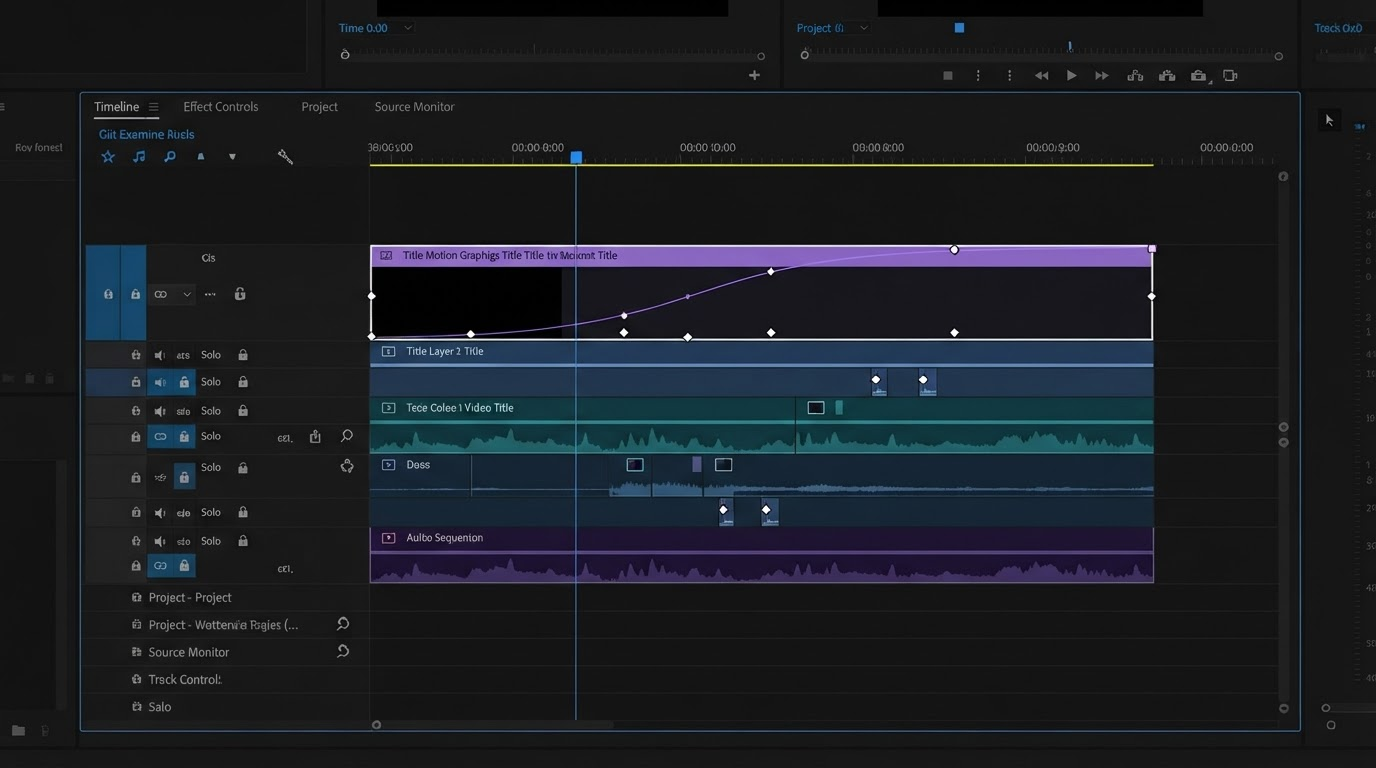
Captions are the clearest example. Generated video comes back either without captions or with a default style nobody approved. Burning in a caption track that matches the client's type and colour is a timeline job, and doing it with automatic video subtitles on a shared project takes minutes rather than an afternoon in a desktop app.
The same is true of coverage. Generated footage is thin on the cutaways that make an edit feel considered, so most agency cuts need a B roll layer dropped over the spine of the piece before anyone will sign it off.
Then there is versioning. One approved story becomes a 16:9 for YouTube, a 9:16 for Reels and TikTok, and a 1:1 for feed placements. Building those from a template you keep, rather than as three separate edits, is the difference between a profitable retainer and a losing one. A reusable product video setup is usually the cheapest thing an agency can standardise.
Frequently asked questions
Do agencies still need a traditional editor like After Effects?
For high end motion design, yes. For the recurring social and ad work that makes up most retainers, a browser based editor is faster because there is no install, no version mismatch, and no file handoff between machines. Plenty of teams keep both and route work by complexity. The practical comparison is laid out in this After Effects alternative breakdown.
Which of these tools should a five person agency start with?
One generator and one finishing surface. Pick the generator that matches your most common deliverable, then standardise on a single place where every clip gets captions, brand type, and ratio versions. Adding a third tool before those two are stable slows the team down.
How much of this can actually be automated?
Generation and assembly automate well, because both take structured inputs and produce a predictable output. Art direction does not. The realistic target is that a machine produces the draft and a person spends twenty minutes making it good, instead of spending three hours making it exist.
What breaks first when an agency scales AI video?
Consistency. Ten videos made by four people in four tools will not look like one brand. Fix that with shared templates and a shared brand kit before you fix it with a bigger tool budget.
Where to start
Do not buy a stack. Take the deliverable you ship most often, find the tool that removes the slowest step in it, and leave everything else alone. When that step stops being the bottleneck, look at the next one. The agencies pulling real margin out of AI video in 2026 are not the ones with the most tools. They are the ones whose second version of a deliverable costs a fraction of the first.
Founder of Motionbox and Gluely. Building tools for creators.