Best Editframe Alternatives in 2026 for Programmatic and Hand Edited Video
Editframe renders video from HTML and CSS, which is a clean fit for data driven clips and a slow one for motion design. Here is how the 2026 alternatives compare, and how to tell whether you need a render API or a timeline.
Editframe made a bet that reads well to anyone who has fought a render queue: video is a web page that moves. You write a composition in HTML and CSS, and it renders the same way every time, in the browser, from the CLI, or in the cloud. If your video work is really data work, hundreds of near identical clips with a different name, price, or stat swapped in, that determinism is the whole point.
The trouble starts when the work stops being data. Motion design has taste in it. Somebody wants the logo to overshoot four pixels and settle, the caption to pop on the consonant, the b roll to breathe for another twelve frames. Expressing that in CSS keyframes, then waiting on a render to find out whether you got it, is a slow way to art direct. That is usually when an editor or a marketing team starts shopping for an Editframe alternative.
There is a second gap that catches teams out. A render API assumes the footage, product shots, and voiceover are already sitting in a bucket, waiting to be composited. If your real bottleneck is producing those assets rather than arranging them, swapping render layers will not fix anything. Wireflow's rundown of Editframe alternatives looks at the same field from the generation side, which is the more useful lens when the pipeline has to make the clips before there is anything to compose.
In short
- Decide whether your bottleneck is rendering at volume or art directing a look. The two lead to completely different tools.
- If it is volume, compare price per rendered minute or per second, not per seat.
- If it is look, pick something with a real timeline and keyframe control instead of a markup language.
- Run one honest job end to end, fonts, captions, and a 1080p export included, before you commit.
Quick answer:
- For code-first teams that want more control than HTML and CSS give you, Remotion is the closest replacement. It is free for individuals and small teams, then $25 per seat per month, or $0.01 per render with a $100 monthly minimum on the automation plan.
- For volume rendering with no codebase to maintain, Shotstack ($0.40 per rendered minute pay as you go, $0.20 per minute from $39 a month) and JSON2Video (1 credit = 1 second of Full HD, 600 free credits to start) are the cheapest ways to send JSON in and get MP4 out.
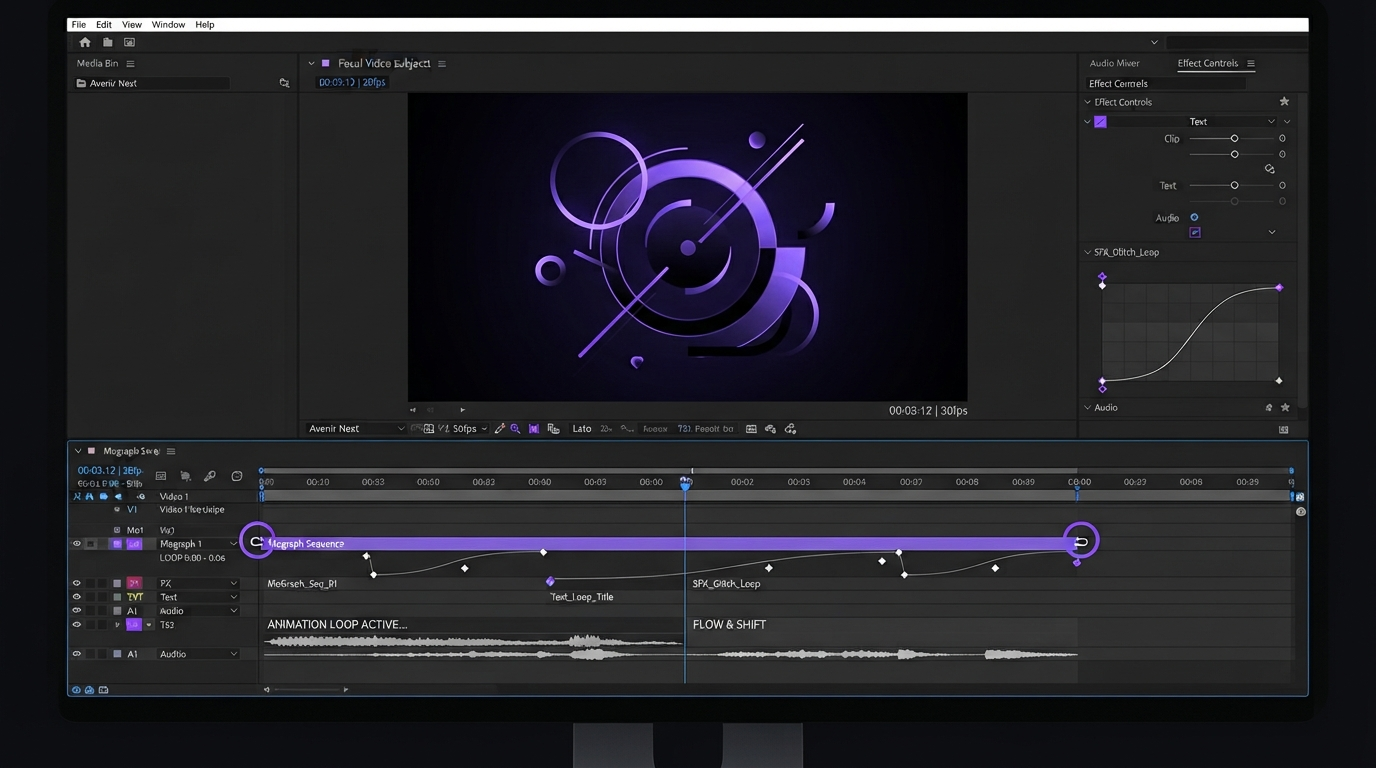
- If the job is motion design rather than data merging, no render API fixes it. You want an editable timeline, which is what Motionbox is built around.
What Editframe does, and the gap that sends people looking
Editframe is declarative by design. A composition is markup, a render is a pure function of that markup plus data, and the same template can be reused with different props for every customer, listing, or match result. It is a natural fit for LLM written video, which is the pitch it leans on now, and the JIT player means you can preview without waiting on an encode.
The gap is not quality, it is the interface. HTML and CSS were built to lay out documents, so anything depending on timing feel, easing curves, motion blur, or layered comps has to be expressed indirectly and then verified by rendering. There is no scrubber to drag. For a developer shipping 5,000 personalized clips that is fine. For a designer landing a two second title sequence it is a slow loop, and it is why the alternatives below split into two camps.
The code-first alternatives worth testing
These keep the render API model. You describe a video in code or JSON, they return a file. Pick on how much control you need and how you want to be billed.
Remotion, if you want more control, not less
Remotion renders video from React. Every frame is a component, so you get real programming logic, a live preview studio with a working scrubber, and an escape hatch for anything custom. It is the most powerful option here and the heaviest, since you maintain a React codebase and a render environment.
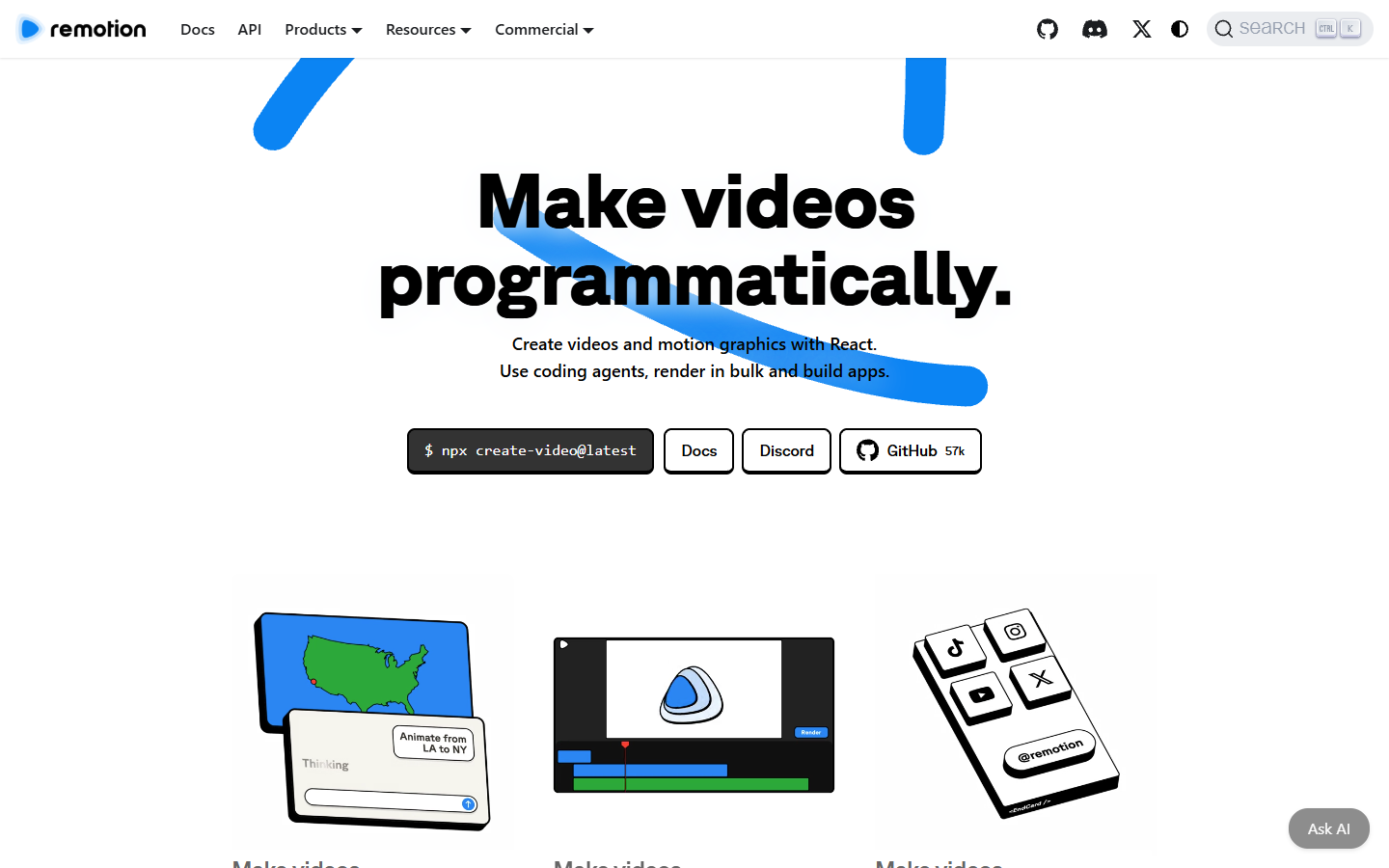
Licensing is the part people miss. Remotion is free for individuals and small teams, then $25 per seat per month for creators, $0.01 per render with a $100 monthly minimum for automated pipelines, and enterprise terms from $500 a month. Budget engineering time as well as license fees, because self hosting renders is its own small project.
Shotstack, if you want the render farm handled
Shotstack takes a JSON edit description, renders it asynchronously, and calls your webhook when the file is ready. No runtime to host, no browser to keep alive. That makes it the easiest drop in for a team running Editframe cloud renders that mostly cares about throughput.
Pricing is per rendered minute and easy to forecast: $0.40 a minute pay as you go with a 25 credit minimum at $10, dropping to $0.20 a minute on plans from $39 a month. The tradeoff is the schema. You are limited to what the JSON supports, so bespoke motion has to be pre rendered elsewhere and dropped in as an asset.
Creatomate, if a non engineer owns the template
Creatomate puts a visual template editor in front of the same idea. A designer builds the template in a browser, marks which layers are dynamic, and the API or a Zapier automation fills them per row. For marketing teams generating variant ads, that division of labor is the reason to choose it.
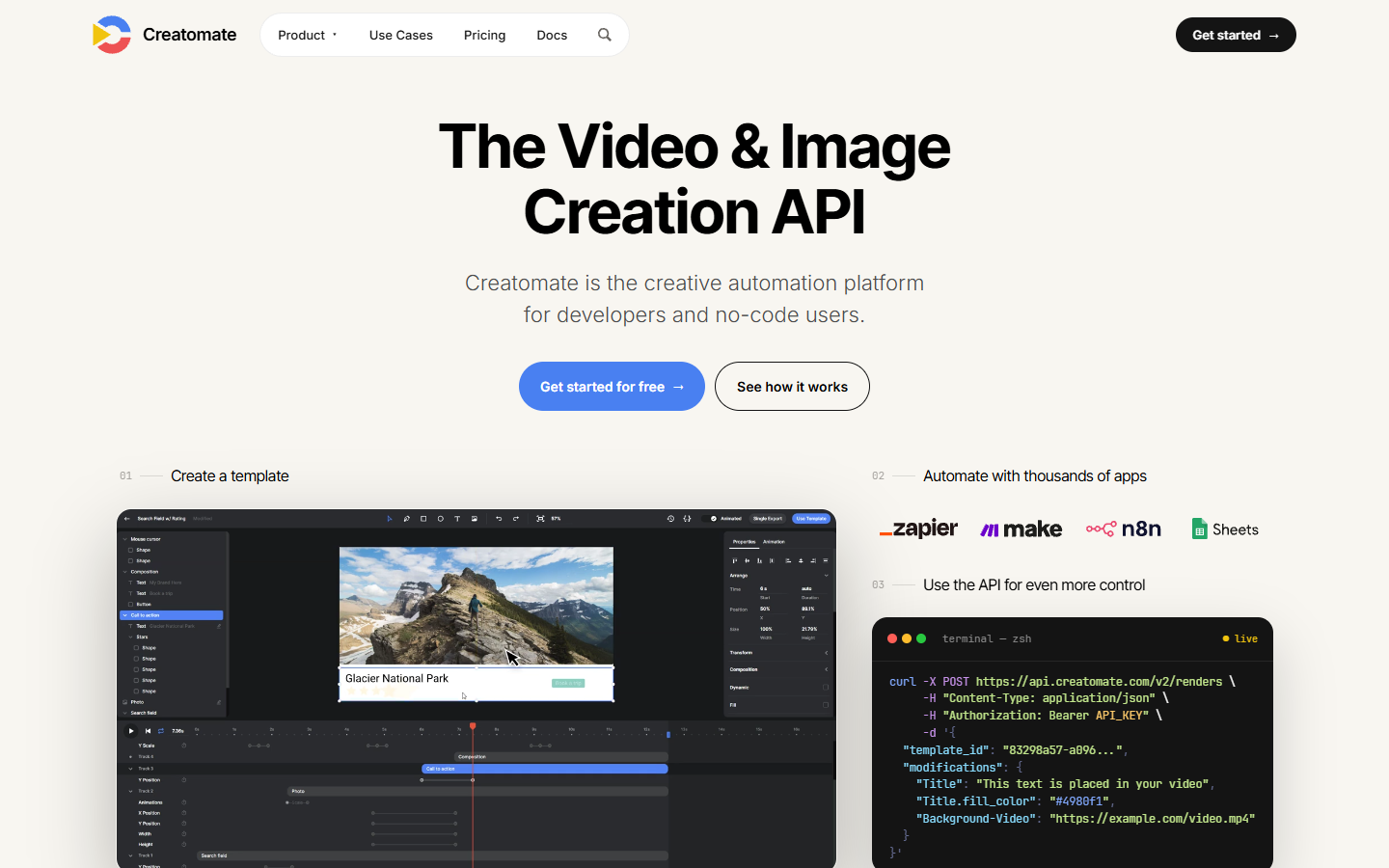
Plans start at $41 a month for 2,000 credits, roughly 14 credits per minute of 720p at 25fps, with $99 and $249 tiers above that. It is the friendliest option here for people who do not write code, and the most constrained if you need frame level control.
JSON2Video, if you are watching cost per second
JSON2Video has the clearest billing model of the group: one credit equals one second of Full HD, and the free tier hands you 600 non expiring credits, about ten minutes of output to validate an integration before paying. Paid plans start at $49.95 a month.
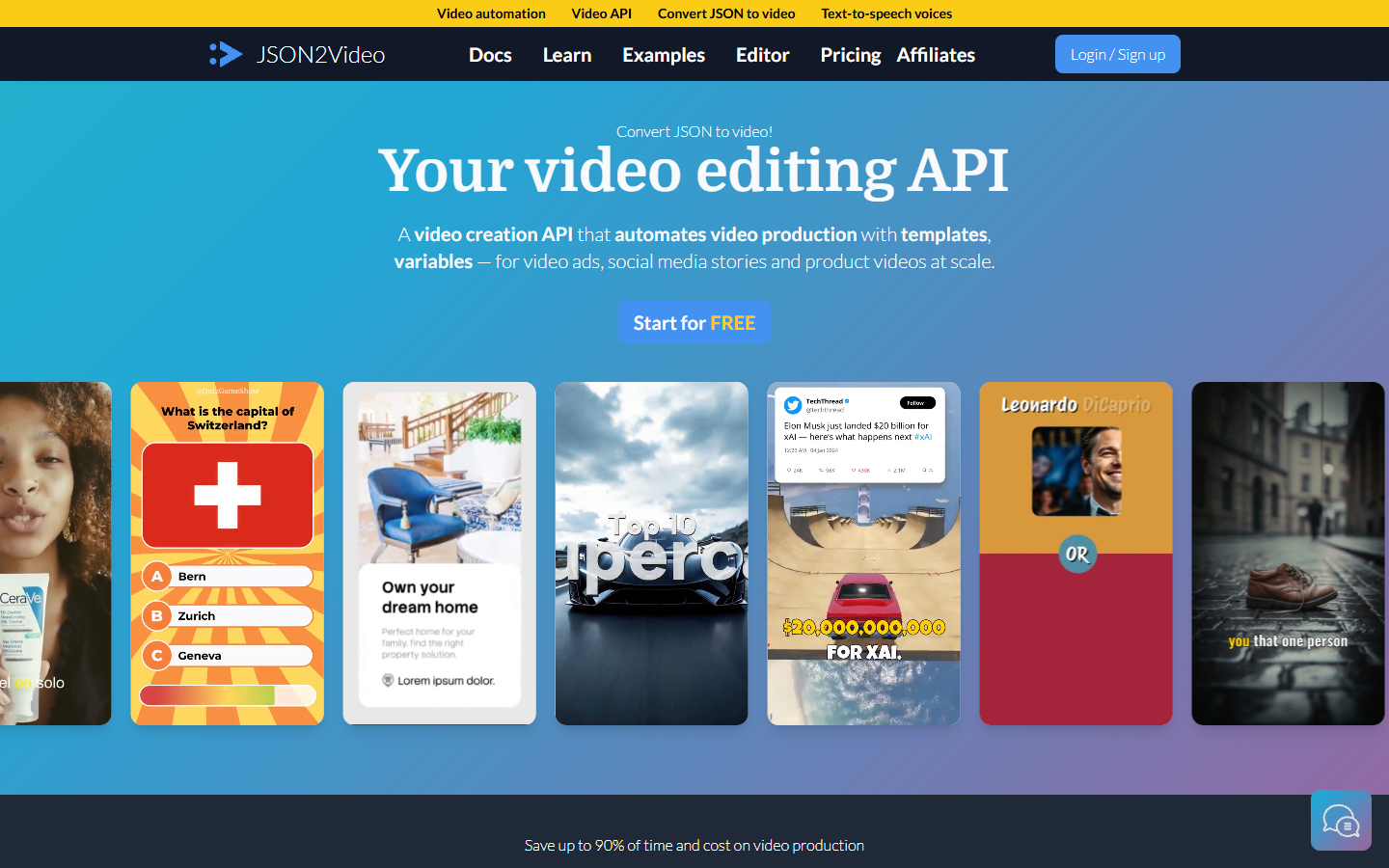
Scenes, media, text, and audio live in one JSON document, so it slots into a script or an agent step with little glue. Treat it as the volume workhorse, not the place your brand look gets designed.
Plainly, if the look has to come from After Effects
Plainly solves a different problem. You keep designing in After Effects, upload the project, mark the dynamic layers, and Plainly renders variants through the API. Nothing else in this list preserves an existing After Effects look with that little rework, and if your team already has a proven template library that matters more than raw price. Plans start at $69 a month with a 14 day trial.
When the answer is a timeline, not a render API
Half the people searching for an Editframe alternative do not need an API at all. They adopted a code first renderer because it was the only thing that could produce fifty versions of a video, then found that every creative change now costs a code change. Captions land a beat late, a client wants the pacing tightened, and the fix routes through a developer.
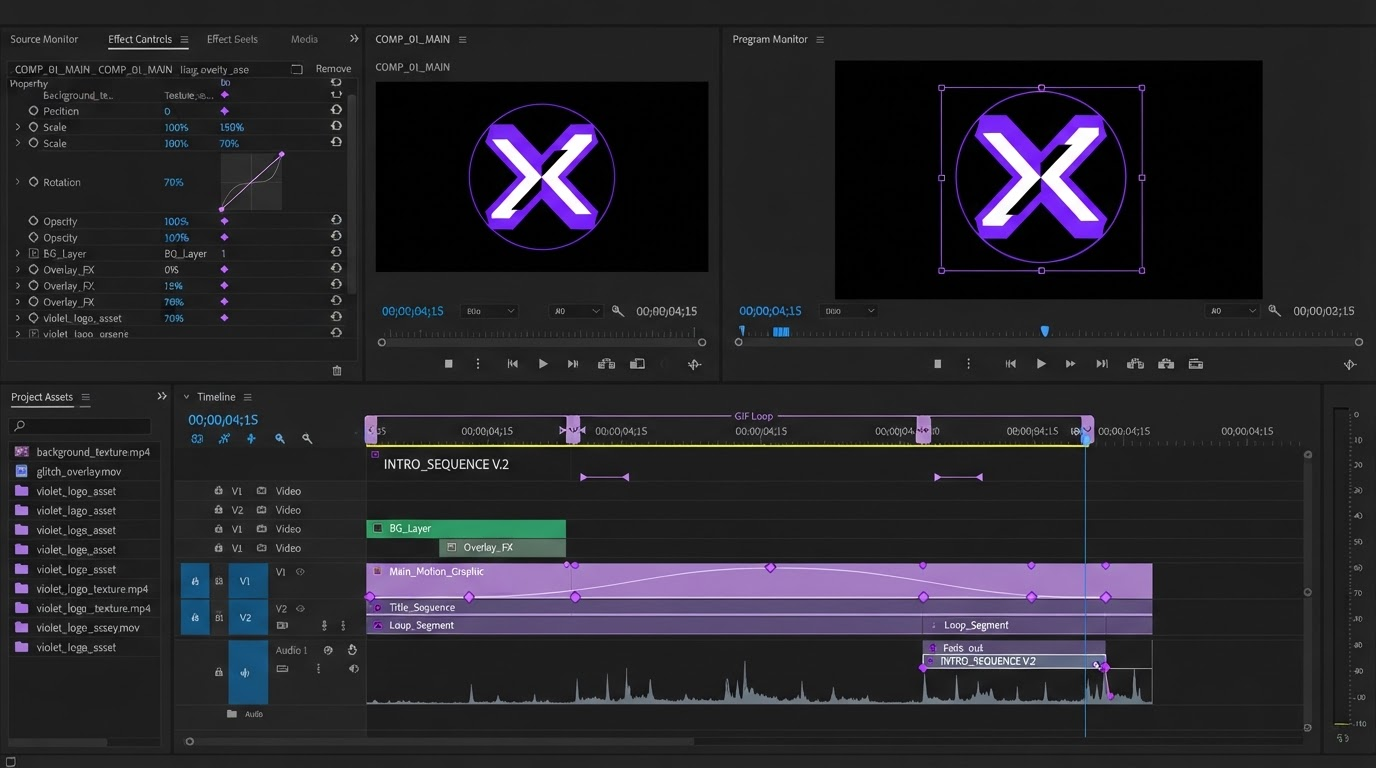
Motionbox takes the other route. Agents do the keyframing and you art direct in the browser, and what comes back is layers, tracks, and easing curves rather than a baked MP4. You can drag a caption two frames, adjust the curve, and see it immediately, which is what the work needs when feel is the deliverable rather than throughput.
Captions are the clearest example. A render API will burn in whatever string you pass it, but restyling the look, fixing a line break, or nudging the timing of auto generated subtitles is a timeline job, and it is the change reviewers ask for most often.
Pacing is the same story. How long a shot holds before the next one lands is judged by watching, not by editing a duration field, and b roll sequencing is where most social edits get won or lost.
Teams coming off an After Effects heavy pipeline want both things at once, the look they already built and a faster way to iterate on it, so the tradeoffs against a desktop compositor are worth reading before you migrate.
None of this makes Motionbox a render API, and it is not trying to be one. If you genuinely need ten thousand programmatic renders a month, use one of the tools above. If you need thirty good ones a week with real creative iteration and reviewers who leave comments instead of pull requests, a collaborative browser timeline will be faster than any markup language. Plenty of teams run both, pushing bulk variants through an API while the hero pieces get cut by hand.
How to pick in one afternoon
- Count the videos you ship per month. Under a hundred, API tooling usually costs more in engineering hours than it saves.
- Check who edits. If a designer or marketer owns the look, Creatomate or a timeline editor beats anything that needs a deploy.
- Price your real workload. A minute of finished video runs about $0.40 on Shotstack pay as you go, 60 credits on JSON2Video, and 14 credits on Creatomate.
- Test fonts and captions first. They break more migrations than anything else, especially non Latin scripts and emoji.
- Confirm export formats. Vertical 9:16, square, and GIF support vary more than the marketing pages suggest.
Frequently asked questions
Is Editframe shutting down?
No. Editframe is active and shipping in 2026, with recent public repository activity and agent focused positioning. People search for alternatives because of the HTML and CSS authoring model, not because the service is at risk.
What is the closest direct replacement for Editframe?
Remotion, if you want to stay in code and gain control. Shotstack, if you want to stop maintaining a renderer entirely. Both accept a template plus data and return a rendered file, which is the core Editframe pattern.
Can I use a render API and a timeline editor together?
Yes, and it is common. Generate bulk variants programmatically, then finish the pieces that need art direction on a timeline. Our guide to AI video generation covers where each half belongs.
Which option is cheapest for high volume?
JSON2Video on straight cost per second, one credit per second of Full HD with 600 free credits to start. Shotstack is close on a subscription at $0.20 per rendered minute and easier to operate at scale.
The short version
Editframe alternatives split into two groups, and picking the wrong group is the expensive mistake. Render APIs solve volume. Timelines solve taste. Decide which one is actually blocking you this quarter, price the shortlist against a real job rather than a demo, then migrate the smallest workflow first.
Founder of Motionbox and Gluely. Building tools for creators.