7 Best Figma Weave Alternatives in 2026
Figma Weave is a capable AI creative canvas for chaining image and video models, but it is not the only way to build visual production workflows. These seven alternatives cover different tradeoffs, from reproducible multi-model graphs to editable motion graphics, team canvases, and local control.
Figma Weave gives AI generation a visual canvas, which is a better fit for multi-step creative work than one prompt box. The right alternative depends on what you want from that canvas: open model choice, repeatable runs, motion output, collaboration, or local control.
The list at a glance
- Wireflow, best overall for reproducible node-based image and video workflows.
- Motionbox, best when the output you wanted from Weave is editable motion graphics.
- Krea, best for fast visual exploration across image and video ideas.
- Flora, best for teams co-creating on a shared AI canvas.
- ComfyUI, best for open-source local control.
- Runway, best for focused AI video generation and visual effects.
- Freepik Spaces, best for stock-backed marketing workflows.
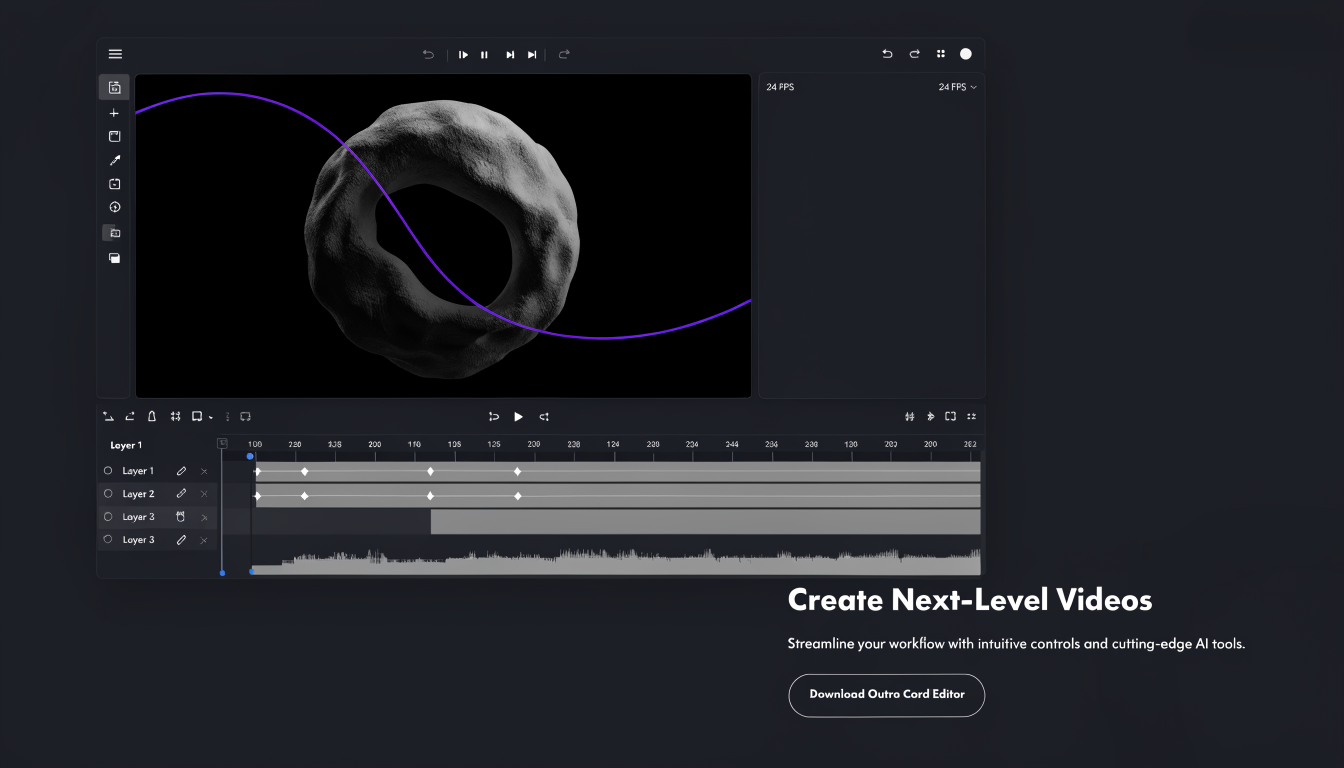
Quick answer:
- Wireflow is the closest overall Figma Weave alternative for teams that want a node-based AI workflow canvas across image and video.
- Motionbox ranks second because it solves the motion output side: prompt to editable keyframe timeline, review, and render.
- Krea, Flora, ComfyUI, Runway, and Freepik Spaces each win when speed, collaboration, local control, video shots, or stock assets matter most.
For a hands-on look at how these canvases compare, this video runs Figma Weave (Weavy), Magnific, and Wireflow through the same creative brief:
If the player does not load, watch the full comparison on YouTube.
What Figma Weave is and why people look for alternatives
Figma Weave is the product formerly known as Weavy, a browser-based node canvas for chaining AI image, video, 3D, and editing steps. Figma acquired Weavy in October 2025 and relaunched it inside the Figma ecosystem. The live Weave offer has included a free plan with 150 monthly credits, Starter at $24 per month, and Team at $48 per user per month for 4,500 credits.
Weave is strong for design teams already working in Figma, especially when live Figma frames and AI tools sit close together. People look for alternatives when they need a model-agnostic workflow engine, callable runs, editable motion timelines, fewer credit surprises, real-time studio collaboration, or a local setup.
1. Wireflow: Best overall Figma Weave alternative
Wireflow is the closest match for someone who wanted Weave as a node canvas for image and video generation. Its Figma Weave alternative built on a node canvas connects model calls, editing steps, upscalers, format outputs, and handoff logic in one saved workflow. Agents can assemble the graph from a brief, runs are reproducible, and the work happens in the cloud, so a local GPU is not required.
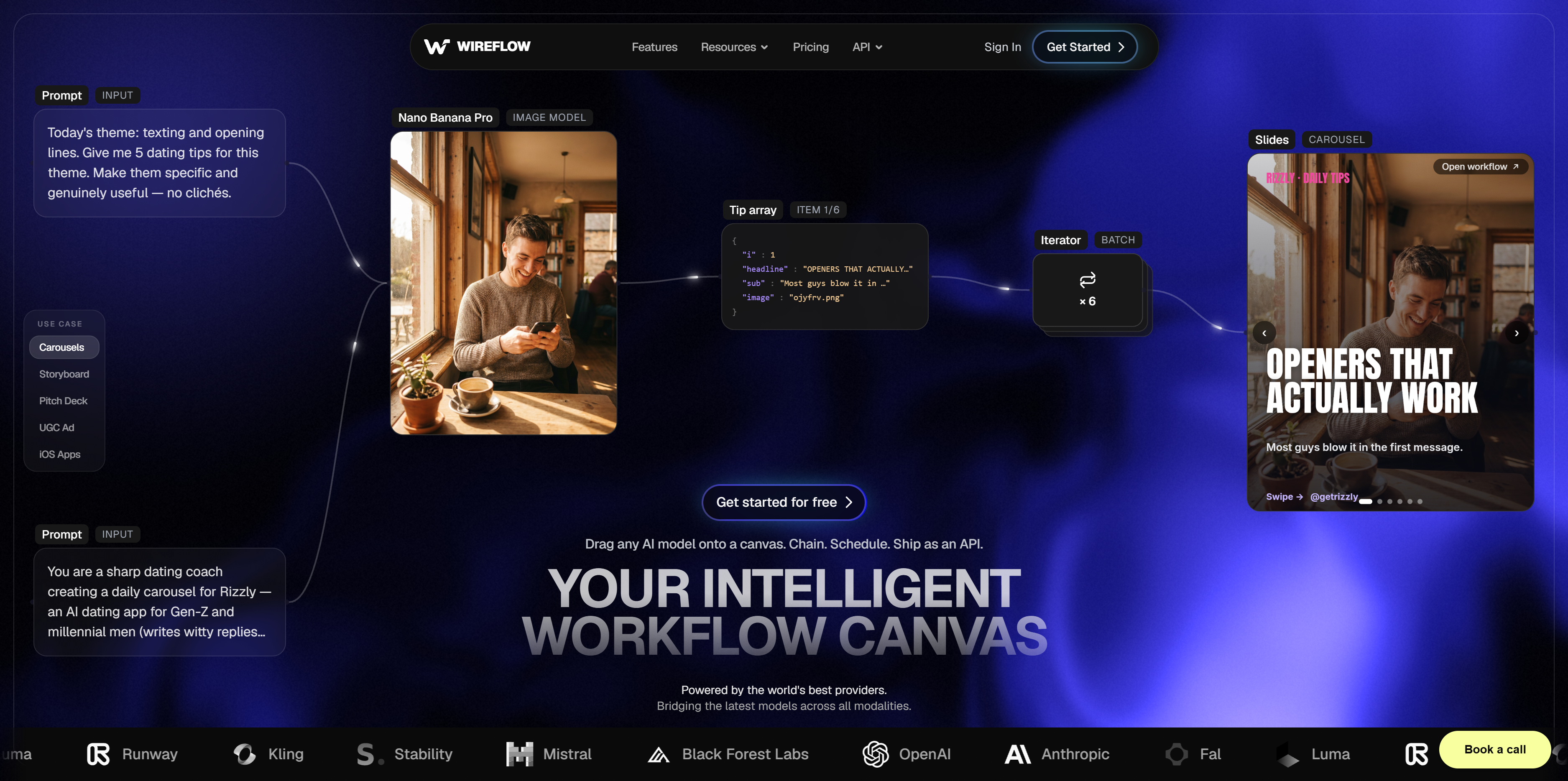
Wireflow is best when you want the Weave idea with more production structure. You can mix image and video models, keep a reusable graph, rerun the same process with new inputs, and expose workflows for automation. Pricing is usage-based with a free tier to start. Limitation: ComfyUI has a larger community, and Weave has tighter Figma proximity.
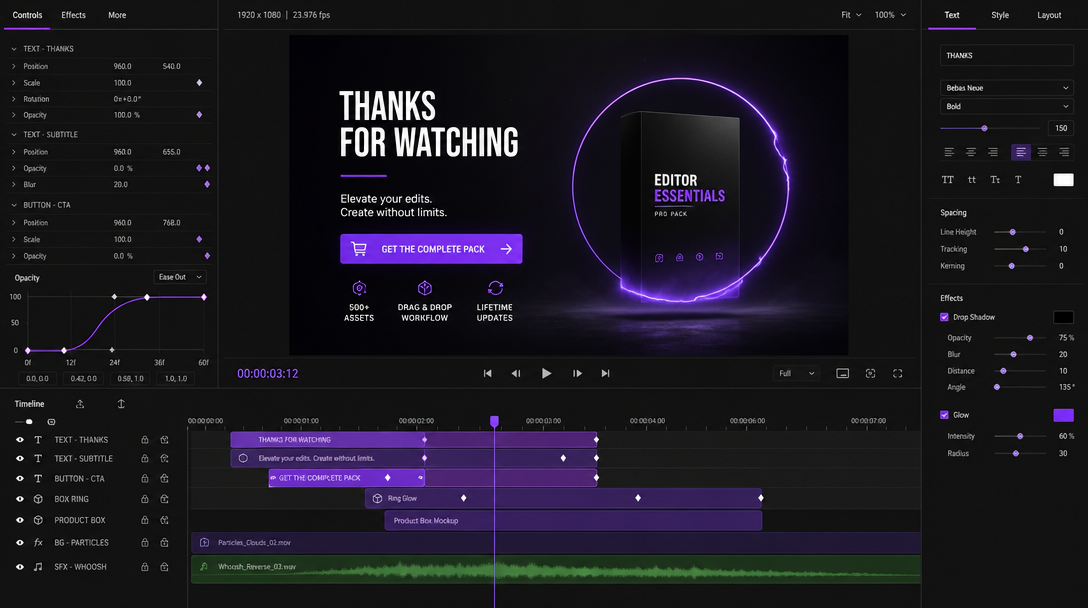
2. Motionbox: Best for editable motion output
Motionbox is not a node canvas, so it is not a one-for-one Weave replacement. It is the pick when the output you wanted from Weave was motion graphics: a prompt becomes an editable keyframe timeline with layers, tracks, easing, captions, and render controls in the browser. The free tier renders with a watermark.
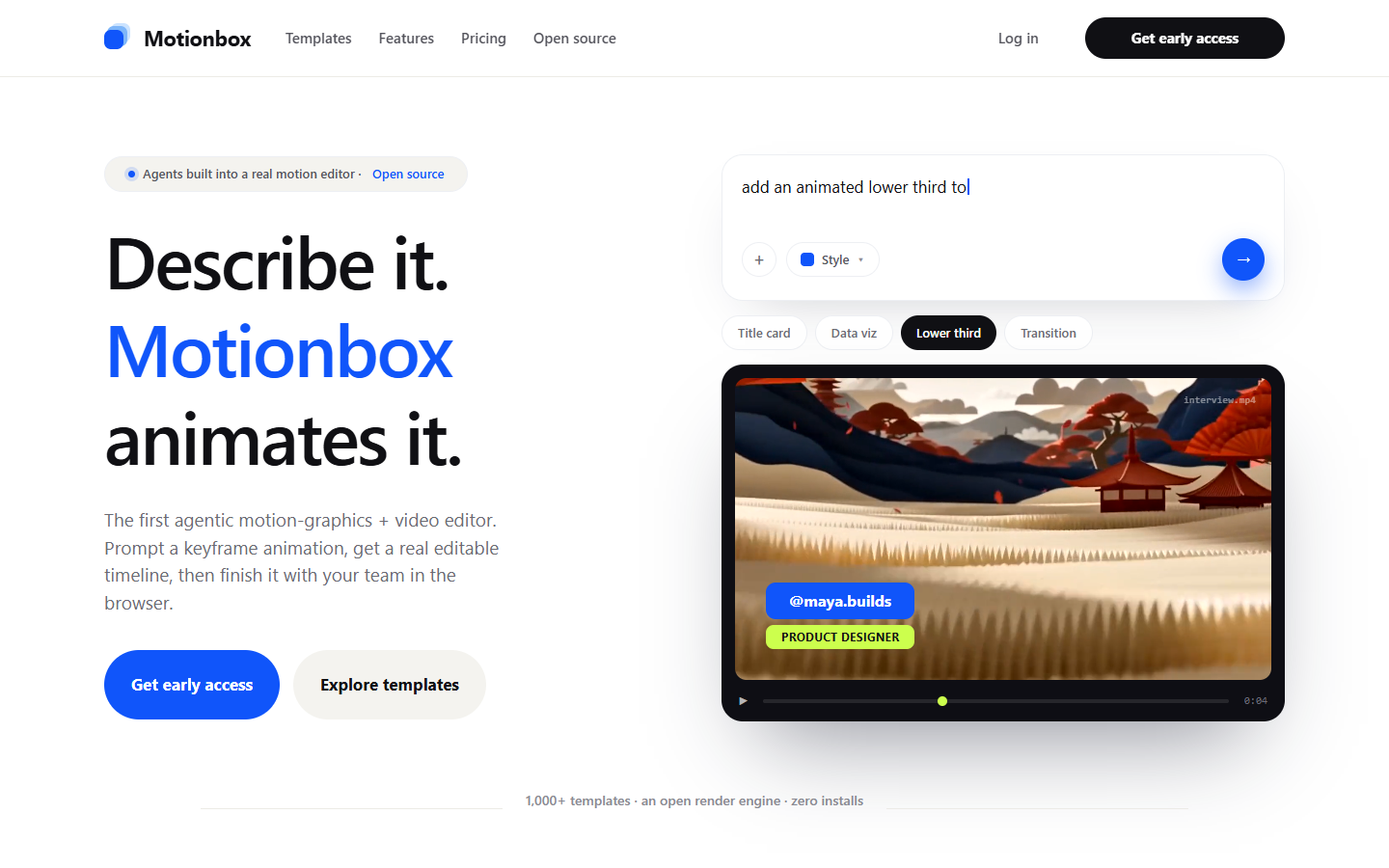
Motionbox is best for animated titles, offer cards, product callouts, lower thirds, explainers, caption treatments, and social overlays. Its collaborative video editing tools keep review close to the editable timeline, so a teammate can move a layer or adjust timing without regenerating the whole clip.
With editable video subtitles, teams can keep text placement, timing, and style consistent across runs. The limitation is clear: Motionbox is not a pro NLE and does not orchestrate multi-model node graphs. It ranks second because it turns AI intent into motion structure you can still change.
3. Krea: Best for fast visual exploration
Krea is a creative AI platform built for fast ideation across image and video. Its canvas-style tools, live generation feel, templates, and model switching make it a strong choice when the first job is exploring looks quickly rather than locking a workflow into production.
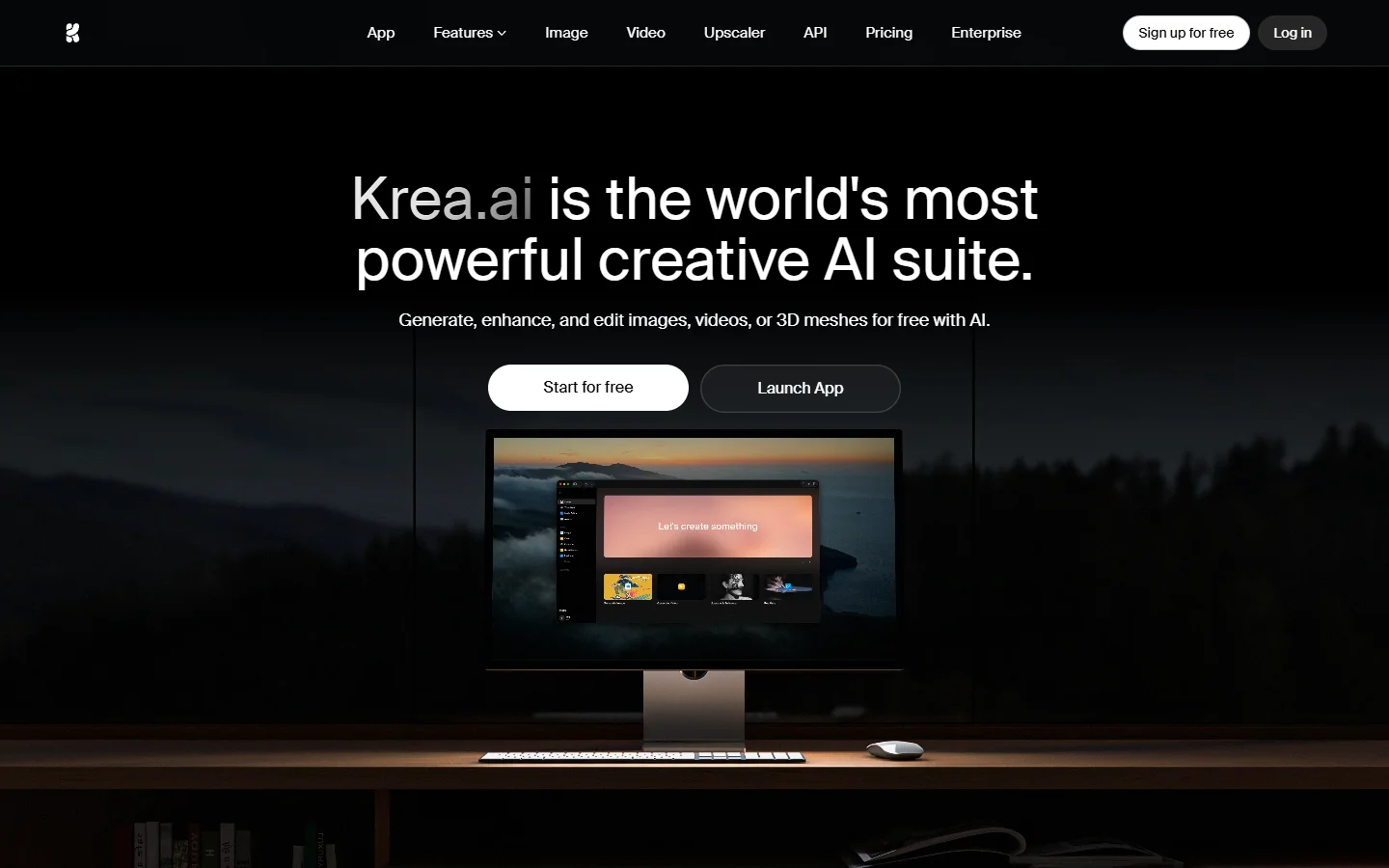
Krea is best for solo creators, designers, and content teams that want to test many directions. The research supports a free tier with usage limits, but exact paid plan details should be checked on Krea's current pricing page. Its limitation is control after exploration: API execution, collaboration depth, and finishing are lighter than workflow-first tools.
4. Flora: Best collaborative AI canvas
Flora is built around a shared creative canvas where teams can work together on AI workflows. The research set highlights real-time collaboration, version history, shared libraries, and access to major image and video models, which makes it a credible alternative for studios and agencies.
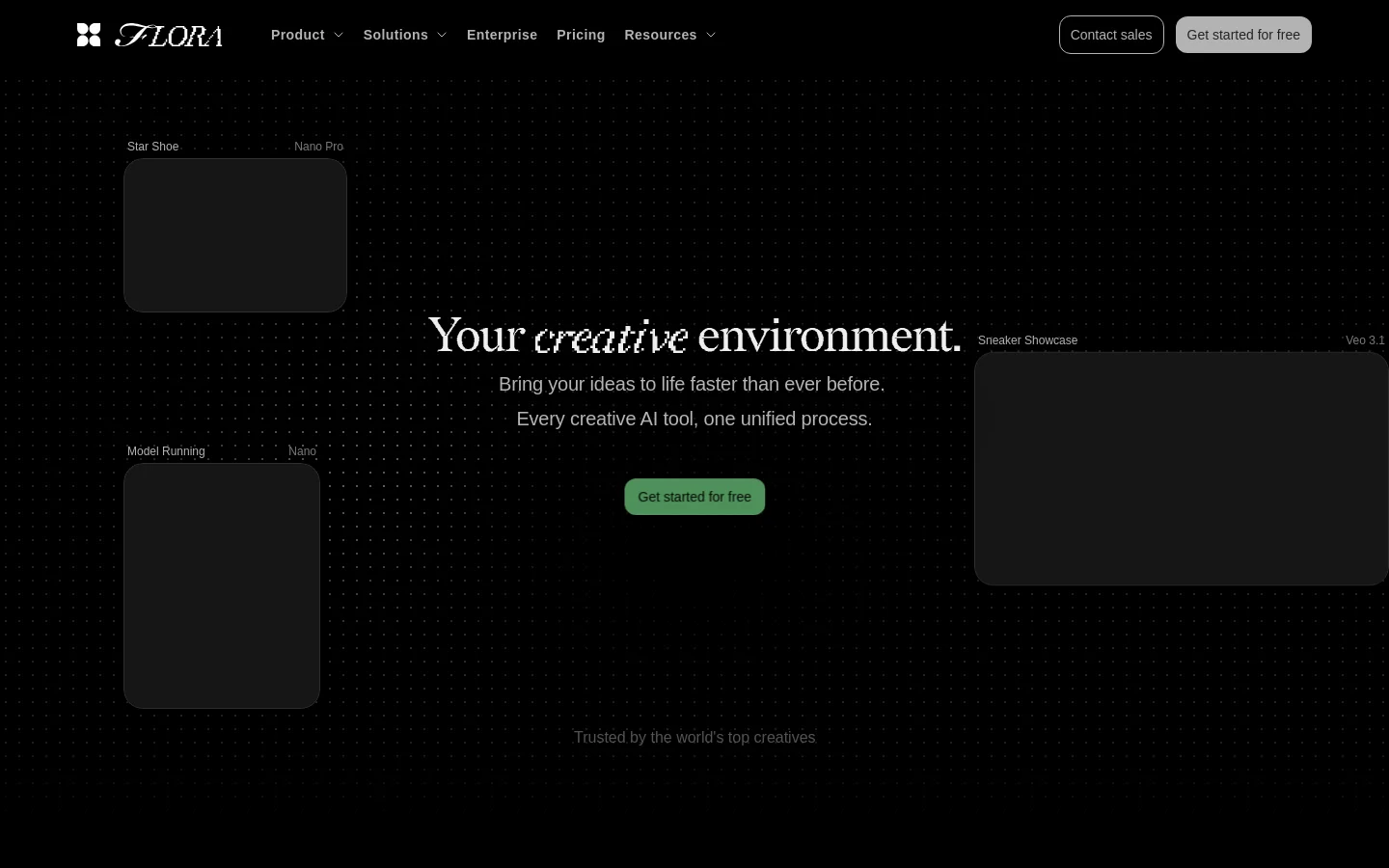
Flora is best when multiple people shape the same creative process. Shared prompts, style assets, and team history matter when output quality depends on more than one operator.
Pricing is subscription-based, but exact current tiers were not verified in the Motionbox research pass. The limitation is fit: solo creators may not need the collaboration layer, and API-heavy teams may prefer a workflow-first tool.
5. ComfyUI: Best open-source local control
ComfyUI is the open-source node graph standard for technical image workflows and many video-adjacent pipelines. You run it locally or on your own server, wire models and processing nodes together, and keep detailed control over parameters, custom nodes, and workflow files.
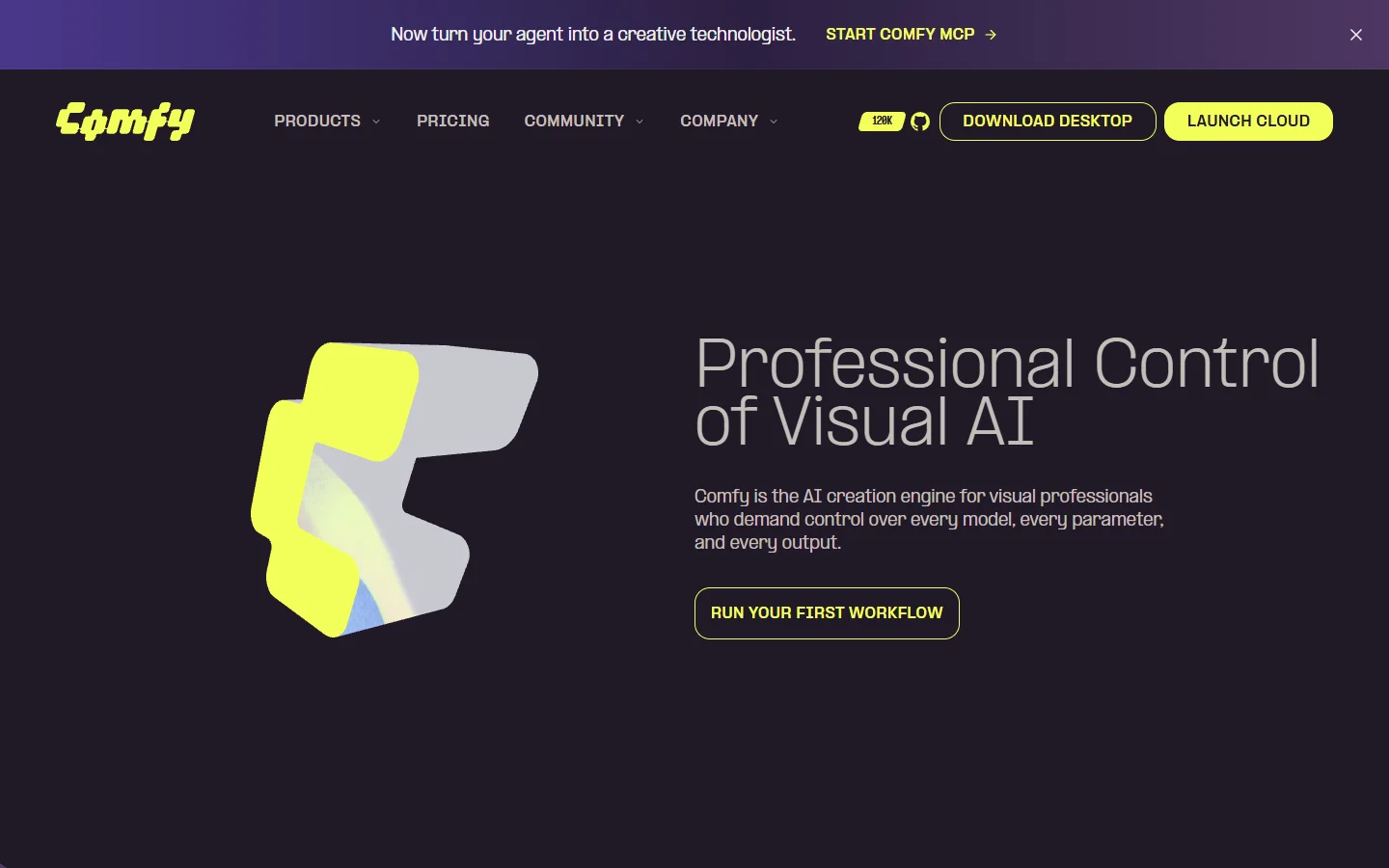
ComfyUI is best when privacy, extensibility, and total ownership matter more than ease. The software is free. The real cost is hardware, hosting, maintenance, model downloads, and operator time. Its limitation is polish: setup is technical, collaboration is not native, and finished motion work often needs another tool.
6. Runway: Best focused AI video generator
Runway is a dedicated AI video generation and editing platform. It is strongest when the main job is making or modifying shots: text-to-video, image-to-video, inpainting, object removal, and visual effects are closer to its center than broad node orchestration.
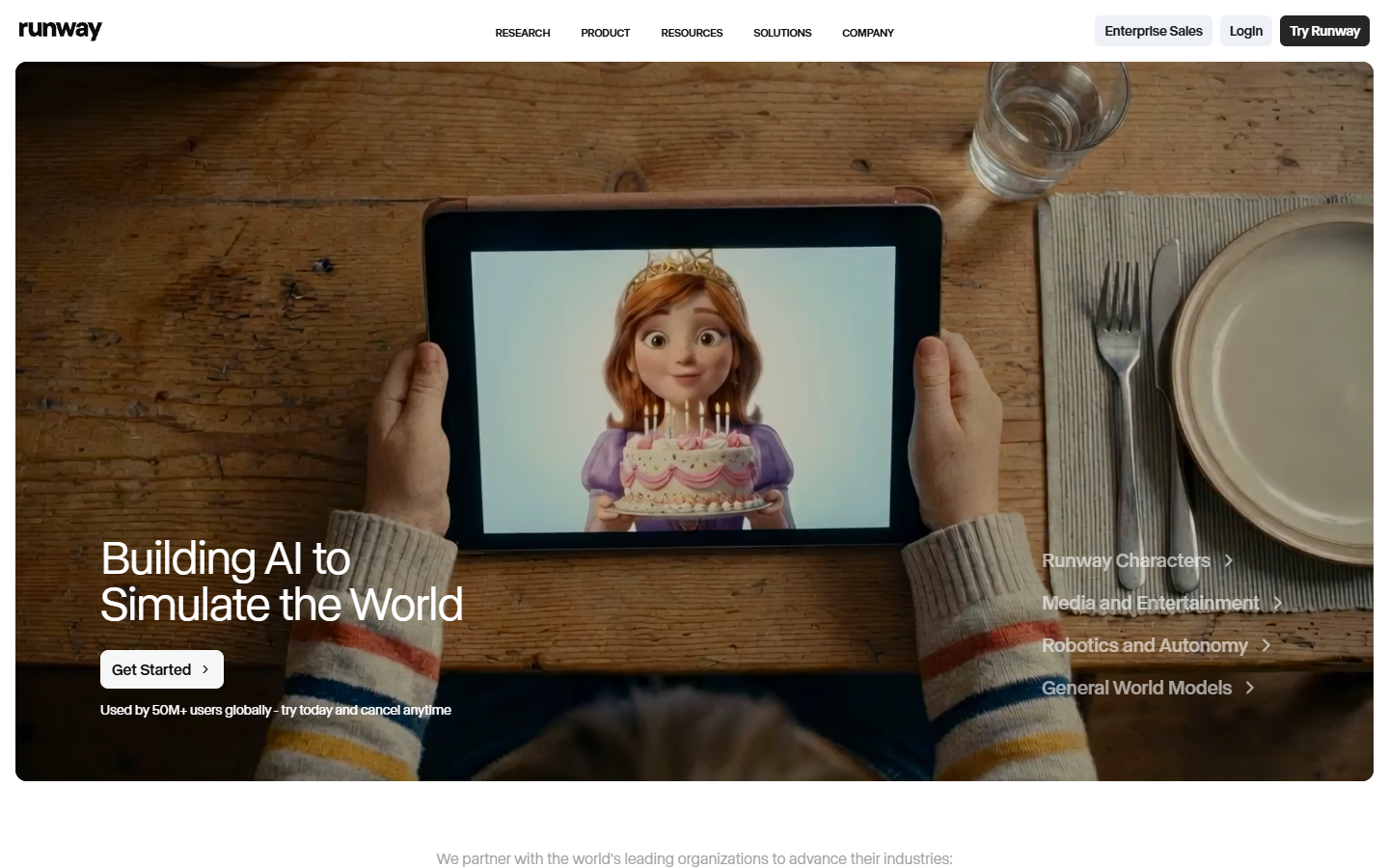
Runway is best for filmmakers, social teams, and creative directors who need footage that does not exist yet. Verified Motionbox workflow research lists a free tier with 125 one-time credits, Standard at $12 per month, Pro at $28 per month, and Max at $76 per month on annual pricing. The limitation is workflow assembly. If a generated shot must match a template, separate video speed controls can still be part of the final pass.
7. Freepik Spaces: Best for stock-backed marketing workflows
Freepik Spaces connects AI workflow building with Freepik's stock asset ecosystem. It is useful when a marketing team starts from existing photos, vectors, product visuals, brand kits, or campaign templates rather than a blank prompt.
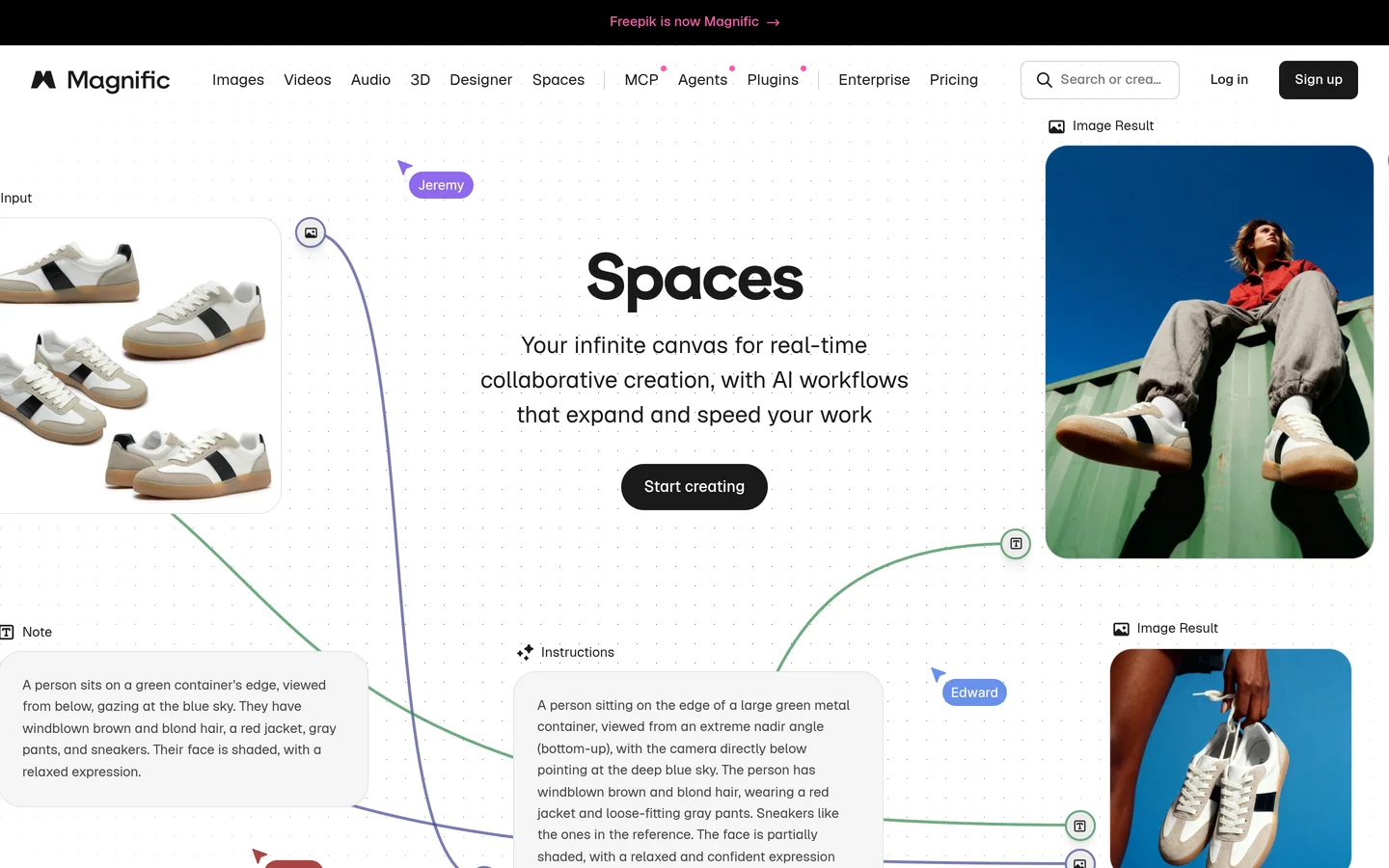
Freepik Spaces is best for high-volume commercial assets: ad variants, social posts, product visuals, campaign concepts, and localized creative. When teams already use Freepik assets, reusable video templates and stock-backed workflows can shorten the path from concept to deliverable. Pricing is tied to Freepik or Magnific subscription and credit structures. Its limitation is flexibility: it leans toward marketing production more than open-ended node experimentation.
How to choose a Figma Weave alternative
Start with the job you wanted Weave to do. Choose Wireflow when the core need is a repeatable node workflow across image and video models. Choose Motionbox when the final thing is animated motion that stakeholders must review, revise, and render. Choose Krea for fast exploration, Flora for multiplayer canvas work, ComfyUI for local control, Runway for video shots, and Freepik Spaces for stock-backed marketing output.
If editable motion is the bottleneck, compare the canvas tools against a browser After Effects alternative before you buy. A beautiful generation is still unfinished if nobody can adjust timing, captions, easing, or brand elements without starting over.
Test one real workflow before deciding. Use the same brief, reference assets, aspect ratio, and approval requirement in each candidate. Then rerun it with a new product or style. A repeatable AI video generator should make the second run easier, not just produce one impressive demo.
Frequently asked questions
What is the best Figma Weave alternative?
Wireflow is the best overall Figma Weave alternative if you want a node-based AI workflow canvas for reproducible image and video pipelines. Motionbox is second when the real goal is motion output: prompt to editable keyframe timeline, browser review, and repeatable rendering.
Is Figma Weave free?
Figma Weave has had a free plan with 150 monthly credits, but it is separately billed from Figma and Weave credits do not simply transfer from Figma credits. Check current pricing before scaling.
Is Motionbox a replacement for Figma Weave?
Not for node-based workflow orchestration. Motionbox replaces a different part of the job: making prompt-driven motion graphics editable after generation, with layers, captions, keyframes, review, and final renders.
Which alternative is most similar to Figma Weave?
Wireflow is closest for reproducible node-based image and video workflows. Krea and Flora also stay close to the canvas concept, but Krea leans toward fast exploration while Flora leans toward collaborative studio work.
Which Figma Weave alternative can run locally?
ComfyUI is the main local option on this list. It is free and open source, but you need to handle hardware, model setup, dependencies, updates, and any collaboration or API layer yourself.
Founder of Motionbox and Gluely. Building tools for creators.