Best MCP Server for Video Editing Tools in 2026: A Working Editor's Guide
MCP servers let an assistant call real editing tools instead of handing you commands to paste. Here is how the 2026 options actually differ, and where the agent should stop and your timeline should start.
Model Context Protocol servers turned into a real production tool this year. Instead of copying file paths into a chat window and pasting FFmpeg commands back out, you point an assistant at an MCP server and it calls trim, concat, caption, and render as actual tools. For a video editor that changes the boring half of the job: the batch cutdowns, the 40 caption burn-ins, the reformat pass across nine aspect ratios. The interesting half, the timing and the art direction, still belongs to you at the timeline.
The problem is that "video editing MCP server" covers four different products that share one label. Some wrap FFmpeg on your own machine. Some are hosted editors with an edit decision list behind them. Some just route a prompt to a generation model. Some expose an entire pipeline as one callable tool. Picking the wrong category is how teams end up with an agent that can generate a clip but cannot cut one.
In short
- Decide whether your footage can leave your machine. If it cannot, you are choosing a local FFmpeg server, and the shortlist is short.
- Count the verbs you actually need. Trim, concat, and caption are covered everywhere. Grading, ducking, object removal, and dubbing are not.
- Check whether the server returns an editable project or a finished file. This is the single biggest difference between them.
- Check whether the agent can look at the render before it calls the job done. Frame review is rare and it is what stops silent failures.
- Wire the server into the boring passes first, keep your creative decisions in the editor, and expand from there.
Quick answer:
- If your footage must stay local and free, use an FFmpeg-backed server. Kinocut ships around 87 tools covering trims, concatenation, audio, and subtitles, and it runs on your own hardware with no upload step.
- If you want the widest verb coverage in one place, Valmera is the biggest hosted option at roughly 108 to 135 tools, including grading, music ducking, and object removal, with a free tier of about one hour of processing.
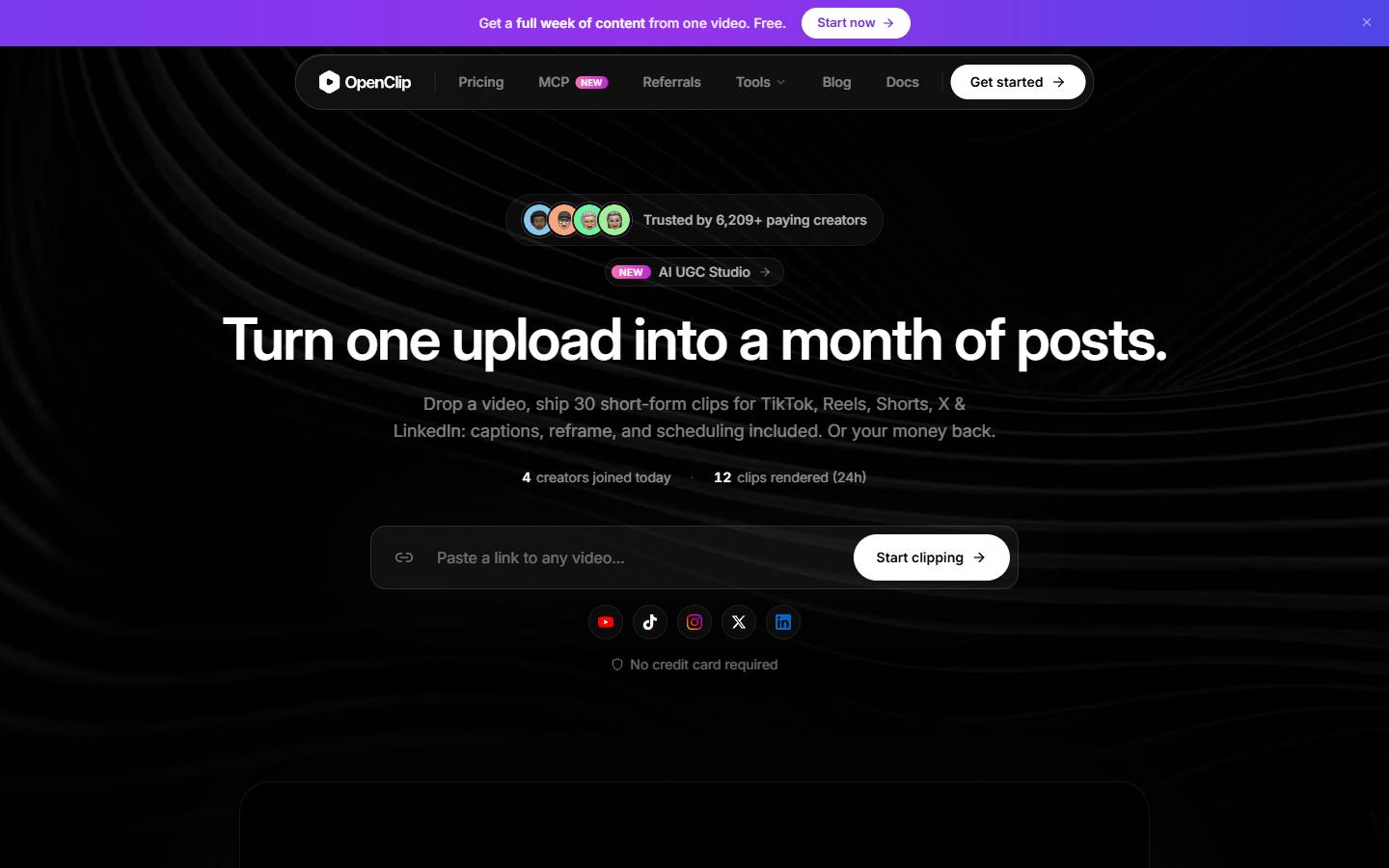
- If your job is long-form to shorts, OpenClip is purpose-built for it: submit a video URL, get detected moments with word-level captions, render the ones you approve.
The four categories, and why the label hides them
Local FFmpeg servers are wrappers. They expose transcoding, cutting, concatenation, audio extraction, and subtitle burn-in as tools, and they run on your machine or your own box. They are free, private, and fast on short files. They are also blunt. FFmpeg has no concept of a layer or a keyframe, so the agent is issuing shell-shaped commands, not editing a project. Anything that needs a look, a curve, or a stack of overlays falls outside what the tool can express.
Cloud editing servers hold a project server-side. Valmera is the clearest example: edits operate on an edit decision list, so the operations are non-destructive and the agent can revise a cut instead of re-rendering from source every time. That model is closer to how you already think when you are stacking B-roll over a talking head, and it is why these servers can offer grading and mixing that an FFmpeg wrapper cannot.
Model platform servers are generation, not editing. They take a prompt and hand back a clip. Useful, but if your agent's only tool is "make a new video," it cannot fix the one you already shot. Workflow platform servers sit at the other end: they expose a whole multi-step chain, generation plus edit plus audio, behind a single call, which is powerful when the chain is fixed and awkward when you want to intervene in the middle.
The local options worth running
Kinocut, previously published as mcp-video, is the strongest free choice in 2026. It runs guardrailed FFmpeg with preflight validation and quality checkpoints, which matters more than it sounds: the common failure mode with a raw FFmpeg wrapper is an agent that confidently produces a zero-length file and reports success. Around 87 tools covers trims, concatenation, audio work, subtitles, and repurposing passes.
FFmpeg-MCP is the plainer open-source wrapper. Fewer guardrails, no opinion about your pipeline, free forever, and fine if you are comfortable reading the command it chose. Video Jungle takes a different angle again: it indexes a personal archive with embeddings so an agent can find the shot you half-remember, which is a search problem rather than an editing one but often the actual bottleneck. If you already keep a tidy source library, that pairs well with an editor where you can merge the selects into one cut once the agent has found them.
DaVinci Resolve MCP is the outlier. It drives a locally installed Resolve rather than calling a service, so the agent is operating an application. Color and audio quality are as good as Resolve, which is to say excellent, but it needs a Resolve Studio license and a machine sitting there running it. Treat it as automation for a finishing suite, not as a server your team can share.
The hosted options worth paying for
Valmera has the most verbs by a wide margin. Beyond cutting it handles grading, music ducking, watermark removal, and object removal, and it is the only one in this group where the agent reviews rendered frames before declaring the job finished. That review step is the feature to care about. Its documented gaps are dubbing, translation, and SRT or VTT import and export, which is a real limitation if your deliverable is multi-language.
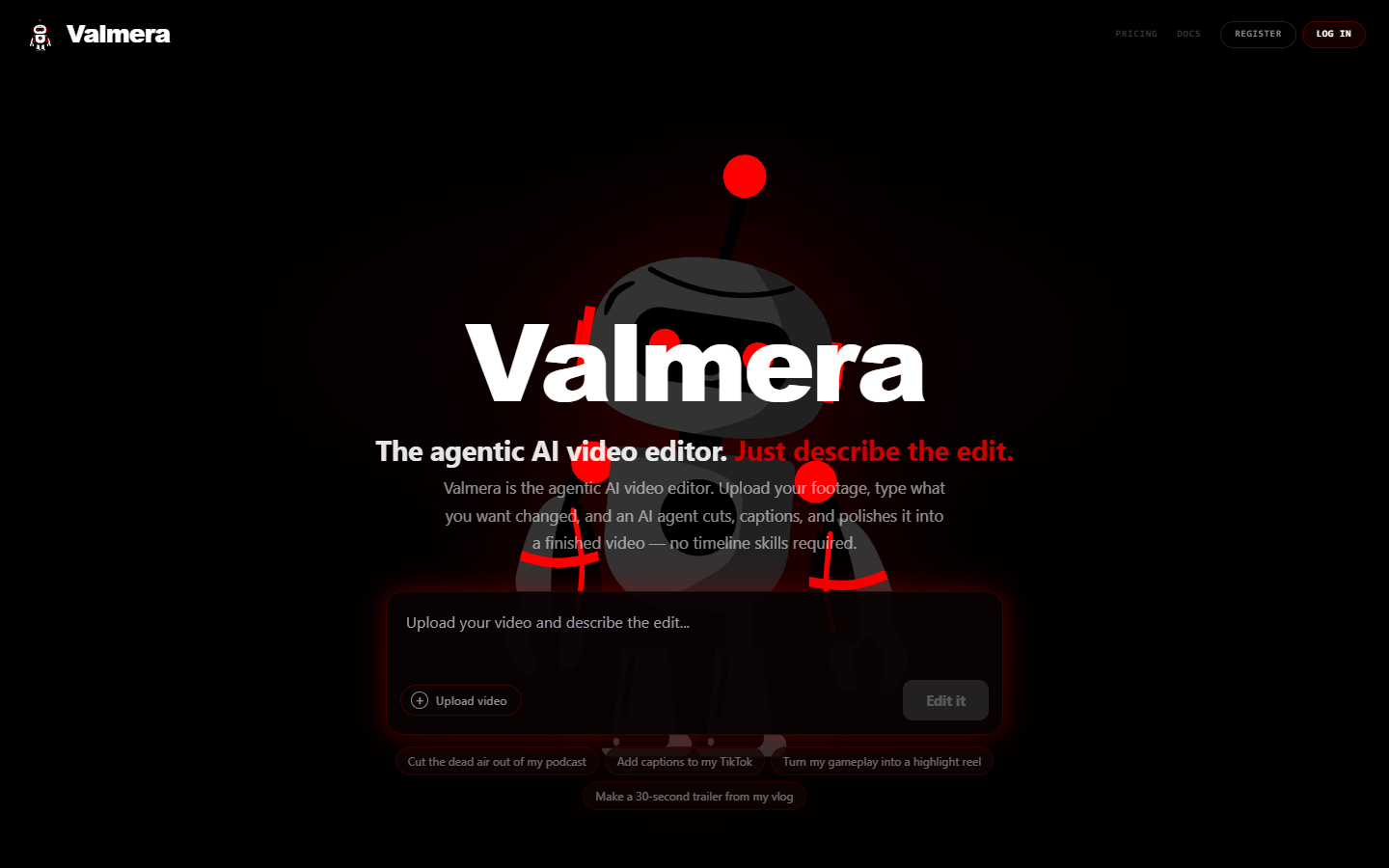
OpenClip is narrower and better at the one thing it does. Submit a long video by URL or upload, and the platform detects viral moments, tracks the active speaker, and generates word-level captions. Your assistant then calls render on the moments you approved. If your weekly output is podcast cutdowns or a shorts feed, that is most of the pipeline. It is worth checking the caption styling against your own brand kit before you commit, because caption look is where auto-generated shorts most often give themselves away, and cleaning it up later in a subtitle editor costs more time than setting it right once.
reap fills the gap Valmera admits to. It is a small server, roughly ten tools, focused on dubbing into more than 80 languages plus captioning. If localisation is on your roadmap it is worth running alongside a general editor rather than instead of one.
What to check before you wire one in
Ask five questions and most of the shortlist answers itself.
- Does my footage leave my machine? A client NDA answers this before any feature comparison does.
- Editable project or baked file? A server that returns an MP4 has ended the conversation. A server that returns a decision list lets you keep editing.
- Can the agent see the result? Frame review is the difference between a pipeline that fails loudly and one that ships a black frame.
- What is the cost per minute at my real volume? Free tiers are measured in processing hours and they go quickly on 4K source.
- Who reviews the cut? If the answer is nobody, you have built a publishing machine, not an editing one.
Where the server stops and your timeline starts
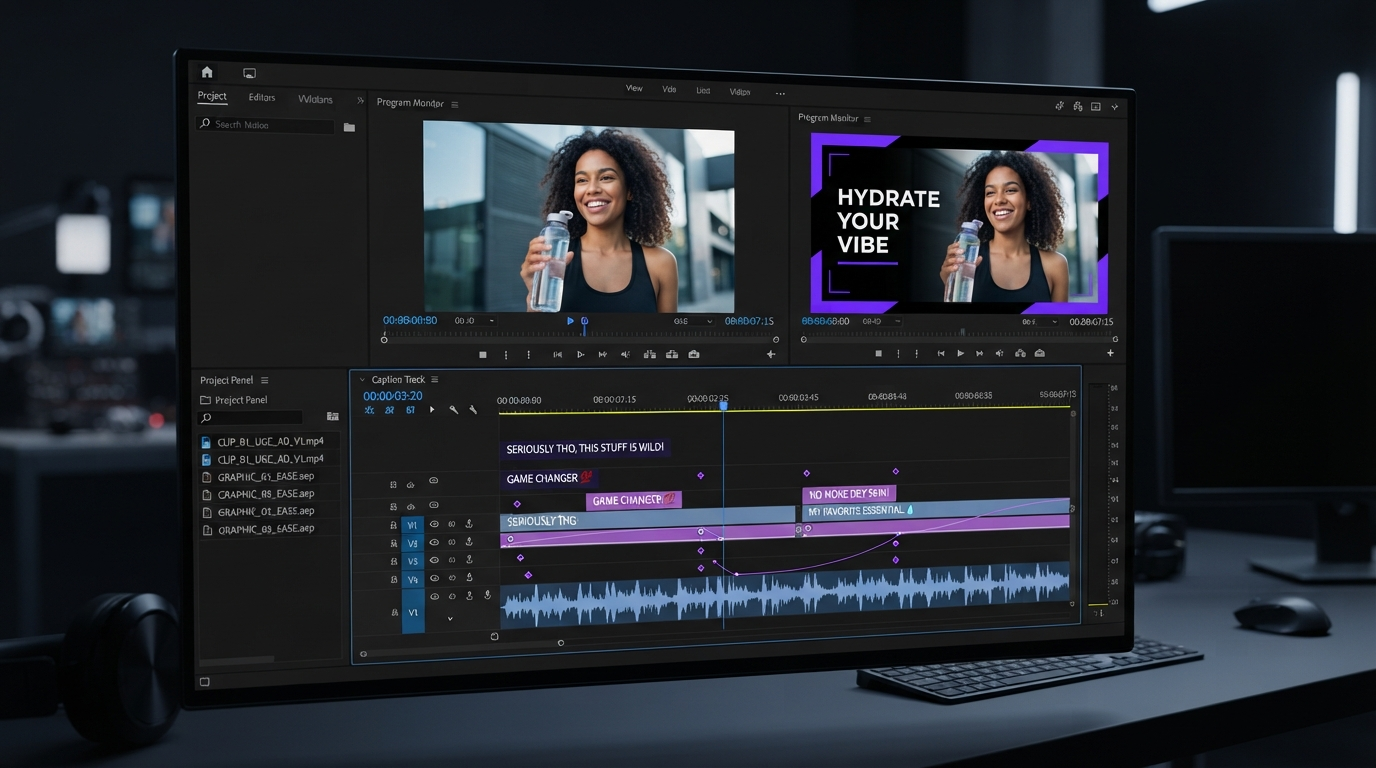
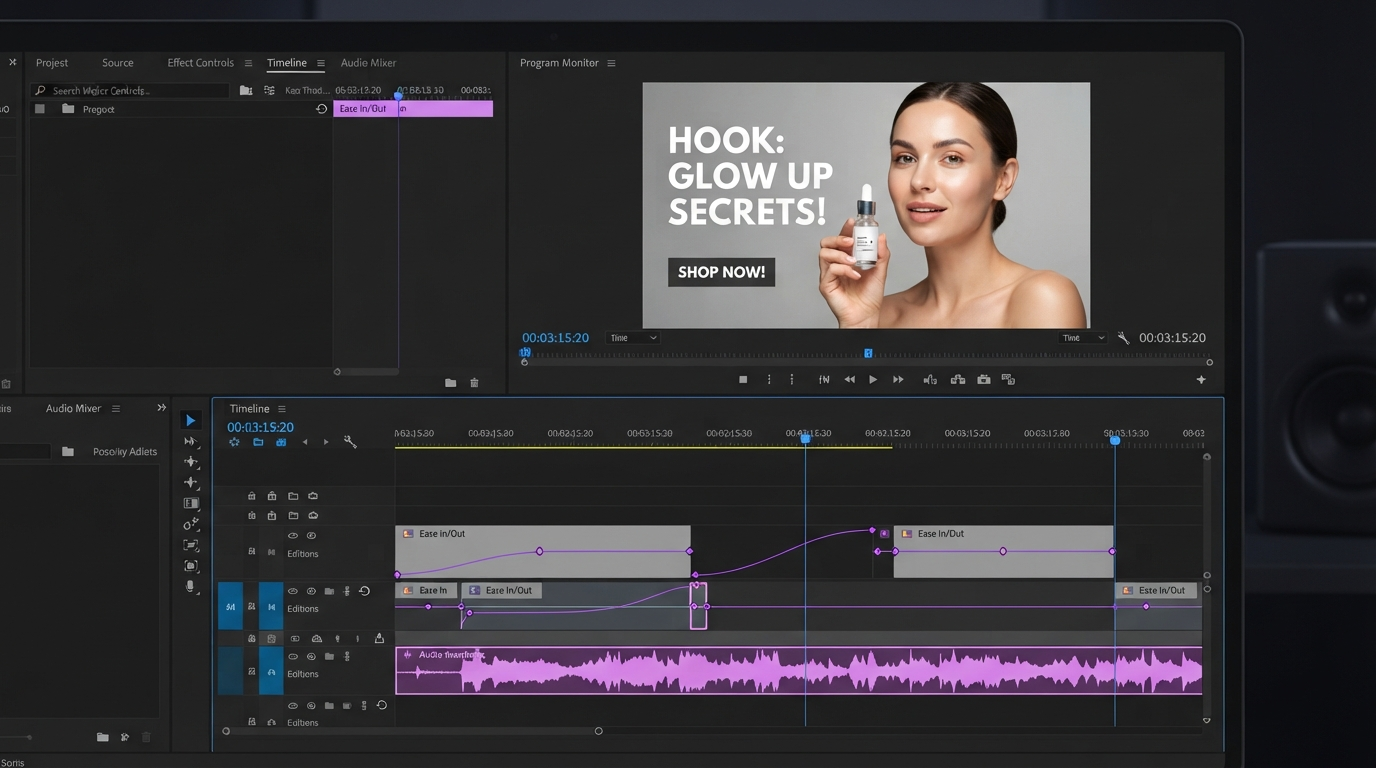
The honest framing is that an MCP server is very good at the passes you can describe in a sentence and poor at the ones you can only feel. Cut to the beat, warm the grade slightly, hold the title one frame longer: those are judgement calls, and you make them faster by looking at a timeline than by writing a paragraph of instructions.
So the pattern that holds up is a split. The agent does bulk work and hands back something structured. You open it, and you art-direct. Keeping that handoff editable is what makes the whole thing worth doing, and it is easier when the team can see the same project at once instead of passing render files around, which is the case for working in a shared browser-based editor rather than on one person's desktop install.
Frequently asked questions
What is the best MCP server for video editing in 2026?
There is no single winner, and any page that gives you one is compressing four product categories into one answer. For local and free, Kinocut. For the widest hosted tool coverage, Valmera. For long-form to shorts, OpenClip. For dubbing, reap.
Do I need to know FFmpeg to use one?
No, and that is largely the point. The agent composes the command. You should still be able to read the output of a failed job, because an agent that cannot see the render will happily report success on a broken file.
Can an MCP server generate footage as well as edit it?
Some can, though generation and editing are usually separate servers. If you want the generation step and the edit step chained behind one call rather than stitched together yourself, the Wireflow guide to picking a video editing MCP server walks through where pipeline orchestration beats a single model call and where it does not.
Are these servers safe to point at client footage?
Local servers are, because nothing uploads. Hosted servers vary, so read the retention policy before you send anything under NDA. Many teams run a local server for client work and a hosted one for internal cutdowns.
What is the fastest way to try one?
Pick the narrowest one that matches your actual weekly output, wire it to one repetitive pass, and measure the time saved over two weeks. If you are still deciding whether the generation side is worth adding at all, this walkthrough of AI video generation is a reasonable place to calibrate expectations first.
The short version
Choose by category, not by tool count. Local FFmpeg servers for private and free, hosted editors for coverage and non-destructive edits, purpose-built servers for shorts or dubbing. Then keep the last mile in your own hands. The agent should hand you a timeline you can still change, not a file you have to accept.
Founder of Motionbox and Gluely. Building tools for creators.