The Best Runway Alternatives for AI Video Generation in 2026
Runway made text to video normal. It never made it cheap, and it never made the output easy to finish. If you are hitting the credit ceiling on Gen-4, or you keep exporting clips that still need captions, trims, and a brand pass, these are the six alternatives worth testing in 2026.
Runway Gen-4 is still a good model. The problem for most teams is not the quality of the shot, it is the shape of the work around it. Gen-4 bills 12 credits a second and Gen-4 Turbo bills 5, and the $15 Standard plan ships 625 credits a month. That is roughly a minute of hero footage before you top up. Then the file lands on your desktop and the actual job starts: trimming, captioning, adding a logo, matching a brand kit, and rendering the three aspect ratios your channels want.
Most "Runway alternative" lists stop at the moment the clip finishes generating. This one ranks six options by three things instead: shot quality, cost per usable second, and how much editing work is left when the render is done. Specs and prices below are current as of August 2026.
The list at a glance
- Kling 3.0 (best raw shot quality for hero footage)
- Wireflow (best for running several video models through one pipeline)
- Google Veo 3.1 (best for native audio and 4K delivery)
- Luma Dream Machine (best for fast image to video iteration)
- Pika (best cheap option for stylized social clips)
- Hailuo by MiniMax (best price per usable second)
Quick answer:
- For the single best clip, use Kling 3.0. It generates up to 1080p at 48fps with synced audio and topped the video benchmarks over Gen-4 in early 2026.
- For the cheapest usable output, Hailuo starts around $9.99 a month and Pika still has a free tier. Both are fine for stylized social work where a soft frame does not hurt you.
- Whatever you pick, budget time for the finish. Every one of these returns a flat file with no captions, no brand kit, and no editable timeline.
Why editors are leaving Runway in 2026
Three reasons come up over and over. Credit math is the first: at 12 credits a second, a 10 second Gen-4 shot costs 120 credits, so a Standard plan covers about five of them before the meter runs out. Clip length is the second, since 16 seconds is the ceiling and anything longer becomes a stitch job. The third is the one nobody advertises. Runway is a generator, not a finishing tool, so the shot you paid for still needs a timeline before it becomes a video.
That last point is why the ranking below weights the handoff so heavily. A model that gives you a clean 5 second plate you can cut, mask, and keyframe is worth more than a flashier model that hands you a shot you cannot fix. If you are doing that fixing in a browser instead of a desktop suite, the same logic applies to your editor: you want keyframe control without an After Effects install, not just a trim bar.
1. Kling 3.0
Kling 3.0 is the current quality leader. It generates up to 1080p at 48fps with synchronized audio and lip sync, and it beat Veo 3.1, Runway Gen-4, and Pika 2.2 on the early 2026 benchmark round. Clips run up to about 15 seconds. There is a free daily credit allowance, and paid plans climb to roughly $64.99 a month.
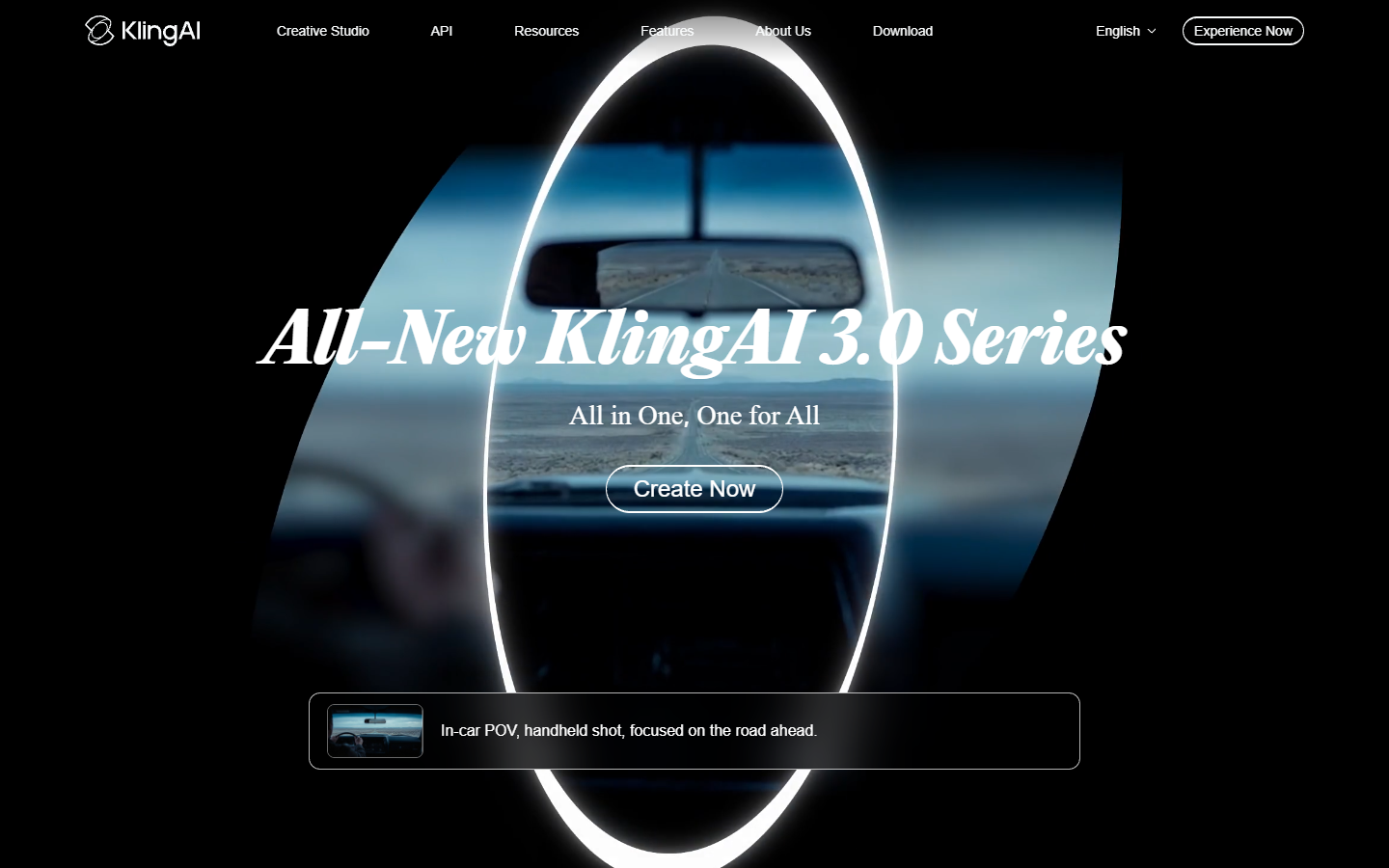
The 48fps output is the underrated part for motion work. Higher frame rate footage survives speed ramps and slow motion far better than 24fps generations, so a Kling plate holds up when you retime it or drop it in as b-roll under a talking head. Verdict: best for hero shots you intend to grade, retime, and build around.
2. Wireflow
Runway locks you into one model family, so when Gen-4 misses on a shot your only move is another Gen-4 attempt at full credit price. Wireflow takes the opposite approach and puts Kling, Veo, Luma, and the rest behind one canvas, so a failed shot becomes a model swap instead of a re-roll on the same engine. If you want to see how those engines compare before you commit a budget to one, there is a model by model rundown of the Runway replacements worth wiring into a pipeline that covers the tradeoffs in detail.
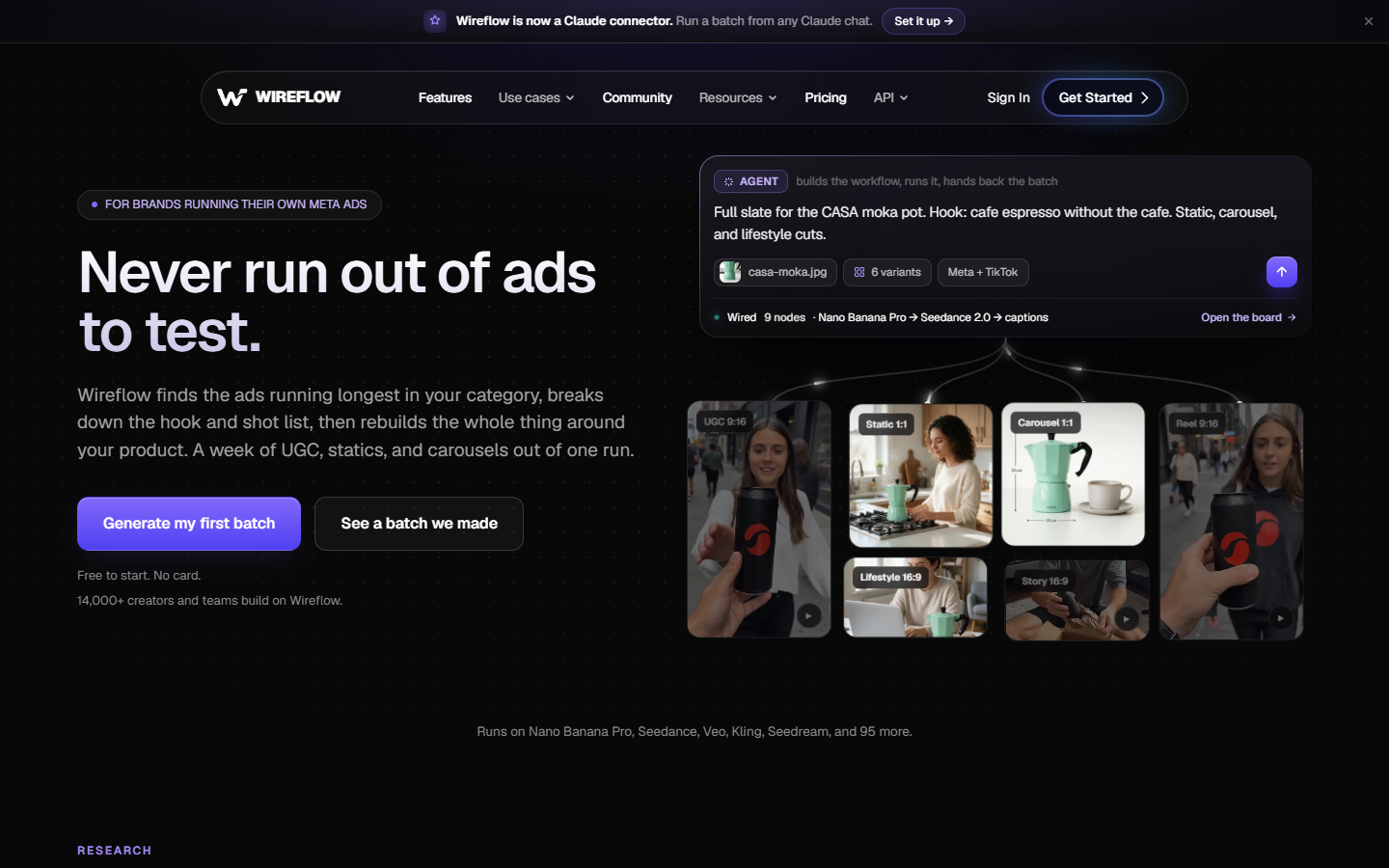
It is a generation layer, not an editor. You build the chain once (prompt in, image reference, video model, output), then run it against a list of hooks or products and collect the clips. That is genuinely useful when you need twelve variants of the same ad rather than one perfect film. Verdict: best when your bottleneck is volume and model choice, not the single shot.
3. Google Veo 3.1
Veo 3.1 is the pick when the audio matters. It generates native sound with the video, outputs up to 4K, and runs about 8 seconds per clip. Access starts near $7.99 a month through Google AI plans and climbs steeply from there.
The native audio is a real time saver and a real trap. It saves you a sound design pass on ambient shots, but generated dialogue rarely matches the script you actually approved, so plan to mute it and burn in captions from your own transcript for anything carrying a message. Verdict: best for 4K product and landscape shots where ambient sound is enough.
4. Luma Dream Machine
Dream Machine, running the Ray 2 model, optimizes for speed. It turns around generations quickly, handles image to video well, and supports extensions well past the one minute mark. There is a small free tier, and pro plans scale up to roughly $300 a month at the top end.

Speed changes how you work. When a generation takes 40 seconds instead of four minutes, you stop writing careful prompts and start iterating like an editor: generate six, keep one, move on. Image to video is the mode that pays off here, because feeding it a still you already art directed gets you far closer to the shot in your head than a text prompt will. Verdict: best for storyboard exploration and quick concept passes.
5. Pika
Pika is the low commitment option. It has a free tier, paid plans top out near $35 a month, and clips run to about 10 seconds. Quality sits below Kling and Veo on realism, but its stylized and effect driven output is genuinely fun and reads well at social scale.
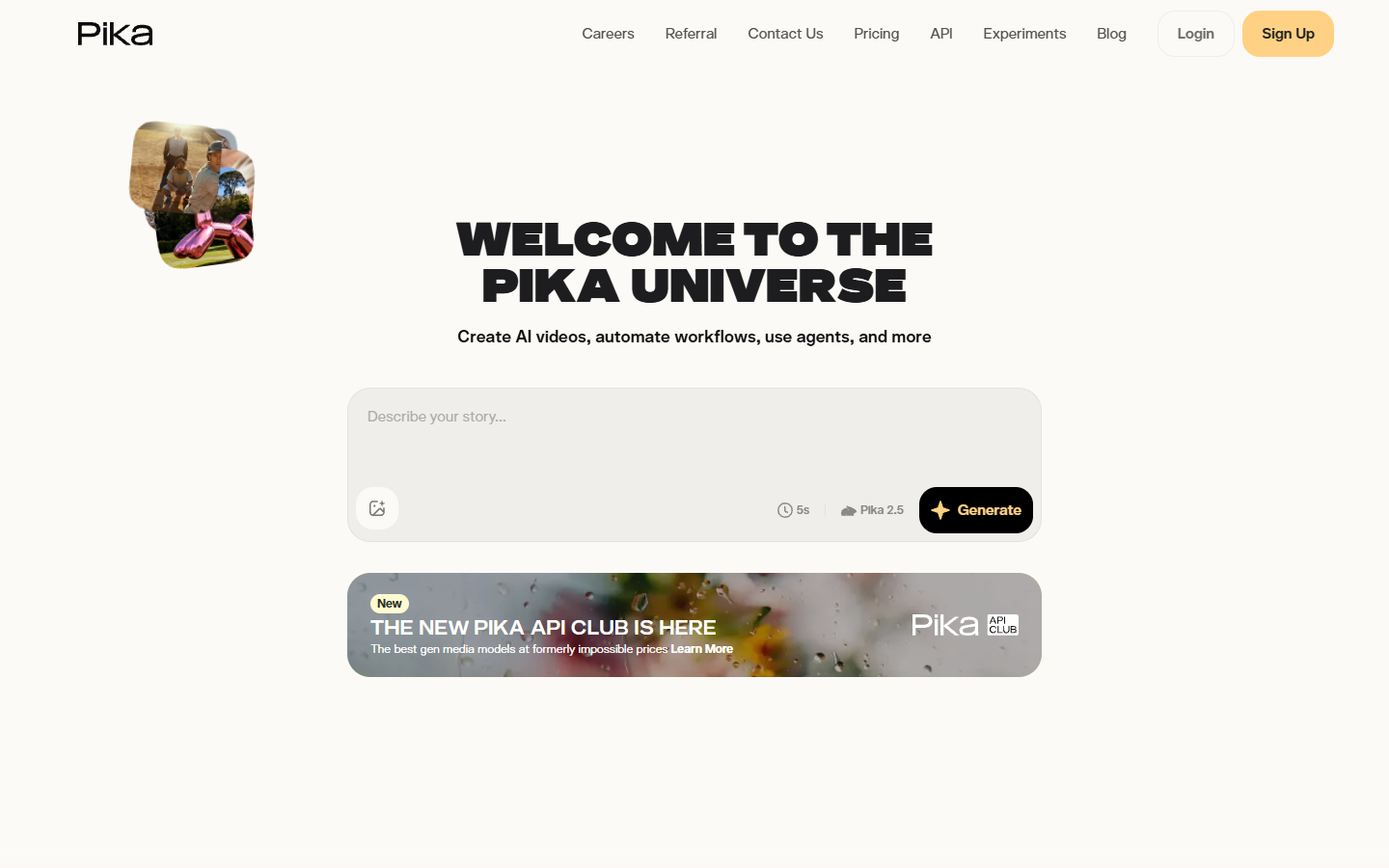
For a nine by sixteen feed, imperfect frames matter much less than pacing and text. A slightly soft Pika clip with sharp captions and a tight cut beats a pristine 4K shot with dead pacing, which is why it works so well once you cut it down for TikTok. Verdict: best for stylized social clips and effects on a small budget.
6. Hailuo by MiniMax
Hailuo is the value play. Plans start near $9.99 a month, the current H3 model generates at 2K, and the default clip length is 5 seconds with wide aspect options including 21:9. It also ships image and agent modes alongside video.
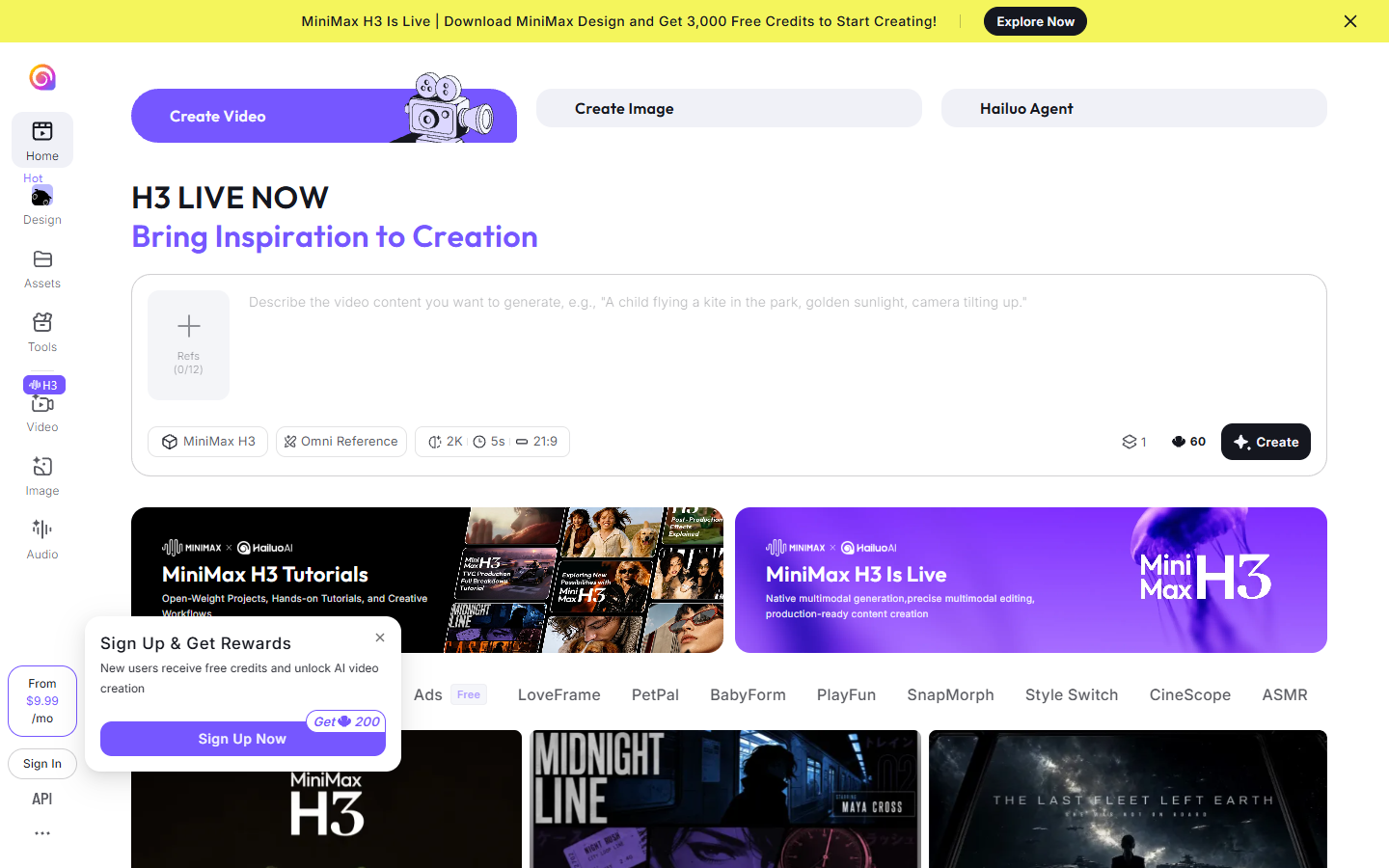
Five seconds sounds short until you count the cuts in any ad you admire. Most social spots average two to three seconds a shot, so a 5 second generation gives you a usable clip plus handles on both ends. Verdict: best price per usable second when you need many short plates rather than one long take.
The part every list skips: finishing the clip
None of these tools give you an edit. They give you a file. The finish is where the video actually gets made, and it is the same five steps every time: cut the plates to the beat, add captions, place the logo and lower third, color match shots that came from different models, and render the aspect ratios each channel needs.
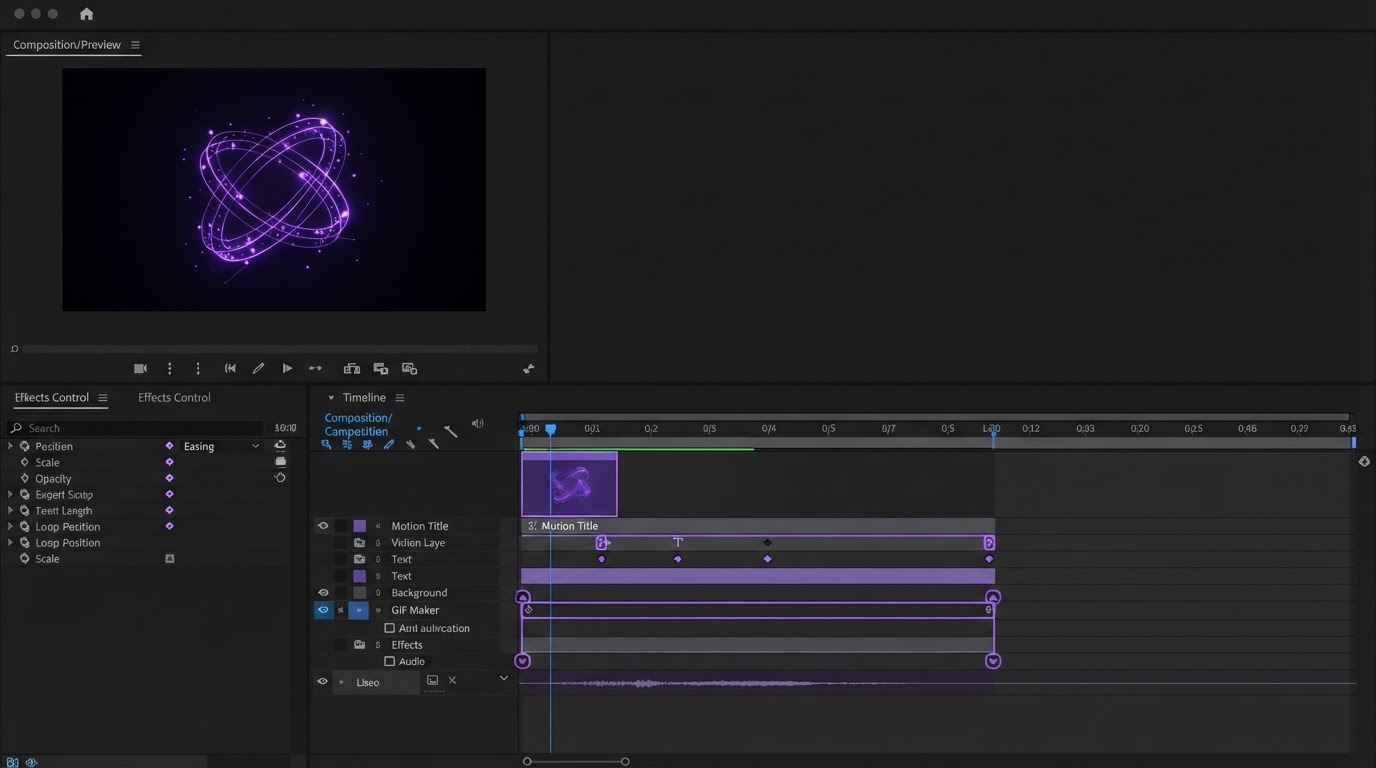
This is the argument for keeping generation and finishing in separate tools rather than paying one vendor for a mediocre version of both. Generate wherever the model is strongest this month, then bring the plates into a timeline where agents handle the keyframing and you art direct the result. A product video built from generated plates is mostly assembly work once the shots exist, and assembly is exactly what a timeline is for.
Frequently asked questions
Is there a free Runway alternative?
Yes. Pika has a free tier, Kling gives a daily credit allowance, and Luma includes a limited monthly quota. Free tiers generally mean watermarks, queue priority behind paid users, and lower resolution, so treat them as a testing budget rather than production capacity.
Which Runway alternative has the best video quality?
Kling 3.0 on current benchmarks, with Veo 3.1 close behind and ahead on resolution at 4K. The honest answer is that the lead changes every few months, which is a good reason not to sign an annual contract with any single generator.
Can I keep using Runway and add one of these?
Most teams do. Runway stays useful for its editing side tools, and a second generator covers the shots Gen-4 handles poorly. Running two costs less than it looks once you stop burning Gen-4 credits on re-rolls the other model gets right the first time.
Do any of these replace a video editor?
No. They replace the shoot, not the edit. You still need a timeline for captions, brand assets, pacing, and export, and you need a place where a second person can comment on the cut. Reviewing an edit together in the browser is usually the step that turns a pile of generated clips into a finished video.
The short version
Pick Kling 3.0 if the shot has to look expensive, Veo 3.1 if it needs 4K and sound, Hailuo or Pika if the budget is tight, and Wireflow if you need many variants across several models. Then plan the finish before you generate anything, because the clip is raw material and the edit is the video.
Founder of Motionbox and Gluely. Building tools for creators.