FLUX 3 Video: What It Does and What You Still Have to Edit
Black Forest Labs announced FLUX 3 Video on 23 July 2026. It makes clips up to 20 seconds long with sound already in sync. Here is what that changes for the person who has to cut it.
FLUX 3 Video is the video tier of FLUX 3, the model Black Forest Labs announced on 23 July 2026. It generates clips up to 20 seconds with sound already attached, which is a different starting point than most video models hand you. That changes your first job in the editor. You are not building an audio bed from nothing anymore. You are deciding what to keep.
In short
- FLUX 3 Video covers text to video, image to video, video to video, and keyframe to video in one model.
- Single generations run up to 20 seconds, with native synchronized audio and multilingual dialogue.
- It can chain clips agentically into longer multi-shot sequences instead of leaving you with disconnected fragments.
- Access is gated. You apply at bfl.ai/models/flux-3. There is no public pricing, and it is not listed on fal.ai or Replicate yet.
- Published evals are preliminary and at 720p, so treat the output as source footage, not a finished master.
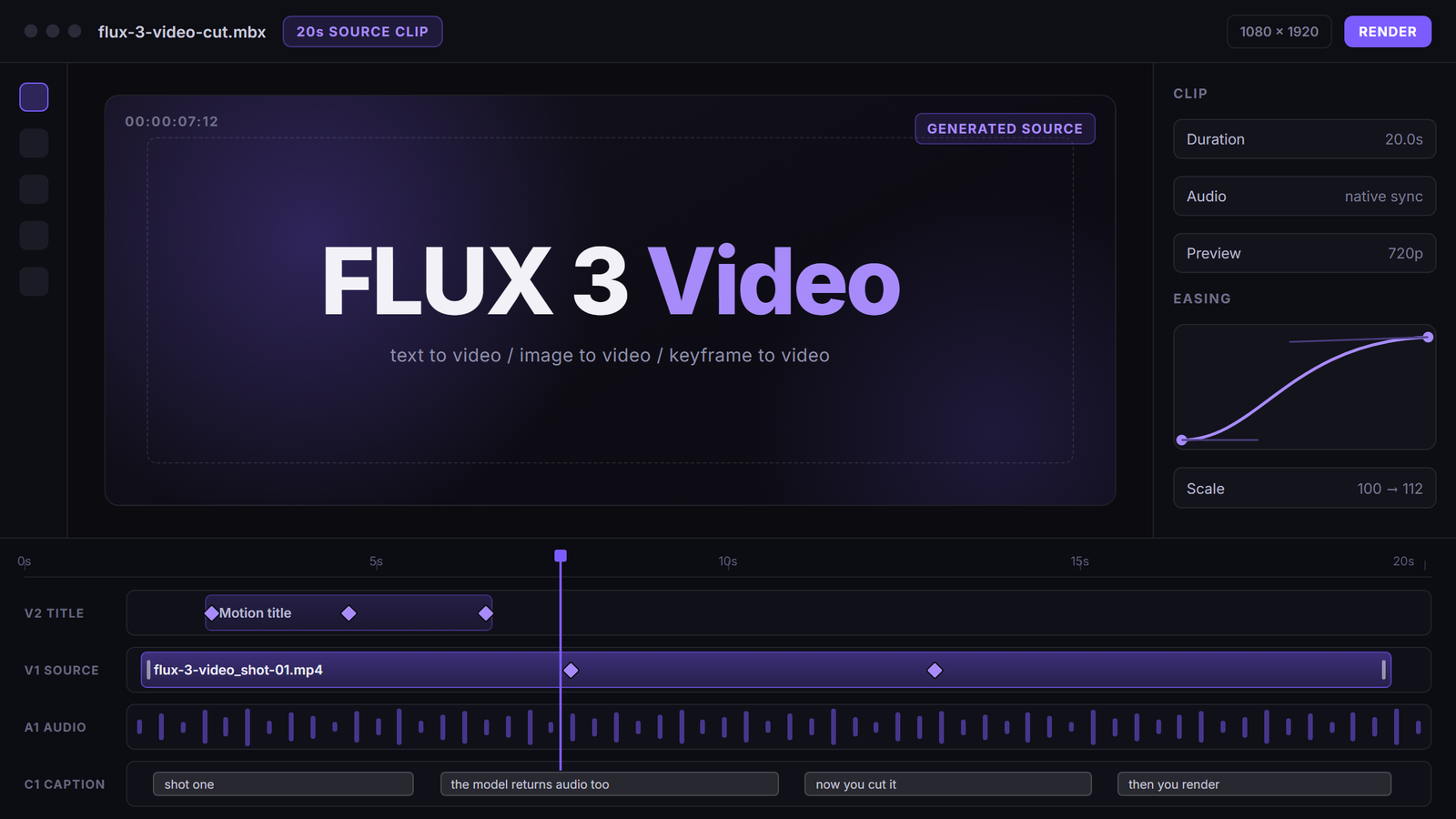
Quick answer:
- FLUX 3 Video is one tier of a unified multimodal model, not a standalone video product. The same model family covers image, audio, and robot action.
- Its practical edge for editors is length plus sound. One 20 second clip with synchronized audio needs far fewer joins than four silent 5 second clips.
- You still trim, caption, grade, and render somewhere else. The model returns a file, not an editable timeline.
What FLUX 3 Video actually is
Black Forest Labs did not ship a video product. They shipped one flow model that works across image, video, audio, and robot action, and FLUX 3 Video is the slice of it that outputs moving pictures. The audio is not a second model bolted on afterwards. It comes out of the same generation pass, which is why dialogue lands in sync instead of drifting a few frames off the mouth.
Four input modes are covered. Text to video takes a prompt. Image to video takes a still and moves it. Video to video takes existing footage and restyles or extends it. Keyframe to video takes start and end frames and fills the middle, which is the one that maps most directly onto how you already think about motion. If you have art directed a first and last frame, you are giving the model the same two anchor points you would give an easing curve.
That last mode matters for anyone who has fought a generic prompt-only model. Prompting for a camera move is a guess. Handing the model two frames is a spec. If you want a wider primer on where these models fit in a production, the AI video generation guide covers the surrounding workflow.
FLUX 3 Video specs that change how you plan a shot
Twenty seconds is the number to plan around. Most video models cap a single generation at 5 to 10 seconds, so a 60 second ad becomes a stitching job with six continuity problems. At 20 seconds you can carry one idea through a whole beat, and a 60 second cut becomes three shots instead of a dozen.
Native synchronized audio is the second number that moves work off your plate. A generated clip that already has room tone, footsteps, or spoken dialogue means you are mixing against a bed rather than assembling one. Multilingual dialogue is part of the same pass, so a localized variant does not need a separate voice pipeline.
Agentic chaining is the third piece. The model can extend one clip into the next and keep continuity across the join, so a four shot sequence reads as one scene rather than four unrelated generations. You still get discrete files. You still cut them.
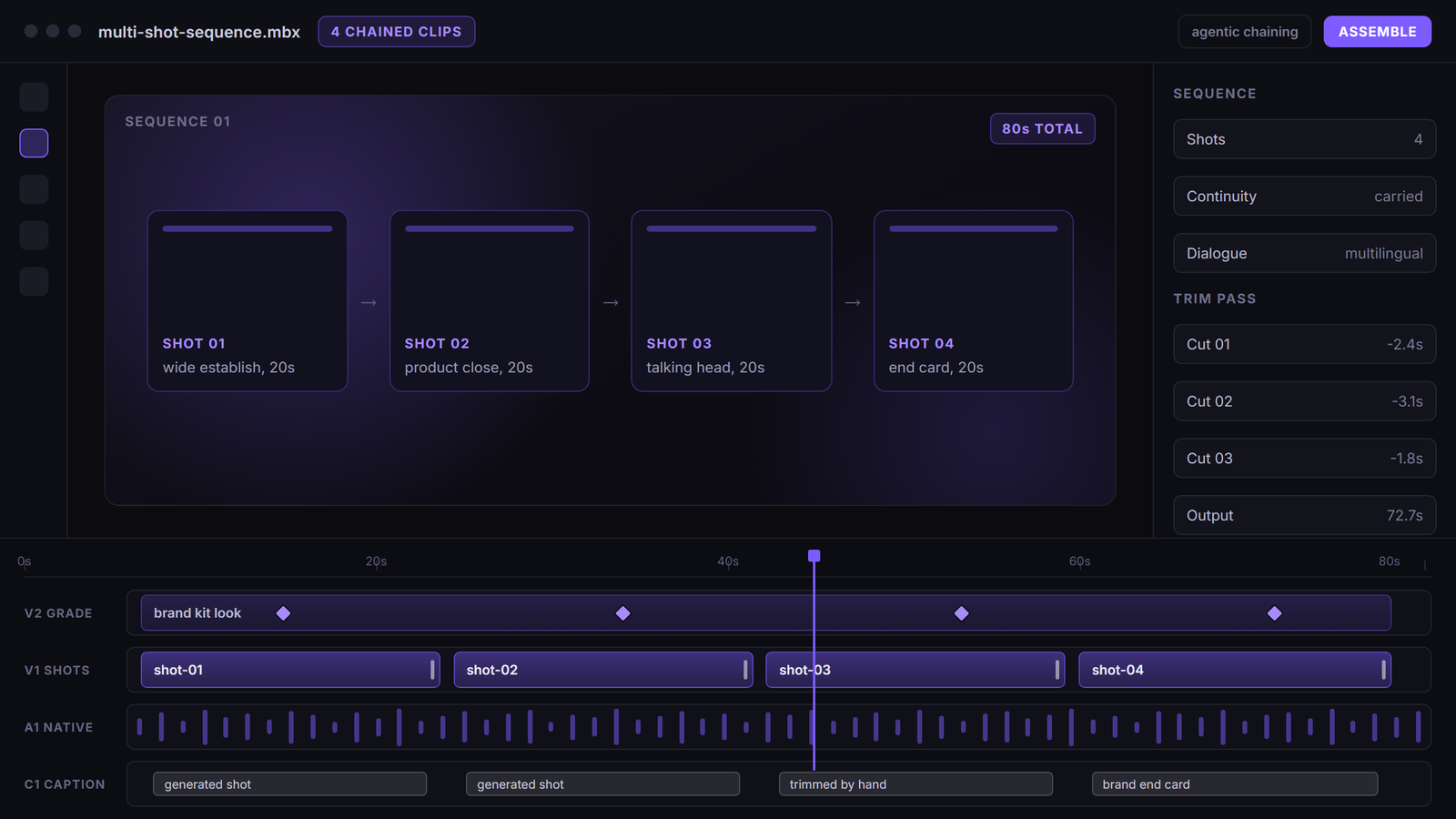
Preliminary evals are at 720p. That is fine for a social cutdown and thin for a hero placement on a large screen, so plan the delivery target before you plan the shoot.
How FLUX 3 Video compares to other video models
Black Forest Labs published human preference results against the current field. FLUX 3 Video was preferred 77 percent of the time against Runway Gen-4.5, 93 percent against Luma Ray 3.2, 69 percent against Grok Imagine Video, and 60 percent against Kling v3 Pro. Against Seedance 2.0 and Gemini Omni Flash it lands near a tie at roughly 52 percent.
Read those as vendor numbers, because they are. A lab publishing its own win rates picks its own prompts and its own judges. What the spread does tell you is where the model sits: clearly ahead of the older generation, roughly level with the two newest competitors. Nobody has run an independent side by side yet, so the honest position is that FLUX 3 Video is competitive at the top rather than a step change above it.
The number that will actually decide your pipeline is cost per second, and that has not been published.
How to get FLUX 3 Video access
Early access is gated. You apply through bfl.ai/models/flux-3 and wait. There is no self serve endpoint, no pricing page, and no listing on the usual hosted inference marketplaces, so any tutorial claiming a working FLUX 3 Video API call today is describing something it does not have.
FLUX 3 Image was announced as coming in the following weeks and is not out. FLUX 3 Dev open weights were promised later with no date. If you need something in production this month, generate with what is already reachable and swap the source model when access opens.
Building the generation step so the model is a swappable component is the part worth doing now. If you run FLUX models in a node-based canvas, the prompt, the reference frames, and the downstream steps stay wired up when a new model version lands, and the change is one node rather than one rebuild.
What FLUX 3 Video output still needs from a timeline
A generated clip is source footage. It arrives as a flat file with no layers, no tracks, and no easing curves, and everything that makes it feel like your brand happens after that.
The trim pass comes first. Generated clips almost always run long at the head and tail, and cutting 2 seconds off each end is what turns four adjacent shots into a sequence with rhythm. Then comes the layer work: a logo lockup, a lower third, an end card, a grade that matches the rest of the campaign.
Captions are not optional for social. Even with native audio in the file, most feeds play muted, so you still need burned in text. Motionbox can add subtitles to a video directly on the timeline rather than in a separate captioning tool.
Cutaways help too. A 20 second generated shot holds attention better than a 5 second one, but it still benefits from a break, and a B-roll layer gives you somewhere to hide a weak frame.
For commerce work, dropping the generated footage into a product video build keeps the pack shot and the price card on brand, and it stops a nice looking clip from shipping without the thing you are selling in it.
Review is the last gate. Generated footage draws more notes than filmed footage because everyone spots a different artifact, so collaborative video editing with comments pinned to timecodes saves a round of confused feedback.
Agents set the keyframes. You art direct.
Frequently asked questions
What is FLUX 3 Video?
FLUX 3 Video is the video generation tier of FLUX 3, the unified multimodal model Black Forest Labs announced on 23 July 2026. It supports text to video, image to video, video to video, and keyframe to video, with native synchronized audio in the same generation pass.
How long can a FLUX 3 Video clip be?
Up to 20 seconds for a single generation. Longer pieces come from agentic chaining, where the model extends one clip into the next and carries continuity across the join, so you assemble a multi-shot sequence rather than one continuous take.
Can I use FLUX 3 Video today?
Not openly. Access is gated early access through an application at bfl.ai/models/flux-3. There is no public pricing and no listing on fal.ai or Replicate as of the end of July 2026.
Does FLUX 3 Video generate audio?
Yes. Audio is generated in sync with the picture rather than added by a second model, and multilingual dialogue is supported. You will still mix, duck, and add music in an editor.
Is FLUX 3 Video better than Kling or Seedance?
Black Forest Labs reports a 60 percent human preference win against Kling v3 Pro and roughly a tie against Seedance 2.0. Those are vendor published numbers on vendor chosen prompts, so treat them as a signal that the model is competitive at the top of the field, not as an independent benchmark.
What resolution does FLUX 3 Video output?
Preliminary evaluations were run at 720p. That is workable for vertical social delivery and thin for large screen placement, so pick your delivery target before you commit a shot list to it.
Where this leaves your next edit
FLUX 3 Video is worth applying for, and it is not worth restructuring your pipeline around until pricing and general access exist. The useful move today is to get the downstream half ready: a timeline that expects 20 second generated clips with audio already attached, a caption pass, a brand layer, and a render target. When access opens, the only thing that changes is where the source file comes from.
Free rendering on Motionbox includes a watermark. Start free, no credit card, and see how a generated clip behaves once it hits real tracks.
Founder of Motionbox and Gluely. Building tools for creators.