Headless Video Editing: How to Automate Renders Without a Timeline
A headless video editor drops the interface and keeps the render engine, so repeatable edits run from data instead of a playhead. Here is when that trade is worth making, and how to structure an edit so it survives the batch.
You do not need a timeline for every edit. If you are cutting 200 product clips from a spreadsheet, or burning captions onto every episode a podcast drops, the timeline is the slowest part of the job. A headless video editor removes the interface and keeps the engine: you send a description of the edit, a machine performs the cut, and a finished file comes back. No canvas, no playhead, no dragging.
That sounds like a developer topic, and part of it is. But the decisions that make headless editing work are editing decisions: how you structure layers, where you allow text to reflow, and what you refuse to automate. This is a guide to those decisions.
In short
- Define the edit once as a reusable structure of layers, tracks, and timing rules, not as a one-off arrangement of clips.
- Separate what changes per video (text, footage, logo, duration) from what never changes (motion, easing, safe areas).
- Send that structure to a render engine over an API, with one payload per output video.
- Let the engine do the deterministic work: trims, joins, captions, resizes, watermarks, exports.
- Keep a real timeline for anything that needs judgement, and treat headless renders as drafts you can still open.
Quick answer:
- A headless video editor is a render engine with no interface. You describe the edit in structured data (JSON, a template plus variables, or a node graph) and call it programmatically instead of arranging clips by hand.
- It pays off when the same edit repeats: batch cutdowns, personalised video, caption burn-ins, aspect ratio variants, thumbnail loops, and any pipeline where footage arrives on a schedule.
- It is a poor fit for one-off creative edits, pacing decisions, and anything where you need to watch the cut to know if it works. Most teams end up hybrid, automating the repetitive 80 percent and hand-finishing the rest.
What headless actually means here
"Headless" is borrowed from headless browsers and headless CMS setups. The pattern is the same: keep the engine, drop the interface, and drive it from code. A headless video editor exposes the operations you would otherwise perform with a mouse. Trim this clip to 4.2 seconds. Place this text layer at 40 percent from the top with a 300 millisecond fade. Overlay this logo on track 3. Export at 1080 by 1920, H.264, 30fps.
There are three common shapes. Command line tools like FFmpeg and Editly take a config file and produce a file. SDKs embed a render engine in your own server. Hosted render APIs take a template plus a payload and return a URL. They differ in where the compute runs, but all three replace the same thing: a human moving a playhead.
The distinction that matters for editors is what the format remembers. Some headless systems only know clips and filters, so the output is a flat baked file. Others keep layers, tracks, and keyframes intact, so a render can be re-opened and sent back through. If you plan to art-direct anything after the batch runs, that matters more than render speed.
The jobs headless editing is genuinely good at
Automation is worth the setup when the edit is boring and the volume is high. Four patterns come up repeatedly.
Batch variants of one edit. One master structure, many payloads. Sixty localised versions of the same 15 second ad, or a vertical, square, and widescreen cut of every upload. This is where editors lose whole afternoons, and exactly the work a render API absorbs.
Data-driven personalisation. Name, city, product, price, and a matching background clip, pulled from a CRM row into fixed slots. The motion is designed once. The content changes per render.
Pipeline steps that run on arrival. A podcast episode lands, and the pipeline transcribes it, burns captions, cuts three highlight clips, and posts them. Captions are the highest value automation here because they are mechanical, high volume, and easy to check afterwards. Motionbox's subtitle workflow is a useful reference for the layer structure you are trying to reproduce.
Format conversion and cleanup. Resizing, reframing, silence removal, watermarking, and stitching, all deterministic with no taste involved. Joining a sequence of clips into one output should never require a human once the order is decided.
What you give up when the interface disappears
Headless editing has a real cost and it is worth being honest about it. You lose the feedback loop. When you scrub a timeline you are constantly making micro judgements about pacing, and none of that survives a JSON payload. The engine renders exactly what you described, including the parts you described badly.
Text is where this bites first. A headline that fits at 14 characters overflows at 31, and the render will not tell you. Automated edits need defensive typography: fixed containers, auto-fitting type scales, maximum character counts enforced upstream, and a fallback line break rule. The same applies to footage with unpredictable aspect ratios and audio that arrives at wildly different loudness.
Timing is the second failure mode. If your template assumes a 6 second clip and the source is 3.4 seconds, something freezes, stretches, or cuts to black. Good templates express timing as rules (hold until the caption finishes, minimum 2 seconds, maximum 8) rather than fixed frame numbers. That is why a tool that changes clip speed predictably beats one that only trims: retiming keeps the structure intact when the source does not cooperate.
The third cost is review. Batch rendering 200 videos means nobody watched 200 videos. Build a contact sheet, sample ten percent, and check the first three seconds of every output. Most automation failures are visible in the first second.
How to structure an edit so it survives automation
Think in slots, not clips. Before writing a line of config, mark every element in the edit as fixed or variable. Fixed elements are the motion design: entry animations, easing curves, safe margins, brand colours, the logo sting. Variable elements are the content: footage, headline, subhead, price, voiceover, duration.
Then constrain the variables. Every slot needs a type, a limit, and a fallback. Headline is text, 34 characters maximum, falls back to the product name. Background is video, minimum 5 seconds, falls back to a brand loop. If the logo is missing, the layer hides rather than rendering a broken box. This sounds tedious. It is the difference between an automation that runs for six months and one that quietly produces 40 broken videos on a Tuesday.
Keep the motion in the template, not in the payload. If each payload can change easing, you have not built an automation, you have built a slower editor. Design the animation once in a real timeline, confirm it feels right, then freeze it. The payload should only ever answer "what goes in the slots", never "how does it move".
A hybrid setup that actually holds up
The setup most teams land on has three stages, and only the middle one is headless.
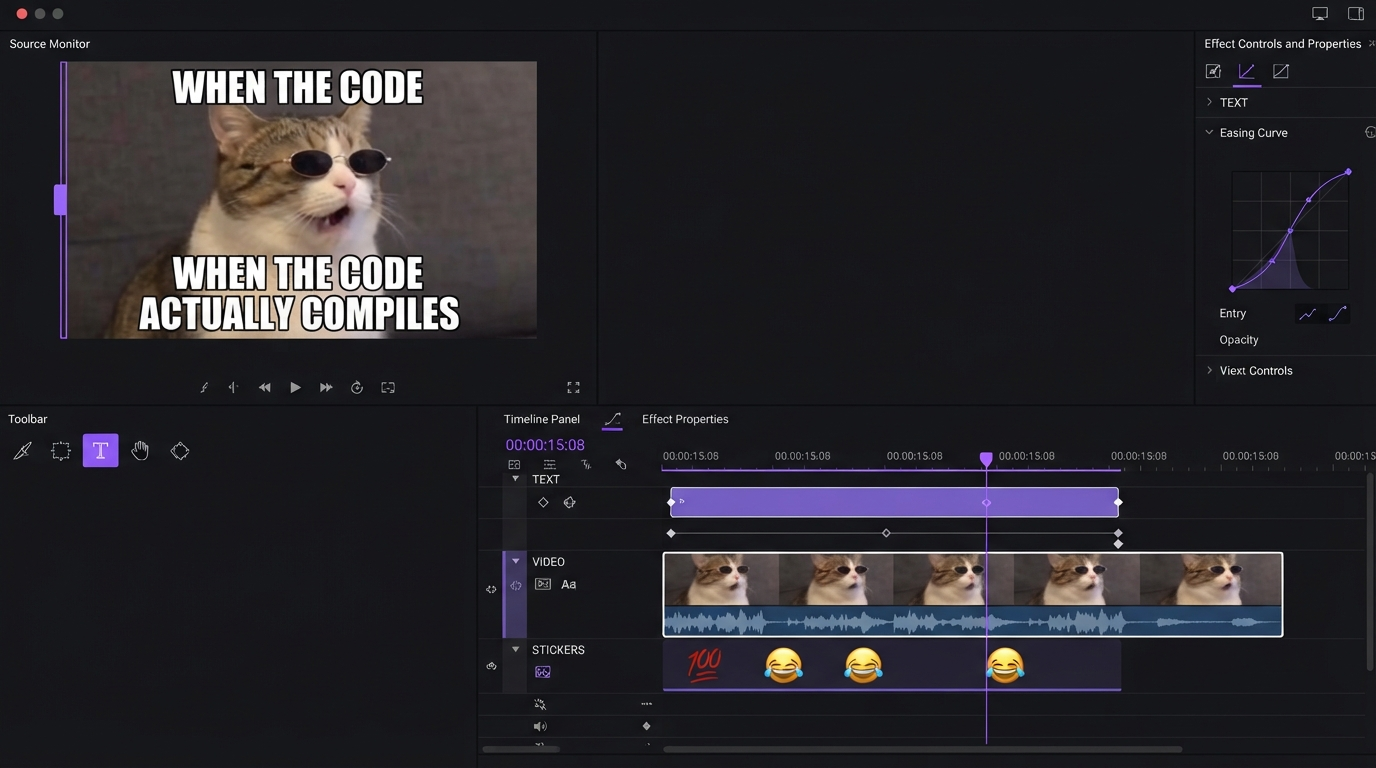
Stage one is design. You build the master edit in an interface, because pacing and motion need eyes. You are deciding easing curves and hold times here, not filling in fields. A browser based editor helps, since whoever approves the motion can open it without installing anything, the same reason shared editing sessions beat emailing preview files back and forth.
Stage two is the batch. The master edit becomes a callable job, and a script feeds it rows. Across a batch of roughly 40 promo cutdowns we timed, render time was never the bottleneck: the engine handled each output in well under a minute, while the manual step of re-specifying the same edit ran about four minutes per video. Collapsing that specification step into an edit brief you call over REST instead of rebuilding in a timeline is where the actual hours come back, which is a useful reminder that automation pays off on setup time far more than on compute.
Stage three is finishing. A sample comes back into an editor for the fixes automation cannot make: a bad thumbnail frame, a caption that collides with a face, a cut on the wrong beat. This is why an editable output matters. If the headless step returns a baked MP4, every fix means a full re-render. If it returns layers and tracks, the fix is 30 seconds of work.
That split also decides which tool you need. If your edits are mostly short social formats, the template count stays small and the automation is mostly resizing and captioning. If you are producing personalised video at scale, the payload schema matters more than the editor.
Frequently asked questions
Is a headless video editor the same as an AI video editor?
No. AI editors make judgement calls for you, such as picking highlights or choosing a crop. Headless editors make no judgements at all. They execute exactly the edit you specified. The two combine well: an AI step decides what to cut, and the headless step performs the cut identically every time.
Do I need to write code to use one?
Usually yes, at least a little. The minimum is a script that loops over rows and sends one request per video. Some platforms accept spreadsheet or no-code triggers, which covers simple text and footage swaps. Conditional layers or dynamic timing tend to need real code.
Can I still edit the video afterwards?
It depends on what the engine returns. Systems that output a flat file give you nothing to edit, so every change is a re-render. Systems that return layers, tracks, and keyframes let you open the result and adjust it. If your workflow includes a human review stage, choose the second kind.
What is the most common thing that breaks?
Text overflow, by a wide margin. Second is timing mismatches when source clips are shorter than the template assumes. Third is missing assets rendering as blank or broken layers. All three are prevented at the template level with character limits, minimum and maximum durations, and hide-on-missing rules.
Is this worth it for a small volume of videos?
Below roughly 20 videos per month of the same format, the setup cost rarely pays back. Automate one repetitive step instead, such as captioning, and keep the rest manual.
The takeaway
Headless video editing is not about removing editors. It removes the part of editing that is transcription: doing the same eleven operations for the ninetieth time because the data changed. Design the motion once with real attention, express the variable parts as constrained slots, automate the batch, and keep a timeline available for the outputs that need a human. For a low risk start, take the format you produce most often and automate only that one.
Founder of Motionbox and Gluely. Building tools for creators.