How to generate videos with Kling AI via API
Kling holds a subject together through real camera movement, which is why it keeps showing up in UGC ads and social b-roll. Here is how its API actually works, and what still has to happen in the edit after the render lands.
Kling is one of the few AI video models that reliably holds a subject together through real camera movement, which is why it keeps showing up in UGC ads, product teasers, and social b-roll. Using it through the web app is fine for one clip. The moment you need twenty variants of the same product shot, or a nightly batch of hooks for a paid social test, you want the API. This guide covers how the API actually behaves, what it returns, and what still has to happen on a timeline afterward.
In short
- Pick an access route. Kuaishou's official Kling API, or a hosting platform that resells the model, depending on your region and billing setup.
- Submit a job to the text-to-video or image-to-video endpoint with your prompt, model, duration, aspect ratio, and mode.
- Save the task ID that comes back. You never get a video file in the first response.
- Poll the status endpoint (or catch a webhook) until the task reports success, then download the MP4 immediately.
- Bring the clip into an editor and finish it. Trim, sequence, caption, speed ramp, render.
Quick answer:
- Kling's API is asynchronous. POST to
/v1/videos/text2videoor/v1/videos/image2video, get atask_id, then GET the status endpoint until it returns a video URL. - Core parameters are
model,prompt,duration(5 or 10 seconds),aspect_ratio(16:9, 9:16, 1:1),mode(standard or professional), andnegative_prompt. Image-to-video adds a start frame. - Result URLs expire. Download the MP4 to your own storage in the same job that polls for it, or you will lose the render.
Choose your access route before you write any code
Kuaishou runs the official Kling API with SDKs for Python and Node plus plain HTTP. It is the source of truth for model versions, and new accounts usually get a small free credit balance to test with. The catch is availability. Direct access has been region-gated at various points, and billing runs through a Chinese payment flow that some teams cannot use.
The alternative is a hosting platform that runs Kling on your behalf and wraps it in its own REST interface. Replicate, AIMLAPI, and several routing services all expose Kling this way. You trade a small margin on price for a familiar auth model, one bill, and the ability to swap models later without rewriting your integration. If you are already calling other video models from the same codebase, the hosted route is usually less work.
Whichever route you take, the request shape is close enough that porting between them is a config change, not a rewrite. Model names differ, so pin them explicitly. Current families include kling-video-o1, kling-v2.6-pro, kling-v2.6-std, and kling-v2.5-turbo. The pro and standard split matters more than the version number for most social work: standard is fast and cheap enough to iterate on, pro is what you render the final take with.
Submit the job and understand what comes back
A text-to-video call is a single POST. You send a model, a prompt, and the shape of the clip you want:
POST /v1/videos/text2video
{
  "model": "kling-v2.6-pro",
  "prompt": "handheld push in on a matte black water bottle on wet concrete, morning light, shallow depth of field",
  "negative_prompt": "text, watermark, distorted hands",
  "duration": 5,
  "aspect_ratio": "9:16",
  "mode": "professional"
}
The response is a task envelope with a task_id and a status of something like submitted or processing. That is the part people get wrong on the first attempt. There is no synchronous mode. A five second standard clip typically lands in one to three minutes, a ten second professional render can take considerably longer, and queue depth on hosted platforms adds variance on top of that.
Image-to-video takes the same fields plus a start frame, either a public URL or a base64 payload. This is the endpoint worth building your pipeline around if you care about consistency. A text prompt gives you a new invented subject every time. A start frame locks the product, the face, or the set, and the prompt then only has to describe motion. For a UGC ad where the same bottle has to appear in six shots, image-to-video with a fixed still is the difference between a usable set and six unrelated clips.
Poll, download, and store the result yourself
Polling is a loop against GET /v1/videos/{task_id}. Check every ten to fifteen seconds rather than every second, back off after a few minutes, and set a hard timeout so a stuck job cannot hang your worker. When the task succeeds, the payload carries a video URL.
Download it right then. Those URLs are temporary on every route we have used, official and hosted alike, and a link that worked during the run will be dead when someone opens the spreadsheet a week later. Write the MP4 to your own bucket, keyed by the prompt and parameters that produced it, and store the task ID alongside it. Reproducibility is the whole reason to call an API instead of clicking through a web app, and you lose it if the only record is an expired link.
If your platform supports webhooks, use them instead of polling. You send a callback URL with the job, your endpoint receives the finished task, and you skip the idle loop entirely. For a nightly batch of thirty clips that is the difference between one long-running process and thirty independent jobs that finish whenever they finish.
Prompt for motion, not for a still image
The most common failure with Kling is a prompt written like an image prompt. You describe a beautiful scene, the model gives you a beautiful scene, and nothing moves. The clip is technically fine and editorially useless.
Split your prompt into three parts and write them in this order: subject, camera, and beat. Subject is what is on screen. Camera is what the lens does, in real grammar a camera operator would use, such as slow push in, handheld orbit left, static locked off, or crane down. Beat is the one thing that changes across the five seconds, like steam starting to rise, a hand entering frame, or a door opening.
One change per clip. Kling holds a single action well and falls apart when you stack three. If you need a sequence, generate three clips with one beat each and cut between them, which is also how the shot would be covered on a real set. The same discipline applies to more general prompting work, and our AI video generation guide goes deeper on structuring prompts across models.
Use negative_prompt for the recurring artifacts rather than fighting them in the positive prompt. Text, watermarks, extra fingers, and subtitle burn-ins are the usual suspects. Keep it short. A negative prompt with thirty terms in it starts eating quality from the main scene.
Budget your calls like renders, not like text tokens
Video generation is priced per second of output, and the professional tiers cost several times standard. Two habits keep the bill sane.
First, iterate at standard and finish at pro. Run your prompt variants at the cheap tier until the motion is right, then re-render the winner once at professional with the identical prompt and seed inputs. Second, cap duration at five seconds unless the shot genuinely needs ten. Most social cuts are two to four seconds on screen anyway, so a ten second render is usually seven seconds of waste. Generate short, then stretch what you need in the edit with a speed change on the clip rather than paying the model for footage you will trim off.
Track cost per usable clip, not cost per generation. A hit rate of one in four is normal for a specific brief, so a clip that costs thirty cents to render actually costs a bit over a dollar to land.
The API gives you footage, not a video
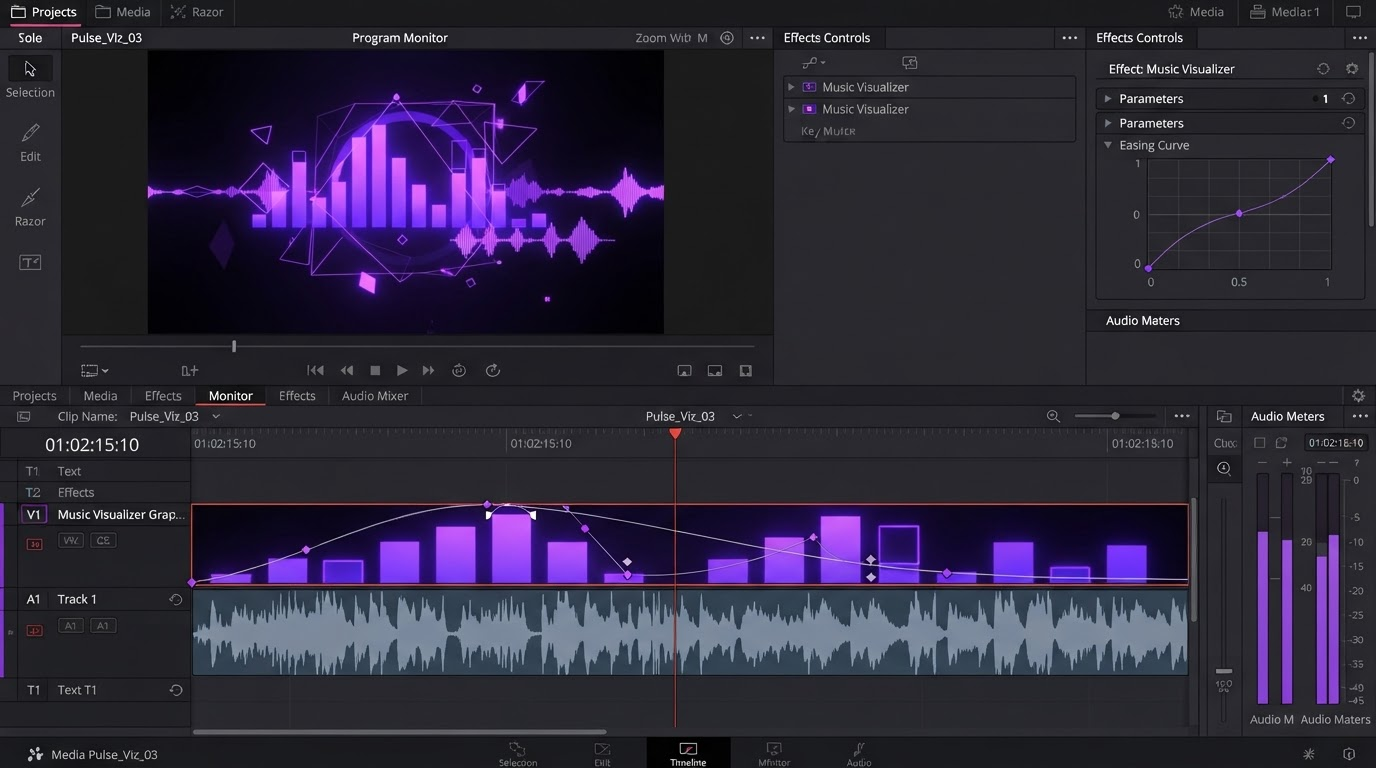
This is the part every API tutorial skips. What comes back is a five second silent MP4 with no audio, no captions, no branding, and no continuity with the clip before it. It is raw coverage. The video is what you build out of it.
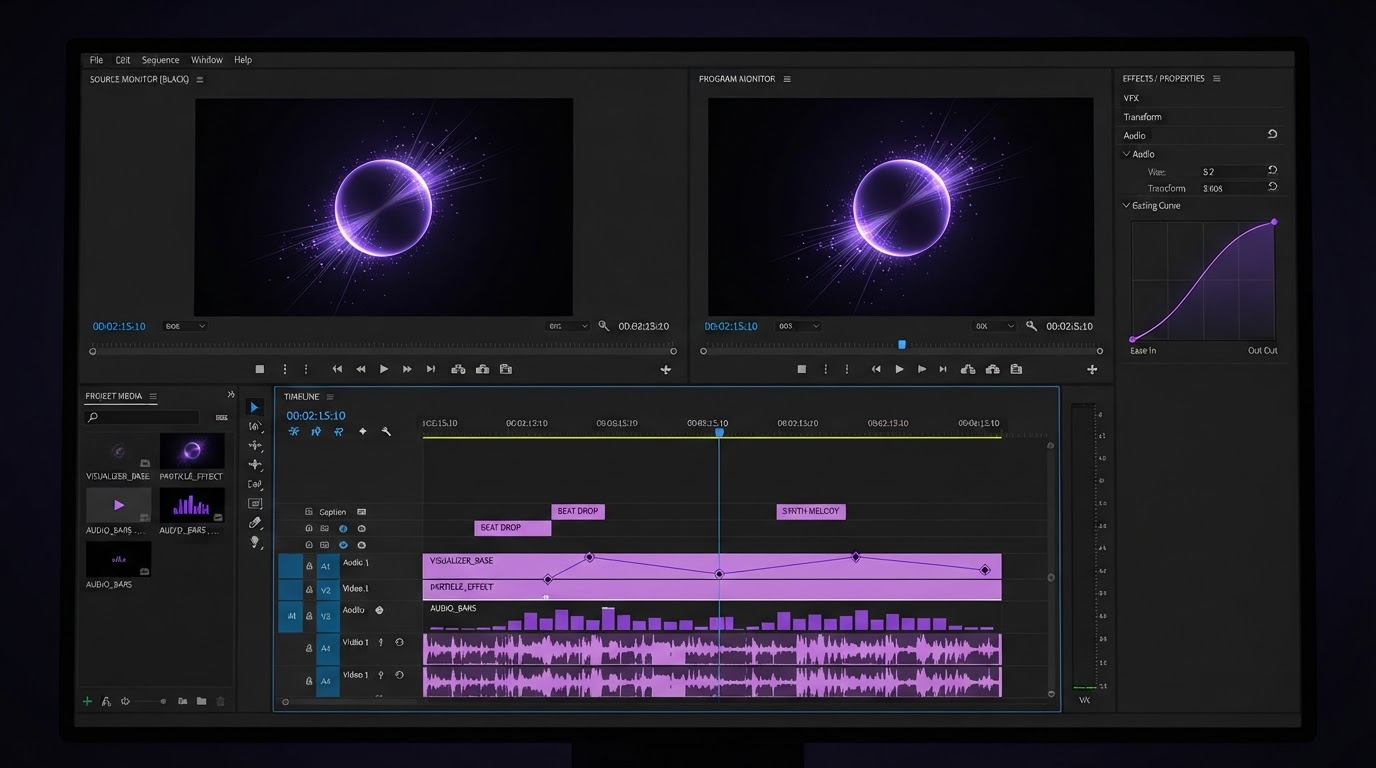
A practical finishing pass looks like this. Pull the batch onto a timeline and cut each clip down to the two or three seconds that actually work, because the first and last frames of a generated clip are usually the weakest. Then merge the surviving clips into a single sequence in the order that tells the story, with hard cuts on the beat rather than crossfades.
Layer captions next. Generated footage is silent and most social feeds autoplay muted, so burned in subtitles carry the whole message. Set them as their own track so you can restyle the whole set at once when the brand kit changes.
Finish with the connective work that keeps a batch of clips from looking like a batch of clips. Consistent color, one logo animation on the tail, matched motion speed across cuts, and a repeatable render preset per aspect ratio. When more than one person touches the cut, doing this in a collaborative video editing session beats emailing files around, because the timeline stays the single source of truth instead of living in six local exports.
Frequently asked questions
Can I call the Kling API and get an MP4 back in one request?
No. Every route is asynchronous. You submit the job, receive a task ID, and then either poll the status endpoint or wait for a webhook. Plan your integration around a queue and a worker, not a blocking HTTP call.
How long does a Kling generation take?
Roughly one to three minutes for a five second standard clip, and longer for ten second professional renders. Hosted platforms add queue time on top, so build in a timeout of ten minutes or more before you treat a job as failed.
What is the difference between standard and professional mode?
Professional renders with more compute, which shows up as cleaner motion, better subject consistency, and fewer warping artifacts, at several times the price. Use standard while you are still deciding on the shot and professional for the take you actually ship.
Should I use text-to-video or image-to-video?
Use image-to-video whenever a specific product, person, or set has to stay consistent across shots. Feed the same start frame to every call and let the prompt handle only the motion. Text-to-video is better for abstract or atmospheric b-roll where the exact subject does not matter.
Do generated clips come with audio?
No. Kling returns silent video. Sound design, voiceover, and music are all added afterward in your editor, which is also where you can time cuts to the track.
Where to go next
Getting the API call right takes an afternoon. Getting a repeatable pipeline takes a bit longer, and most of that work is downstream of the model: a naming convention for prompts and outputs, a storage bucket you control, and a timeline template you drop each batch into so the finishing pass is the same every time. Start with one shot, get it through the whole loop from prompt to rendered cut, and only then scale the batch size. Generating a hundred clips you have no process for finishing is a slower path to a finished video than generating five and cutting them properly.
Founder of Motionbox and Gluely. Building tools for creators.