Outsource Video Editing to AI Without Losing Your Timeline
Handing edits to AI works when you scope the job like a brief, not a wish. Here is what to hand off, what to keep, and how to get an editable timeline back instead of a flat file.
Outsourcing video editing used to mean one thing. You zipped the raw footage, sent it to a freelancer or an agency, waited two to five days, and got an MP4 back. If the pacing was wrong, you waited again. AI editing changes the wait, not the job. The trimming, the caption pass, the aspect ratio versions, the silence removal, the rough assembly: all of that can come back in minutes instead of days.
What it does not change is that a bad brief still produces a bad cut. Most creators who try AI editing once and quit did not hit a model limit. They hit a scoping problem. They handed over an hour of unlabeled footage with no reference, no structure, and no idea what they wanted the first ten seconds to do. This guide is about the other way to do it: treat the AI like a junior editor with a very fast turnaround and a very literal reading of instructions.
In short
- Split the job. Send AI the mechanical work (trims, captions, resizes, b roll placement) and keep the story decisions.
- Write a brief with a runtime, a hook description, a reference video, and named footage.
- Ask for the edit back as an editable timeline with layers and keyframes, not a flattened export.
- Review once at rough cut, once at fine cut. Two rounds, not six.
- Fix pacing and emphasis yourself on the timeline. That last ten percent is where the video actually gets good.
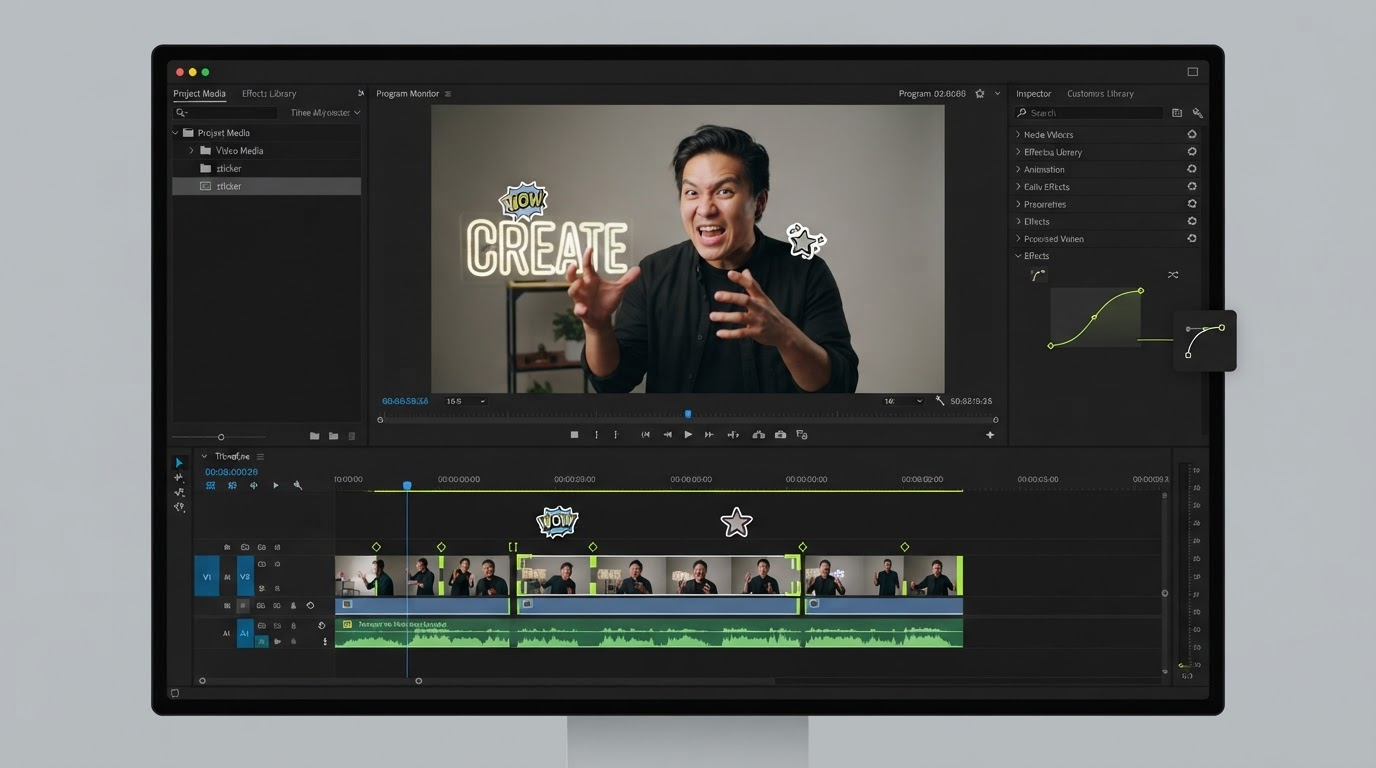
Quick answer:
- AI handles the repetitive eighty percent of post: silence trims, clip ordering, captions, transitions, and 16:9 to 9:16 reframes.
- Keep the hook, the story order, the emphasis beats, and the brand judgement on your side of the line.
- Insist on an editable output. Layers, tracks, keyframes and easing curves you can adjust beat a rendered file you have to send back.
What AI editing is genuinely good at
Start with the work you already resent doing. Silence removal on a forty minute talking head. Cutting a podcast into six vertical clips. Burning captions in three languages. Placing b roll on every mention of a product. Making 1:1, 4:5 and 9:16 versions of an ad you already approved. None of those decisions need taste. They need consistency and speed, which is exactly what a model gives you.
Captions are the clearest example. Speech to text is accurate enough now that a caption pass is a solved problem for most clean audio, and the remaining work is styling and line breaks rather than transcription. If you are running a channel where every video needs burned in text, that is hours a week you get back. Motionbox handles this end of the job directly with automatic video subtitles that land as an editable caption track rather than a burned in pixel layer.
B roll placement is the second easy win. A model reading a transcript can find every noun worth illustrating and drop a clip on the layer above. It will be roughly right and occasionally literal in a way that makes you laugh. That is fine. Rough and instant beats perfect and Thursday, because you can move the clip in five seconds once it exists on the b roll track.
What you should never hand off
The first eight seconds. Nothing else in the video matters as much and nothing else is as sensitive to judgement. A model can rank your clips by energy. It cannot know that the second sentence of your third take is the thing your audience has been arguing about all week.
Story order is the second. AI assembly follows the transcript, because the transcript is what it can read. Good edits often break transcript order on purpose. You put the result first and the setup second. You cut the explanation and let the visual carry it. Those are structural calls, and every time a creator complains that AI edits feel flat, this is usually the reason.
Third, brand judgement. Font weight, safe margins, how loud the music sits under a voice, whether a caption sits at 78 percent height or 82 percent. Those are small numbers that add up to whether your video looks like yours. If you have not picked a typeface yet, start with a shortlist of caption fonts that stay readable on a phone screen. Lock them in a brand kit once and apply them, rather than describing them in a prompt every time.
Write the brief like a shot list
A useful brief for an AI editor looks a lot like a useful brief for a human one, minus the pleasantries. Give it five things:
- Runtime target. "Between 45 and 60 seconds" produces a different edit than "about a minute."
- Hook instruction. Name the moment. "Open on the timestamp where I say the render finished in nine seconds."
- Reference. One link to a video whose pacing you want. Pacing is easier to copy than to describe.
- Named footage. Rename files before you upload.
cam-a-main.mp4,screen-capture-render.mp4,broll-office.mp4. Unlabeled footage is the single biggest cause of a bad first pass. - Deliverable spec. Aspect ratios, caption style, whether music is included, and what format you want back.
That last line is worth more than the rest combined, which brings us to the part most guides skip.
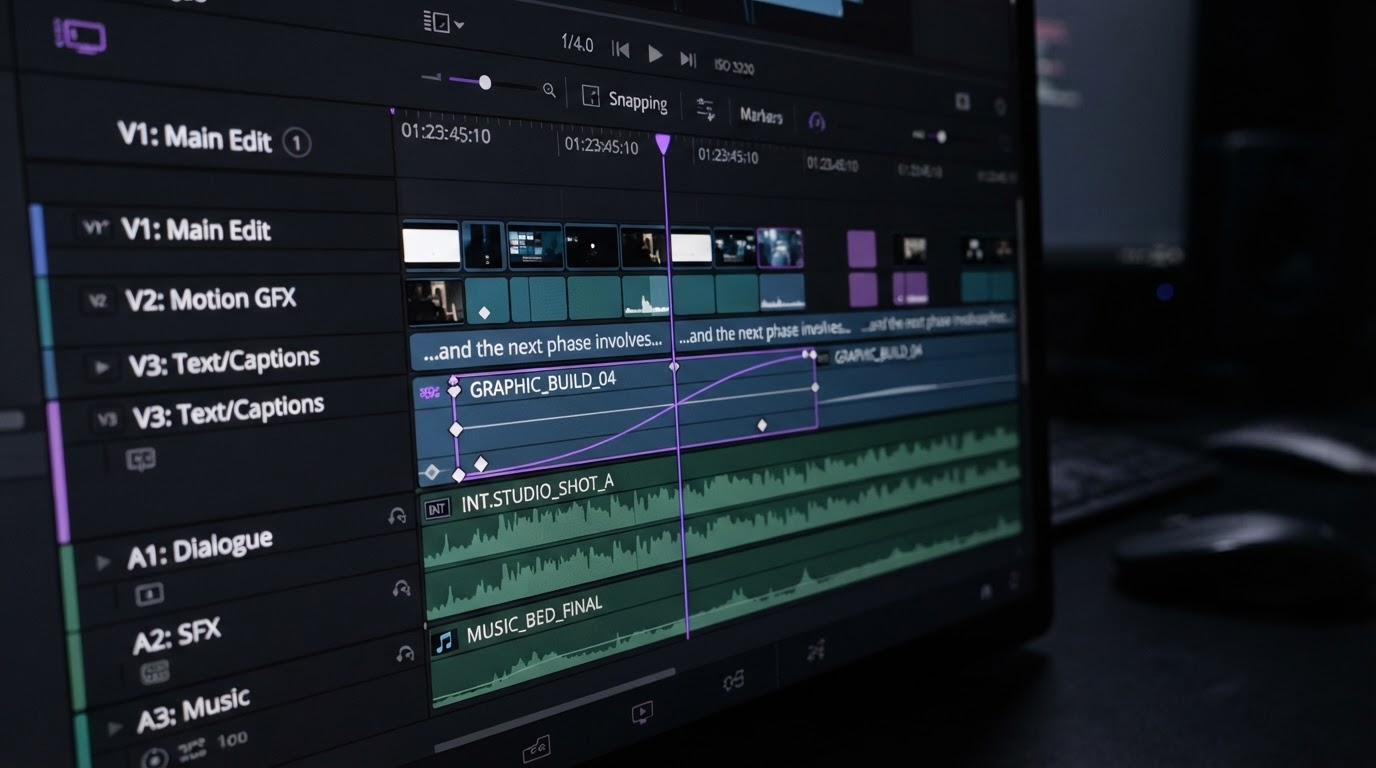
Ask for a timeline back, not a baked file
This is the difference between outsourcing that compounds and outsourcing that traps you. If the output is a rendered MP4, every change is a new request. You are back to the freelancer loop, just faster. If the output is a timeline with layers, tracks, keyframes and easing curves, you can nudge a caption, extend a hold, swap a clip and re render yourself in a browser tab.
Agents set the keyframes, you art direct. That is the whole idea behind an agentic editor: the machine does the assembly work, the human keeps the file. Motionbox is built around this specifically, which is also why it sits differently from a desktop suite. It is not trying to out feature a full Adobe Premiere setup for long form narrative work. It is trying to make the handoff between an automated first pass and a human final pass cost nothing.
Run two review rounds, not six
Give yourself two gates. The rough cut gate checks structure only: is the order right, is the hook there, is the runtime close. Do not comment on caption fonts at this stage, because half the notes will be moot once the structure moves.
The fine cut gate is where you fix emphasis. Hold on the reaction a beat longer. Push the music down under the explanation. Move the caption off the lower third where the product name appears. Those are timeline edits you make yourself in a few minutes, not notes you write and wait on.
If more than one person is giving notes, put them on the same file rather than in a document. Comments anchored to a timecode inside collaborative video editing resolve faster than a numbered list of "at 0:14, the text is weird."
Where AI generation fits upstream
There is a second kind of outsourcing worth separating out. Sometimes you do not have the footage at all. You need a product shot you never filmed, three ad variations to test, or a storyboard before you commit a shoot day. That work happens before the timeline exists, and it is a different tool category from editing. A node based pipeline on wireflow.ai can produce those generated clips and variants in batch, and the finished assets then drop onto your tracks as normal media.
Keep the two stages separate in your head. Generation makes assets. Editing arranges them in time. Mixing the two into one prompt is how people end up with a video that has no structure and cannot be fixed. Generate wide, then bring the winners into a timeline where a product video gets its actual pacing, captions and brand treatment.
Frequently asked questions
How much does it cost to outsource video editing to AI compared to a freelancer?
Freelance editing typically runs 100 to 500 dollars per video with a two to five day turnaround. AI editing tools are usually a monthly subscription in the tens of dollars, with per render limits. The honest comparison is not cost per video, it is cost per iteration, and that is where AI wins by a wide margin because the third revision is nearly free.
Can AI edit long form video, or only shorts?
Short form is where it performs best, because a 60 second clip has fewer structural decisions. Long form assembly works for interview and podcast formats where the transcript maps closely to the edit. Scripted narrative and documentary still need a human cutting the story.
Do I still need an editor on the team?
Usually yes, but doing different work. The mechanical hours disappear and the remaining time goes to structure, pacing and art direction. Teams that outsource the mechanical eighty percent tend to publish more, not employ fewer people.
What format should I ask for as the deliverable?
An editable project first, then exports. If the tool only returns a flat MP4, ask whether the underlying timeline is accessible. Getting the layer stack matters more than getting the render, because you can always render again.
Is a free AI editing tier good enough to test with?
For evaluating whether the first pass is usable, yes. Free tiers usually render with a watermark, so treat them as a test of the cut quality rather than a source of publishable files.
The takeaway
Outsourcing video editing to AI is not a decision about whether to trust a model. It is a decision about where you draw the line between mechanical work and judgement, and what format the work crosses back over that line in. Draw the line at story structure. Ask for a timeline. Review twice. Do that and the fast turnaround actually compounds instead of just moving the bottleneck to your inbox.
Your next move is small: take one video you already published, hand the raw footage to an automated first pass, and compare the rough cut against what you shipped. The gap between them tells you exactly which part of your process is worth keeping.
Founder of Motionbox and Gluely. Building tools for creators.