Remotion for coding agents: what it renders well, and what it does not
Coding agents can now write, preview, and render Remotion videos end to end. Here is what that actually gets you, where it saves real time, and where it falls apart.
Remotion turns a React project into a video renderer, which means a coding agent can write, preview, and export a composition without a human ever touching a timeline. That is the appeal, and it is also the trap. Agents are very good at the parts of motion work that repeat, and noticeably worse at the parts that need taste. This guide covers what "Remotion for coding agents" actually involves, which pieces of your production it can take over today, and where you should keep a real editor in the loop.
In short
- Create a blank Remotion project with
npx create-video --yes --blank my-video, thennpm install. - Add the official skill pack with
npx remotion skills addso the agent knows the API instead of guessing it. - Run
npm run devto open Remotion Studio, then start your agent (Claude Code, Codex, Kimi Code, or OpenCode) in a second terminal. - Prompt in small units. One composition, one animation, one caption track at a time.
- Keep the timeline work that needs judgment (pacing, music sync, art direction) out of the prompt and in an editor.
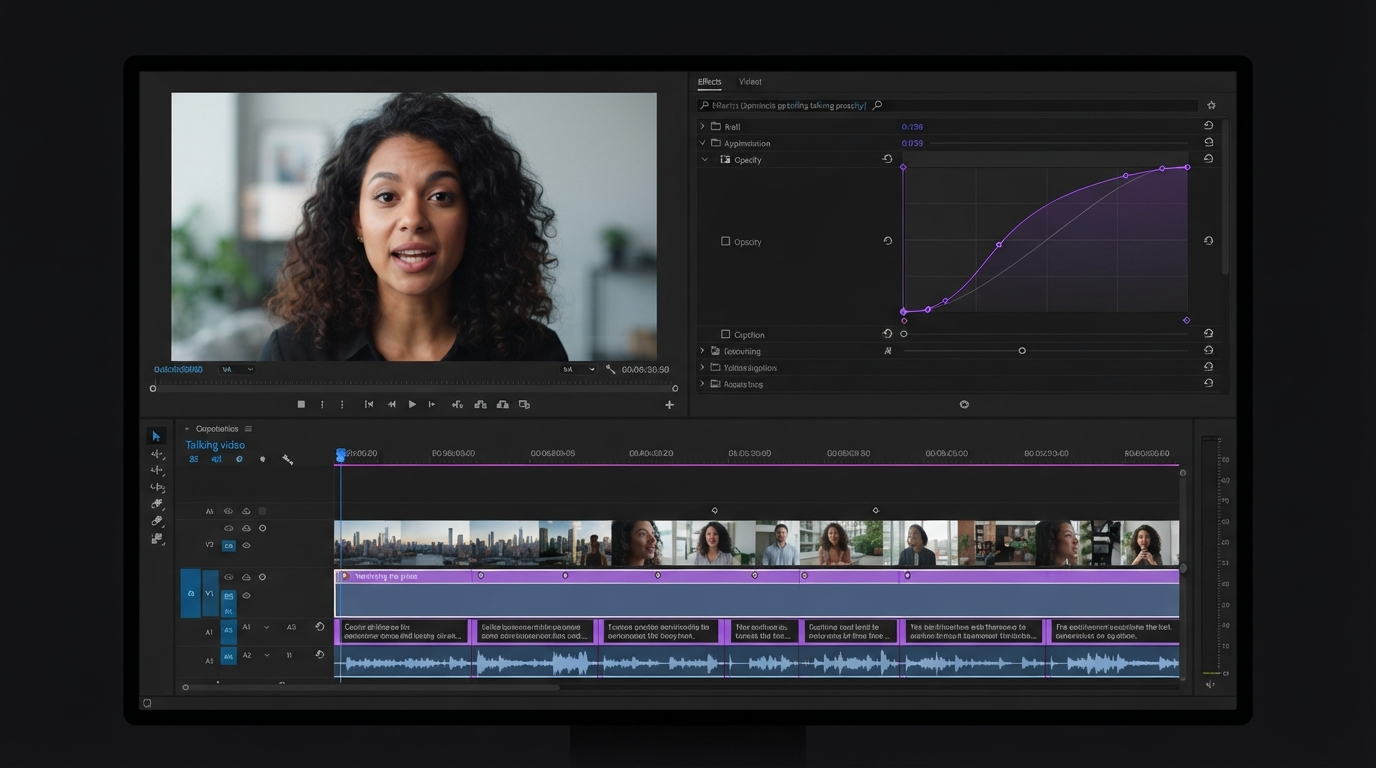
Quick answer:
- Remotion officially supports four coding agents: Claude Code, Codex, Kimi Code, and OpenCode. Cursor also works through the same skill pack.
- The skill pack ships twelve skills, including
remotion-captions,remotion-render, andremotion-docs, which lets the agent read current API pages as Markdown instead of hallucinating props. - Agents are strongest on templated, high-volume output (caption styles, lower thirds, ad variants) and weakest on pacing, music sync, and anything you would normally fix by dragging a clip.
What Remotion for coding agents actually means
Remotion is a React framework for making videos in code. A composition is a component, a frame number is a prop, and rendering is a build step. Coding agents got good at React before they got good at anything else, so pointing one at a Remotion project is the shortest path from a text prompt to an actual MP4 that you own the source of.
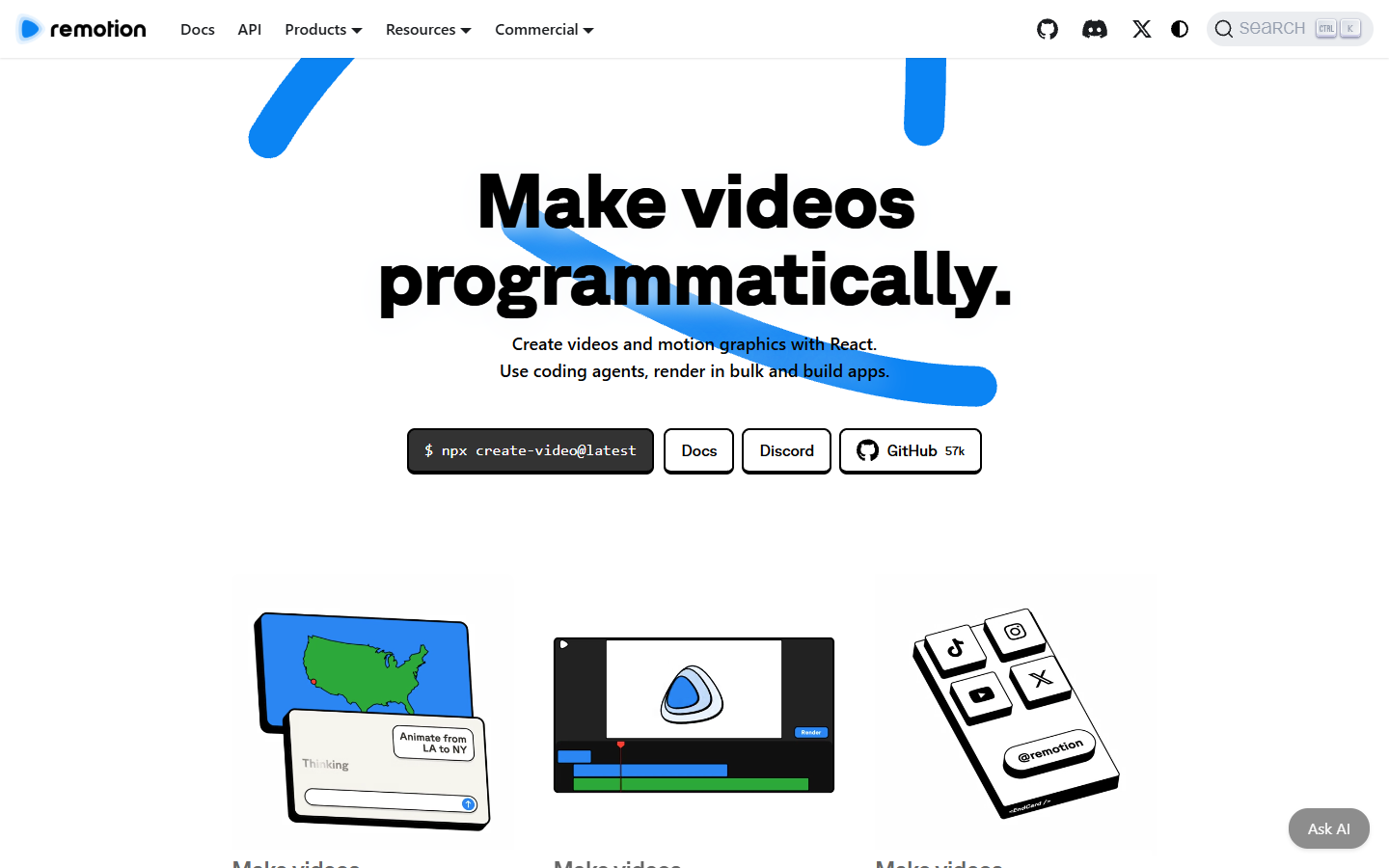
The important part is what comes out. The agent does not hand you a finished file from a black box. It hands you a project directory: components, timing values, easing functions, and a render command. You can read every animation decision it made, and you can change any of them. If you have ever tried to nudge one keyframe inside a generated video and found there was nothing to nudge, that difference is the whole point.
The tradeoff is that everything is text. The agent cannot see that a title lands half a beat late, and it will not tell you a caption is covering a face. It will tell you the render succeeded.
The six commands that get an agent rendering
The official path is short enough to memorize:
npx create-video --yes --blank my-videocd my-videonpm installnpx remotion skills addnpm run devclaude(orcodex,kimi,opencode) in a second terminal
Step four is the one people skip and then regret. Without the skill pack the agent writes plausible Remotion that uses props from a version that no longer exists. With it, the agent has a documented account of compositions, animation, layout, typography, media elements, audio, fonts, and timing, plus a documentation search skill that fetches live pages as Markdown before it writes anything.
Step five matters too. Remotion Studio is the preview, and it is where you catch the timing problems the agent cannot perceive. Keep it open on a second screen the entire session. If you are used to reviewing cuts with someone else watching, note that this loop is single player by default, which is a real difference from browser based collaborative editing where two people watch the same frame.
The twelve skills, ranked by what motion work needs
The skill pack is not evenly useful. For video and motion output specifically, these earn their place first:
remotion-captionsfor subtitles and caption timing, the single highest volume job in social video.remotion-markupfor React markup patterns that animate cleanly instead of fighting layout.remotion-renderfor producing videos and stills, including still frames you can use as thumbnails.remotion-docsfor fetching current API pages as Markdown, which is the practical fix for wrong props.remotion-studiofor making the preview loop work properly.remotion-interactivityfor keeping values editable in Studio rather than hardcoded, so you can adjust without another prompt.
The rest (remotion-create, remotion-best-practices, remotion-maps, remotion-saas, remotion-multimedia, remotion-upgrade) matter more for app builders than for people producing clips. If you only install one thing, install the whole pack anyway, since remotion-best-practices indexes the others.
Captions deserve a specific note. Agent generated caption styling is genuinely good at the mechanical layer: word timing, safe margins, consistent type scale. It is weak at the editorial layer, which is deciding what to emphasize. Most teams end up generating a caption track in code and then fixing emphasis in a subtitle editor where they can see the frame under the words.
Where agents win, and where they stall
Agents win on volume and consistency. Ten UGC ad variants with different hooks, forty product cards from a spreadsheet, a caption style applied identically across a back catalogue. These are loops, and code is better at loops than a human dragging clips. Same with parameterized brand assets: a title card that takes a name, a color, and a duration is a function, and the agent will write it correctly on the first try more often than not.
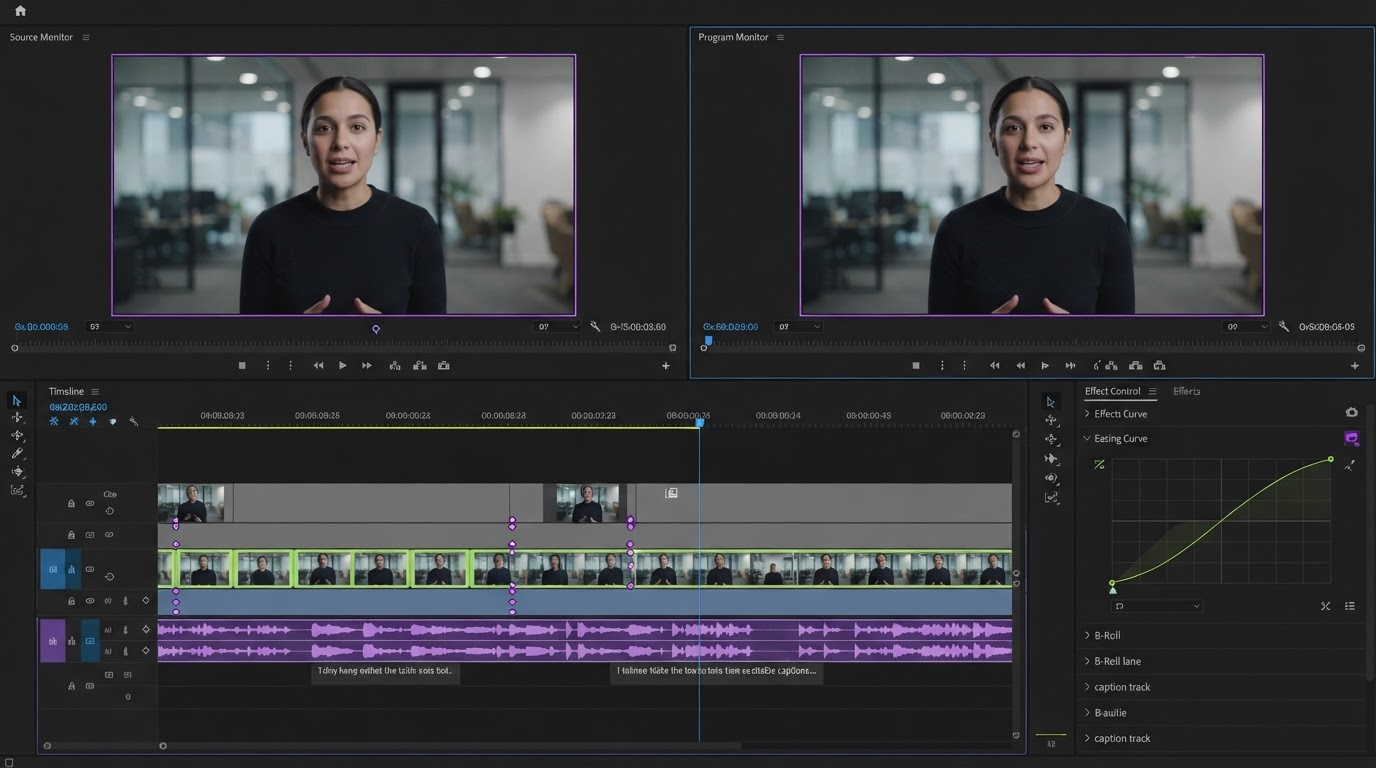
Agents stall on three things consistently. Pacing, because the model has no sense of how long a beat feels. Music sync, because it cannot hear the track and will space cuts on even frame counts instead of on the downbeat. And composition against real footage, because it does not know what is in the frame. A generated lower third will be perfectly aligned to a grid and still sit directly over the subject's hands.
There is a fourth, quieter failure: iteration cost. Changing one easing curve by prompt takes a sentence, a re-render, and a re-watch. Dragging a handle takes two seconds. In the polish phase the prompt loop is the slow path, and the honest move is to stop prompting.
The hosted route, and what the setup actually costs you
Count what the local setup puts on your machine: six commands, twelve skills, a Node runtime, a Chrome binary that Remotion downloads on first render, and a render queue you now maintain yourself. That is fine for one person on one laptop. It gets expensive the moment you want the same render to run from CI, from a Slack bot, or from an agent that is not sitting on your hardware. The alternative is to keep the composition code and move the execution off your box, which is what Wireflow's hosted Remotion setup does: the agent calls a saved workflow as an MCP tool or a plain REST endpoint, Remotion composes the video server side, and nothing needs to be self-hosted.
Which route you pick comes down to one question. If the video is the product and you are iterating on the code daily, keep it local, because you want the Studio preview and the fast file system loop. If the video is an output of some other system (a report, a listing, a daily digest) and it needs to render on a schedule without anyone watching, hosted is the less painful answer.
A production loop that works
The teams getting real output from this are not doing prompt-to-final. They are splitting the job:
- Agent builds the template. One composition, parameterized, with the brand values as props. Review it in Studio, fix the props, commit it.
- Agent runs the batch. Feed the parameters and render the set. This is where the time savings actually are, and it scales to hundreds of variants without new decisions.
- Human does the pass. Pull the renders into a timeline for pacing, music sync, and the frame-level fixes. This is where a generated video intro stops looking generated.
- Fold the fixes back into the template. Every correction you make by hand is a prompt for the next batch. After two or three cycles the template stops needing the pass.
Step four is the one that compounds. Treat the agent output as a first draft of a system, not as a finished video, and the amount of manual work drops each round. Treat it as a finished video and you will spend more time re-prompting than you would have spent editing.
Frequently asked questions
Which coding agents work with Remotion?
The documentation names Claude Code, Codex, Kimi Code, and OpenCode. Cursor works through the same skill pack. Most of these require a paid subscription, which is worth budgeting for before you plan a workflow around them.
Do I need to know React to use Remotion with an agent?
Not to get a first render, but yes to fix anything. The agent writes React components, and when a layout breaks you are reading JSX. If you have never touched React, expect to be able to prompt new videos and not to be able to debug them, which is a fragile place to run production from.
Can an agent write captions accurately?
It can produce correctly timed, correctly styled caption tracks from a transcript, which covers most of the work. It cannot decide which words carry the line. Generate the track in code, then adjust emphasis and line breaks where you can see the frame.
Is this faster than a normal editor?
For batches, clearly yes. For a single video, usually no. One thirty second edit is faster to cut by hand than to describe, render, watch, and correct. The crossover is somewhere around five near-identical outputs, and it moves in the agent's favour every time the template gets reused.
What about AI generated footage inside a Remotion composition?
That works, and it is a common pattern: generate clips upstream, then compose and time them in code. If you are new to the generation side, our guide to AI video generation covers what the current models are actually good for.
Where to take it next
Remotion for coding agents is best understood as a batch tool with a preview attached, not as a replacement for editing. Give the agent the repeatable half (templates, captions, variant sets, scheduled renders) and keep the judgment half (pacing, sync, composition) somewhere you can scrub. Start with one template you already produce over and over, hand that one to an agent, and see how many rounds it takes before the human pass gets short.
Founder of Motionbox and Gluely. Building tools for creators.